
1. Introduction
This manual provides detailed instructions for the installation, operation, and maintenance of the Netis ST3105GC 5-Port Gigabit Ethernet Switch. This device is designed to expand your network capacity with high-speed Gigabit connectivity, offering a simple and efficient solution for home and small office networks. Please read this manual thoroughly before using the product to ensure proper setup and optimal performance.
2. Package Contents
Verify that your package contains the following items:
- 1x Netis ST3105GC 5-Port Gigabit Ethernet Switch
- 1x 5V/600mA Power Adapter
- 1x Quick Installation Guide
If any item is missing or damaged, please contact your vendor for assistance.
3. Product Overview
The Netis ST3105GC is a compact 5-port Gigabit Ethernet switch. It features five RJ45 ports for network connections and LED indicators to monitor device status and port activity.
3.1 Front Panel

Image: Front view of the Netis ST3105GC switch, showing five yellow RJ45 ports and LED indicators above them.
The front panel features five 10/100/1000Mbps RJ45 ports for connecting network devices. Above each port, there is an LED indicator to show the link/activity status. A 'PWR' LED indicates the power status of the device.
3.2 Top Panel
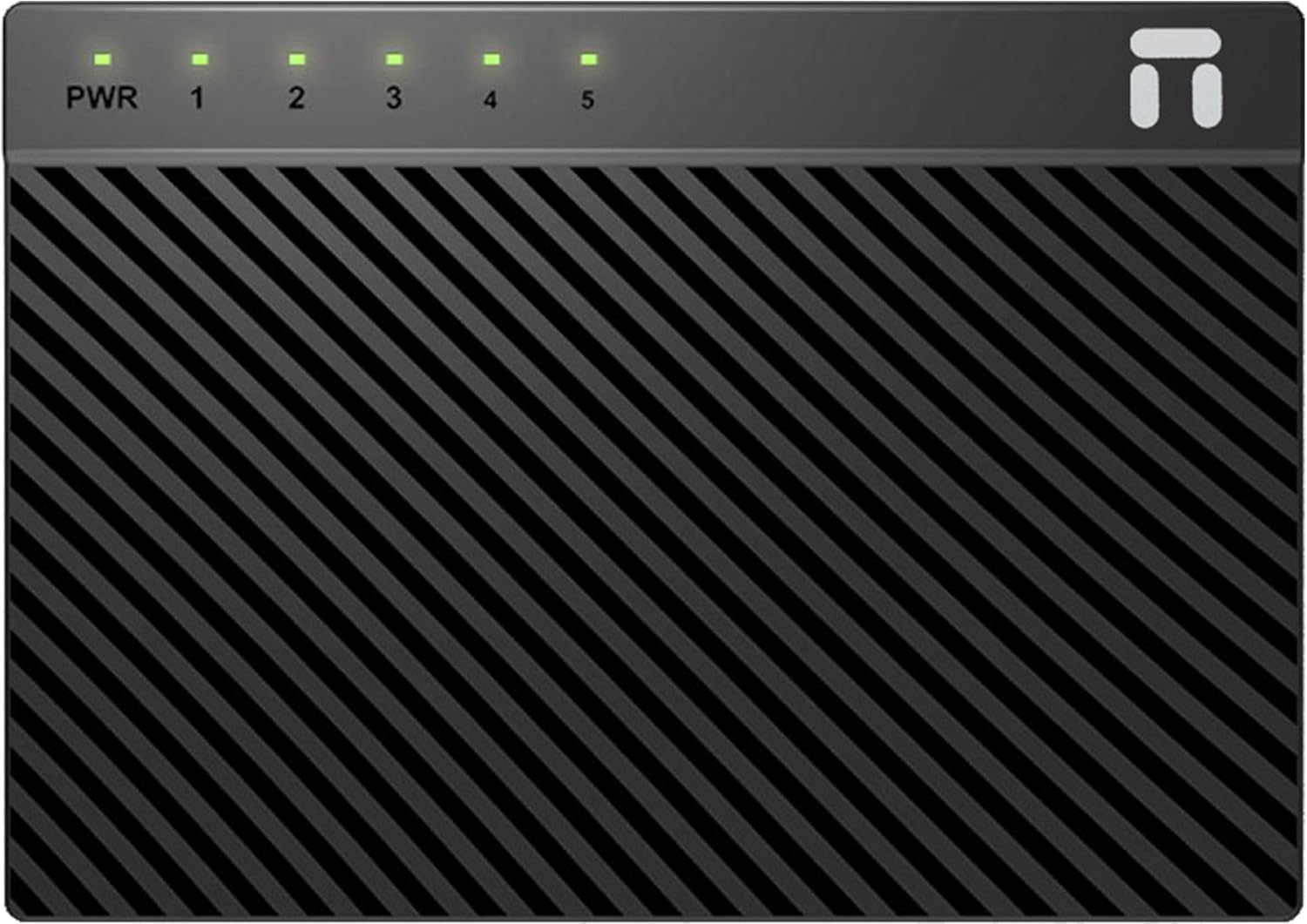
Image: Top view of the Netis ST3105GC switch, highlighting the LED indicators for power and each of the five ports.
The top panel displays the power (PWR) and individual port (1-5) LED indicators. These LEDs provide visual feedback on the operational status of the switch and its connected ports.
3.3 Bottom Panel
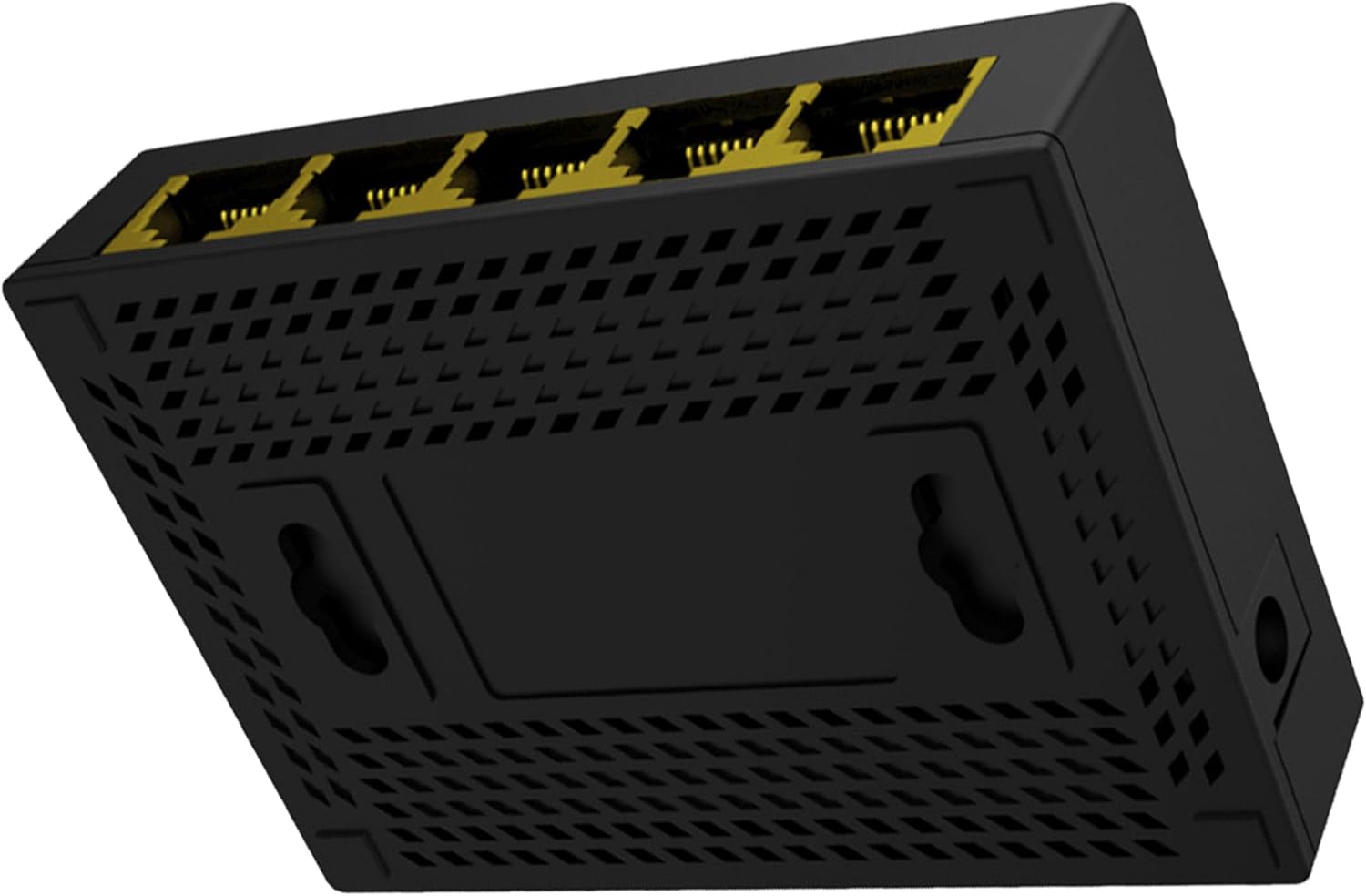
Image: Bottom view of the Netis ST3105GC switch, showing ventilation holes and two keyhole slots for wall mounting.
The bottom panel includes ventilation openings for heat dissipation and two keyhole slots, allowing for convenient wall mounting of the switch.
3.4 Connectivity Example

Image: Side view of the Netis ST3105GC switch with multiple yellow Ethernet cables plugged into its ports, demonstrating typical connectivity.
This image illustrates how Ethernet cables are connected to the switch's RJ45 ports, facilitating network expansion.
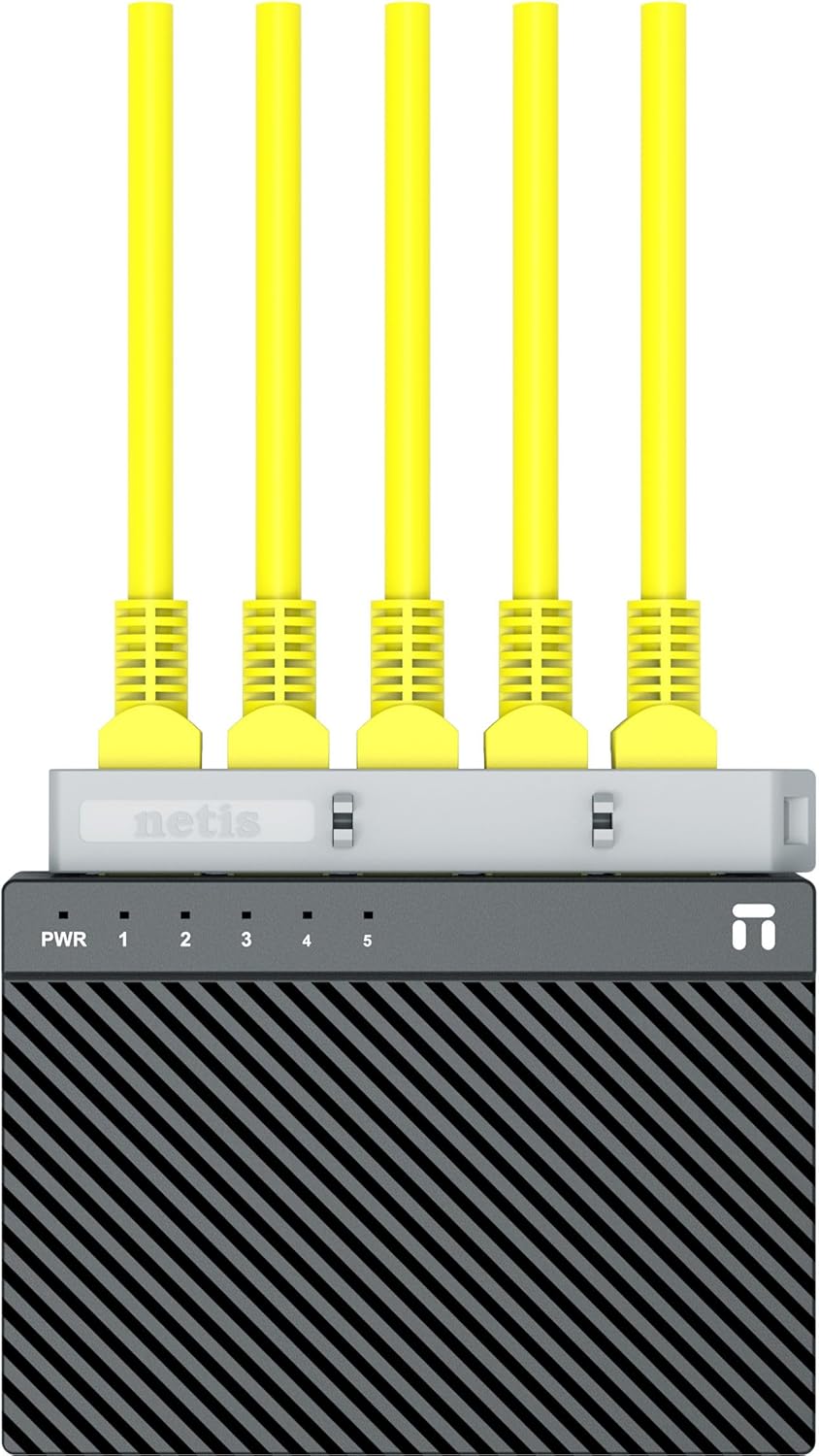
Image: Top-down view of the Netis ST3105GC switch with five yellow Ethernet cables connected, showing the compact setup.
Another perspective of the switch with connected cables, emphasizing its compact design and ease of integration into a network environment.
4. Setup Instructions
The Netis ST3105GC switch is a plug-and-play device, requiring no software configuration. Follow these steps to set up your switch:
- Power Connection: Connect the provided 5V/600mA power adapter to the power input port on the switch and then plug the adapter into a standard electrical outlet. The 'PWR' LED on the switch should illuminate, indicating that the device is receiving power.
- Network Device Connection: Connect your network devices (e.g., computers, printers, network-attached storage, routers) to any of the five RJ45 ports on the switch using standard Ethernet cables.
- Verify Connection: Once a device is connected and powered on, the corresponding port LED on the switch will light up, indicating a successful link. If there is network activity, the LED will blink.
Your Netis ST3105GC switch is now ready for use.
5. Operating Instructions
The ST3105GC operates automatically once connected. Here's how to interpret the LED indicators:
- PWR LED:
- On: The switch is powered on.
- Off: The switch is powered off or not receiving power.
- LAN1-LAN5 LEDs (per port):
- On: A device is successfully connected to the port.
- Blinking: Data is being transmitted or received through the port.
- Off: No device is connected to the port, or the connected device is powered off.
The switch automatically detects the speed (10/100/1000Mbps) and duplex mode (Half/Full) of connected devices using Auto-Negotiation and Auto MDI/MDIX, eliminating the need for crossover cables.
6. Maintenance
To ensure the longevity and optimal performance of your Netis ST3105GC switch, consider the following maintenance guidelines:
- Environmental Conditions: Operate the switch within its specified temperature and humidity ranges. Avoid exposing it to direct sunlight, excessive heat, or moisture.
- Cleaning: Use a soft, dry cloth to clean the exterior of the switch. Do not use liquid or aerosol cleaners. Ensure the ventilation openings are free from dust and obstructions.
- Power Supply: Use only the provided power adapter. If the adapter is damaged, replace it with an adapter of the same specifications (5V/600mA).
- Cable Management: Ensure Ethernet cables are properly routed and not excessively bent or strained to prevent damage and maintain reliable connections.
7. Troubleshooting
If you encounter issues with your Netis ST3105GC switch, refer to the following common troubleshooting steps:
- No Power (PWR LED Off):
- Ensure the power adapter is securely connected to the switch and a working electrical outlet.
- Verify the power outlet is functional by plugging in another device.
- Check the power adapter for any visible damage.
- No Link/Activity on a Port (LAN LED Off):
- Ensure the Ethernet cable is securely plugged into both the switch port and the connected device.
- Verify the connected device is powered on and its network adapter is functioning correctly.
- Try a different Ethernet cable.
- Try connecting to a different port on the switch.
- Restart the connected device and the switch.
- Slow Network Speed:
- Ensure all connected devices and cables support Gigabit Ethernet (Cat5e or Cat6 cables are recommended for Gigabit speeds).
- Check for excessive network traffic or bandwidth-intensive applications running on connected devices.
- Verify that the connected devices' network adapters are configured for Gigabit speed (if applicable).
If the problem persists after trying these steps, please contact technical support.
8. Specifications
| Feature | Description |
|---|---|
| Model | ST3105GC |
| Interface | 5x 10/100/1000Mbps RJ45 Ports, Auto-Negotiation, Auto MDI/MDIX |
| LED Indicators | PWR, LAN1-LAN5 |
| Power Supply | DC 5V/600mA (Output) |
| Transmission Method | Store and Forward |
| Switch Architecture | Non-blocking |
| Switching Fabric Capacity | 10Gbps |
| MAC Address Table | 2K entries, Auto-Learning, Auto-Aging |
| Jumbo Frame Support | 9216-byte |
| Flow Control | IEEE 802.3x for Full Duplex, Backpressure for Half Duplex |
| Green Ethernet Technology | Supported for power saving |
| Dimensions (L x W x H) | 3.34 x 2.95 x 0.86 inches (84.8 x 74.9 x 21.8 mm) |
| Item Weight | 5.3 ounces (150 g) |
9. Warranty and Support
This product is manufactured by Netis. For warranty information and technical support, please refer to the warranty card included in your package or visit the official Netis website. Keep your purchase receipt for warranty claims.
For further assistance, please contact your local vendor or Netis customer support.


