
CATIGA SS-991EX
CATIGA SS-991EX Scientific Calculator Instruction Manual
Model: SS-991EX | Brand: CATIGA
Introduction
This manual provides comprehensive instructions for the CATIGA SS-991EX Scientific Calculator. Designed for students and professionals, this calculator offers advanced functionality for various mathematical, scientific, and engineering applications. Please read this manual thoroughly to understand all features and ensure optimal performance.

Image: The CATIGA SS-991EX Scientific Calculator, showcasing its design and packaging.
Setup and Power
The CATIGA SS-991EX calculator is equipped with a dual power source system, utilizing both solar power and a battery backup to ensure reliable operation in various lighting conditions.
- Solar Power: The solar panel located on the top of the calculator provides power when sufficient light is available.
- Battery Backup: An internal battery ensures continuous operation even in low light or dark environments. This guarantees uninterrupted performance for critical calculations.
- Automatic Shut-off: To conserve power, the calculator will automatically turn off after approximately 6 minutes of inactivity.

Image: Close-up of the CATIGA SS-991EX calculator highlighting its solar panel and indicating dual power sources.
Operating Instructions
The SS-991EX features a user-friendly interface with an intuitive icon-based menu and a large, high-resolution LCD for clear display of complex equations and results.
Key Features and Functions
- 552 Functions: This calculator supports a wide range of functions including basic arithmetic, bracket calculations, sexagesimal calculations, fraction calculations, factorial, irrational numbers, percent, rounding, reciprocal, ratio, matrix calculations, vector calculations, differential and integration calculus, transcendental numbers, base-N calculations, logical operators, and complex number calculations.
- Natural Display: Formulas and expressions are displayed as they appear in textbooks, simplifying input and comprehension.
- Large LCD Screen: The 2.5-inch high-resolution LCD display provides clear, sharp, and immediate visibility, ideal for advanced operations and simultaneous display of graphs and equations.
Basic Operations
To perform basic calculations, simply input the numbers and operators using the keypad. Press the = key to get the result.
- Addition: Press +
- Subtraction: Press -
- Multiplication: Press x
- Division: Press ÷
- Clear Entry: Press DEL to delete the last character.
- All Clear: Press AC to clear all input and reset the calculation.
Advanced Operations
Access advanced functions through the SHIFT and ALPHA keys, which activate the secondary and tertiary functions printed above the keys. The icon-based menu system simplifies navigation for complex modes like Matrix, Vector, and Statistics.

Image: The CATIGA SS-991EX calculator with a visual representation of its extensive function list, including basic and advanced calculations.

Image: A close-up of the CATIGA SS-991EX calculator's screen, demonstrating its intuitive icon-based menu for easy navigation.
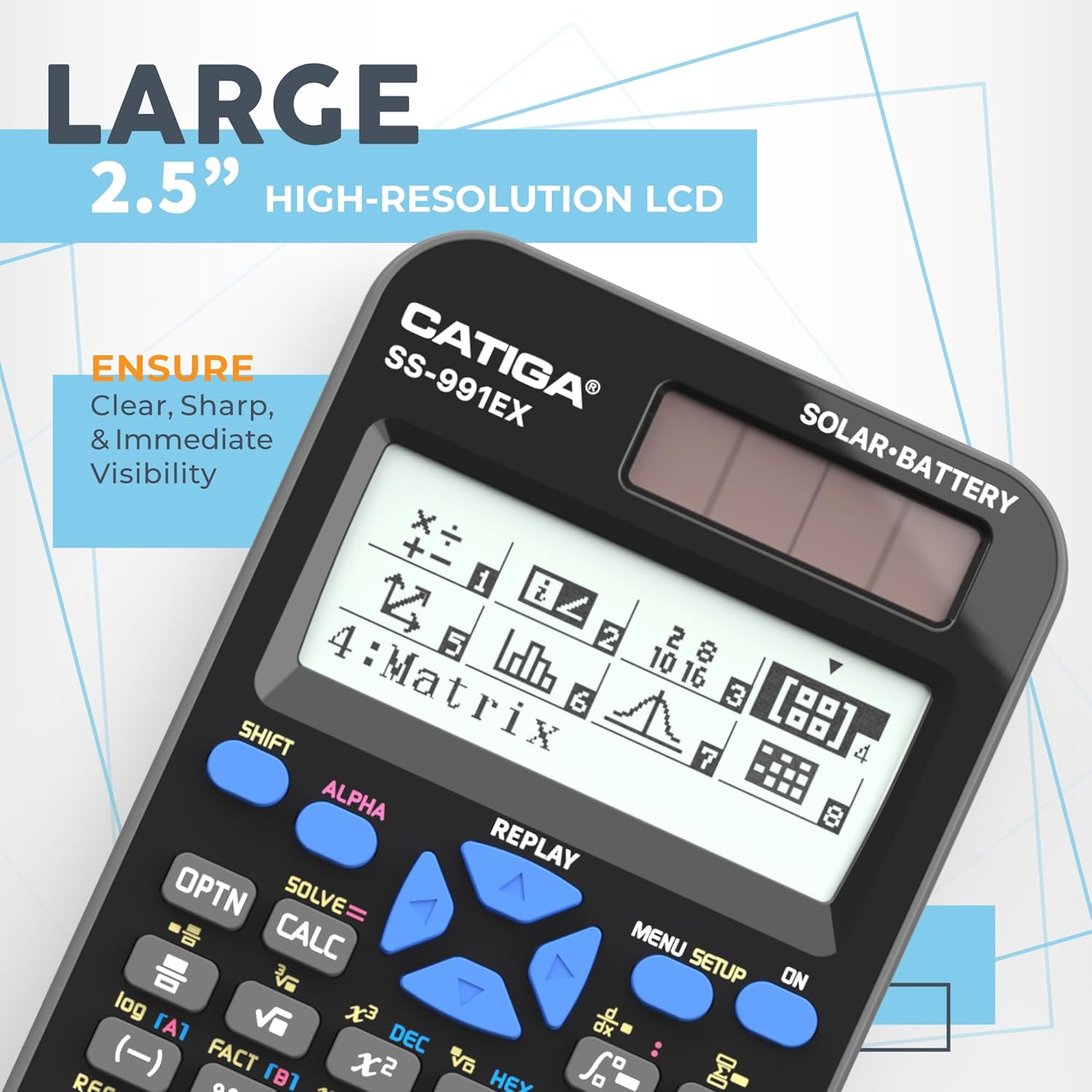
Image: The CATIGA SS-991EX calculator showcasing its large 2.5-inch high-resolution LCD, ensuring clear visibility of calculations.
Maintenance
Proper care and maintenance will extend the life of your CATIGA SS-991EX calculator.
- Cleaning: Use a soft, dry cloth to clean the calculator's exterior. Do not use abrasive cleaners or solvents.
- Storage: Store the calculator in a cool, dry place away from direct sunlight and extreme temperatures.
- Protective Cover: The SS-991EX comes with a durable protective cover. Always use this cover when the calculator is not in use to prevent scratches and damage to the screen and keys.
- Durability: Engineered with strong materials, the SS-991EX is designed to withstand extensive use.

Image: The CATIGA SS-991EX calculator shown with its included protective cover, emphasizing its durability and protection.
Troubleshooting
If you encounter issues with your CATIGA SS-991EX calculator, please refer to the following common solutions:
- Calculator Fails to Turn On: If the calculator does not power on, ensure it is exposed to sufficient light for solar charging. If the issue persists, try pressing the RESET button located on the back of the unit. This can resolve minor software glitches.
- Display Issues: If the display is dim or unreadable, ensure adequate lighting for the solar panel. If the problem continues, the internal battery may be low. While the battery is designed for long life, prolonged use in dark conditions may deplete it.
- Incorrect Calculations: Verify that the correct mode is selected for your calculation (e.g., DEG, RAD, GRAD for angles). Ensure all previous calculations are cleared using the AC button before starting a new one.
For further issues not covered here, please contact CATIGA customer support.
Specifications
| Feature | Detail |
|---|---|
| Model | SS-991EX |
| Functions | 552 Advanced Functions |
| Power Source | Solar & Battery Powered |
| Display Type | High-Resolution LCD |
| Screen Size | 3 Inches (Visible screen diagonal: 8 cm) |
| Dimensions (L x W x H) | 6.46 x 3.15 x 0.04 inches |
| Item Weight | 6 ounces |
| Calculator Type | Engineering/Scientific |
| Color | 991-EX Black |
Warranty and Support
CATIGA is committed to providing high-quality products and excellent customer service.
- Limited Warranty: The CATIGA SS-991EX Scientific Calculator comes with a 365-day limited warranty. This warranty covers manufacturing defects and ensures reliability.
- Customer Support: For any questions, technical assistance, or warranty claims, please contact CATIGA customer support. We aim to respond to all inquiries within 24 hours.
For more information, visit the official CATIGA store: CATIGA Store on Amazon.
Related documentsSS-991EX


Ask a question about this manual
Ask about setup, troubleshooting, compatibility, parts, safety, or missing instructions. Manuals+ will review the question and use this page’s manual context to help answer it.