
Introduction
This manual provides essential instructions for the safe and efficient operation of your JVC SPPA7BT Portable Wireless Speaker. Please read this manual thoroughly before using the product and retain it for future reference.
The JVC SPPA7BT is a portable wireless speaker designed for dynamic sound output, featuring Bluetooth 5.0 connectivity, True Wireless Stereo (TWS) capability, USB-C charging, AUX input, and IPX5 water resistance. It also includes multi-color illumination and offers up to 6 hours of battery life.
Safety Information
- Do not expose the speaker to extreme temperatures, direct sunlight, or high humidity.
- Avoid dropping or subjecting the speaker to strong impacts.
- Do not attempt to disassemble or modify the speaker. This will void the warranty.
- Keep the speaker away from medical devices.
- Use only the provided USB charging cable.
- Ensure all ports are securely closed when exposed to water to maintain IPX5 rating.
Package Contents
Verify that all items are present in the package:
- JVC SPPA7BT Portable Wireless Speaker
- User Manual
- USB Charging Cable
Product Overview
Familiarize yourself with the speaker's components and controls.

Image: Front view of the JVC SPPA7BT speaker, showcasing its illuminated grille and control panel.
Control Panel

Image: Detailed view of the speaker's top-mounted control buttons.
- Power Button: Press and hold to turn the speaker On/Off.
- Play/Pause Button: Press to play or pause audio. Press to answer/end calls.
- Volume Down Button: Press to decrease volume. Press and hold for previous track.
- Volume Up Button: Press to increase volume. Press and hold for next track.
- Light Mode Button: Press to cycle through illumination modes.
- Bluetooth/TWS Button: Press to enter Bluetooth pairing mode. Press and hold to initiate TWS pairing.
Ports
- USB-C Charging Port: For charging the speaker.
- AUX Input: For wired audio connection using a 3.5mm audio cable.
- USB-A Port: For connecting external devices (e.g., USB drive for playback, if supported, or charging other devices).
Setup
1. Charging the Speaker
Before first use, fully charge the speaker. Connect the provided USB-C cable to the speaker's USB-C port and the other end to a USB power adapter (not included) or a computer's USB port. The charging indicator will show the charging status.
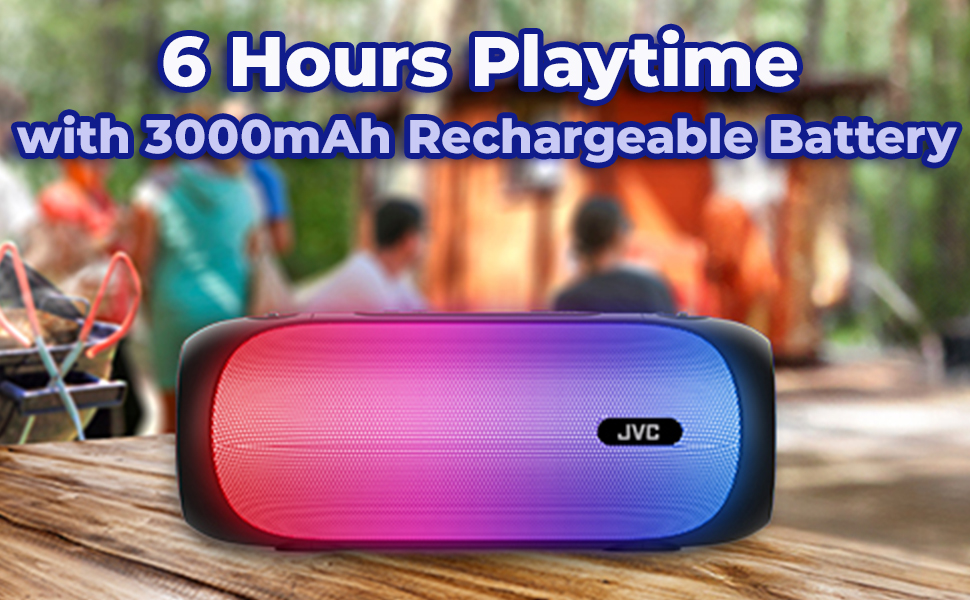
Image: The JVC SPPA7BT speaker, highlighting its 6-hour playtime and 3000mAh rechargeable battery.
2. Powering On/Off
- To Power On: Press and hold the Power Button for approximately 3 seconds. You will hear an audible prompt.
- To Power Off: Press and hold the Power Button for approximately 3 seconds. You will hear an audible prompt.
3. Bluetooth Pairing
- Turn on the speaker. It will automatically enter Bluetooth pairing mode, indicated by a flashing LED light.
- On your device (smartphone, tablet, etc.), enable Bluetooth and search for available devices.
- Select "JVC SPPA7BT" from the list.
- Once paired, the speaker will emit an audible confirmation, and the LED light will stop flashing.
4. True Wireless Stereo (TWS) Pairing
TWS allows you to connect two JVC SPPA7BT speakers for a stereo sound experience.

Image: Two JVC SPPA7BT speakers demonstrating TWS connectivity for stereo sound.
- Ensure both SPPA7BT speakers are powered on and not connected to any other Bluetooth device.
- On one speaker (this will be the primary speaker), press and hold the Bluetooth/TWS Button for approximately 2-3 seconds until you hear a TWS pairing prompt.
- The two speakers will automatically search for and connect to each other. Once connected, you will hear a confirmation sound.
- Now, connect your device to the primary speaker via Bluetooth as described in the "Bluetooth Pairing" section.
5. AUX Connection
To connect a device via the AUX input:
- Connect one end of a 3.5mm audio cable (not included) to the AUX port on the speaker.
- Connect the other end of the cable to the audio output jack of your device.
- The speaker will automatically switch to AUX mode.
Operating Instructions
1. Playing Audio
- Play/Pause: Press the Play/Pause Button.
- Next Track: Press and hold the Volume Up Button.
- Previous Track: Press and hold the Volume Down Button.
2. Adjusting Volume
- Increase Volume: Press the Volume Up Button.
- Decrease Volume: Press the Volume Down Button.
3. Controlling Illumination
The speaker features multi-color illumination with four modes.
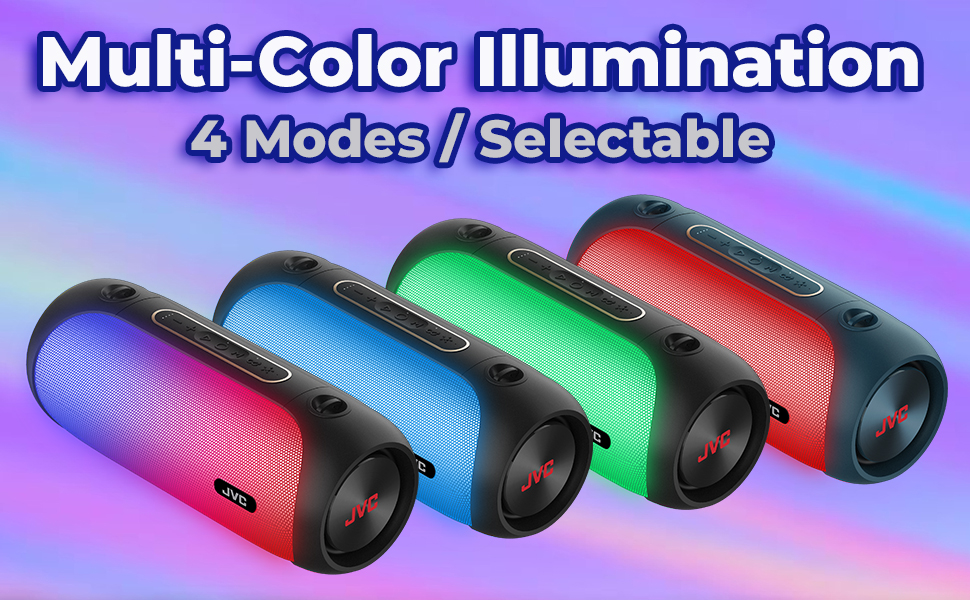
Image: The JVC SPPA7BT speaker showcasing its various multi-color illumination modes.
- Press the Light Mode Button to cycle through the available illumination patterns.
- Continue pressing to turn the lights off.
4. Hands-free Calling
When connected via Bluetooth, you can manage phone calls directly from the speaker.
- Answer Call: Press the Play/Pause Button.
- End Call: Press the Play/Pause Button.
- Reject Call: Press and hold the Play/Pause Button.
5. SIRI Control
The speaker supports SIRI control when connected to a compatible iOS device. Press and hold the Play/Pause button to activate SIRI.
Maintenance
- Clean the speaker with a soft, dry cloth. Do not use abrasive cleaners or solvents.
- If the speaker gets wet, wipe it dry thoroughly before charging or using any ports.
- Store the speaker in a cool, dry place when not in use for extended periods.
Troubleshooting
| Problem | Possible Cause | Solution |
|---|---|---|
| Speaker does not turn on. | Battery is depleted. | Charge the speaker using the provided USB-C cable. |
| Cannot pair via Bluetooth. | Speaker is not in pairing mode or already connected to another device. | Ensure the speaker is in pairing mode (flashing LED). Disconnect from any other device. Ensure your device's Bluetooth is on. |
| No sound. | Volume is too low, or incorrect input source. | Increase volume on both the speaker and your connected device. Check if the correct input (Bluetooth/AUX) is selected. |
| TWS pairing fails. | Speakers are too far apart or already paired to other devices. | Ensure both speakers are close to each other and not connected to any other Bluetooth device. Repeat TWS pairing steps. |
| Illumination not working. | Lights are turned off or battery is low. | Press the Light Mode Button to cycle through modes. Charge the speaker. |
Specifications
| Feature | Detail |
|---|---|
| Model Number | SPPA7BT |
| Brand | JVC |
| Connectivity Technology | Bluetooth, USB |
| Wireless Communication Technology | Bluetooth |
| Bluetooth Range | 10 Meters (33 Feet) |
| Speaker Type | Outdoor |
| Speaker Maximum Output Power | 30 Watts |
| Audio Output Mode | Stereo |
| Audio Driver Type | Dynamic Driver |
| Audio Driver Size | 76 Millimeters |
| Impedance | 4 Ohm |
| Frequency Response | 20 KHz |
| Power Source | Battery Powered (2 Lithium Ion batteries included) |
| Battery Life | Up to 6 hours |
| Water Resistance Level | IPX5 (Water Resistant) |
| Material | Acrylonitrile Butadiene Styrene (ABS) |
| Product Dimensions | 6.5"D x 12.68"W x 5.75"H |
| Item Weight | 4.02 pounds |
| Control Method | Touch |
| Special Features | LED Light, Portable, Stereo Pairing (TWS), USB Port, Waterproof |

Image: The JVC SPPA7BT speaker demonstrating its IPX5 water resistance near a pool.
Warranty and Support
JVC products are manufactured to high-quality standards. This product comes with a limited warranty. Please refer to the warranty card included in your package for specific terms and conditions.
For technical support, troubleshooting assistance, or warranty claims, please visit the official JVC website or contact JVC customer service.
Online Support: www.jvc.com


