1. Product Overview
The Roland RD-2000 EX is a premium digital stage piano designed for professional musicians. It integrates Roland's advanced piano technologies with modern creative tools, offering a comprehensive solution for live performance and studio work. Key features include dual sound engines, pre-installed V-Piano Expansions, and advanced controller capabilities.

2. Initial Setup
Before operating your RD-2000 EX, ensure proper setup to guarantee optimal performance and longevity.
2.1 Unpacking and Placement
- Carefully remove all components from the packaging. Verify that all items listed in the 'What's in the Box' section are present.
- Place the RD-2000 EX on a stable, flat surface or a compatible keyboard stand. Ensure adequate ventilation around the unit.

2.2 Power Connection
- Connect the supplied AC adaptor to the DC IN jack on the rear panel of the RD-2000 EX.
- Plug the power cord into a standard AC outlet.
2.3 Pedal and Audio Connections
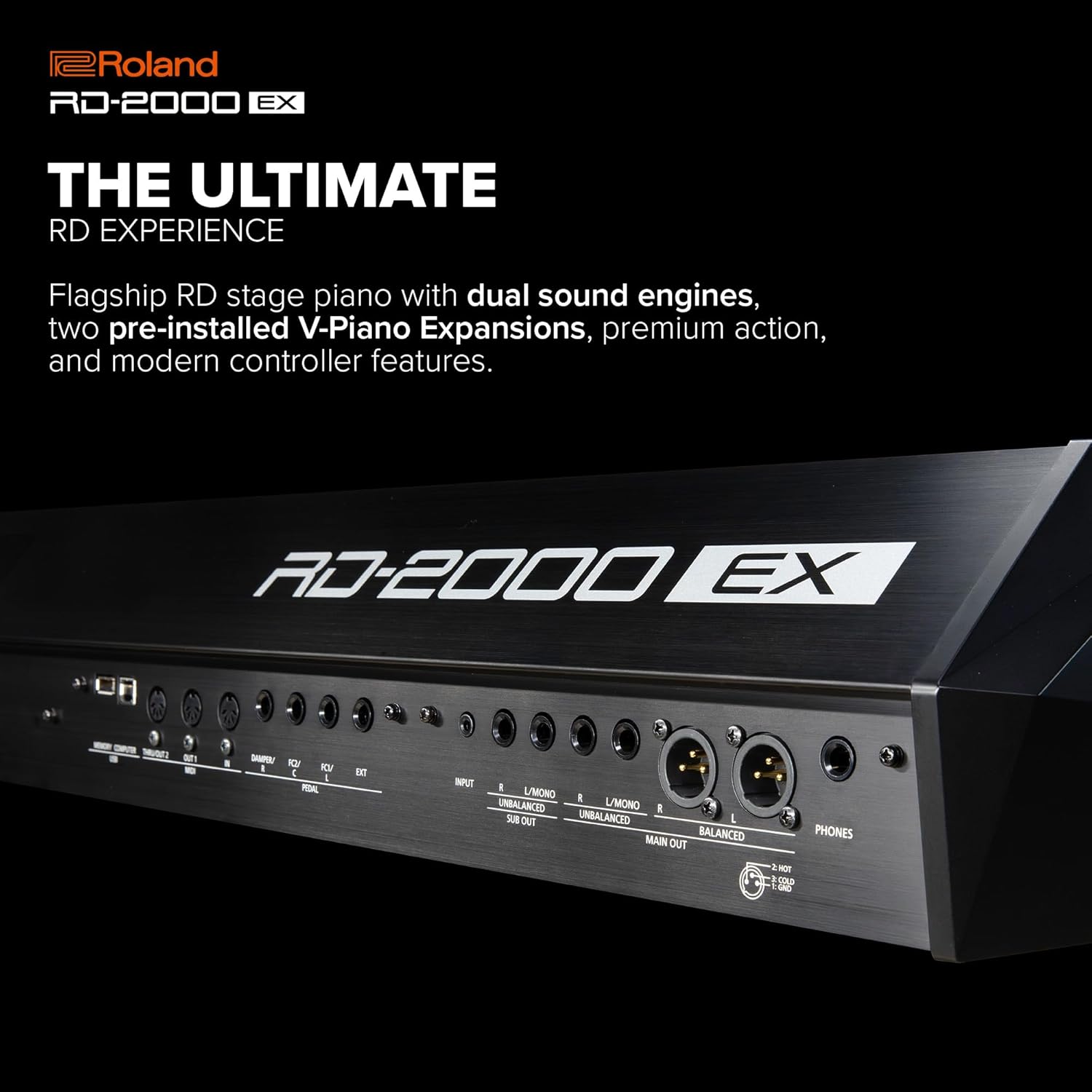
- Connect the DP-10 damper pedal to the DAMPER jack. The RD-2000 EX also supports the optional RPU-3 triple pedal for a grand piano experience.
- For audio output, connect the MAIN OUT (L/MONO, R) jacks to your amplifier, mixer, or powered speakers. Balanced XLR outputs are also available for professional setups.
- Use the PHONES jack for private practice with headphones.

3. Operating Instructions
The RD-2000 EX offers a rich array of features for sound creation and performance control.
3.1 Power On/Off
- Press the [POWER] button to turn the unit on. The display will illuminate.
- To turn off, press and hold the [POWER] button until the unit shuts down.
3.2 Sound Engines and V-Piano Expansions
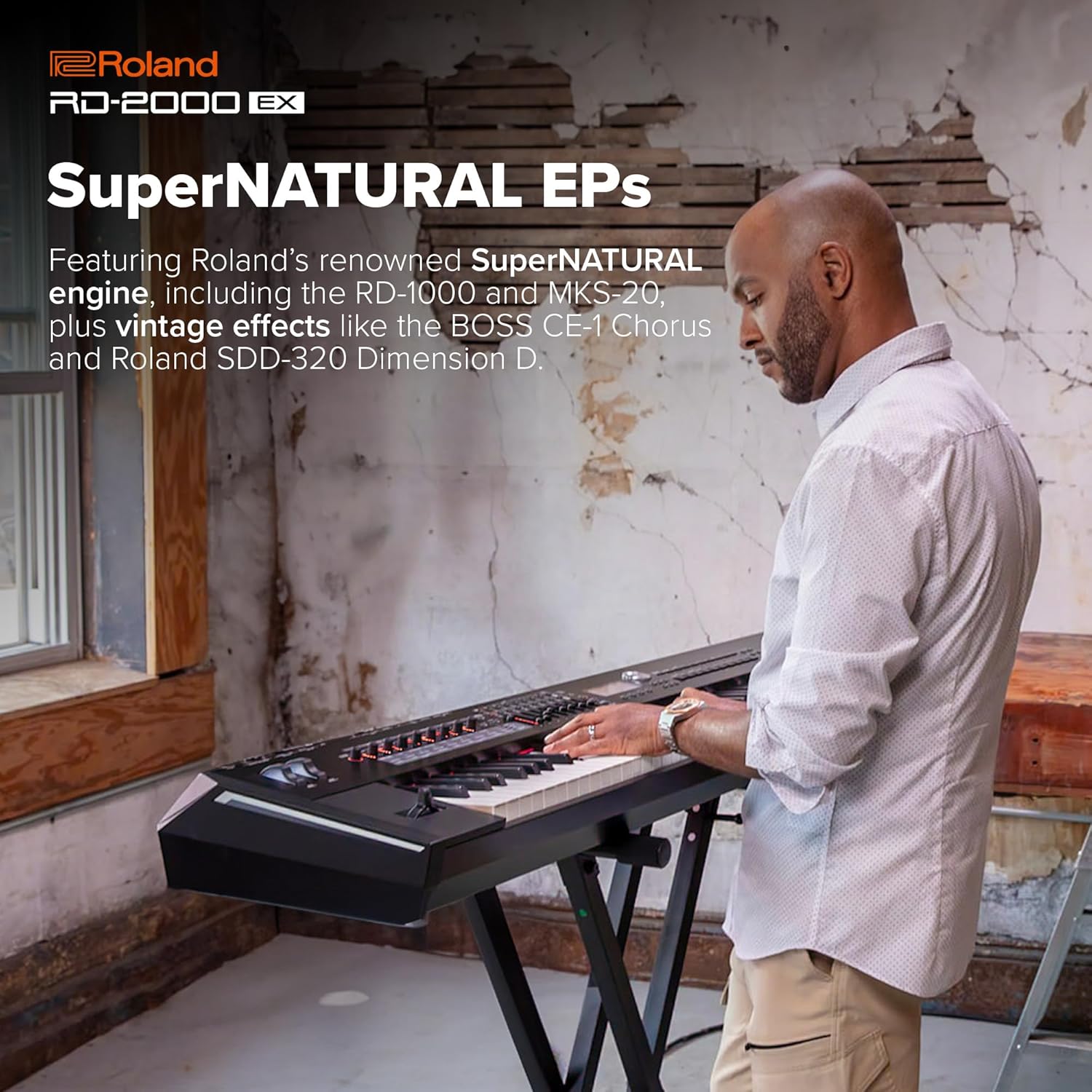
The RD-2000 EX features two independent sound engines: the V-Piano Technology engine for acoustic pianos and the SuperNATURAL engine for electric pianos and other sounds. It comes with two V-Piano Expansion titles pre-installed: German Concert and Essential Upright.

3.3 Real-time Control
The control panel is equipped with nine sliders and eight encoder knobs with LED status indicators for deep real-time control over various parameters.
3.4 Sound Demos and Performance
Explore the diverse sound capabilities of the RD-2000 EX through the official sound demos.
For additional sound demonstrations and performance examples, you may refer to videos featuring similar Roland digital pianos.
4. Maintenance
Proper maintenance ensures the longevity and optimal performance of your RD-2000 EX.
4.1 Cleaning
- Use a soft, dry cloth to wipe the surface of the instrument.
- For stubborn dirt, slightly dampen the cloth with water and a mild, non-abrasive cleaner, then wipe dry immediately.
- Avoid using harsh chemicals, solvents, or abrasive materials as they can damage the finish.
4.2 Storage and Handling
- Store the instrument in a stable environment, away from direct sunlight, extreme temperatures, and high humidity.
- When transporting, use a suitable case or cover to protect the instrument from physical damage.
5. Troubleshooting
This section addresses common issues you might encounter with your RD-2000 EX.
5.1 No Power
- Ensure the AC adaptor is securely connected to the instrument and the power outlet.
- Verify that the power outlet is functional by plugging in another device.
5.2 No Sound
- Check the MASTER VOLUME knob and ensure it is turned up.
- Verify that external speakers/amplifier are powered on and their volume is adjusted.
- Ensure audio cables are correctly connected to the MAIN OUT jacks and the input of your audio system.
- If using headphones, ensure they are properly plugged into the PHONES jack and no other audio output is active.
5.3 Unexpected Behavior
- If the instrument behaves unexpectedly, try turning it off and then on again.
- Refer to the full user manual for detailed troubleshooting steps or to perform a factory reset if necessary.
6. Specifications
Below are the key technical specifications for the Roland RD-2000 EX.
| Feature | Specification |
|---|---|
| Model Name | RD-2000 EX |
| Number of Keys | 88 |
| Keyboard Type | PHA-50 Keyboard (Progressive Hammer Action with Escapement and Ebony/Ivory Feel) |
| Sound Engines | V-Piano Technology, SuperNATURAL |
| Polyphony | V-Piano Technology: Full Polyphony; SuperNATURAL: 128 voices |
| Pre-installed V-Piano Expansions | German Concert, Essential Upright |
| Controls | 9 Sliders, 8 Encoder Knobs with LED indicators |
| Connectivity | MIDI (IN, OUT1, OUT2/THRU), USB (COMPUTER, MEMORY), MAIN OUT (L/MONO, R) jacks (1/4-inch phone type), MAIN OUT (L, R) jacks (XLR type), PEDAL (DAMPER, FC1, FC2) jacks, PHONES jack (Stereo 1/4-inch phone type), AC IN jack |
| Dimensions (W x D x H) | 55.63 x 14.5 x 5.56 inches (1412 x 367 x 140 mm) |
| Weight | 62 lbs (28.1 kg) |
| Power Source | AC Adaptor |
7. Warranty and Support
Roland products are backed by a manufacturer's warranty. For specific warranty terms and conditions, please refer to the warranty card included with your product or visit the official Roland website.
7.1 Technical Support
If you encounter any issues not covered in this manual or require further assistance, please contact Roland customer support. Support contact information can be found on the Roland website or in your product documentation.
- Online Support: Visit the Roland support website for FAQs, knowledge base articles, and software updates.
- Phone Support: Contact the dedicated support line for your region.
- Service Centers: Locate authorized Roland service centers for repairs and maintenance.


