
Introduction
This manual provides detailed instructions for the POVISON 94.49" Mid Century Modern TV Stand, Model VISION-TS8089SG240. It covers product features, setup, operation of the adjustable LED lighting, maintenance, and troubleshooting to ensure optimal use and longevity of your entertainment center.
The POVISON TV Stand is designed with both aesthetics and functionality in mind, offering a blend of vintage and modern design elements, integrated lighting, and ample storage.

Image: POVISON 94.49 inch Mid Century Modern TV Stand in walnut finish, positioned under a wall-mounted television.
Product Features
- Elegant Mid-Century Modern Design: Features a walnut wood finish with parallel wood strips, blending vintage and modern aesthetics.
- Integrated LED Lighting: Built-in LED lighting with 6 adjustable levels and remote control to enhance visual appeal.
- Versatile Display Option: Lower drawer edges include a display ledge for showcasing items like CDs, magazines, or decorative pieces.
- Premium Solid Wood Construction: Crafted from high-quality solid multi-layered ash wood for durability and long-term use.
- Ample Storage Space: Includes 4 spacious drawers (2 large, 2 flat) for organizing various items.
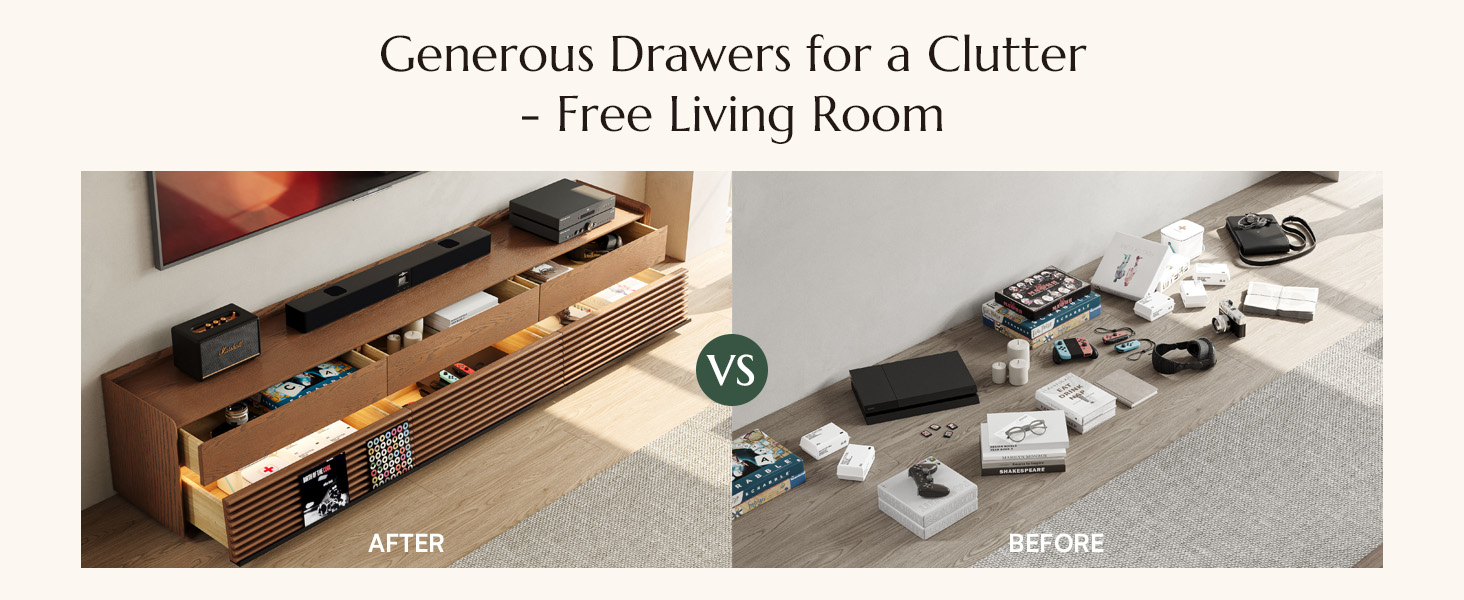
Image: Detailed view of key features including adjustable LED lighting, spacious drawers, and solid wood construction.
Safety Information
Please adhere to the following safety guidelines for the safe use and longevity of your TV stand:
- Always follow general safety guidelines for using furniture.
- Consider anchoring the cabinet to the wall, especially if children are present, to prevent tipping.
- Ensure the TV stand is placed on a stable and level surface.
- Distribute weight evenly across shelves and drawers to maintain stability.
- Do not overload drawers or shelves beyond their capacity.
Setup
The POVISON TV Stand is designed for convenience and arrives fully assembled. No complex assembly steps are required.
Unboxing and Placement
- Carefully remove the TV stand from its packaging. Due to its size and weight (approximately 189.6 pounds), it is recommended to have two people for safe handling and placement.
- Place the TV stand in your desired location, ensuring it is on a flat, stable surface.
- Remove any protective materials or internal packaging from the drawers.
- Connect the LED light power cable to a suitable power outlet.
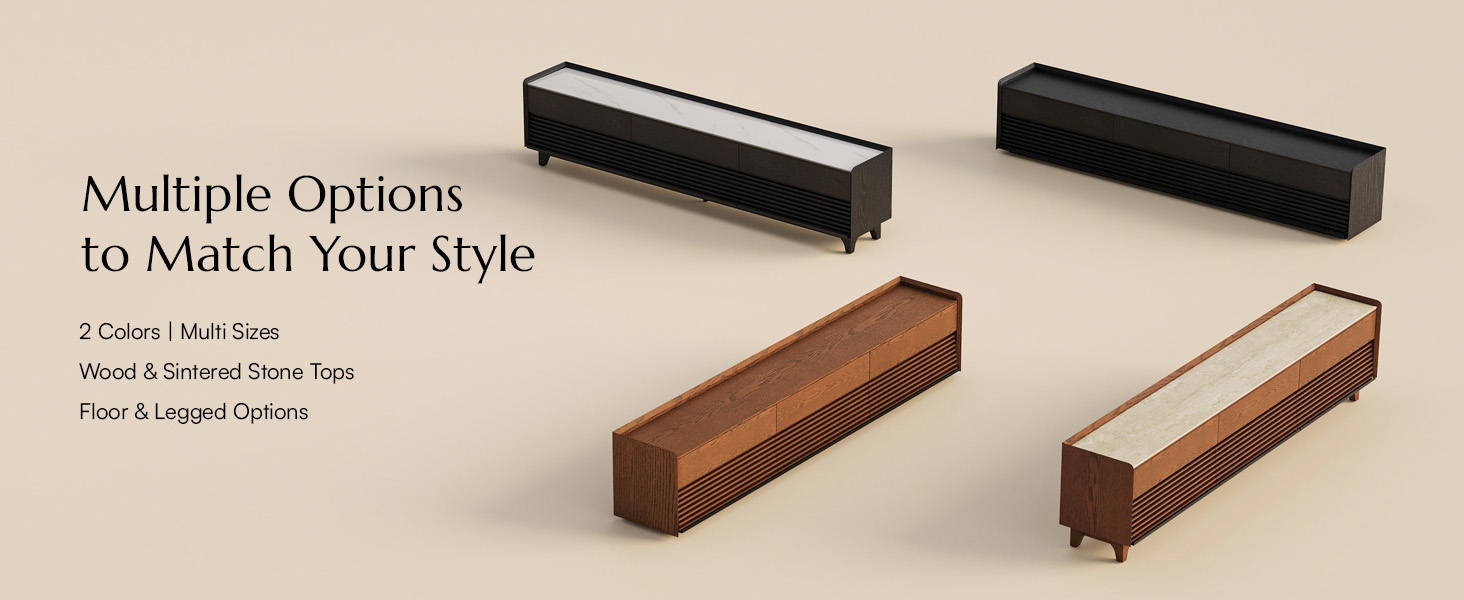
Image: The POVISON TV Stand is delivered fully assembled, requiring only unboxing and placement.
Operating Instructions
LED Lighting Operation
The integrated LED lighting system features adjustable brightness levels controlled by a remote.
- Ensure the TV stand is plugged into a power source.
- Use the provided remote control to turn the LED lights on or off.
- Adjust the brightness to one of the 6 available levels (0%, 10%, 30%, 50%, 70%, 100%) using the remote control.

Image: The TV stand with its integrated LED lighting activated, providing ambient illumination.

Image: Visual representation of the 6 adjustable brightness levels for the LED lighting.
Drawer Usage and Storage
The TV stand features four spacious drawers for organized storage.
- Utilize the two large drawers for storing larger items such as media accessories, blankets, or games.
- The two flat drawers are suitable for books, remote controls, or other smaller collectibles.
- The lower drawer edges are designed with a display ledge, ideal for showcasing CDs, magazines, or small decorative items.

Image: Drawers of the TV stand opened, showcasing the internal storage capacity and LED illumination within.
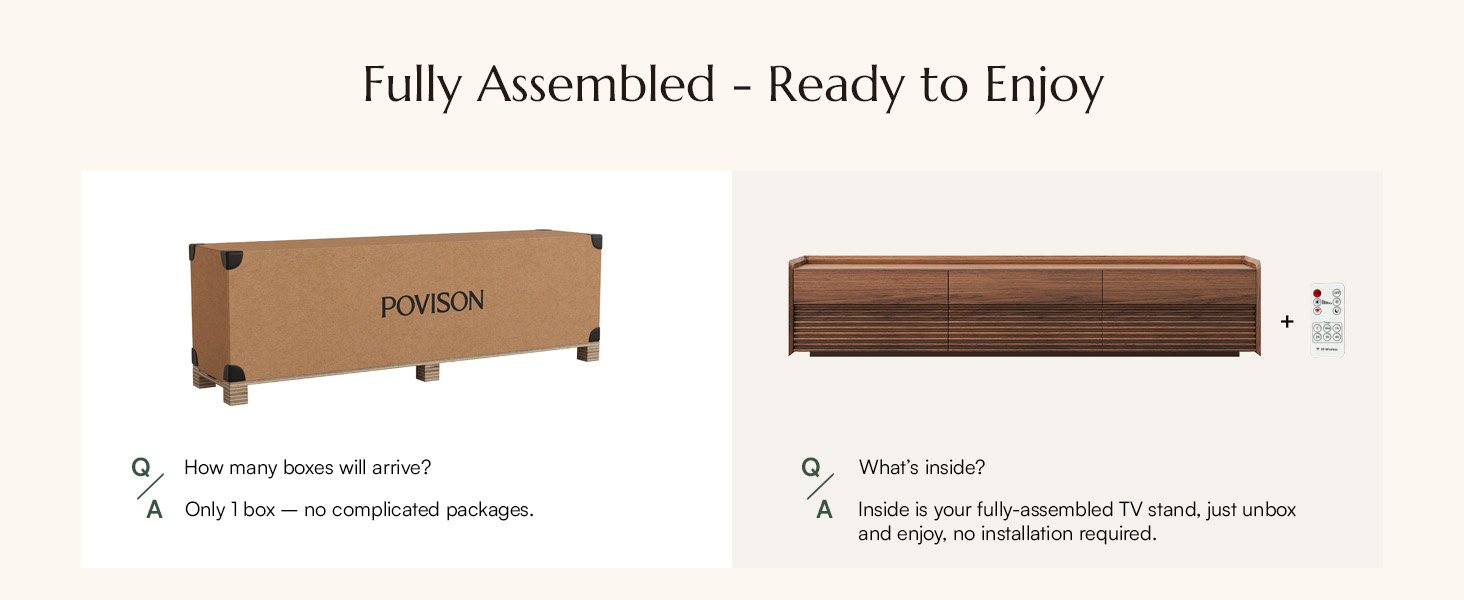
Image: Illustration of how the TV stand's storage helps organize a living space.
Maintenance
To maintain the appearance and longevity of your POVISON TV Stand, follow these simple care instructions:
- Cleaning: Wipe the surfaces with a soft, damp cloth. Avoid using harsh chemicals, abrasive cleaners, or polishes that may damage the wood finish.
- Spills: Immediately wipe up any spills to prevent staining or damage to the wood.
- Sunlight Exposure: Avoid prolonged exposure to direct sunlight, which can cause fading or discoloration of the wood.
- Heat and Moisture: Keep the TV stand away from direct heat sources and areas of high humidity to prevent warping or damage.

Image: Demonstrates how lighting conditions can affect the perceived color of the walnut finish.
Troubleshooting
This section addresses common issues you might encounter with your POVISON TV Stand.
LED Lights Not Working
- Check Power Connection: Ensure the power cable for the LED lights is securely plugged into both the TV stand and a functional wall outlet.
- Remote Control Battery: Verify that the remote control has working batteries. Replace if necessary.
- Remote Signal: Ensure there are no obstructions between the remote control and the LED receiver on the TV stand.
Drawers Not Opening/Closing Smoothly
- Check for Obstructions: Inspect the drawer slides for any objects or debris that might be blocking their movement.
- Even Weight Distribution: Ensure items within the drawer are evenly distributed and not causing imbalance.
- Level Surface: Confirm the TV stand is placed on a level surface, as an uneven base can affect drawer alignment.
Specifications
| Feature | Detail |
|---|---|
| Brand | POVISON |
| Model Number | VISION-TS8089SG240 |
| Material | Wood (Solid multi-layered ash wood) |
| Color | Walnut |
| Size | 94.49 inches (Width) |
| Item Depth | 22.83 inches |
| Number of Drawers | 4 |
| Number of Shelves | 1 (internal) |
| Item Weight | 189.6 pounds |
| Package Dimensions | 99.5 x 23.25 x 21 inches |
| Special Feature | Adjustable LED Light, Durable Construction |

Image: Dimensional diagram of the POVISON TV Stand.

Image: Detailed dimensions and weight capacity of the TV stand.
Warranty and Support
For any questions regarding your POVISON TV Stand, including warranty information or technical support, please contact POVISON customer service. Refer to your purchase documentation for specific warranty terms and contact details.
You can typically find support information on the official POVISON website or through the retailer where the product was purchased.


