1. Introduction
This manual provides essential instructions for the safe and efficient installation, operation, and maintenance of the LRILLMAING KV-P16T Programmable Logic Control (PLC) product. Please read this manual thoroughly before using the device.
1.1 Product Overview
The KV-P16T is a robust Programmable Logic Control unit designed for industrial automation applications. It facilitates control over various processes through programmable logic.
1.2 Package Contents
Upon unpacking, verify that the following item is present and in good condition:
- One (1) LRILLMAING KV-P16T Programmable Logic Control Product, sealed in its original packaging.
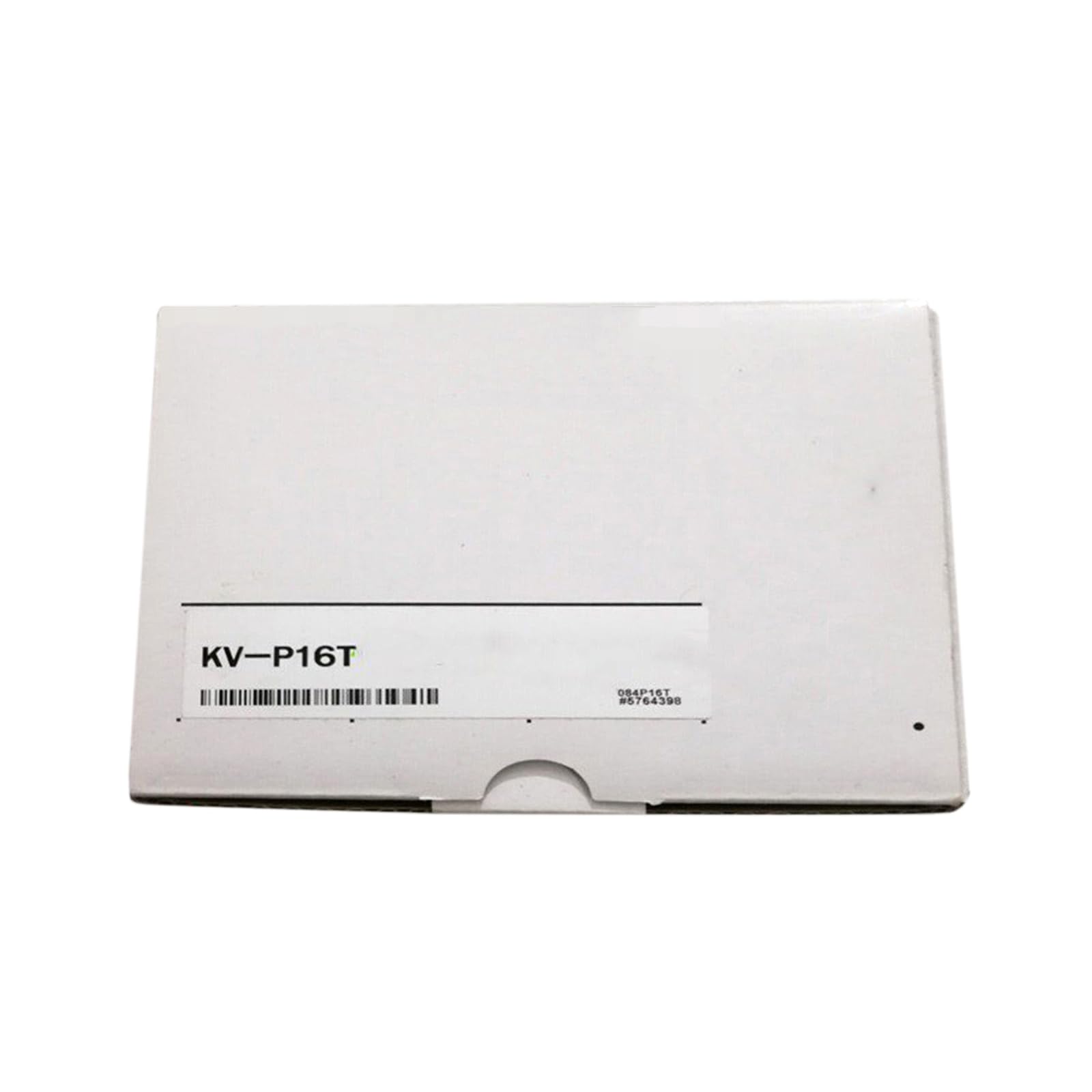
Figure 1.1: LRILLMAING KV-P16T Programmable Logic Control Product. This image displays the compact design of the KV-P16T unit, highlighting its various ports and indicators.
2. Setup
Follow these steps for proper installation of the KV-P16T unit.
2.1 Unpacking and Inspection
- Carefully remove the KV-P16T unit from its packaging.
- Inspect the unit for any signs of physical damage that may have occurred during transit. If damage is found, do not proceed with installation and contact customer support.
2.2 Mounting
Mount the KV-P16T securely within a suitable industrial enclosure. Ensure adequate space around the unit for proper ventilation and heat dissipation. Avoid mounting in direct sunlight or near heat sources.
2.3 Power Connection
- Identify the power input terminals on the KV-P16T.
- Connect the appropriate power supply (e.g., 24V DC) to these terminals. Refer to the unit's label for specific voltage and current requirements.
- Ensure all power connections are secure and correctly polarized to prevent damage.
2.4 Input/Output Wiring
- Connect sensors, actuators, and other field devices to the designated input and output terminals of the KV-P16T.
- Use appropriate wire gauges and ensure all connections are tight to prevent intermittent operation.
- Adhere to all local electrical codes and safety standards during wiring.
2.5 Communication Setup
- Connect the KV-P16T to a programming device (e.g., personal computer) using the specified communication port (e.g., USB, Ethernet, Serial).
- Install the necessary programming software and drivers on your computer as provided by the manufacturer.
3. Operating Instructions
This section outlines the basic operational procedures for the KV-P16T.
3.1 Power On and Initial Check
- Apply power to the KV-P16T.
- Observe the power indicator LED. It should illuminate, indicating successful power-up.
- Check other status LEDs (e.g., RUN, ERROR) to ensure the unit is in a normal operating state.
3.2 Programming the PLC
- Launch the programming software on your connected computer.
- Establish communication with the KV-P16T.
- Develop or load your control program (e.g., ladder logic, function block diagram) into the software.
- Upload the program to the KV-P16T. Confirm successful program transfer.
3.3 Monitoring and Control
- In the programming software, you can monitor the real-time status of inputs, outputs, and internal memory bits/words.
- To execute the uploaded program, switch the KV-P16T to RUN mode. The RUN LED should illuminate.
- To halt program execution for modifications or diagnostics, switch the KV-P16T to STOP mode.
4. Maintenance
Regular maintenance ensures the longevity and reliable operation of your KV-P16T.
4.1 Cleaning
- Periodically clean the exterior of the KV-P16T with a soft, dry, lint-free cloth.
- Do not use liquid cleaners, abrasive materials, or solvents, as these can damage the unit.
- Ensure power is disconnected before cleaning.
4.2 Environmental Considerations
- Ensure the operating environment remains within the specified temperature and humidity ranges.
- Protect the unit from excessive dust, moisture, corrosive gases, and strong electromagnetic interference.
4.3 Connection Integrity
- Regularly inspect all wiring connections (power, I/O, communication) for tightness and signs of wear or corrosion.
- Loose connections can lead to intermittent operation or system failures.
5. Troubleshooting
This section provides guidance for resolving common issues encountered with the KV-P16T.
5.1 No Power
- Symptom: Power LED is off, unit is unresponsive.
- Action: Verify the power supply connection and ensure the correct voltage is being supplied. Check for tripped circuit breakers or blown fuses in the power circuit.
5.2 Program Not Running
- Symptom: Unit is powered on, but the control program does not execute.
- Action: Ensure the KV-P16T is in RUN mode. Verify that the program was successfully uploaded to the PLC. Check the programming software for any reported errors in the control logic.
5.3 Input/Output Malfunction
- Symptom: Inputs are not detected, or outputs do not activate as expected.
- Action: Inspect the wiring connections to the affected sensors or actuators. Test the sensors/actuators independently to confirm their functionality. Use the programming software to monitor the real-time status of the I/O points.
5.4 Communication Issues
- Symptom: Unable to connect the programming software to the KV-P16T.
- Action: Verify the communication cable is securely connected at both ends. Check the communication port settings (e.g., COM port number, baud rate) in the software and ensure they match the PLC's configuration. Confirm that the necessary drivers for the communication interface are correctly installed on your computer.
6. Specifications
Key technical specifications for the LRILLMAING KV-P16T.
| Feature | Description |
|---|---|
| Product Number | KV-P16T |
| Type | Programmable Logic Control Product |
| Manufacturer | LRILLMAING |
| ASIN | B0D7PH6S2Q |
| Item Model Number | KV-P16T |
| First Available | June 21, 2024 |
7. Warranty and Support
Information regarding product warranty and customer support.
7.1 Product Warranty
The LRILLMAING KV-P16T is covered by a One-Year Warranty from the date of purchase. This warranty covers defects in materials and workmanship under normal use. Please retain your proof of purchase for warranty claims.
7.2 Return Policy
This product is eligible for a 30-day return policy for refund or replacement, subject to the terms and conditions of the retailer.
7.3 Customer Support
For technical assistance, troubleshooting guidance, or any other inquiries regarding your KV-P16T, please contact LRILLMAING customer support through their official channels. Detailed contact information can typically be found on the manufacturer's website or product packaging.


