
Introduction
This manual provides essential instructions for setting up, operating, maintaining, and troubleshooting your Fastrack Magnus FX1 Smart Watch. Please read this guide thoroughly to ensure proper use and to maximize the device's features.

Image: Fastrack Magnus FX1 Smart Watch in Jet Black. This image shows the main product view of the smartwatch.
Box Contents
Verify that all items are present in the package:
- Fastrack Magnus FX1 Smart Watch
- Magnetic Charging Cable
- Quick Start Guide
- Warranty Card
Setup
1. Initial Charging
Before first use, fully charge your Fastrack Magnus FX1 Smart Watch. Connect the magnetic charging cable to the charging pins on the back of the watch and to a USB power adapter (not included). A full charge typically takes approximately 2.5 hours.
2. App Installation and Pairing
To unlock all features, download and install the Fastrack Smart World App on your smartphone.
- Scan the QR code in the Quick Start Guide or search for "Fastrack Smart World App" in your phone's app store (compatible with iOS 9.0+ and Android 6.0+).
- Enable Bluetooth on your smartphone.
- Open the Fastrack Smart World App and follow the on-screen instructions to create an account or log in.
- Select "Add Device" and choose your Fastrack Magnus FX1 from the list of available devices.
- Confirm the pairing request on both your watch and smartphone.

Image: Fastrack Magnus FX1 Smart Watch displaying a call interface and recent contacts, illustrating its SingleSync BT Calling feature.
Operating Instructions
Display and Navigation
The watch features a 1.38-inch TFT UltraVU HD Display with 240x240 resolution and 450 nits brightness, protected by Panda Glass. Navigate using the touchscreen, the functional crown, and side buttons.
- Touchscreen: Swipe left, right, up, or down to access different menus and features. Tap to select.
- Functional Crown: Rotate to scroll through menus or adjust settings. Press to return to the home screen or confirm selections.
- Side Button(s): Typically used for power on/off, screen wake, or quick access to specific functions. Refer to the Quick Start Guide for specific button assignments.
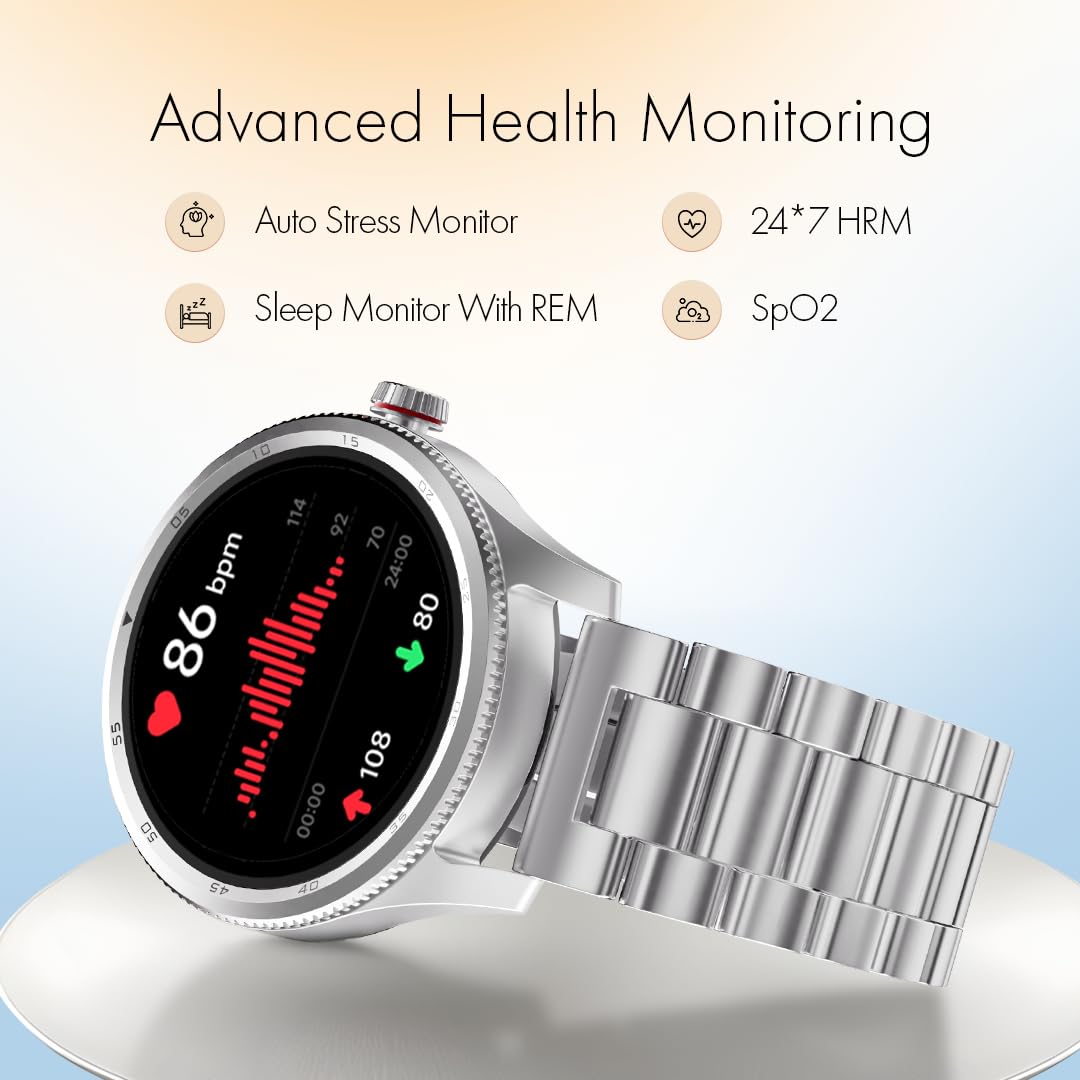
Image: Close-up of the Fastrack Magnus FX1 Smart Watch display, highlighting its clarity and design.
Key Features
- Bluetooth Calling: Utilize the SingleSync BT Calling feature with the built-in microphone for clear calls directly from your watch.
- Watch Faces: Choose from over 100 cloud-based watch faces via the Fastrack Smart World App to personalize your device.
- Notifications: Receive instant notifications for calls, messages, and app alerts directly on your wrist.
- Sports Modes: Track your activities with over 100 sports modes, including auto-detection for common exercises. An AI coach provides guidance.
- Health Monitoring: Monitor heart rate (24/7), SpO2 (blood oxygen), stress levels, and sleep patterns (including REM sleep). The app also supports women's wellness tracking.
- Utility Features: Access in-built games, camera and music controls, SOS calling, a calculator, alarm, Find My Phone, and weather display.
- Voice Assistance: Interact with Google Assistant or Siri through your watch.
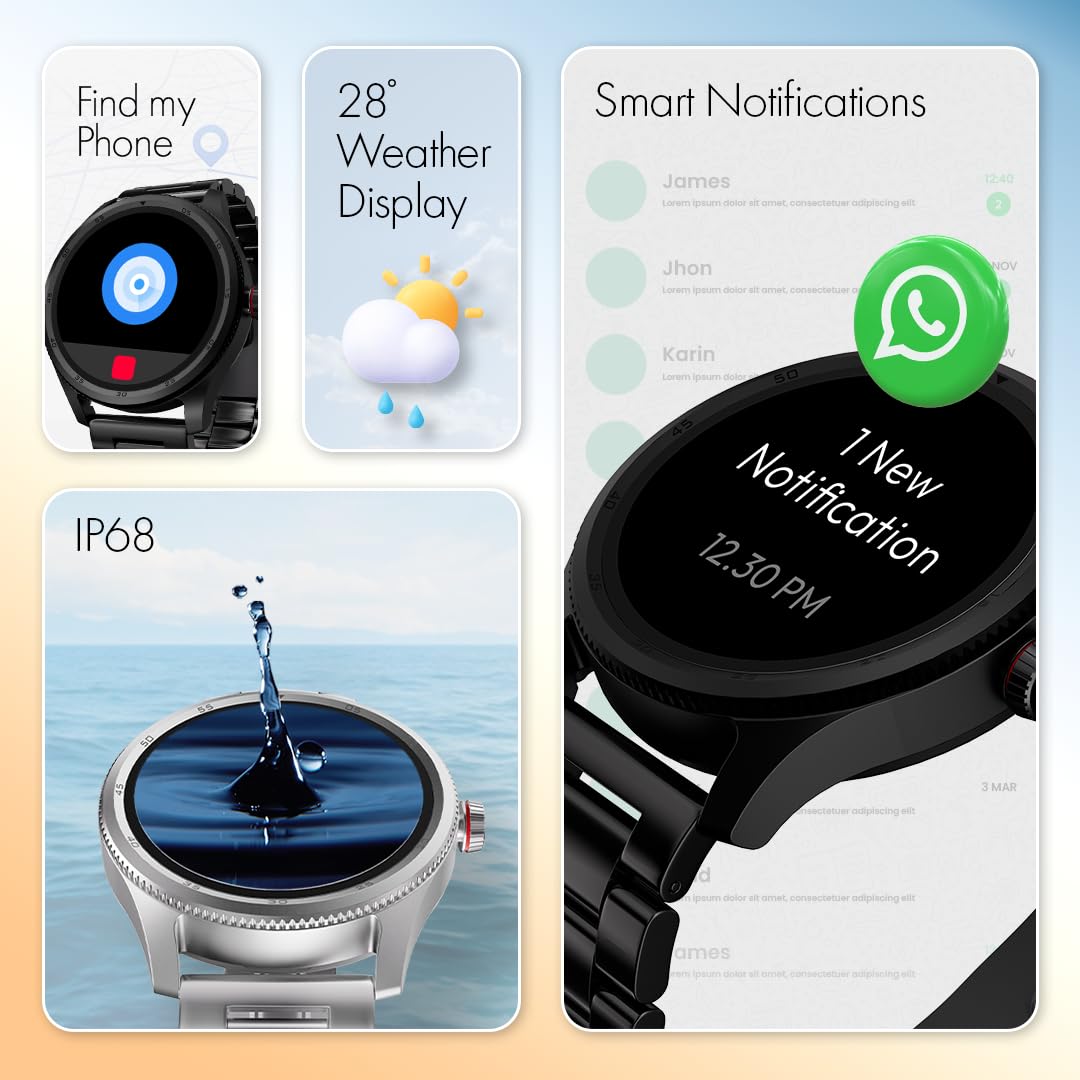
Image: Fastrack Magnus FX1 Smart Watch displaying heart rate data, alongside icons for auto stress monitor, 24*7 HRM, sleep monitor with REM, and SpO2.
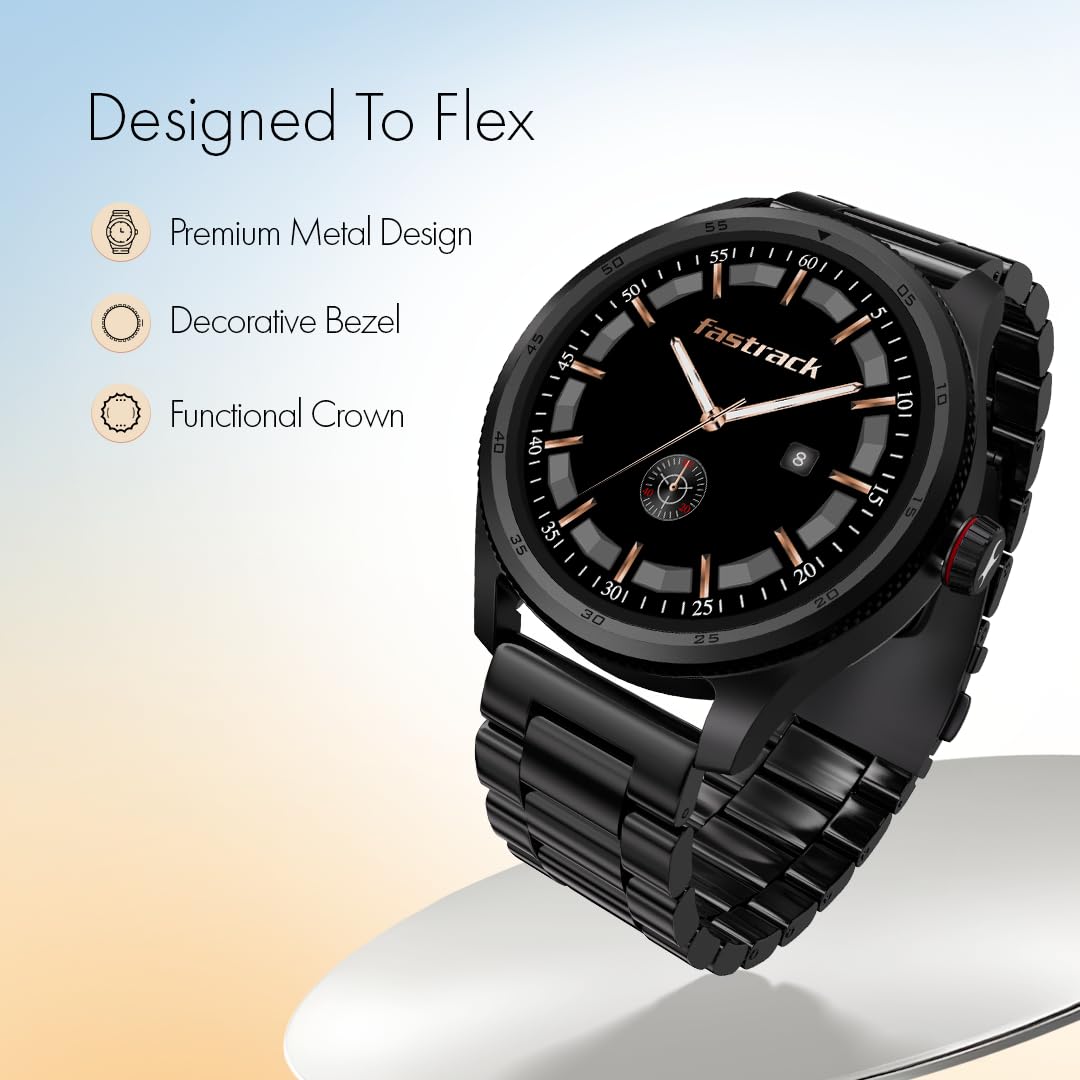
Image: Fastrack Magnus FX1 Smart Watch showcasing AI Voice Assistance, 100+ Sports Modes, a calendar, calculator, and a 5-day battery charge icon.

Image: Fastrack Magnus FX1 Smart Watch displaying 'Find my Phone', '28° Weather Display', 'Smart Notifications', and an 'IP68' water resistance demonstration.
Maintenance
Cleaning
Regularly clean your watch and strap to prevent skin irritation and maintain functionality. Use a soft, damp cloth to wipe the watch face and strap. Avoid harsh chemicals or abrasive materials.
Water Resistance
The Fastrack Magnus FX1 is IP68 water-resistant, allowing it to withstand immersion in water up to 1.5 meters deep for a limited time. It is suitable for daily use, hand washing, and light rain. Avoid hot water, steam, or prolonged submersion in water, especially saltwater, as this may compromise the seal.
Battery Care
To prolong battery life, avoid extreme temperatures. Charge the watch using only the provided magnetic charging cable. The watch offers up to 5 days of battery life, or 3 days with continuous Bluetooth calling.
Troubleshooting
If you encounter issues with your Fastrack Magnus FX1 Smart Watch, refer to the following common solutions:
- Watch not turning on: Ensure the watch is fully charged. Connect it to the magnetic charging cable and a power source.
- Cannot pair with phone: Make sure Bluetooth is enabled on your phone and the watch is within range. Restart both the watch and your phone, then try pairing again through the Fastrack Smart World App.
- Inaccurate health data: Ensure the watch is worn snugly on your wrist, about one finger's width above your wrist bone. Clean the sensor area regularly.
- Notifications not appearing: Check app permissions on your phone to ensure the Fastrack Smart World App has access to notifications. Verify that notifications are enabled within the app settings.
- Short battery life: Reduce screen brightness, limit continuous heart rate monitoring, and disable unnecessary features to extend battery life.
For further assistance, please contact customer support.
Specifications
| Model Name | Magnus FX1 |
| Model Number | 38125NM01 |
| Display Type | TFT |
| Screen Size | 1.38 Inches |
| Resolution | 240 x 240 |
| Max Brightness | 450 Nits |
| Connectivity | Bluetooth 5.3 |
| Memory (RAM) | 128 MB |
| Battery Life | Up to 5 Days (3 Days with BT Calling) |
| Charging Time | Approx. 2.5 Hours |
| Water Resistance | IP68 (1.5 Metres Depth) |
| Case Material | Metal |
| Band Material | Metal |
| Dimensions | 12D x 45W x 45H Millimeters |
| Weight | 13 Grams |
| Compatible OS | Android (6.0+), iOS (9.0+) |
| Controller Type | Google Assistant, Siri |
Warranty Information
Your Fastrack Magnus FX1 Smart Watch comes with a 1-Year Manufacturer Warranty from the date of purchase. This warranty covers manufacturing defects. Please retain your purchase receipt and the warranty card for any warranty claims.
The warranty does not cover damage caused by misuse, accidents, unauthorized repairs, or normal wear and tear. For detailed terms and conditions, refer to the included Warranty Card.
Customer Support
For any queries, technical support, or warranty claims, please contact Fastrack customer service:
- Customer Care Number: 1800-266-0123
- Email: customercare@titan.co.in
- Manufacturer/Importer: Titan Company Limited, 3 Sipcot Industries Complex, Hosur - 635126
You can also find additional resources and FAQs within the Fastrack Smart World App.
Image: Fastrack Magnus FX1 Smart Watch highlighting its premium metal design, decorative bezel, and functional crown.

Image: A smartphone displaying the Fastrack Smart World App interface, showing contact options for customer support.


