1. Introduction
The Govee RGBWWIC Strip Light 2 Pro offers advanced smart lighting for various indoor applications. This manual provides essential information for the safe and efficient use of your new LED strip lights, including setup, operation, and maintenance guidelines.
2. What's in the Box
Verify that all components are present in your package:
- 6.56ft LED Strip Light
- Control Box
- Power Adapter
- User Manual

Image: Contents of the Govee Strip Light 2 Pro package, showing the LED strip, control box, power adapter, and user manual.
3. Setup
Follow these steps to set up your Govee RGBWWIC Strip Light 2 Pro:
- Prepare the Surface: Ensure the installation surface is clean, dry, and smooth.
- Measure and Cut (Optional): If a shorter length is required, measure the desired length. Locate the cut markers on the strip (indicated by a scissor icon or copper pads). Caution: Unplug the device from the power supply before cutting. Cut only along the designated markers to avoid damaging the LEDs.
- Connect Components: Connect the LED strip to the control box, and then connect the control box to the power adapter.
- Power On: Plug the power adapter into a suitable power outlet.
- Adhere the Strip: Remove the adhesive backing from the LED strip and firmly press it onto the desired surface. For enhanced stability, use the provided mounting clips and screws.
- App Connection: Download the Govee Home App from your smartphone's app store. Open the app, register or log in, and follow the on-screen instructions to add and connect your new strip light.
- Calibration: If you cut the strip light, perform length calibration within the Govee Home App settings to ensure accurate lighting effects.
Video: This video demonstrates how to cut and connect the Govee Strip Light 2 Pro, including finding cut markers, unplugging before cutting, and connecting to the Govee Home App for calibration.

Image: Govee Strip Light 2 Pro providing ambient lighting behind a gaming desk setup.
4. Operating Instructions
Control your Govee Strip Light 2 Pro using the control box, Govee Home App, or voice commands.
4.1. Control Box
The inline control box allows for basic functions:
- Power Button: Press to turn the lights On/Off.
- Brightness Button: Press to cycle through brightness levels.
- Mode Button: Press to cycle through preset colors or dynamic effects.
4.2. Govee Home App
The Govee Home App provides full control and customization:
- Color Selection: Choose from 16 million colors and adjust color temperature (2700K-6500K).
- Scene Modes: Access over 100 preset scene modes for various occasions.
- Music Mode: Sync lights with music using the integrated microphone.
- DIY Mode: Create personalized lighting effects with segmented control (up to 20 segments).
- Timer Function: Schedule lights to turn On/Off at specific times.
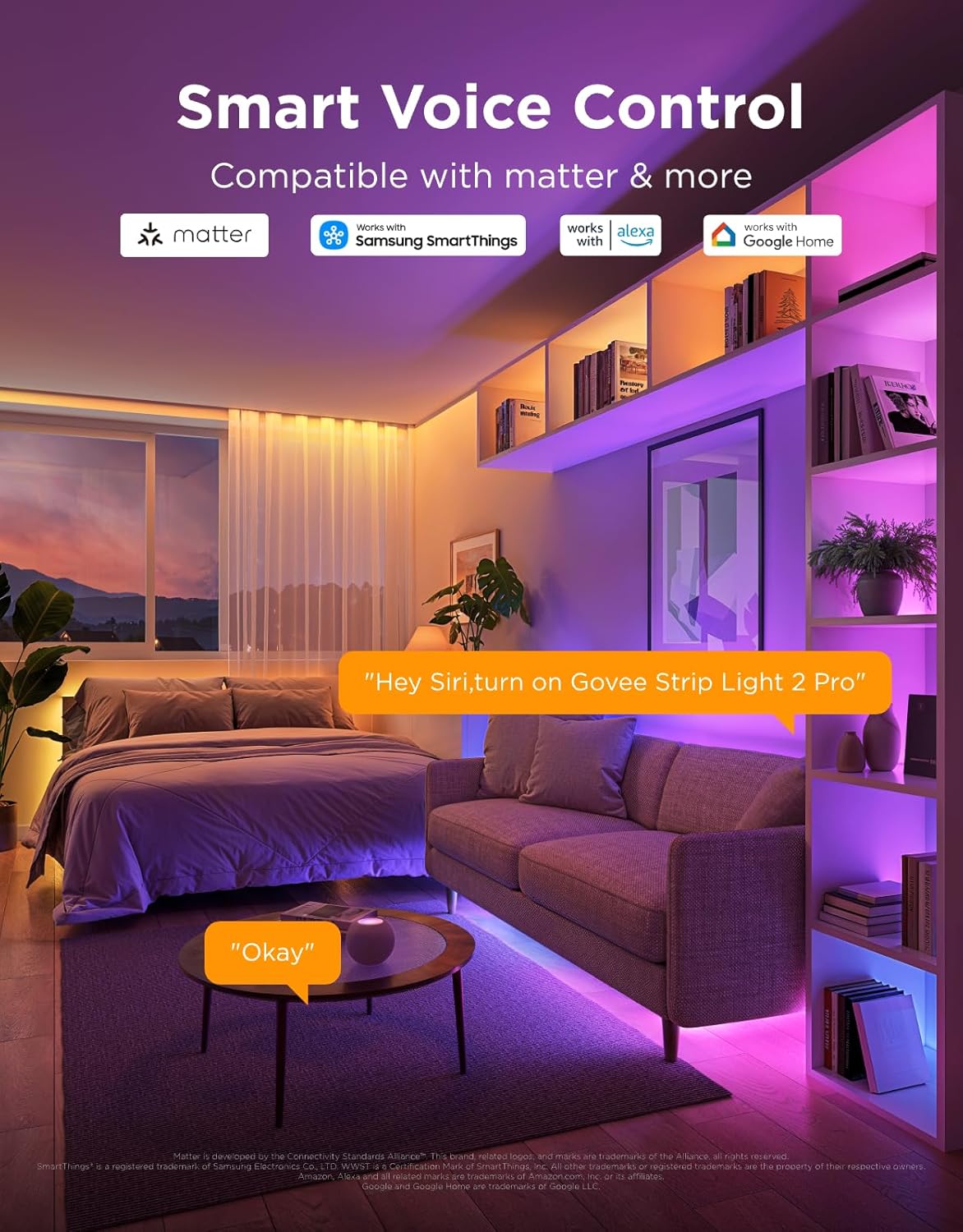
Image: Illustration of smart voice control compatibility with Matter, Alexa, and Google Home for the Govee Strip Light 2 Pro.
4.3. Voice Control
The Govee Strip Light 2 Pro is compatible with Matter, Alexa, and Google Assistant for convenient voice control. Link your device through the respective smart home app and use voice commands to adjust settings.
5. Key Features
- Diverse Lighting Effects: Over 100 preset scene modes available via the Govee Home App, suitable for various holidays, entertainment, and daily lighting needs. Enjoy easy voice control with Matter, Alexa, and Google Assistant.
- Self-Developed LuminBlend Integrated Solution: Govee's LuminBlend color system features a self-developed G1151 16-bit chip, a 5-in-1 RGBWW bead, and a smart color blending algorithm for precise and delicate lighting.
- 5-in-1 RGBIC Technology: Independent IC chips enable multiple colors to display simultaneously on a single strip. The upgraded 5-in-1 RGBWW lamp bead provides natural colors with higher lumen brightness, achieving real white lighting from 2700K to 6500K.
- Dynamic Music Mode: An integrated microphone in the control box allows the strip light to sync with sounds from other Govee lights. Choose from over 16 music modes to make your LED lights flow with the rhythm of your playlists.
- DIY Fun with Segmented Control: An intuitive DIY mode offers control over 20 segments for personalized color displays and smooth holiday lighting. Individual control of each segment with 16 million colors enhances creativity.
- Connectable LED Lights: Customize the length up to 16.4ft (5m) by connecting multiple strips. Follow cutting and splicing guidelines for optimal home decor.

Image: Detailed view of the LuminBlend technology, showcasing the advanced chip and LED beads responsible for accurate color reproduction.

Image: Screenshot of the Govee Home App demonstrating the DIY segmented control feature, allowing users to customize individual sections of the light strip.
6. Maintenance
To ensure the longevity and optimal performance of your Govee Strip Light 2 Pro, follow these simple maintenance guidelines:
- Cleaning: Gently wipe the LED strip and control box with a soft, dry cloth. Avoid using harsh chemicals or abrasive cleaners.
- Storage: If storing the lights for an extended period, ensure they are clean, dry, and coiled loosely to prevent damage.
- Handling: Avoid bending the LED strip sharply or applying excessive force, as this can damage the internal circuitry.
7. Troubleshooting
If you encounter issues with your Govee Strip Light 2 Pro, refer to the following common solutions:
- Lights not turning on:
- Check if the power adapter is securely plugged into both the control box and a working power outlet.
- Ensure the LED strip is correctly connected to the control box.
- Verify that the power button on the control box or in the app is pressed.
- Incorrect colors or effects:
- Ensure the Govee Home App is updated to the latest version.
- Perform a length calibration in the app if the strip was cut.
- Restart the device by unplugging and replugging the power adapter.
- App connection issues:
- Ensure your smartphone's Bluetooth and Wi-Fi are enabled.
- Move closer to the device to improve Bluetooth signal.
- Check your Wi-Fi network (2.4GHz band is typically required).
- Restart your router and the strip light.
8. Specifications
| Feature | Detail |
|---|---|
| Brand | Govee |
| Model Number | H61F2 |
| Color | RGBWWIC |
| Item Length | 6.56 Feet (2m) |
| Indoor/Outdoor Usage | Indoor |
| Special Feature | Adjustable, Color Changing, RGBWWIC |
| Light Source Type | LED |
| Power Source | Corded Electric |
| Light Color | Multicolor |
| Theme | Music |
| Occasion | Party |
| Style | Modern |
| Material | Epoxy |
| Color Temperature | 2700 Kelvin - 6500 Kelvin (Adjustable White) |
| Controller Type | Voice Control, App Control, Control Box |
| Number of Light Sources | 120 |
| Voltage | 24 Volts |
| Wattage | 36 watts |
| Item Weight | 1.15 pounds (0.52 Kilograms) |
| Smart Home Compatibility | Matter, Alexa, Google Assistant |
9. Warranty & Support
For warranty information, technical support, or customer service inquiries, please refer to the official Govee website or contact their customer support directly. Keep your purchase receipt for warranty claims.