
1. Introduction
Thank you for choosing the Buoan YL-68-BLACK Keyless Entry Door Lock. This electronic digital deadbolt provides enhanced security and convenience for your home or office with multiple access options, including keypad entry and traditional keys. This manual provides detailed instructions for installation, operation, and maintenance to ensure optimal performance and longevity of your lock.

Image: Front keypad and interior turn knob of the Buoan YL-68-BLACK Keyless Entry Door Lock.
2. Package Contents
Please verify that all components are present in your package before beginning installation. If any parts are missing or damaged, please contact customer support.
- Exterior Keypad Assembly
- Interior Turn Knob Assembly
- Deadbolt Latch Mechanism
- Strike Plate and Reinforcement Plate
- Mounting Screws
- 4 x AA Alkaline Batteries
- Door Sensor (for automatic locking feature)
- 2 x Backup Keys
- User Manual

Image: All components included in the product package.
3. Installation Guide
The Buoan YL-68-BLACK Keyless Entry Door Lock is designed for easy installation, typically requiring only a screwdriver. No additional drilling is needed for standard door preparations.
3.1 Door Compatibility
- Door Thickness: Compatible with doors between 1.37 inches (35mm) and 1.88 inches (48mm).
- Backset: Adjustable for 2-3/8 inches (60mm) or 2-3/4 inches (70mm) backsets.
3.2 Installation Steps
- Prepare the Door: Ensure your door has standard deadbolt preparations. Remove any existing deadbolt hardware.
- Install the Deadbolt Latch: Insert the deadbolt latch into the door edge. Ensure the 'UP' arrow on the latch is facing upwards. Secure with screws.
- Install Exterior Keypad Assembly: Feed the cable from the exterior keypad through the door hole. Align the keypad with the deadbolt latch.
- Install Interior Turn Knob Assembly: Connect the cable from the exterior keypad to the interior assembly. Secure the interior assembly to the door using the provided mounting screws. Ensure the lock is properly aligned and operates smoothly.
- Install Batteries: Open the battery cover on the interior assembly. Insert 4 AA alkaline batteries, ensuring correct polarity. Close the battery cover.
- Install Strike Plate: Install the strike plate and reinforcement plate on the door frame, aligning it with the deadbolt latch.
- Install Door Sensor (Optional for Auto-Lock): If using the automatic locking feature, install the magnetic door sensor on the door frame, aligning it with the sensor on the interior assembly.

Image: Installation dimensions and locating points.

Image: Automatic adjustment for left and right-handed doors.
4. Operating Instructions
4.1 Initial Setup and Programming
- Default Master Code: Refer to the included quick start guide for the default master code. It is crucial to change this immediately after installation.
- Changing Master Code: Press the 'SET' button, enter the current master code, then press 'SET' again. Enter your new master code (4-12 digits), press 'SET', re-enter the new master code, and press 'SET' to confirm.
- Adding User Codes: Press the 'SET' button, enter the master code, then press 'SET'. Press '1' (for adding user code), press 'SET'. Enter a new user code (4-12 digits), press 'SET', re-enter the user code, and press 'SET' to confirm. Up to 100 user codes can be stored.
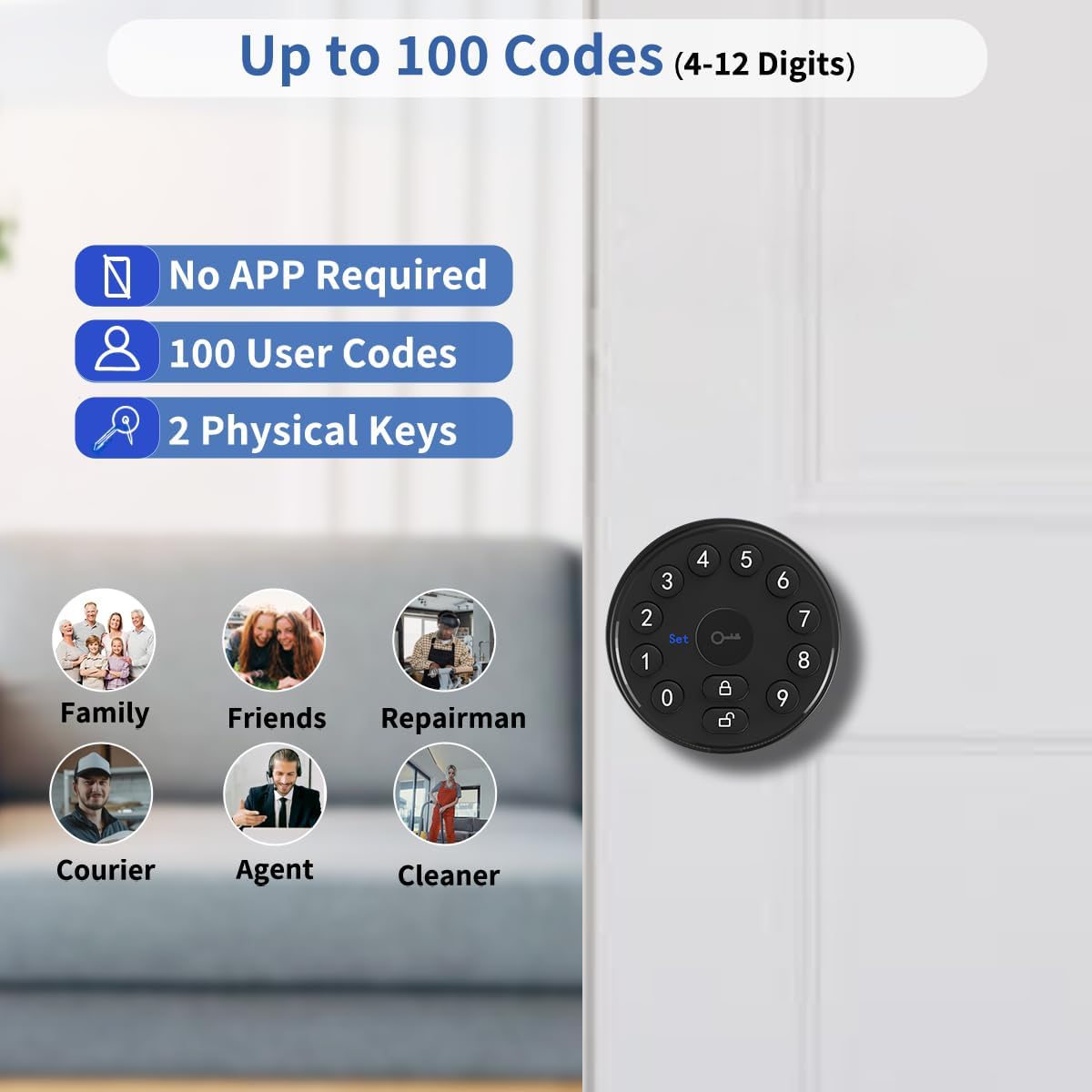
Image: Supports up to 100 user codes for various individuals.
4.2 Unlocking the Door
- Using a Passcode: Enter your 4-12 digit user code or master code on the keypad, then press the unlock button (key icon). The deadbolt will retract.
- Anti-Peeping Password: To prevent others from guessing your code, you can enter random digits before or after your actual passcode. For example, [Random Digits] + [Your Passcode] + [Random Digits]. The lock will still recognize your correct passcode within the sequence.
- Using Backup Keys: Insert the physical key into the keyhole and turn to unlock.
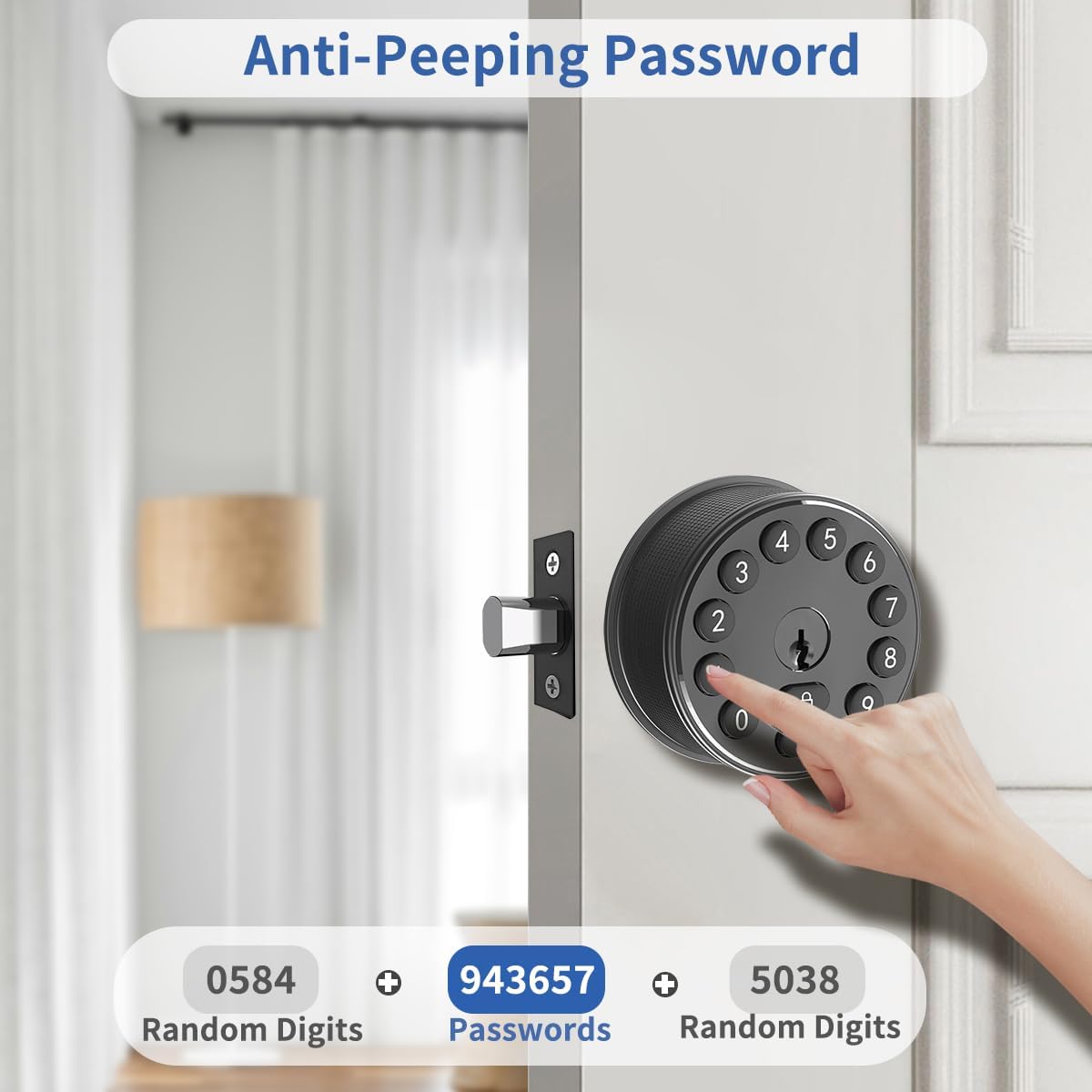
Image: Anti-Peeping Password feature.
4.3 Locking the Door
- Manual Locking: Press the lock button (padlock icon) on the keypad. The deadbolt will extend.
- Automatic Locking: The lock features an automatic locking function that can be set to engage after 3 seconds. This feature can be enabled or disabled in the settings. If the door sensor is installed and enabled, the lock will automatically engage when the door is closed.

Image: Automatic Locking mechanism.
4.4 Silent Mode
The lock can operate in silent mode, which disables keypad beeps for quiet entry and exit. Refer to the quick start guide for instructions on how to enable or disable silent mode.
5. Maintenance
5.1 Battery Replacement
The lock requires 4 LR6/AA/1.5V alkaline batteries. The estimated battery life is up to 2 years under normal usage conditions.
- Low Battery Indicator: A red battery indicator light on the keypad will illuminate when the batteries are low. Replace all 4 batteries promptly when this indicator appears.
- Temporary Power Supply: In case of complete battery depletion, a USB charging port is available for temporary power supply to unlock the door. This port is for emergency power only and does not charge the internal batteries.

Image: Features for long battery life and low battery alarm.
5.2 Cleaning
Clean the keypad and lock body with a soft, damp cloth. Avoid using abrasive cleaners or solvents, as these can damage the finish and electronic components.
6. Troubleshooting
- Lock Not Responding: Check battery levels. If the low battery indicator is on, replace batteries. If completely dead, use the USB emergency power port or backup key.
- Passcode Not Working: Ensure you are entering the correct 4-12 digit code. Try using the anti-peeping feature with random digits. If issues persist, try re-programming the user code or master code.
- Deadbolt Not Extending/Retracting: Check for any obstructions in the door frame or latch mechanism. Ensure the lock is properly aligned and installed.
- Automatic Lock Not Engaging: Verify that the automatic locking feature is enabled in the settings. If using the door sensor, ensure it is correctly installed and aligned on the door frame.
- Programming Issues: If you encounter difficulties programming codes, ensure you are following the steps precisely as outlined in the manual. A factory reset might be necessary as a last resort (refer to the quick start guide for factory reset instructions).
7. Specifications
| Feature | Specification |
|---|---|
| Brand | Buoan |
| Model Name | YL-68-BLACK |
| Lock Type | Deadbolt Lock |
| Material | Aluminum |
| Dimensions (L x W x H) | 5.7 x 2.75 x 2.75 inches |
| Item Weight | 1.74 pounds |
| Power Source | 4 x AA Alkaline Batteries (Included) |
| Battery Life | Up to 2 years |
| Special Features | Alarm, Anti-Peeping Password, Auto-Lock, Battery Indicator, Passcode Unlock |
| Code Capacity | Up to 100 codes (4-12 digits) |
| Door Thickness Compatibility | 1.37" - 1.88" (35mm - 48mm) |
| UPC | 781108243611 |

Image: Comparison of carbon steel gears for durability.
8. Warranty and Support
Buoan provides a standard warranty for this product. Please refer to the warranty card included in your package or visit the official Buoan website for detailed warranty terms and conditions.
For technical assistance, troubleshooting, or any questions regarding your Buoan YL-68-BLACK Keyless Entry Door Lock, please contact Buoan customer support through the contact information provided on the official website or your purchase platform.
When contacting support, please have your product model (YL-68-BLACK) and purchase details readily available.