
Introduction
This manual provides essential instructions for the installation, operation, and maintenance of your VANPORE HEPA filter, specifically designed for the BJ131 ash vacuum. This filter is engineered to capture fine ash and dust particles, contributing to cleaner air and efficient vacuum performance. Please read this manual thoroughly before use.
Product Overview
The VANPORE HEPA filter for the BJ131 ash vacuum features a patented system designed to trap the finest particles of ash and dust. Its sealed design prevents ash from escaping the vacuum's exhaust, protecting respiratory health. The filter is reusable after proper cleaning.
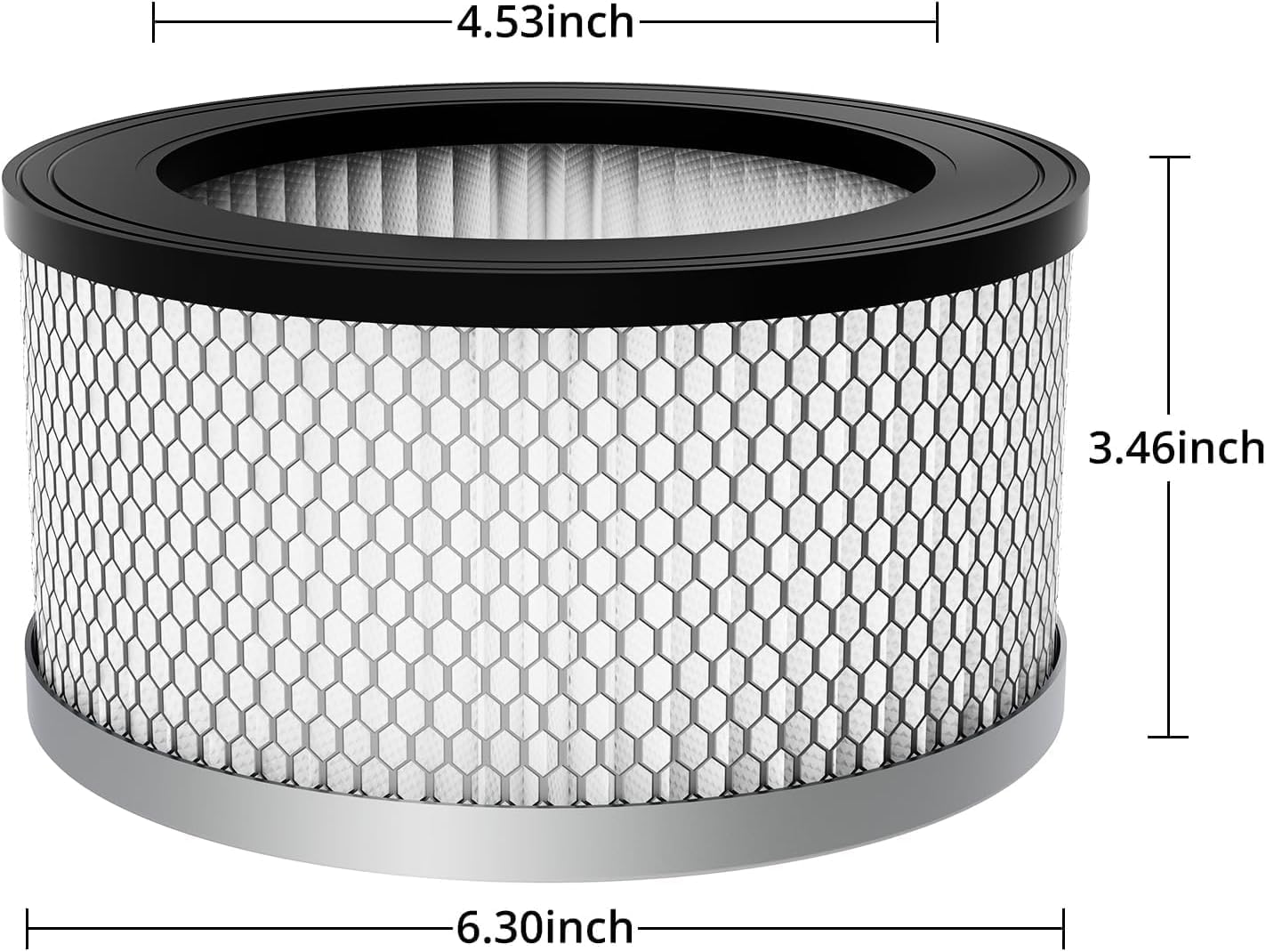
Image: The VANPORE HEPA filter showing its dimensions: 4.53 inches top diameter, 6.30 inches bottom diameter, and 3.46 inches height.
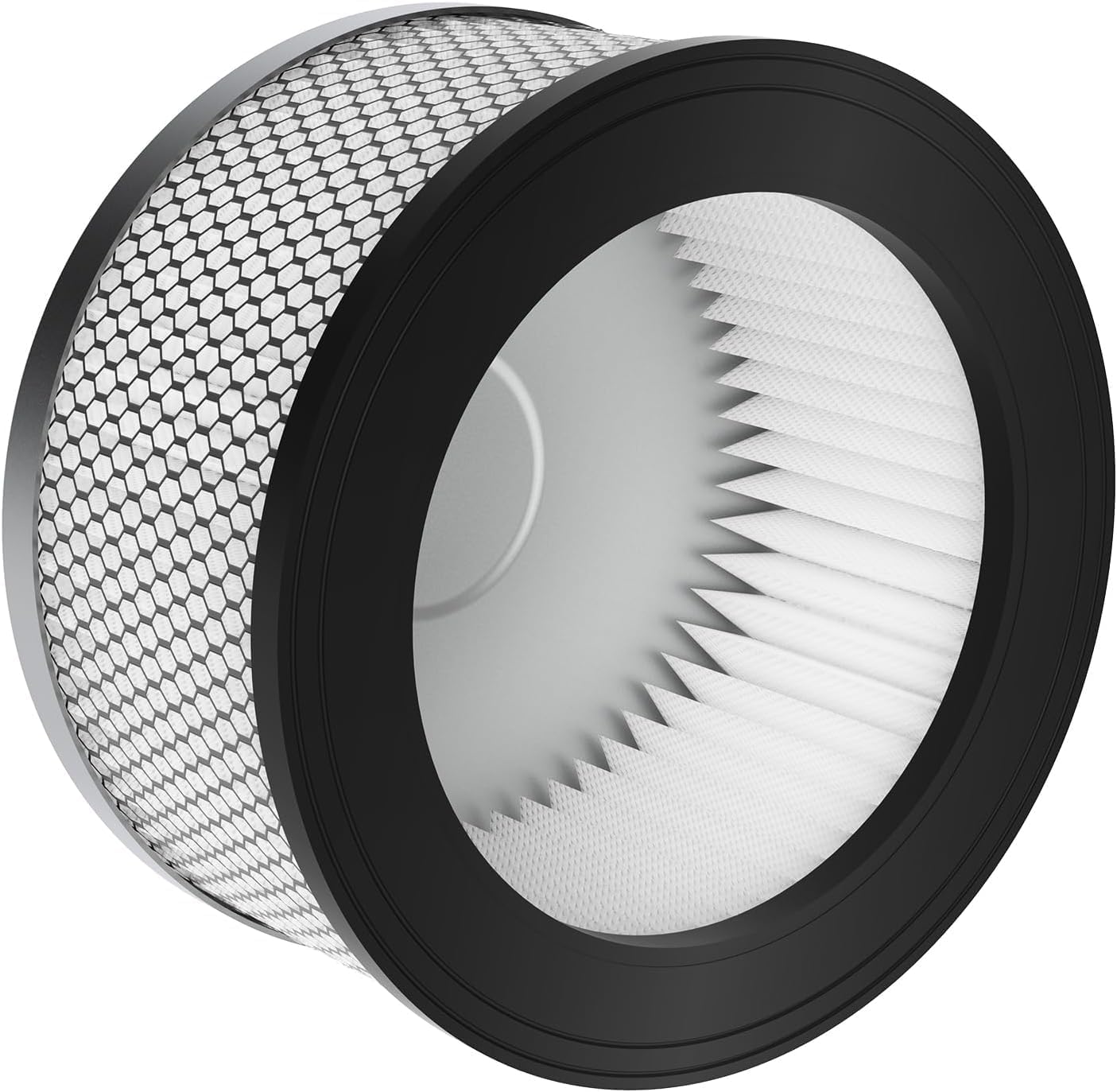
Image: A close-up view of the HEPA filter's pleated material, designed for efficient particle capture.
Setup and Installation
Proper installation of the HEPA filter is crucial for the optimal performance of your VANPORE BJ131 ash vacuum. Follow these steps:
- Ensure the ash vacuum is unplugged and empty of any ash or debris.
- Remove the container lid from the ash vacuum.
- Locate the filter housing inside the vacuum.
- If replacing an old filter, carefully remove it and dispose of it according to local regulations.
- Place the new VANPORE HEPA filter into the designated slot, ensuring it sits securely and forms a tight seal.
- Reattach the container lid, making sure it is properly latched to maintain the vacuum's sealed system.

Image: A visual guide illustrating the double filtration system and the simple installation process of the HEPA cartridge filter into the ash vacuum.

Image: An exploded diagram showing the various components of the VANPORE ash vacuum, including the HEPA cartridge filter and its position within the unit.
Operating Instructions
The HEPA filter works in conjunction with your VANPORE BJ131 ash vacuum to provide effective cleaning. Ensure the filter is correctly installed before operating the vacuum.
- Safety First: Always ensure the ash you are vacuuming is completely cold. Never vacuum hot ashes or embers, as this can damage the filter and pose a fire hazard.
- The HEPA filter's primary function is to capture fine particles, preventing them from recirculating into the air. This is especially important for ash, which can be very fine and harmful to inhale.
- Regularly check the filter for visible signs of clogging during operation. Reduced suction power is an indicator that the filter may need cleaning.

Image: Visual guidance on deep cleaning ashes, emphasizing that only cold ashes should be vacuumed, and never a burning fire.
Maintenance and Cleaning
To maintain the efficiency and longevity of your HEPA filter, regular cleaning is recommended. The filter is designed for repeated use.
- Filter Removal: Unplug the vacuum. Remove the container lid and carefully extract the HEPA filter.
- Cleaning Method: Gently tap the filter against a hard surface to dislodge loose ash and dust. For a more thorough cleaning, rinse the filter under cool running water. Ensure all visible debris is removed.
- Drying: Allow the filter to air dry completely before reinstallation. Do not use heat to dry the filter, as this can damage the material. Ensure it is bone dry to prevent mold growth and maintain filtration efficiency.
- Reinstallation: Once completely dry, reinstall the filter as described in the "Setup and Installation" section.
The frequency of cleaning depends on usage. For heavy use, clean the filter after every few uses. For light use, clean as needed when suction power decreases.
Image: A visual demonstration of the "CLEAN REUSABLE" feature, showing the filter being rinsed under water for maintenance.
Troubleshooting
If you encounter issues with your ash vacuum's performance, the HEPA filter may be a contributing factor. Here are some common problems and solutions:
- Reduced Suction Power:
- Cause: Clogged or dirty HEPA filter.
- Solution: Remove and clean the filter thoroughly as described in the "Maintenance and Cleaning" section. Ensure it is completely dry before reinstallation.
- Dust Escaping Exhaust:
- Cause: Filter not properly seated, damaged filter, or filter bypass.
- Solution: Check that the filter is securely installed and forms a tight seal. Inspect the filter for any tears or damage; replace if necessary. Ensure the container lid is properly latched.
- Unusual Odor from Vacuum:
- Cause: Damp filter or trapped organic matter.
- Solution: Ensure the filter is completely dry after cleaning. If the odor persists, a new filter may be required.
Specifications
Key specifications for the VANPORE HEPA Filter for BJ131 Ash Vacuum:
| Brand | VANPORE |
| Model Number | BJ131 (Compatible with HPF-VP-BJ1811-5G) |
| Material Type | HEPA |
| Item Weight | 4.8 ounces |
| Product Dimensions | 3.5"L x 3"W x 3.5"H (Approximate: 4.53" top diameter, 6.30" bottom diameter, 3.46" height) |
| Compatible Device | VANPORE Ash Vacuum BJ131 |
| Reusability | Reusable (after cleaning) |
Warranty and Support
For information regarding the warranty of your VANPORE HEPA filter or for any technical support, please refer to the documentation provided with your VANPORE BJ131 ash vacuum or contact VANPORE customer service directly.
While the ash vacuum itself may come with a 2-year warranty, specific warranty details for replacement parts like the HEPA filter may vary. Always retain your proof of purchase.
For further assistance, visit the official VANPORE store or contact their support channels.
- VANPORE Store: Visit VANPORE on Amazon