1. Introduction
This manual provides detailed instructions for the installation, operation, and maintenance of your Nillkin Magnetic Case for the Samsung Galaxy Z Fold 6. This protective case is designed to offer comprehensive protection, including a built-in screen protector, hinge protection, and MagSafe compatibility, while maintaining a slim profile.
2. Package Contents
- 1x Nillkin Magnetic Case for Samsung Galaxy Z Fold 6 (Blue)
- 1x Built-in Screen Protector (integrated into the front frame)
3. Setup and Installation
Proper installation ensures optimal protection and functionality of your case.
3.1. Front Frame and Screen Protector Installation
The front frame of the case includes a built-in tempered glass screen protector. This frame also acts as a guide for precise placement.
- Ensure your phone's screen is clean and free of dust or smudges.
- Carefully align the front frame with your phone's cover screen. The top and bottom raised dots, along with the side adhesive, assist in stable positioning.
- Gently press the frame onto the screen, ensuring the adhesive makes full contact.
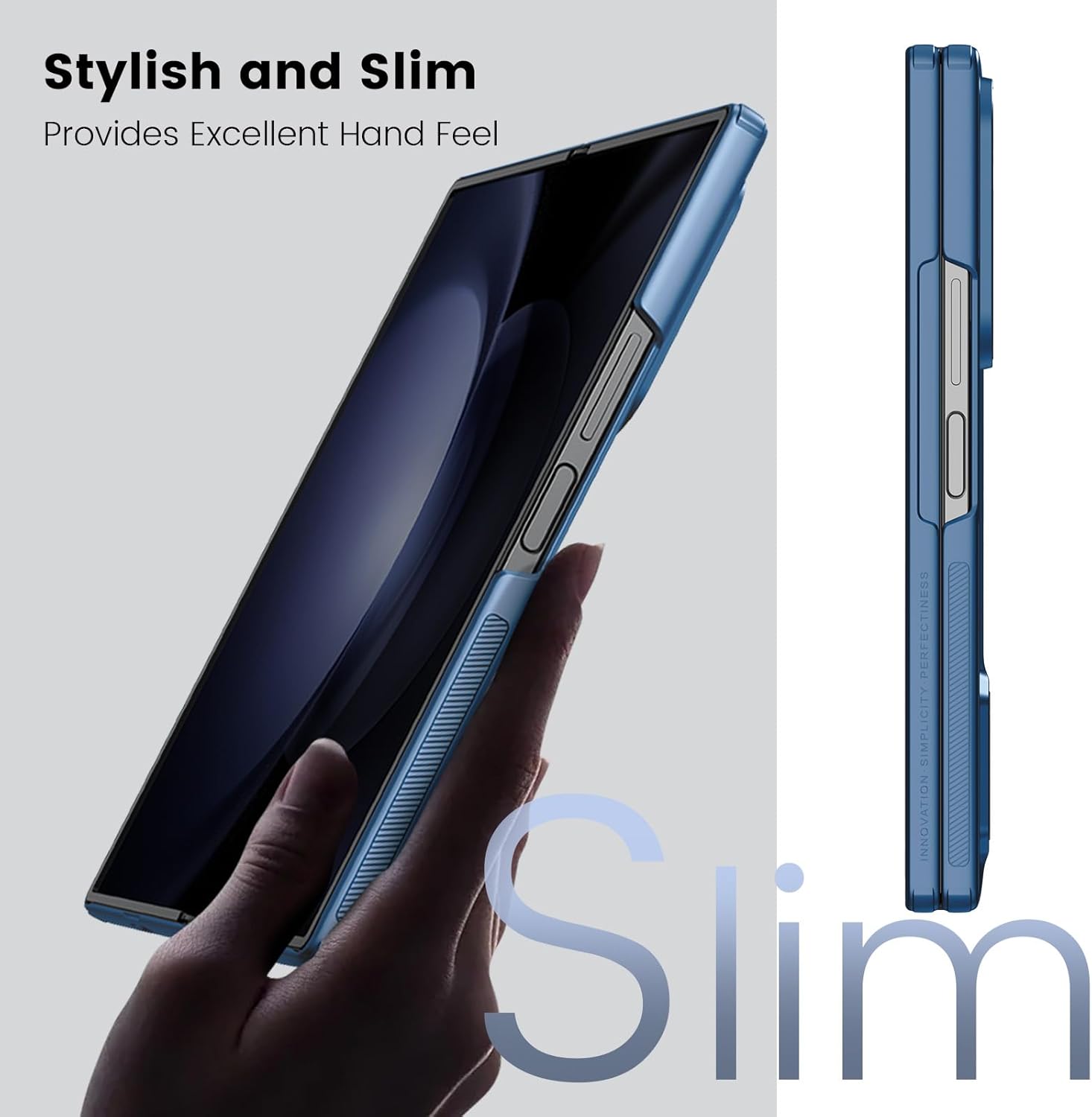
Image: Double Fixation for Screen Protector. This diagram illustrates the top and bottom raised dots and side adhesive for secure screen protector installation.
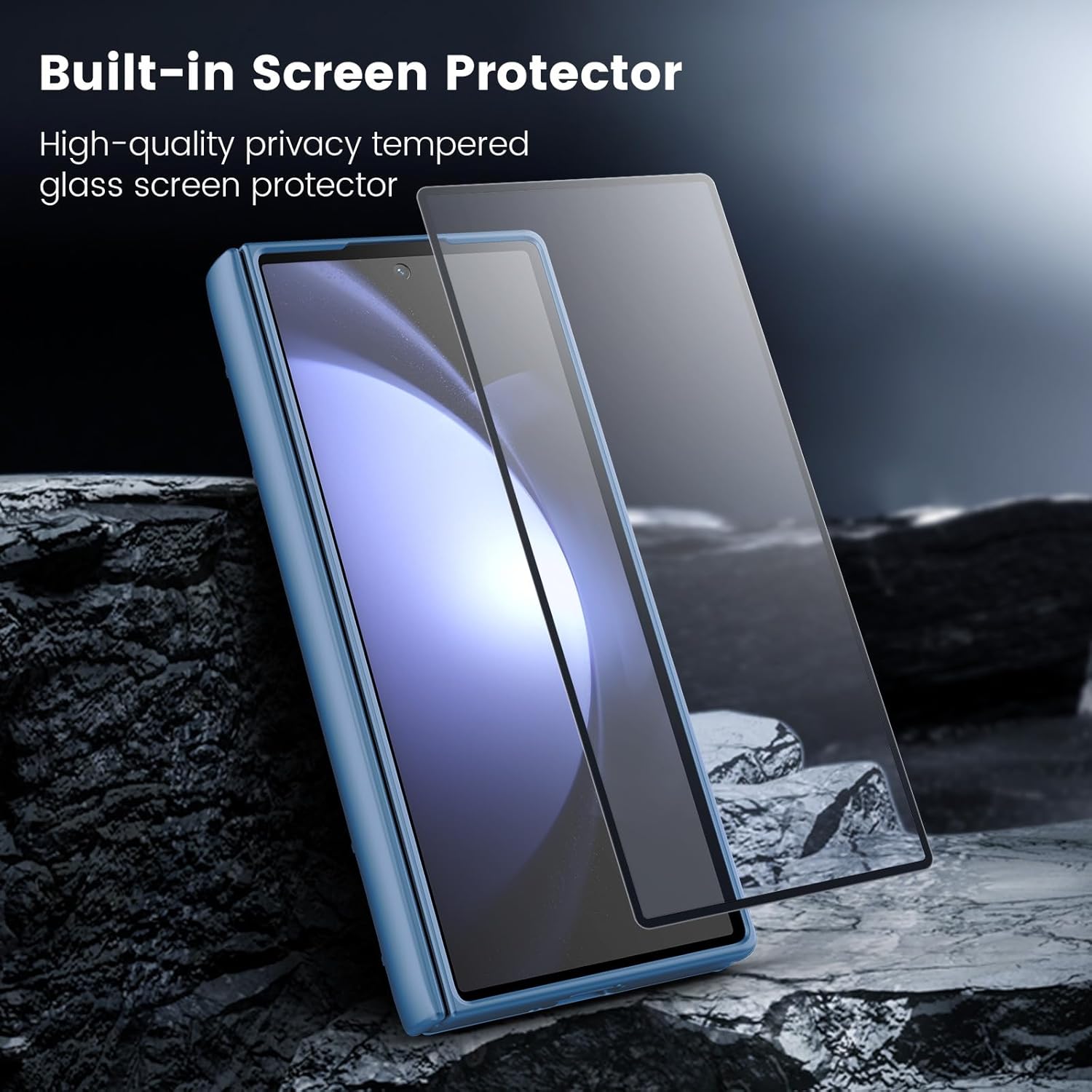
Image: Built-in Screen Protector. The image displays the integrated screen protector as part of the front case component.
3.2. Main Case Installation
After installing the front frame, attach the main back case component.
- Slide your Samsung Galaxy Z Fold 6 into the back case, ensuring all edges and corners are securely seated.
- Verify that the hinge protection mechanism aligns correctly with the phone's hinge.
- Confirm that all cutouts for ports, buttons, and cameras are precisely aligned and accessible.

Image: Nillkin Magnetic Case Components. This image shows the back case with its magnetic ring and the front frame with the integrated screen protector.
4. Operating Instructions
4.1. MagSafe Compatibility
The case features a built-in magnetic ring for compatibility with MagSafe accessories.
- Align your MagSafe charger or accessory with the magnetic ring on the back of the case.
- The magnets will securely attach the accessory, enabling faster wireless charging or stable mounting.
- Compatible accessories include MagSafe ring stands, car mounts, and chargers.

Image: Magnetic Holding for MagSafe Accessories. This image demonstrates the case's compatibility with MagSafe chargers and car mounts.
4.2. Hinge Protection
The case incorporates a unique rebound hinge technology that provides full-coverage protection for the phone's hinge mechanism.
- The hinge protector moves with the phone as it folds and unfolds, safeguarding it from scratches and impacts.
- This design ensures the hinge remains protected without impeding the phone's folding functionality.
4.3. Camera Protection
The case features a glazing metal camera lens frame and a raised lip design to protect the camera module.
- The raised edges prevent direct contact between the camera lenses and flat surfaces, reducing the risk of scratches.
- The durable frame adds an extra layer of defense against impacts.
Image: Hinge and Camera Protection. This image highlights the design elements providing protection for the phone's hinge and camera lenses.
5. Maintenance
To ensure the longevity and appearance of your Nillkin case, follow these maintenance guidelines:
- Cleaning: Wipe the case regularly with a soft, damp cloth. Avoid using harsh chemicals or abrasive materials, as these can damage the case's finish.
- Screen Protector Care: The built-in screen protector can be cleaned with a microfiber cloth. For stubborn smudges, use a screen cleaner specifically designed for electronics.
- Avoid Extreme Conditions: Do not expose the case to extreme temperatures or direct sunlight for prolonged periods, as this may affect its material integrity.
6. Troubleshooting
If you encounter any issues with your Nillkin case, consider the following:
- Screen Protector Fit: If the screen protector does not seem to fit perfectly or lifts at the edges, ensure the phone's screen was thoroughly cleaned before installation. Re-align and re-apply the front frame carefully, pressing firmly along the edges to activate the adhesive.
- Hinge Protector Movement: If the hinge protector feels loose or does not move smoothly, check for any debris obstructing its mechanism. Ensure the back case is fully seated on the phone.
- Wireless Charging Issues: If wireless charging is inconsistent, ensure your phone is centered correctly on the MagSafe charger. The case's design, while slim, may require precise alignment with some charging pads.
- Case Looseness: If the case feels loose, particularly the front frame, ensure the adhesive strips are clean and properly adhered. The case is designed for a snug fit; excessive movement may indicate improper installation or a need to re-secure the adhesive.
7. Specifications
| Brand | Nillkin |
| Compatible Phone Model | Samsung Galaxy Z Fold 6 |
| Material | Polycarbonate (PC) |
| Color | Blue |
| Special Features | Anti-Fingerprint, Built-in Screen Protector, Magnetic (MagSafe Compatible), Slim Fit, Hinge Protection |
| Product Dimensions | 6.16 x 5.33 x 0.31 inches |
| Item Weight | 8.1 ounces |
8. Warranty and Support
For warranty information or technical support, please refer to the official Nillkin website or contact their customer service directly. Keep your purchase receipt for any warranty claims.
Official Nillkin Website: www.nillkin.com