
KNOG Knog-12982
Knog Blinder Mini Bike Light
User Manual
Product Overview
The Knog Blinder Mini Bike Light is a compact and powerful front bike light designed to enhance cyclist visibility. Featuring Chip On Board (COB) LED technology, it delivers 50 lumens of bright light and offers 8 distinct flash patterns. Its ultralight and waterproof design, combined with convenient USB-rechargeable functionality, makes it an ideal accessory for urban and road cycling.
This manual provides instructions for setting up, operating, maintaining, and troubleshooting your Blinder Mini Bike Light.
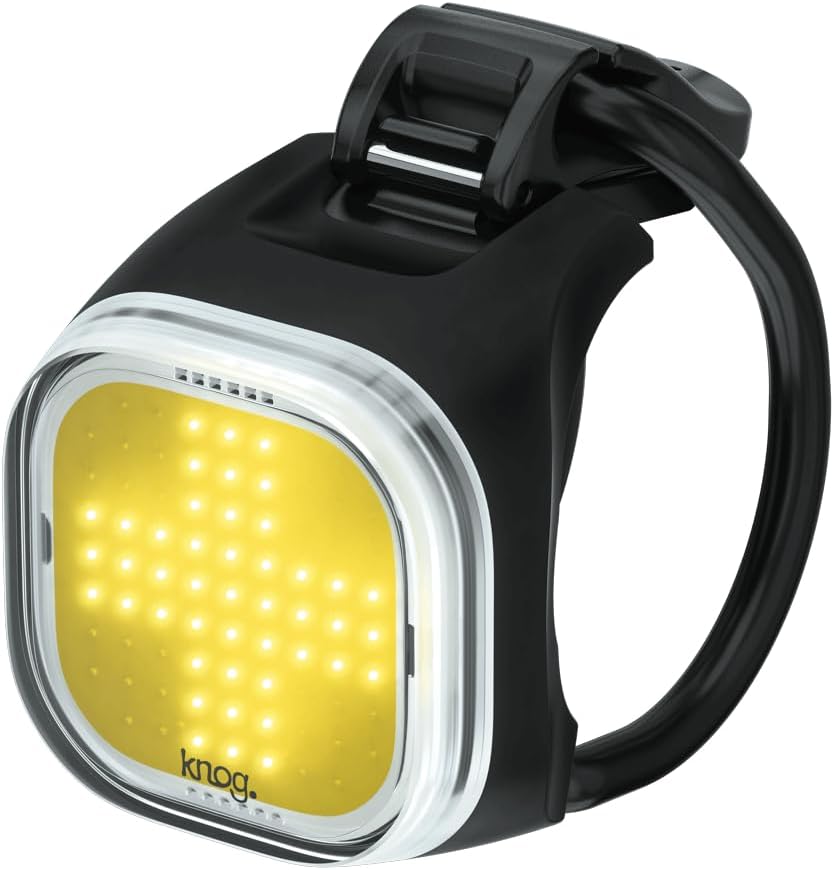
Figure 1: Knog Blinder Mini Bike Light, showcasing its compact design and bright LED panel.
Setup
- Initial Charge: Before first use, fully charge the Blinder Mini. Locate the integrated USB-A connector on the light. Plug it directly into any standard USB-A port (e.g., computer, wall adapter). The charge indicator light will show charging status and turn off when fully charged.
- Mounting: The Blinder Mini features a flexible silicone strap for easy attachment.
- Identify a suitable position on your bicycle's handlebar.
- Wrap the silicone strap around the handlebar.
- Hook the strap onto the clasp on the light body, ensuring a secure and snug fit. The light should be positioned to face forward, providing optimal visibility.
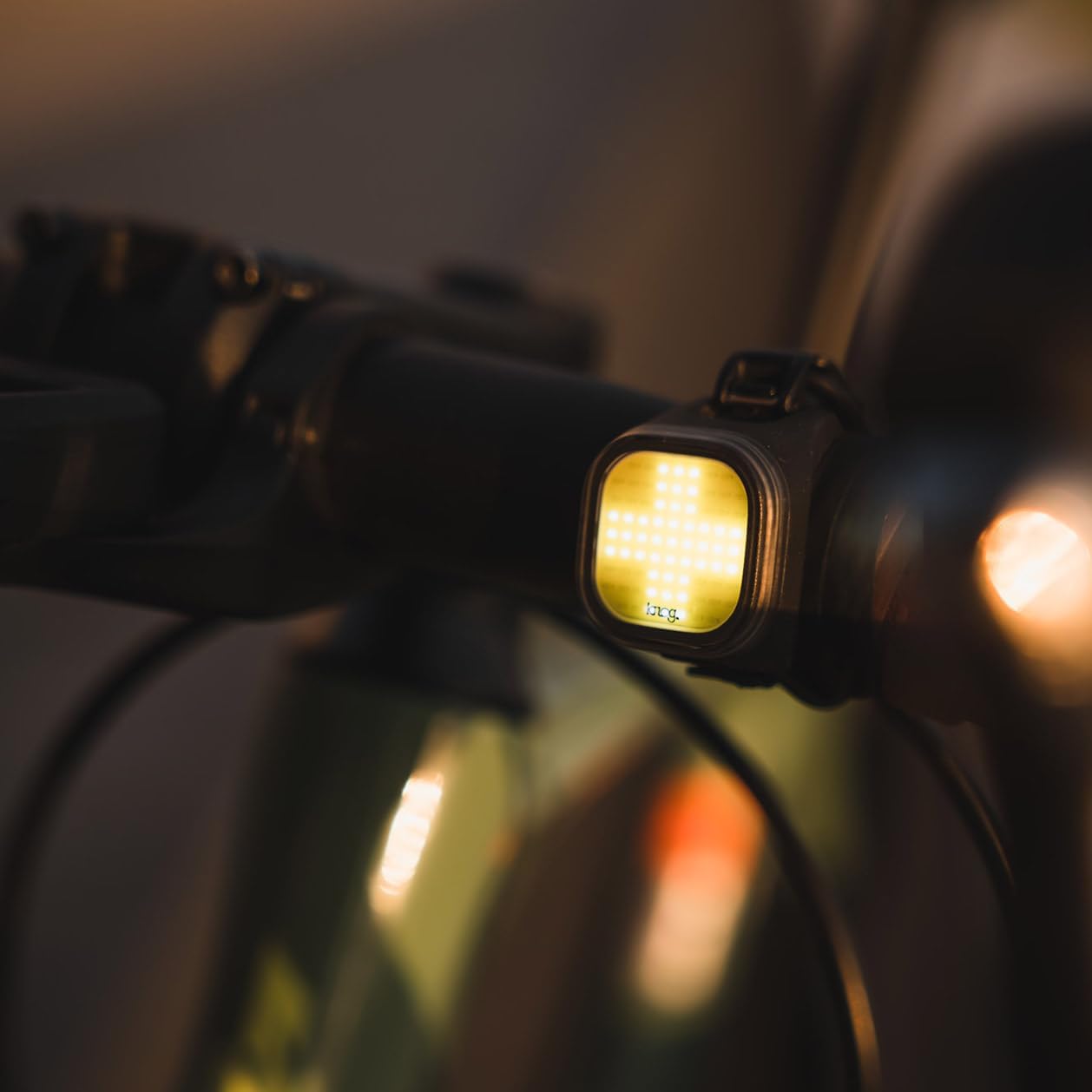
Figure 2: The Blinder Mini Bike Light securely mounted on a bicycle handlebar, ready for use.
Operating Instructions
- Power On/Off: Press and hold the power button (located on the side/rear of the light) for approximately 1 second to turn the light on or off.
- Changing Modes: Briefly press the power button to cycle through the 8 available flash patterns and steady modes. The light will remember the last mode used when turned off and on again.
- Battery Indicator: A small LED indicator near the power button will show the battery status. Refer to the product specifications for detailed indicator behavior (e.g., green for full, red for low).
- Recharging: When the battery is low, recharge the light using its integrated USB-A connector. A full charge typically takes a few hours and provides up to 30 hours of runtime depending on the mode selected.
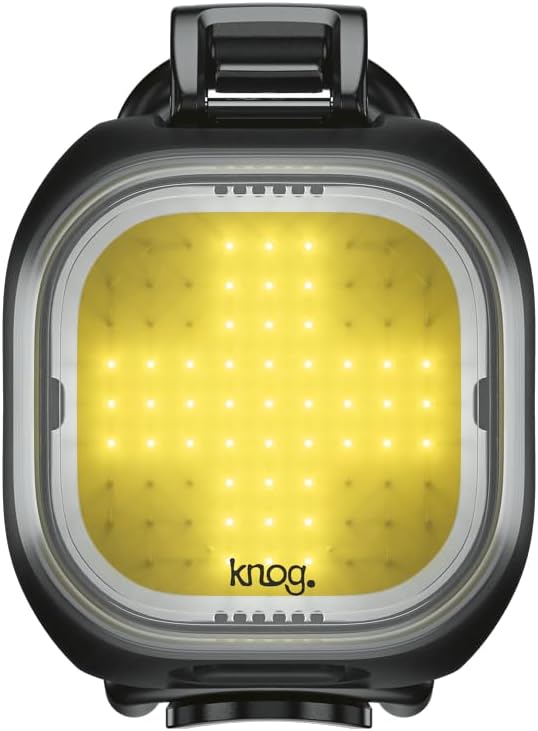
Figure 3: Close-up of the Blinder Mini's LED panel, illustrating its bright output and distinct pattern.
Maintenance
- Cleaning: Wipe the light body and lens with a soft, damp cloth. Avoid using abrasive cleaners or solvents, as these can damage the finish or LED lens.
- Water Resistance: The Blinder Mini is IP67 waterproof. While it can withstand rain and splashes, avoid prolonged submersion. Ensure the USB connector is dry before charging.
- Storage: Store the light in a cool, dry place when not in use. For long-term storage, ensure the battery is partially charged (around 50%) to preserve battery health.
Troubleshooting
| Problem | Possible Cause | Solution |
|---|---|---|
| Light does not turn on. | Battery is depleted. | Charge the light fully using the integrated USB-A connector. |
| Light does not charge. | USB port issue or connector not fully inserted. | Try a different USB port or power source. Ensure the USB-A connector is fully inserted and dry. |
| Light is dim or runtime is short. | Battery is low or aging. | Recharge the light. If the issue persists after a full charge, the battery may be nearing the end of its lifespan. |
| Light flickers. | Low battery or loose connection. | Charge the light. Ensure the light is securely mounted and the internal components are not damaged. |
Specifications
- Model: Knog Blinder Mini (Model No. 12982)
- Brightness: 50 Lumens
- LED Type: COB (Chip On Board) LED
- Modes: 8 Flash Patterns
- Visibility: Up to 300 meters
- Power Source: Integrated USB Rechargeable Battery
- Runtime: Up to 30 hours (mode dependent)
- Weight: Approximately 17 grams
- Dimensions: 5.91"L x 3.15"W x 5.91"H (Note: These dimensions may refer to packaging)
- Water Resistance: IP67 (Waterproof)
- Material: Aluminum body with silicone strap
- Mounting: Handlebar Mount (integrated silicone strap)
Warranty Information
The Knog Blinder Mini Bike Light comes with a 2-year warranty from the date of purchase. This warranty covers defects in materials and workmanship under normal use.
To make a warranty claim, please retain your proof of purchase and contact Knog customer support through their official website. The warranty does not cover damage caused by misuse, accidents, unauthorized modifications, or normal wear and tear.
Customer Support
For further assistance, technical support, or to view additional product information, please visit the official KNOG website:
Visit the KNOG Store on Amazon
You may also find FAQs and contact information on their dedicated support pages.
Related documentsKnog-12982


Ask a question about this manual
Ask about setup, troubleshooting, compatibility, parts, safety, or missing instructions. Manuals+ will review the question and use this page’s manual context to help answer it.