
1. Introduction
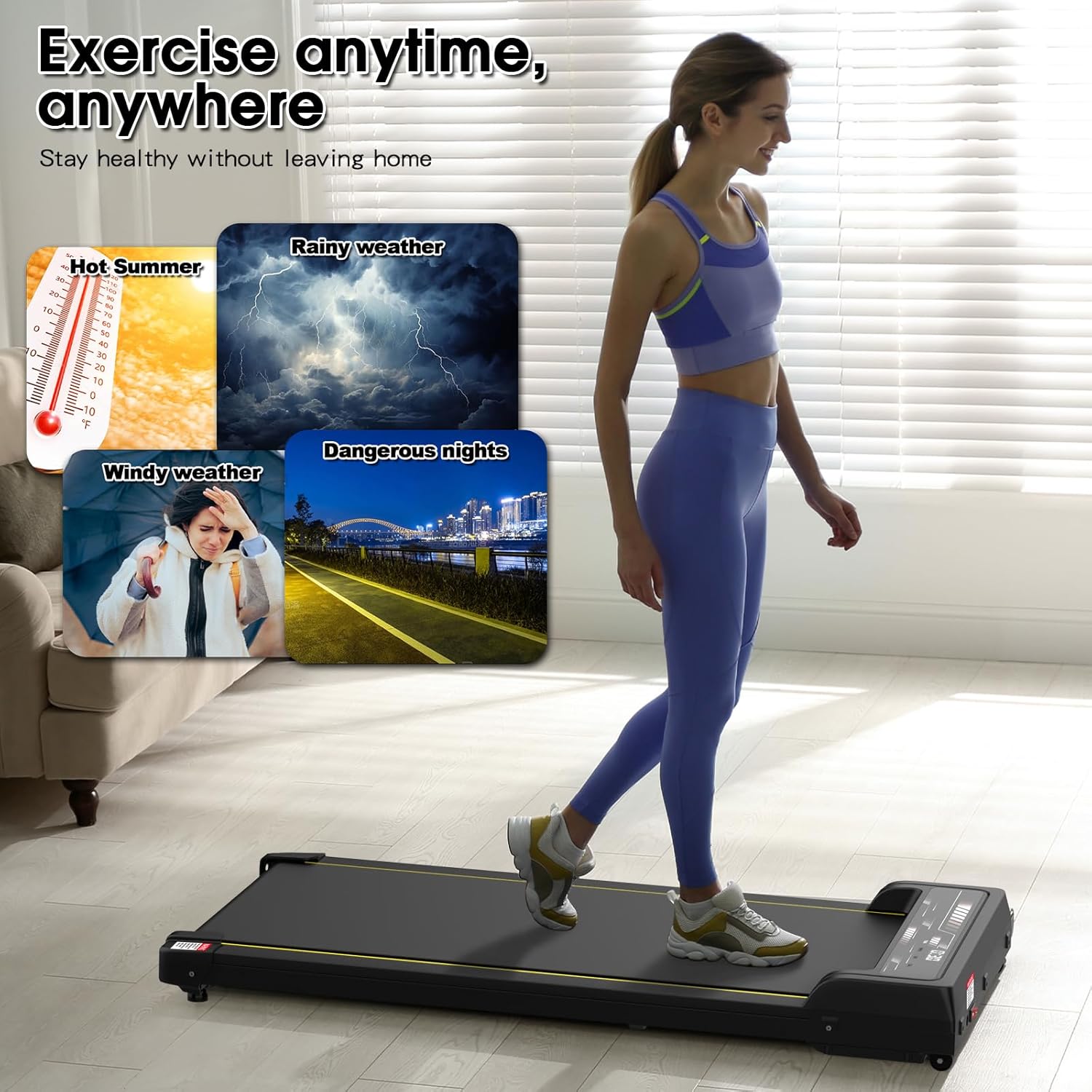
This manual provides essential information for the safe and effective operation of your ADVWIN Under Desk Walking Pad, model F387A. This compact and portable fitness equipment is designed for walking or light jogging, suitable for home or office use. It features an LED display to track workout data and an adjustable speed range.
2. Safety Instructions
Read all instructions before using this appliance. Keep this manual for future reference.
- Ensure the walking pad is placed on a flat, stable surface.
- Maintain a clear space of at least 0.6 meters (2 feet) behind and on each side of the walking pad.
- Do not exceed the maximum weight capacity of 120 kg (264 lbs).
- Keep children and pets away from the equipment during operation.
- Always wear appropriate athletic footwear.
- If you experience pain, dizziness, or shortness of breath, stop exercising immediately.
- Unplug the walking pad from the power outlet when not in use or before cleaning.
- Do not operate the walking pad if it has a damaged cord or plug, or if it is not working properly.
3. Package Contents
Verify that all components are present in the package:
- ADVWIN Walking Pad (Model F387A) x 1
- Remote Control x 1
- User Manual x 1
4. Product Overview
The ADVWIN F387A Walking Pad is designed for convenience and performance. Key features include:
- LED Display: Provides real-time feedback on time, speed, distance, and calories burned.
- Adjustable Speed: Speed range from 1 km/h to 8 km/h.
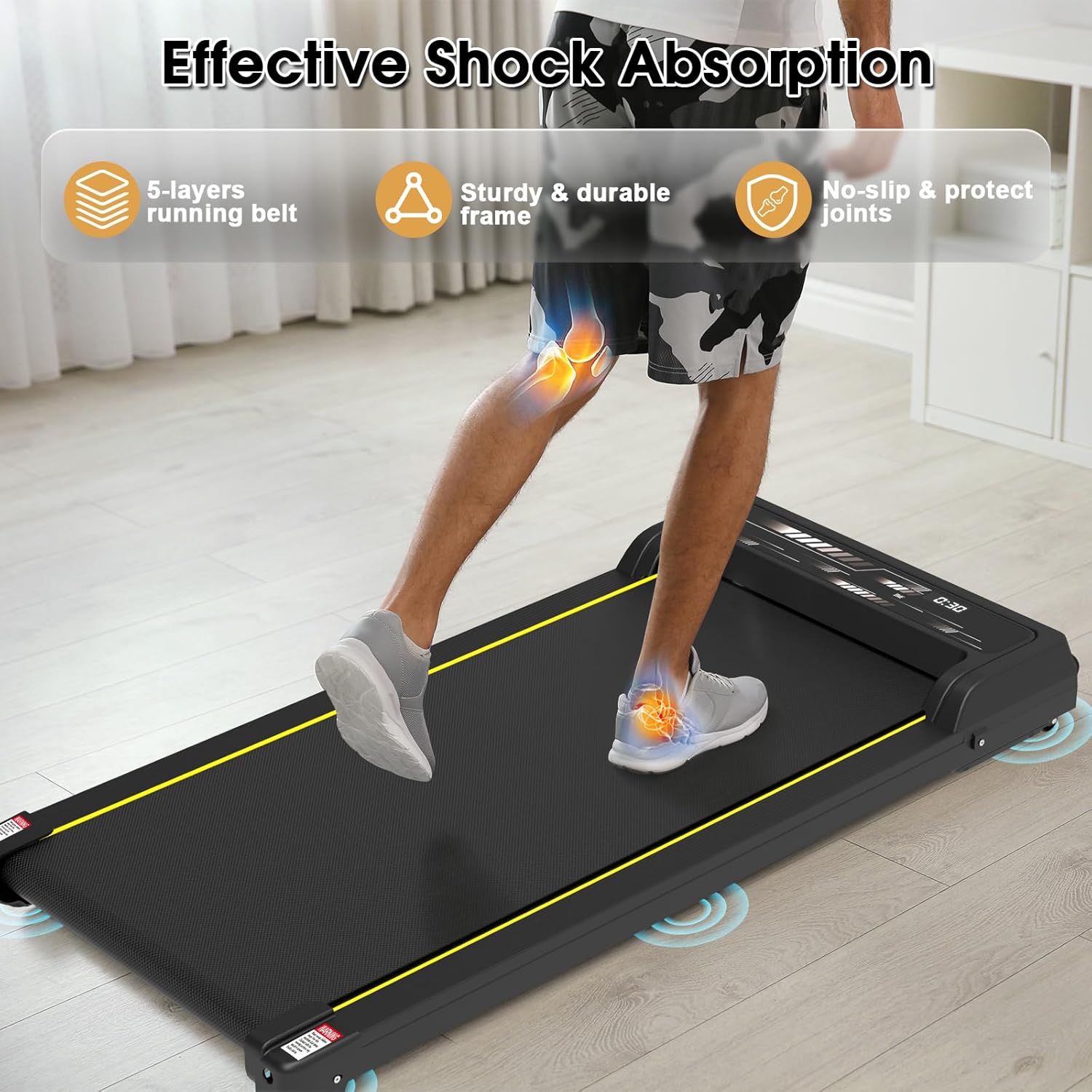
- Shock Absorption: 5-layer wear-resistant and non-slip running belt for joint protection.
- Quiet Motor: Equipped with a 2HP peak power DC motor for quiet operation.
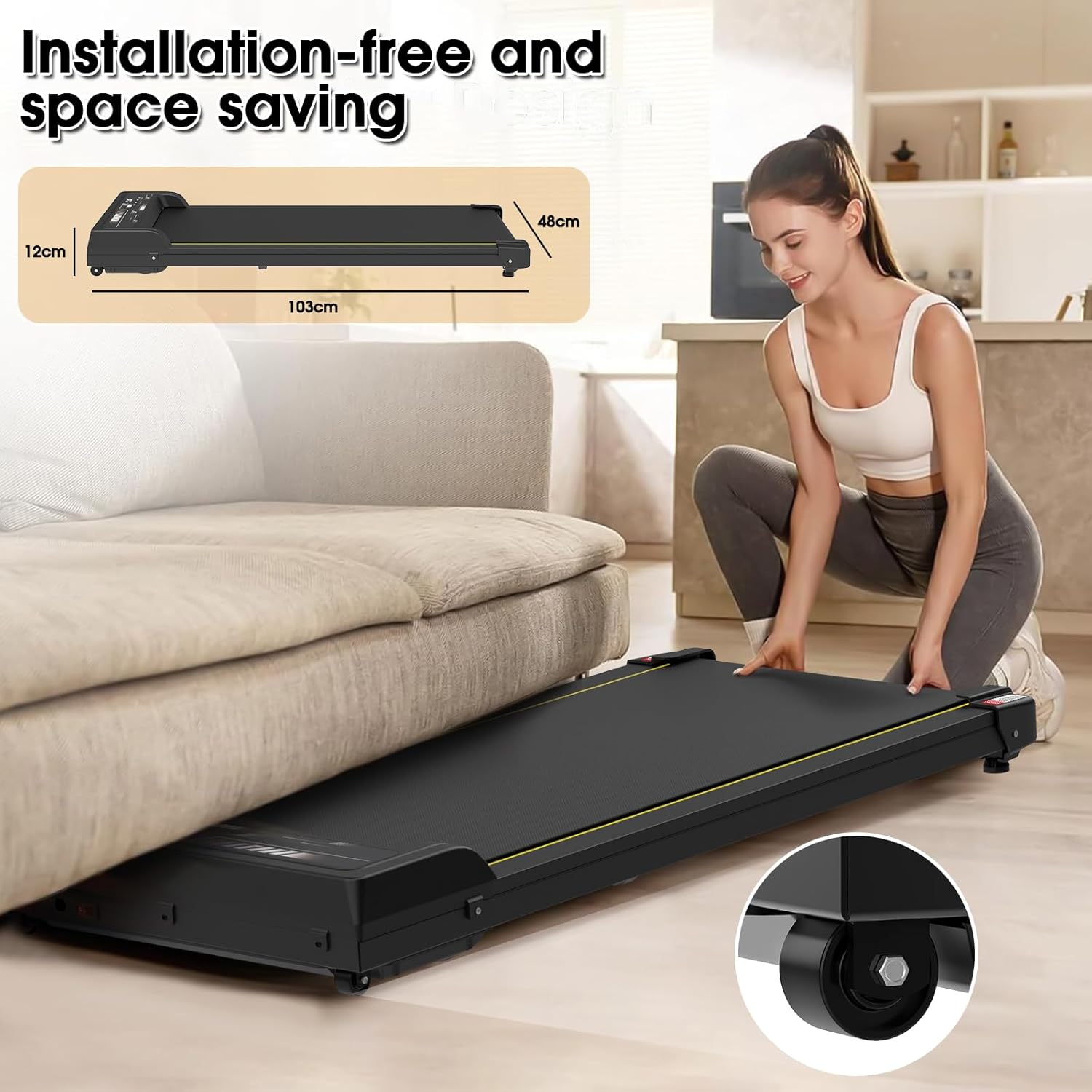
- Compact Design: Space-saving and portable with built-in transport wheels.
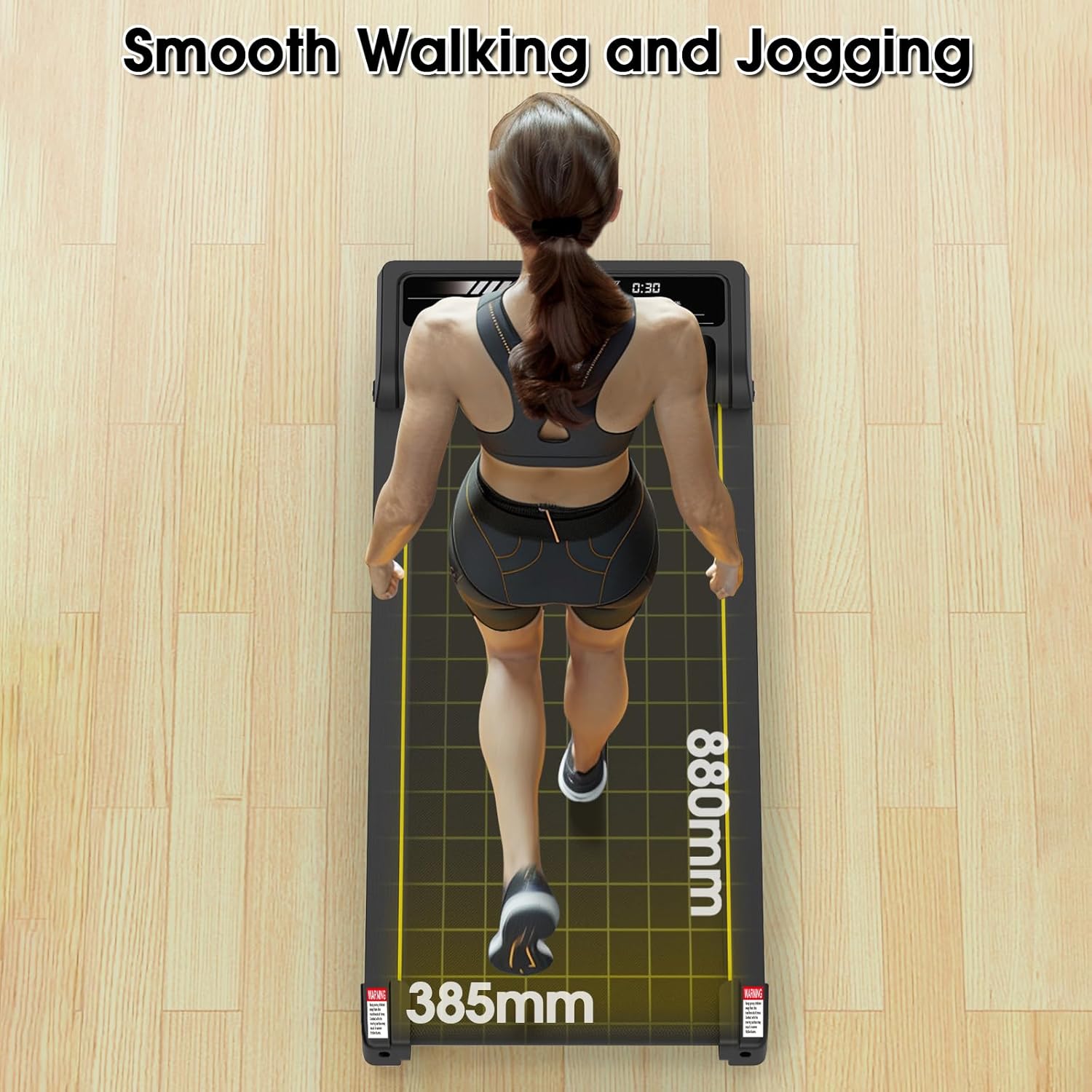
- Running Area: 385mm x 880mm.



5. Setup
The ADVWIN F387A Walking Pad requires no assembly and is ready for use directly out of the box.
- Placement: Choose a flat, stable, and spacious area for the walking pad. Ensure adequate clearance around the unit as described in the Safety Instructions.
- Power Connection: Plug the power cord into a grounded electrical outlet.
- Initial Check: Before stepping on, ensure the walking pad is powered on and the belt is stationary.
6. Operating Instructions
Operate your walking pad using the included remote control.
6.1 Power On/Off
- To power on, press the power button on the walking pad or the remote control. The LED display will illuminate.
- To power off, press the power button again.
6.2 Adjusting Speed
- Use the '+' button on the remote control to increase speed.
- Use the '-' button on the remote control to decrease speed.
- The speed can be adjusted from 1 km/h to 8 km/h.
6.3 LED Display Functions
The LED display cycles through the following workout data:
- TIME: Duration of your workout.
- SPEED: Current walking/jogging speed.
- DIST: Distance covered during the workout.
- CAL: Estimated calories burned.
6.4 Countdown Modes
The walking pad offers three countdown modes for structured workouts:
- Time Countdown Mode: Set a target workout duration.
- Distance Countdown Mode: Set a target distance to cover.
- Calorie Countdown Mode: Set a target number of calories to burn.
- Refer to the remote control instructions for setting these modes.
7. Maintenance
Regular maintenance ensures the longevity and optimal performance of your walking pad.
- Cleaning: Wipe down the walking pad with a damp cloth after each use. Avoid abrasive cleaners.
- Lubrication: The running belt may require lubrication periodically. Refer to the specific instructions in the included user manual for the correct lubricant type and application frequency.
- Belt Adjustment: If the running belt shifts or slips, it may need adjustment. Consult the detailed user manual for instructions on how to center and tension the belt.
- Storage: When not in use, store the walking pad in a dry, cool place. Utilize the transport wheels for easy movement.
8. Troubleshooting
If you encounter issues with your ADVWIN Walking Pad, refer to the following common solutions:
| Problem | Possible Cause | Solution |
|---|---|---|
| Walking pad does not power on. | Power cord not properly connected; power outlet not active. | Ensure the power cord is securely plugged into both the walking pad and a working electrical outlet. Check the circuit breaker. |
| Remote control is unresponsive. | Batteries are low or incorrectly inserted; remote not paired. | Replace remote control batteries. Ensure batteries are inserted with correct polarity. Refer to the main user manual for remote pairing instructions if applicable. |
| Running belt slips or is off-center. | Belt tension is incorrect; belt needs centering. | Refer to the maintenance section of the detailed user manual for instructions on adjusting belt tension and centering. |
| Unusual noise during operation. | Lack of lubrication; loose components. | Check if the running belt requires lubrication. Inspect for any loose screws or parts and tighten them if necessary. If the noise persists, contact customer support. |
For issues not listed here, please consult the comprehensive user manual included with your product or contact ADVWIN customer support.
9. Specifications
| Feature | Detail |
|---|---|
| Model Number | F387A |
| Speed Range | 1 - 8 km/h |
| Running Area (L x W) | 880 mm x 385 mm |
| Expanded Size (L x W x H) | 103 cm x 48 cm x 12 cm |
| Material | Steel, ABS, PVC |
| Running Belt Material | PVC + Glue + Cotton fabric (5-layer) |
| Weight Capacity | 120 kg (264 lbs) |
| LED Panel Display | Time, Speed, Distance, Calories |
| Motor Type | Low noise DC motor |
| Motor Peak Power | 2 HP |
| Motor Continuous Power | 0.65 HP |
| Countdown Modes | Time, Distance, Calorie |
| Item Weight | 16.5 kg |
10. Warranty and Support
For detailed warranty information, please refer to the warranty card included with your product or visit the official ADVWIN website. If you require technical assistance or have questions regarding your ADVWIN Under Desk Walking Pad F387A, please contact ADVWIN customer support through the channels provided in your product documentation.