1. Introduction
This manual provides essential instructions for the safe and efficient operation of your BAOFENG UV-5R Series Six-Way Multi-Unit Charger. Please read this manual thoroughly before use and retain it for future reference.
2. Product Overview
The BAOFENG Six-Way Multi-Unit Charger is designed to charge up to six BAOFENG UV-5R series walkie-talkies or their batteries simultaneously. It features individual charging slots with LED indicators for convenient monitoring.

Figure 2.1: BAOFENG Six-Way Multi-Unit Charger, including the charging dock, power adapter, and power cord.
3. Compatibility
This charging station is compatible with a wide range of BAOFENG UV-5R series models and their respective batteries. Refer to the list below for supported models:
- UV-5R
- UV-5R+ Plus
- UV-5RTP
- BF-F8HP
- UV-5X3
- And other compatible UV-5R series models.
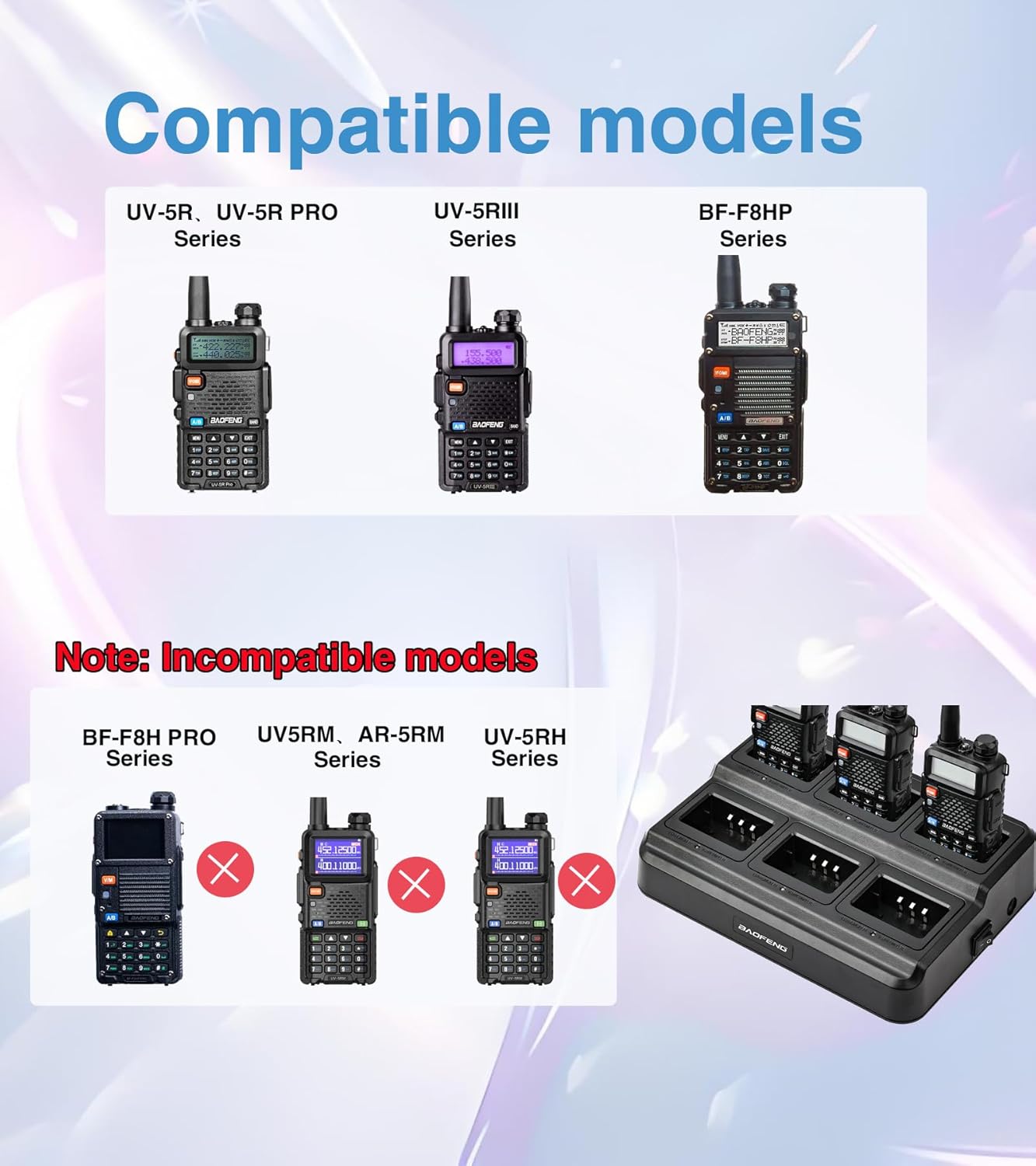
Figure 3.1: Visual representation of compatible BAOFENG radio models (UV-5R, UV-5R Pro, UV-5RIII, BF-F8HP) and examples of incompatible models.
4. Setup
- Unpack the Charger: Carefully remove the charging dock, power adapter, and power cord from the packaging.
- Connect the Power Adapter: Insert the DC output plug of the power adapter into the DC input port on the side of the charging dock.
- Connect the Power Cord: Attach the AC power cord to the power adapter.
- Plug into Power Outlet: Plug the AC power cord into a standard 100-240V wall outlet.
- Power On: Locate the power switch on the side of the charging dock and switch it to the 'ON' position.
Video 4.1: An unboxing and setup demonstration of the BAOFENG UV-5R series six-way charger station, showing how to connect the components and prepare for use.
5. Operating Instructions
- Insert Radios or Batteries: Place your BAOFENG walkie-talkies (with batteries attached) or individual batteries into the available charging slots. Ensure they are seated correctly to make proper contact with the charging pins.
- Monitor Charging Status: Each charging slot has an independent LED indicator:
- Red LED: Indicates that the battery or radio is currently charging.
- Green LED: Indicates that charging is complete.
- Remove When Charged: Once the LED indicator turns green, the battery is fully charged. You may remove the radio or battery from the charging slot.

Figure 5.1: Several BAOFENG walkie-talkies placed in the charging station, with red indicator lights showing active charging.
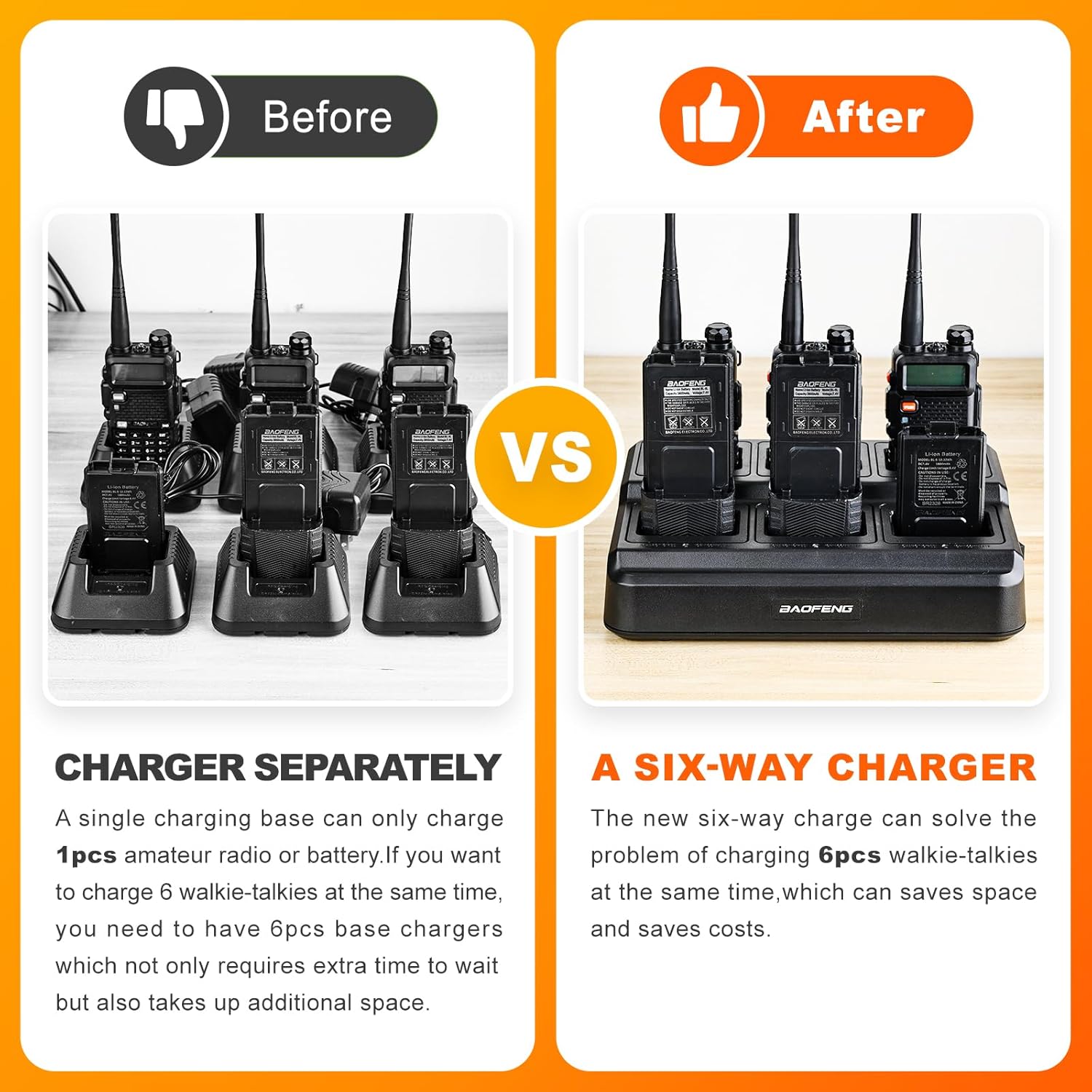
Figure 5.2: Illustrates the space-saving benefit of using a six-way charger compared to individual charging bases for multiple radios.
6. Charging Times
The charging duration varies depending on the battery capacity:
- For 1800mAh BL-5 batteries: Approximately 4-5 hours.
- For 3800mAh BL-5L batteries: Approximately 7-8 hours.
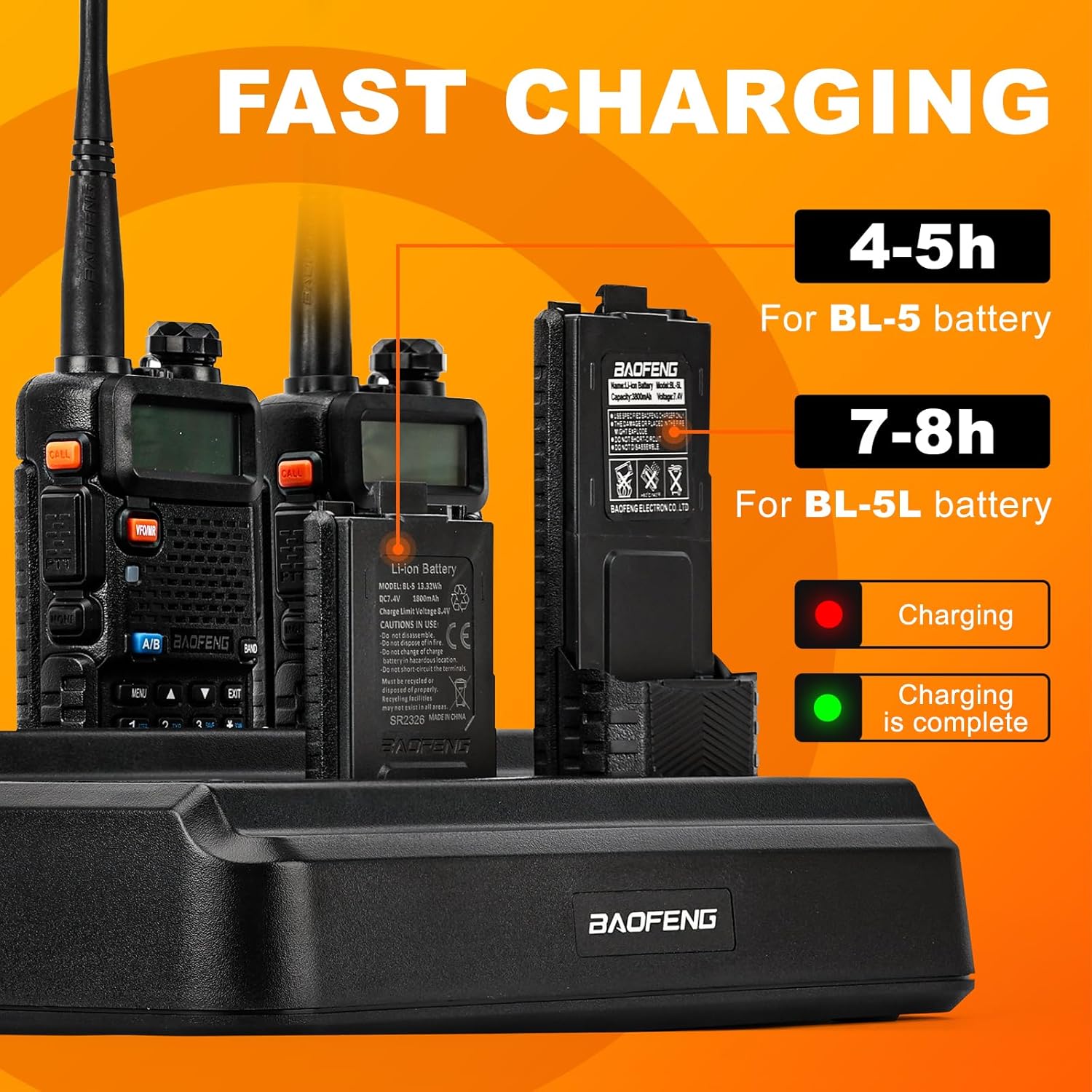
Figure 6.1: Displays the estimated charging times for different BAOFENG battery capacities.
7. Safety Features
The BAOFENG Six-Way Multi-Unit Charger incorporates advanced protection mechanisms to ensure safe operation:
- Overcharging Protection: Prevents batteries from being overcharged, extending battery life.
- Overvoltage Protection: Safeguards against damage from excessive voltage input.
- Short Circuit Protection: Automatically cuts off power in case of a short circuit.
- Automatic Power-Off: The charger is designed to automatically power off or cease charging when batteries are full to prevent overheating.
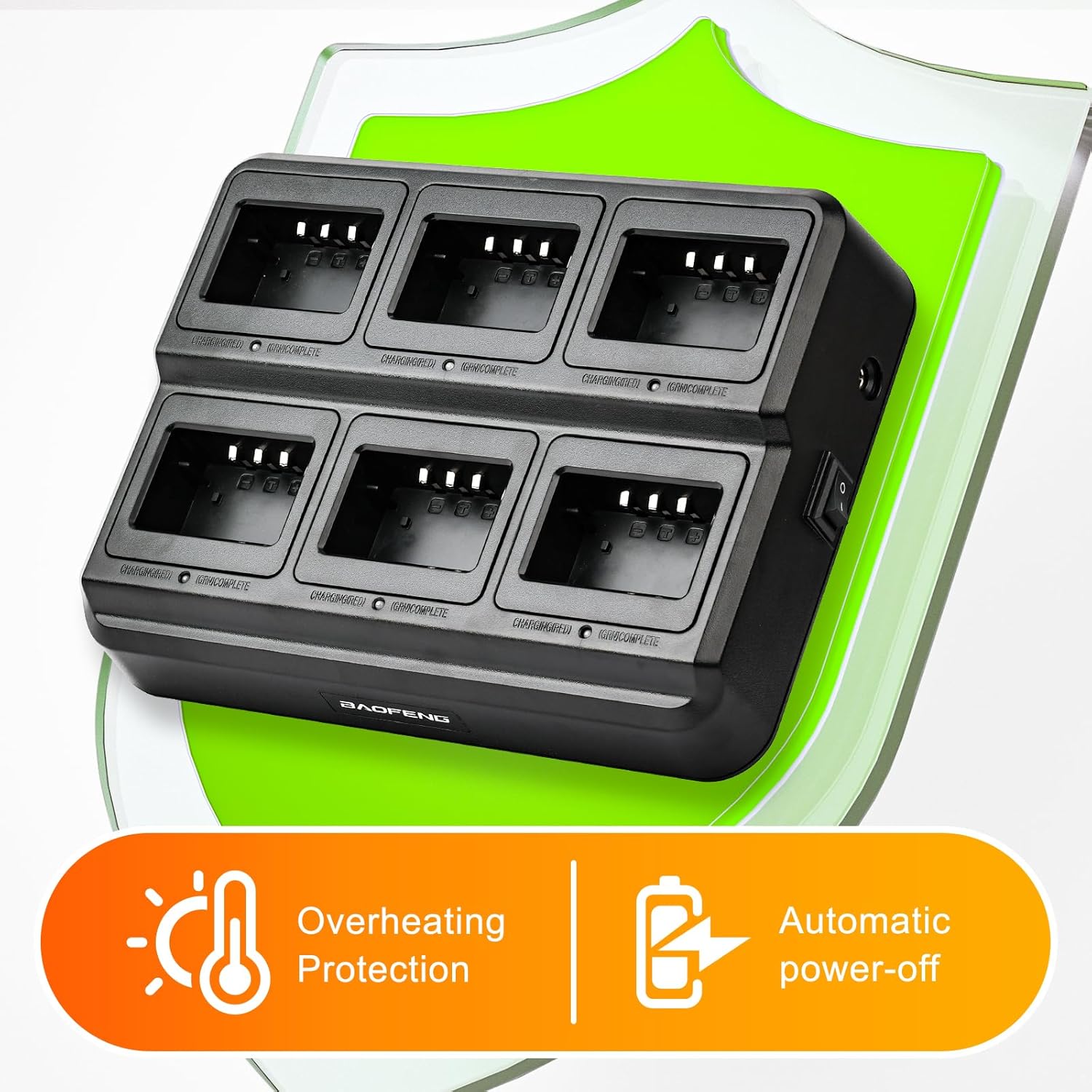
Figure 7.1: Visual representation of the charger's built-in overheating protection and automatic power-off features.
8. Specifications
| Feature | Specification |
|---|---|
| Product Dimensions | 9.4 x 7.1 x 2.4 inches (240 x 180 x 60 mm) |
| Item Weight | 2.05 pounds (0.93 kg) |
| Input Voltage | 100-240V AC |
| Output Voltage (per pocket) | DC 8.4V |
| Charging Current (per pocket) | 500mA |
| Manufacturer | Fujian Baofeng Electronics Co., Ltd |

Figure 8.1: Detailed dimensions of the BAOFENG Six-Way Multi-Unit Charger, highlighting its compact design.
9. Maintenance
- Keep the charger clean and free from dust and debris. Use a soft, dry cloth for cleaning.
- Avoid exposing the charger to moisture or extreme temperatures.
- Do not attempt to disassemble or repair the charger yourself. Contact qualified service personnel for assistance.
- Ensure proper ventilation around the charger during operation.
10. Troubleshooting
| Problem | Possible Cause | Solution |
|---|---|---|
| No LED indicator light | Charger not powered on or not connected to power. | Ensure the power cord is securely plugged into the wall outlet and the charger, and the power switch is in the 'ON' position. |
| Red LED stays on indefinitely | Battery not making proper contact or battery fault. | Re-seat the radio/battery in the slot. Try a different slot. If the issue persists, the battery may be faulty. |
| Green LED immediately appears | Battery is already fully charged. | No action required. The battery is ready for use. |
11. Included Accessories
The package includes the following items:
- 1 x BAOFENG Six-Way Multi-Unit Charger Dock
- 1 x Removable AC Power Adapter
- 1 x AC Power Cord

Figure 11.1: The main components of the charging unit: the six-way charging dock, the power adapter, and the power cord.


