Introduction
This manual provides detailed instructions for the setup, operation, and maintenance of your Core Innovations Indoor TV Antenna, Model ANT801DCR. This antenna is designed to provide access to free over-the-air HDTV channels with an impressive range of up to 80 miles. Its omni-directional design ensures connectivity in all directions, and the built-in signal level indicator helps optimize reception for the best viewing experience.

Figure 1: Front view of the Core Innovations Indoor TV Antenna.
Package Contents
Please verify that all items are present in the package before proceeding with the setup.
- Core Innovations Indoor TV Antenna (Model: ANT801DCR)
- Coaxial Cable
- User Manual (this document)
Setup
Follow these steps to set up your Core Innovations Indoor TV Antenna for optimal performance.
- Unpack the Antenna: Carefully remove all components from the packaging.
- Connect the Coaxial Cable: Connect one end of the coaxial cable to the antenna's coaxial port. Connect the other end of the coaxial cable to the "Antenna In" or "Cable In" port on the back of your television or digital converter box.
- Position the Antenna: Place the antenna in a location that offers the best possible reception. Higher locations, such as near a window, often yield better results. The omni-directional design allows for flexibility in placement.
- Scan for Channels:
- Turn on your television.
- Access your TV's menu and navigate to the "Channel Scan," "Auto Program," or "Auto Tune" option. This process may vary depending on your TV model. Refer to your TV's user manual for specific instructions.
- Initiate the channel scan. This process can take several minutes.
- Check Signal Strength: Utilize the built-in signal level indicator on the antenna to fine-tune its position. Adjust the antenna's placement slightly and re-scan for channels if necessary to achieve the strongest signal for available broadcasts.
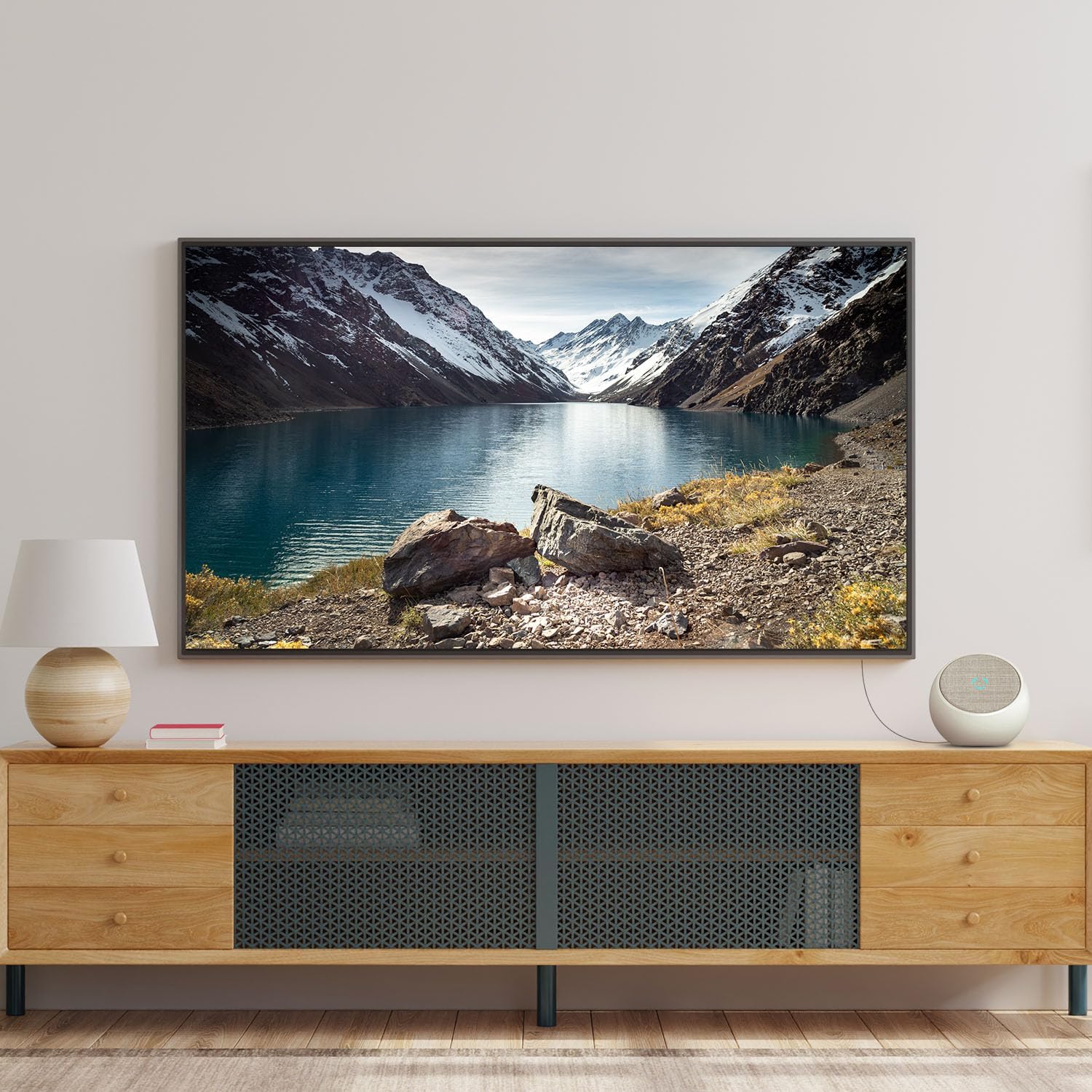
Figure 2: Antenna connected to a television for channel reception.
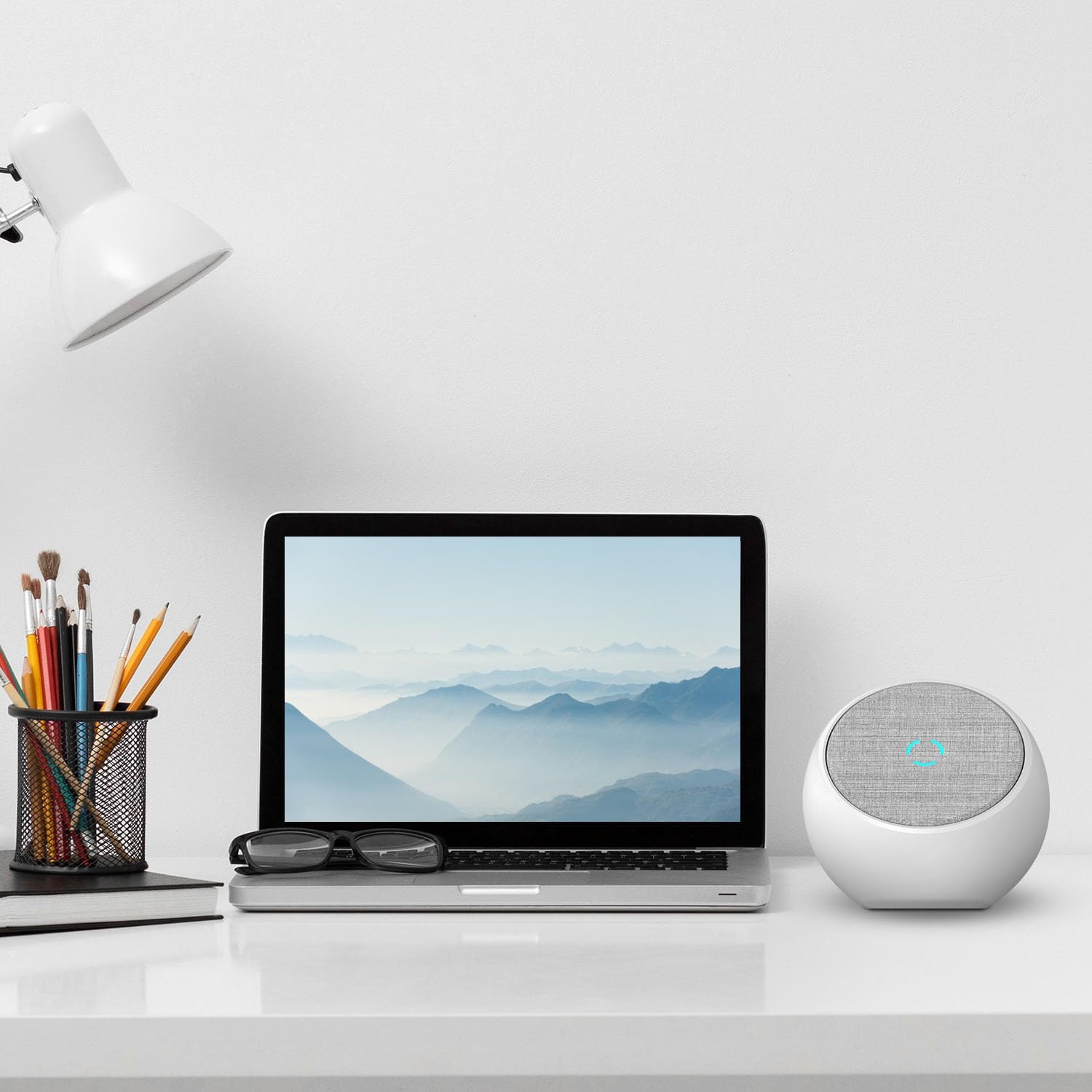
Figure 3: Antenna placed on a desk, demonstrating its compact size and modern design.

Figure 4: Antenna placed on a shelf, showcasing flexible placement options.
Operating Instructions
Once the antenna is set up and channels are scanned, operating it is straightforward.
- Channel Selection: Use your television's remote control to browse and select channels. The antenna provides access to all available free over-the-air broadcasts within its range.
- Signal Indicator: The built-in signal level indicator provides real-time feedback on the strength of the received signal. A stronger signal (indicated by the light) generally means better picture and sound quality.
- Re-scanning Channels: It is recommended to re-scan for channels periodically (e.g., monthly) or if you experience a loss of channels. Broadcasters may change frequencies, or new channels may become available.
Maintenance
The Core Innovations Indoor TV Antenna requires minimal maintenance to ensure long-lasting performance.
- Cleaning: Gently wipe the antenna with a soft, dry cloth to remove dust. Do not use liquid cleaners or abrasive materials, as they may damage the surface.
- Placement: Ensure the antenna is placed in a stable location where it will not be easily knocked over. Avoid placing it near heat sources or in direct sunlight for extended periods.
- Cable Management: Keep the coaxial cable neatly organized to prevent tripping hazards and damage to the cables.
Troubleshooting
If you encounter issues with your antenna, refer to the following troubleshooting guide:
| Problem | Possible Cause | Solution |
|---|---|---|
| No channels found or poor reception. |
|
|
| Signal indicator not lighting up. |
|
|
| Some channels are missing. |
|
|
Specifications
Detailed technical specifications for the Core Innovations Indoor TV Antenna (Model: ANT801DCR).
- Model Number: ANT801DCR
- Brand: Core Innovations
- Color: White
- Range: Up to 80 Miles
- Impedance: 75 Ohm
- Supported Resolutions: Up to 1080P Full HD, 4K Ultra HD (where available)
- Design: Omni-directional
- Features: Built-in Signal Level Indicator
- Product Dimensions: 5.98"L x 5.98"W x 5.51"H
- Item Weight: 15.5 ounces
- UPC: 850017290044
Warranty and Support
Core Innovations stands behind the quality of its products. For specific warranty information and customer support, please refer to the warranty card included with your purchase or visit the official Core Innovations website.
Online Support: www.coreinnovations.com/support
Contact: For technical assistance or inquiries, please contact Core Innovations customer service.


