
DOOGEE Blade 10 Pro
DOOGEE Blade 10 Pro (2025) Rugged Phone User Manual
Model: Blade 10 Pro | Brand: DOOGEE
1. Introduction
Welcome to the user manual for your new DOOGEE Blade 10 Pro (2025) Rugged Phone. This device is engineered for durability and high performance, featuring a 10.7mm ultra-thin design, 16GB RAM, 256GB storage, Android 14, a 6.56" HD+ 90Hz display, 50MP + 8MP cameras, IP68/IP69K waterproof rating, Widevine L1 support, NFC, and Face Unlock. This manual provides essential information to help you set up, operate, maintain, and troubleshoot your device.

Image: Front and back view of the DOOGEE Blade 10 Pro, highlighting its rugged design and key specifications like 16GB+256GB, Android 14.
2. Safety Information
Please read all safety information before using your device to ensure safe and proper use. Follow these guidelines:
- Do not disassemble or modify the device.
- Avoid exposing the device to extreme temperatures or direct sunlight for prolonged periods.
- Use only approved chargers and accessories to prevent damage and voiding the warranty.
- Keep the device away from medical devices to avoid interference.
- Ensure all ports are properly sealed when exposing the device to water or dust to maintain its IP68/IP69K rating.
3. Package Contents
Verify that all items are present in your product package:
- DOOGEE Blade 10 Pro (2025) Rugged Phone
- USB Cable
- Power Adapter
- SIM Ejector Tool
- Quick Start Guide
- Warranty Card
4. Product Overview
Familiarize yourself with the physical features and components of your DOOGEE Blade 10 Pro.

Image: Detailed graphic showing key features including NFC, 256GB ROM + 16GB RAM, 10.7mm Ultra-Thin Body, 50MP AI Main Camera, Face Unlock, Android 14, 5150mAh battery, Octa Core processor, and 2.4G/5G WiFi.
4.1 Physical Components
- Front Camera: 8MP for selfies and video calls.
- Display: 6.56" HD+ 90Hz Waterdrop Screen for immersive viewing.
- Rear Cameras: 50MP AI main camera for high-resolution photos.
- Fingerprint Sensor/Power Button: Integrated for quick and secure access.
- Volume Buttons: Adjust audio levels.
- USB-C Port: For charging and data transfer.
- SIM/TF Card Slot: Supports dual SIM cards and TF card expansion up to 2TB.
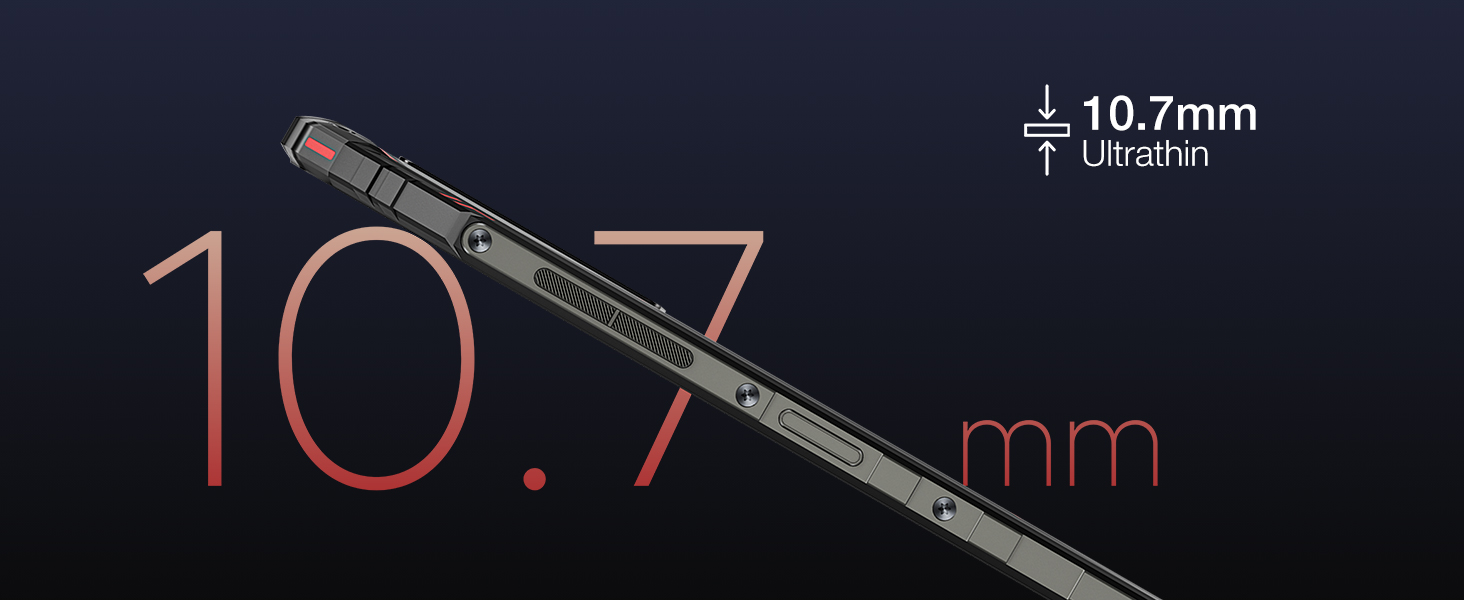
Image: Close-up view of the phone's side profile, emphasizing its 10.7mm ultra-thin design.
5. Setup
5.1 Initial Charging
Before first use, fully charge your DOOGEE Blade 10 Pro using the provided power adapter and USB cable. The device features a 5150mAh large battery for extended usage.
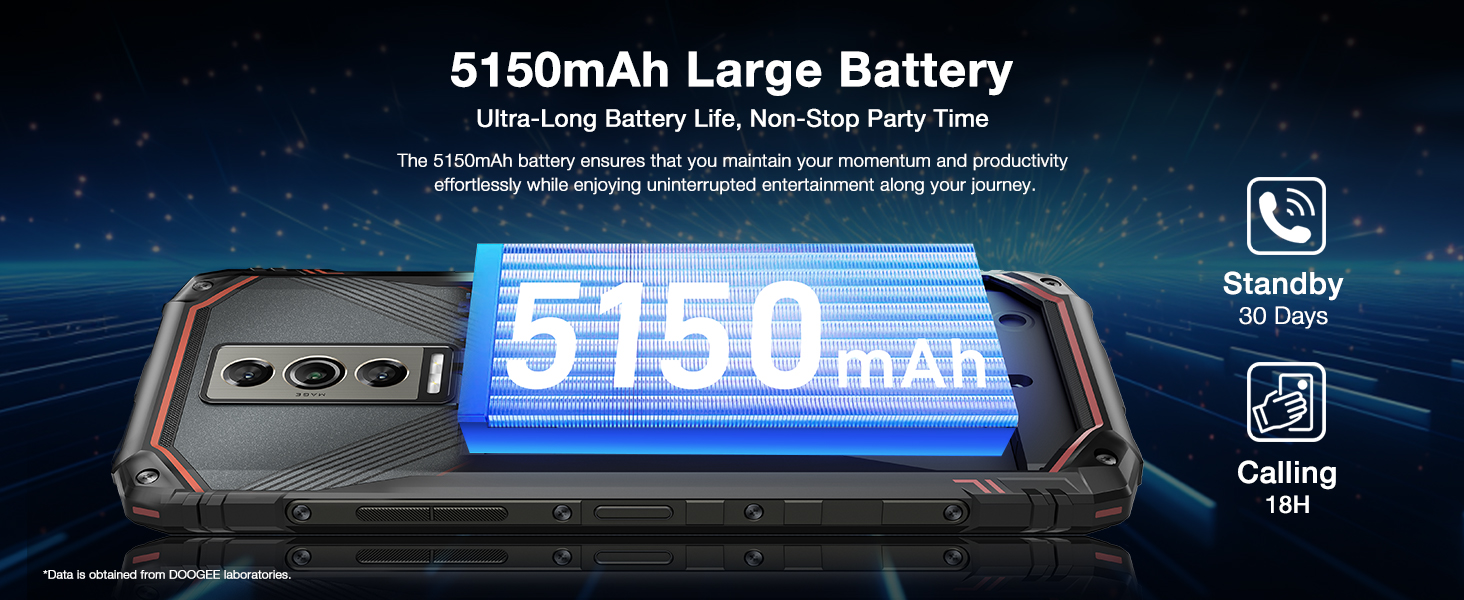
Image: Graphic illustrating the 5150mAh large battery capacity and its benefits for ultra-long battery life.
5.2 SIM and TF Card Installation
To install your SIM cards and/or TF card:
- Locate the SIM/TF card slot on the side of the phone.
- Insert the SIM ejector tool into the small hole next to the tray to open it.
- Place your Nano SIM cards and/or TF card into the designated slots on the tray. Ensure correct orientation.
- Carefully push the tray back into the slot until it is flush with the phone's body.
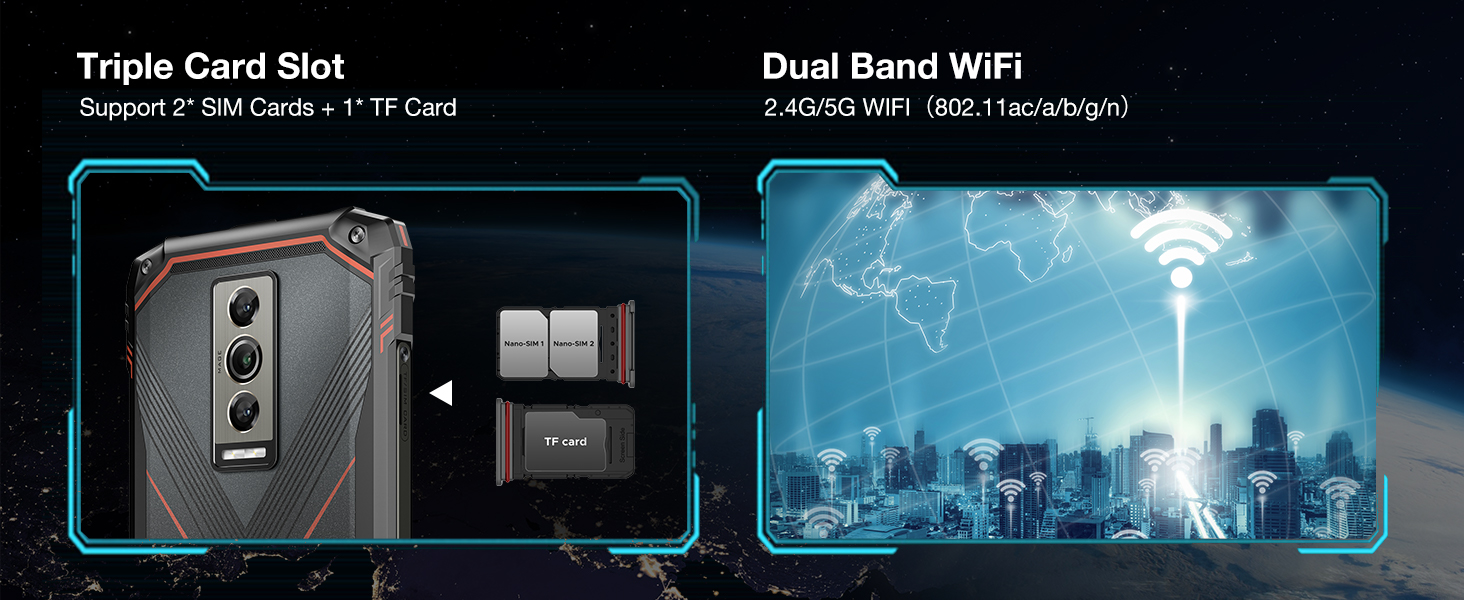
Image: Diagram showing the triple card slot supporting two SIM cards and one TF card, along with dual-band Wi-Fi capabilities.
5.3 First-Time Setup
Upon powering on your device for the first time, follow the on-screen prompts to complete the initial setup, including language selection, Wi-Fi connection, Google account login, and security settings.
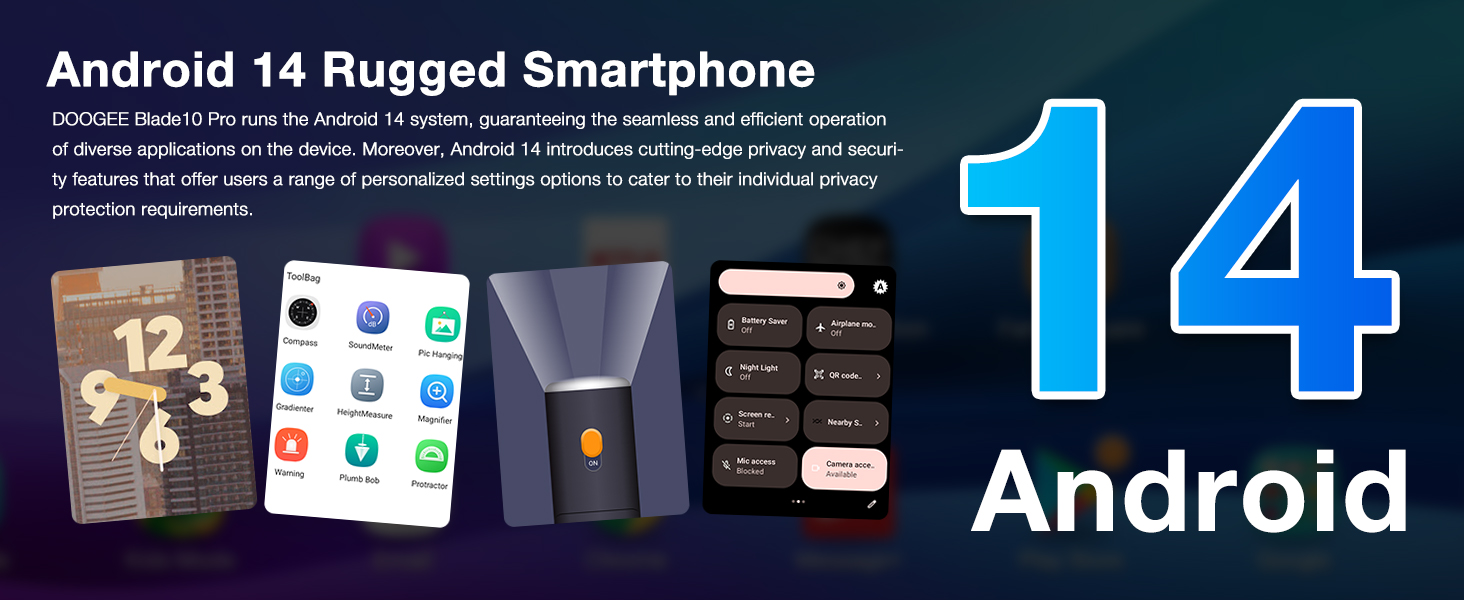
Image: Graphic highlighting the Android 14 operating system and its features, including privacy protection and personalized settings.
6. Operating Instructions
6.1 Basic Navigation
Your DOOGEE Blade 10 Pro runs on Android 14, offering intuitive navigation. Use gestures or the traditional navigation bar for home, back, and recent apps. The 6.56" HD+ 90Hz display provides a smooth and responsive user experience.

Image: Visual representation of the 6.56" Waterdrop Screen, emphasizing its ultra-realistic and immersive viewing experience with details on aspect ratio, screen-to-body ratio, resolution, brightness, and pixel density.
6.2 Camera Usage
Capture stunning photos and videos with the 50MP AI main camera and 8MP front camera. The Morpho Imaging Algorithm enhances clarity and detail in every shot.

Image: Illustration of the 50MP AI main camera and 8MP front camera, showcasing example photos in Portrait, HDR, and Panorama modes.
For enhanced video stability, the phone features advanced video stabilization. See the video below for a demonstration.
Video: Demonstration of the Morpho Imaging Algorithm and video stabilization features of the DOOGEE Blade 10 Series, showing improved clarity and stability in captured footage.
6.3 Security Features: NFC and Face Unlock
The Blade 10 Pro supports NFC for convenient mobile payments and data transfer. For quick and secure unlocking, utilize the Face Unlock feature.

Image: Visuals demonstrating the NFC payment capability and the Face Unlock security feature.
6.4 Performance and Storage
Equipped with an Octa-Core processor, 16GB RAM (including up to 10GB extended RAM), and 256GB ROM, the Blade 10 Pro ensures smooth operation and ample storage for all your applications, photos, and videos. Storage can be expanded up to 2TB via a TF card.

Image: Diagram illustrating the powerful Octa-Core processor, 16GB RAM (6GB + up to 10GB extended), 256GB ROM, and support for 2TB TF card expansion.
7. Maintenance
7.1 Cleaning Your Device
To clean your phone, use a soft, lint-free cloth. For stubborn dirt, slightly dampen the cloth with water. Avoid using harsh chemicals or abrasive materials.
7.2 Maintaining Ruggedness (IP68/IP69K)
The DOOGEE Blade 10 Pro is IP68/IP69K rated for water and dust resistance. To maintain this protection:
- Ensure all port covers are securely closed before exposing the phone to water or dust.
- Do not submerge the phone in water deeper than specified or for longer than recommended.
- Rinse the phone with clean water if exposed to saltwater or other liquids, then dry thoroughly.
- Avoid dropping the phone from excessive heights, despite its drop-proof design.
Video: Demonstrates the ruggedness and reliability of the DOOGEE Blade 10 Series, showcasing its durability against water and impacts.
7.3 Software Updates
Regularly check for and install software updates to ensure optimal performance, security, and access to new features. Navigate to Settings > System > System update to check for updates.
8. Troubleshooting
| Problem | Possible Solution |
|---|---|
| Device won't turn on | Ensure the battery is charged. Connect to charger for at least 10 minutes, then try powering on. |
| Apps crashing or freezing | Clear app cache/data (Settings > Apps > [App Name] > Storage). Restart the device. Ensure sufficient free storage. |
| Poor network signal | Check SIM card insertion. Move to an area with better coverage. Restart the device. Verify carrier compatibility (Note: Not compatible with Verizon). |
| Battery drains quickly | Reduce screen brightness. Close background apps. Disable unnecessary features like GPS, Wi-Fi, Bluetooth when not in use. Check for rogue apps consuming power. |
| Cannot download apps (e.g., Instagram) | Ensure you have a stable internet connection. Check available storage. Verify Google Play Store is updated and functioning correctly. Some apps may have specific regional or device compatibility requirements. |
9. Specifications
Key technical specifications for the DOOGEE Blade 10 Pro (2025):
| Feature | Detail |
|---|---|
| Model | Blade 10 Pro |
| Operating System | Android 14 |
| Display | 6.56 inches HD+ (720x1612) 90Hz Waterdrop Screen |
| Processor | Octa Core (CPU Model: Snapdragon) |
| RAM | 16GB (6GB + up to 10GB Extended RAM) |
| Internal Storage (ROM) | 256GB |
| Expandable Storage | Up to 2TB via TF Card |
| Rear Camera | 50MP AI Main Camera |
| Front Camera | 8MP |
| Battery Capacity | 5150mAh |
| Durability Rating | IP68/IP69K Waterproof, Dust-proof, Drop-proof |
| Connectivity | 4G Cellular, Wi-Fi (2.4G/5G), NFC, Bluetooth, GPS |
| Dimensions | 0.43 x 3.15 x 6.8 inches (10.7mm thin) |
| Weight | 9.2 ounces (262 Grams) |
| Color | Black |
| Wireless Carrier Compatibility | Unlocked for All Carriers (Note: Not compatible with Verizon) |
10. Warranty and Support
DOOGEE offers comprehensive support for your Blade 10 Pro:
- 30-Day Money Back Guarantee: Free returns within 30 days of purchase.
- 2-Year Limited Warranty: Covers manufacturing defects for two years from the date of purchase.
- 24/7 Online Support: Access to 1-on-1 online support for any queries or issues.
For further assistance, please visit the official DOOGEE support website or contact their customer service directly.
Related documentsBlade 10 Pro


Ask a question about this manual
Ask about setup, troubleshooting, compatibility, parts, safety, or missing instructions. Manuals+ will review the question and use this page’s manual context to help answer it.