
1. Introduction
This manual provides detailed instructions for the safe and efficient use of your Dreo DR-HHM004 6L Top Fill Cool Mist Humidifier. Please read this manual thoroughly before operation and retain it for future reference.
Package Contents:
- Dreo Humidifier (DR-HHM004)
- Aroma Pad
- Cleaning Brush
- Cleaning Guide
- User Manual (this document)

Figure 1.1: Dreo DR-HHM004 Humidifier. This image shows the humidifier with its transparent water tank, digital display, and control buttons.
2. Important Safety Instructions
To reduce the risk of fire, electric shock, or injury, always follow basic safety precautions when using this appliance.
- Read all instructions before using the humidifier.
- Always place the humidifier on a firm, flat, waterproof surface at least 6 inches (15 cm) away from walls and appliances.
- Do not place the humidifier directly on carpet, rugs, or absorbent surfaces.
- Unplug the humidifier from the power outlet before filling, cleaning, or moving it.
- Do not operate the humidifier with a damaged cord or plug.
- Keep the humidifier out of reach of children and pets.
- Do not add essential oils directly into the water tank. Use the designated aroma tray only.
- Do not block the mist outlet or air inlets.
- Use only clean, cool tap water. Distilled or demineralized water is recommended to reduce white dust.
- Do not immerse the base unit in water or other liquids.
3. Setup
3.1 Initial Placement
Place the humidifier on a flat, stable surface in the desired room. Ensure it is at least 6 inches (15 cm) away from walls, furniture, and electronic devices to allow for proper mist dispersion and prevent moisture damage.
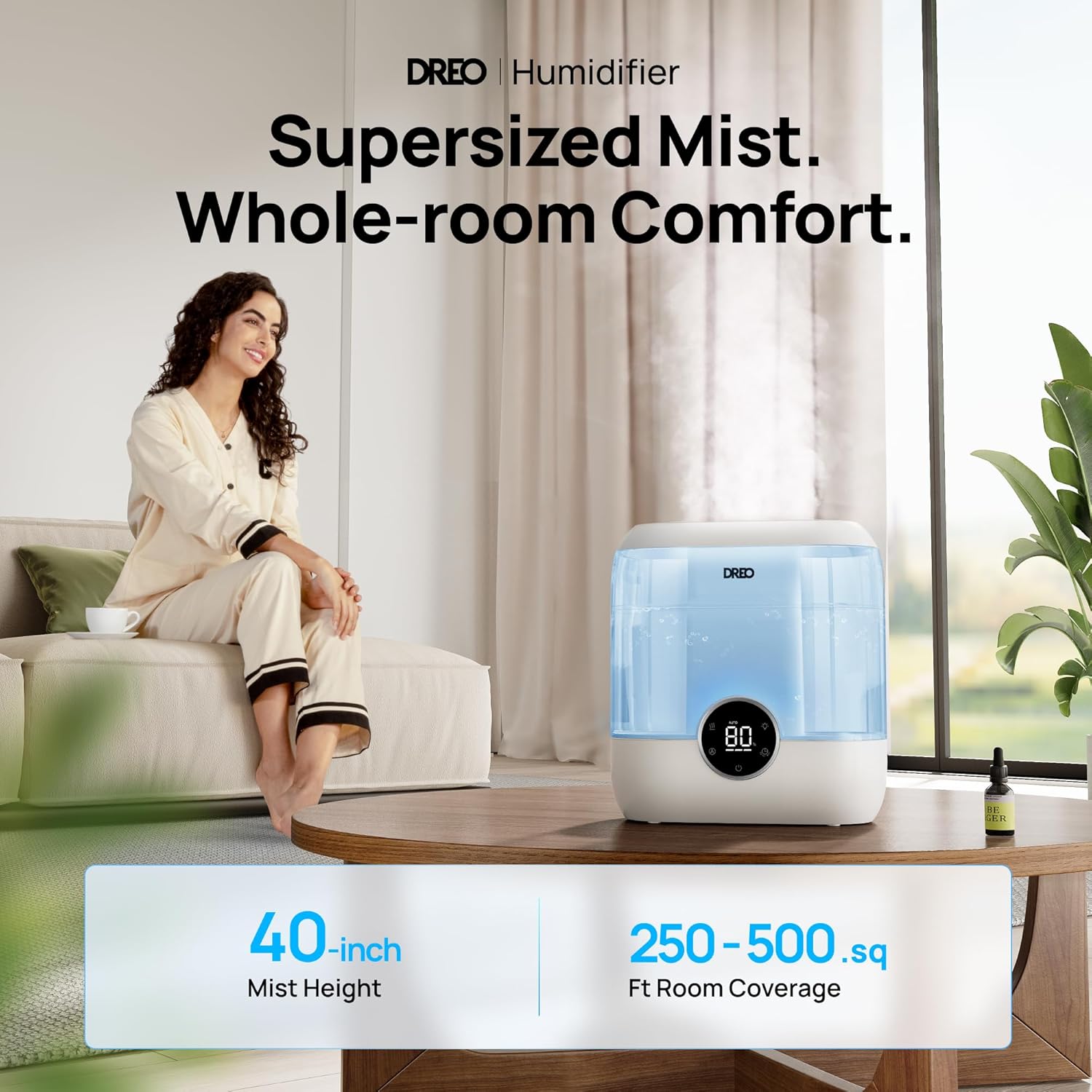
Figure 3.1: Proper placement of the humidifier for optimal mist distribution. The humidifier can cover rooms up to 500 sq ft with mist reaching up to 40 inches high.
3.2 Filling the Water Tank
The Dreo humidifier features a convenient top-fill design for easy refilling.
- Ensure the humidifier is unplugged from the power outlet.
- Remove the top cover of the humidifier.
- Pour clean, cool tap water directly into the water tank. Do not exceed the maximum fill line. For best results and to minimize mineral buildup (white dust), use distilled or demineralized water.
- Replace the top cover securely.

Figure 3.2: Effortless top-fill design for convenient water refills.
The large 6-liter water tank allows for extended operation, up to 60 hours on the lowest setting, reducing the frequency of refills.

Figure 3.3: The 6-liter tank provides up to 60 hours of continuous humidification.
4. Operation
4.1 Control Panel Overview
The humidifier features a digital display and touch controls for easy operation.
- Power Button: Turns the humidifier on/off.
- Mist Level Button: Cycles through three mist output levels (Low, Medium, High).
- Auto Mode Button: Activates/deactivates Auto Mode, which adjusts mist output based on ambient humidity.
- Timer Button: Sets an auto-off timer from 0 to 12 hours.
- Night Light Button: Toggles the night light on/off and controls its settings.
- Digital Display: Shows current humidity level, selected mode, and timer settings.
4.2 Setting Humidity and Mist Output
You can manually select a mist level or use Auto Mode for intelligent humidity control.
- Manual Mist Control: Press the Mist Level button to cycle through Low, Medium, and High settings.
- Auto Mode: Press the Auto Mode button. The humidifier will automatically adjust mist output to maintain a comfortable humidity level (typically between 40% and 60%). The advanced sensor tracks moisture levels with 5% accuracy.

Figure 4.1: Precision humidity control with a high-precision humidistat.
4.3 Night Light and Quiet Operation
The humidifier operates at a quiet 28 dB, making it suitable for bedrooms and nurseries. It also features an optional night light.
- Press the Night Light button to turn the ambient light on or off.
- The light can change color to indicate humidity levels (e.g., blue for dry, green for comfortable, orange for wet).
- In sleep mode, the display and light can auto-dim for undisturbed rest.
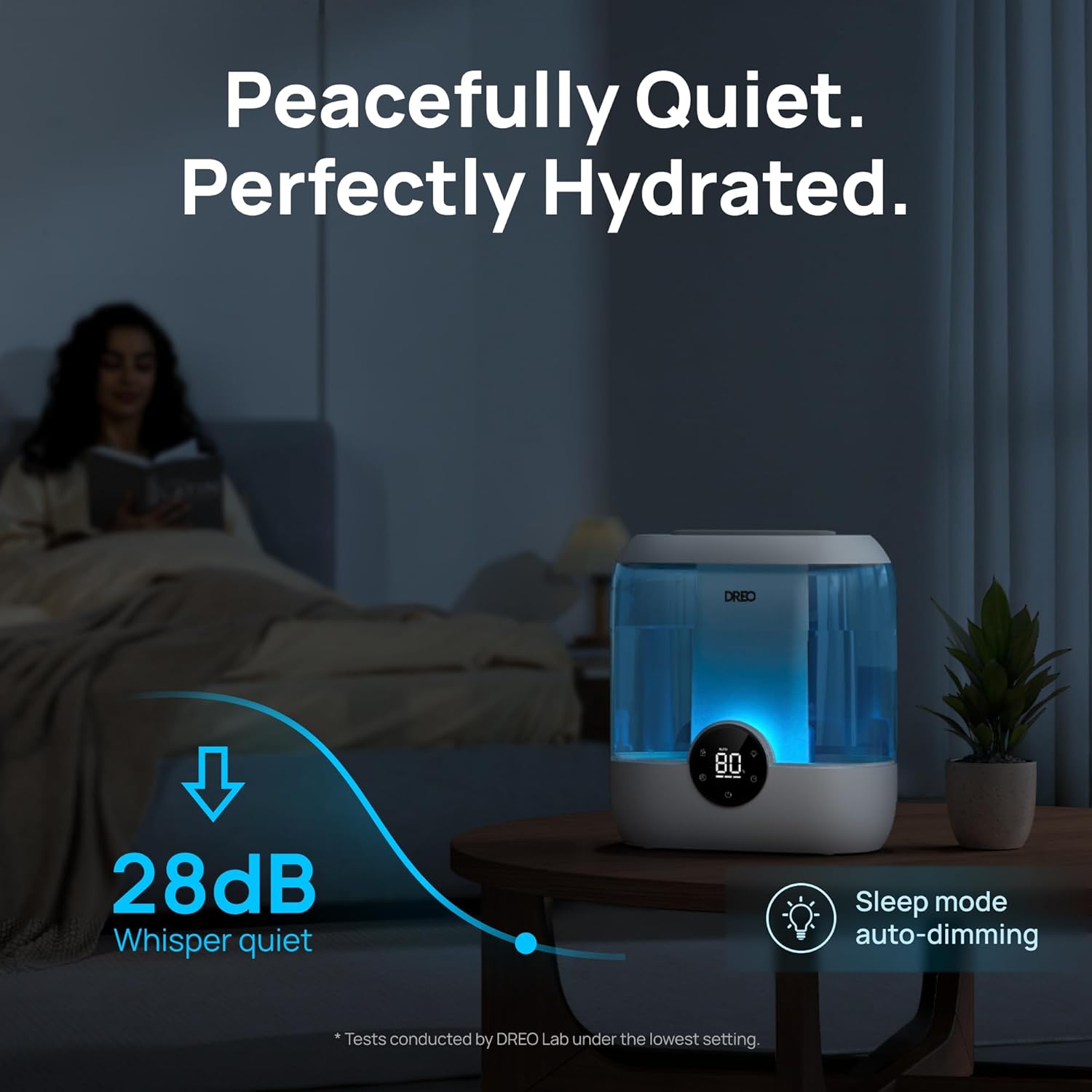
Figure 4.2: Quiet operation at 28 dB for peaceful sleep.
4.4 Aroma Tray
The humidifier includes a built-in aroma tray for essential oils. This allows you to diffuse scents without adding oils directly to the water tank, which can damage the unit.
- Locate the aroma tray at the back of the humidifier.
- Pull out the tray.
- Add a few drops of your preferred essential oil onto the aroma pad.
- Slide the tray back into place.

Figure 4.3: The aroma tray allows for safe essential oil diffusion.
5. Maintenance
Regular cleaning and maintenance are crucial for optimal performance and longevity of your humidifier.
5.1 Daily Maintenance
- Unplug the humidifier.
- Empty any remaining water from the tank and base.
- Wipe down the inside of the tank and base with a clean cloth.
- Refill with fresh, cool water.
5.2 Weekly Cleaning (Descaling)
To remove mineral deposits (limescale) and ensure hygienic operation:
- Unplug the humidifier and empty all water.
- Disassemble the humidifier components (tank, base, mist outlet). The modular design allows for easy separation.
- Pour 1 cup (250ml) of undiluted white vinegar into the water tank and base.
- Let it soak for 20-30 minutes.
- Use the provided cleaning brush to gently scrub away any mineral buildup on the transducer and other components.
- Rinse all components thoroughly with clean water until the smell of vinegar is gone.
- Allow all parts to air dry completely before reassembling or storing.

Figure 5.1: The modular design facilitates easy cleaning.
5.3 Cartridge Replacement (Optional)
The humidifier supports optional demineralization cartridges to reduce white dust and clean mist cartridges for healthy humidifying. An ICON light on the display will notify you when a cartridge needs replacing.
Figure 5.2: The humidifier is compatible with optional demineralization cartridges.
6. Troubleshooting
Refer to this section for common issues and their solutions.
| Problem | Possible Cause | Solution |
|---|---|---|
| No mist or low mist output. |
|
|
| White dust around the humidifier. | High mineral content in tap water. | Use distilled or demineralized water. Consider using a demineralization cartridge. |
| Humidifier is leaking. |
|
|
| Inaccurate humidity readings. | Sensor obstructed or dirty. | Ensure the sensor area is clean and unobstructed. Allow time for the sensor to stabilize in a new environment. |
7. Specifications
| Feature | Detail |
|---|---|
| Brand | Dreo |
| Model Name | HM524 (DR-HHM004) |
| Color | Blue |
| Operation Mode | Ultrasonic |
| Water Tank Volume | 6 Liters |
| Max Runtime | Up to 60 hours (in sleep mode) |
| Coverage Area | Up to 500 Square Feet |
| Noise Level | 28 dB (Whisper Quiet) |
| Product Dimensions (D x W x H) | 5.91"D x 11.42"W x 12.4"H |
| Item Weight | 3.87 Pounds |
| Voltage | 120 Volts |
| Wattage | 26 Watt-hours |
| Special Features | 28dB Ultra-Quiet Operation, Adjustable Humidity Control, Aroma Diffuser, Easy Top-Fill, Night Light |
8. Warranty & Support
8.1 Product Warranty
Dreo products are manufactured with the highest quality standards. For detailed warranty information, please refer to the warranty card included with your product or visit the official Dreo website. Registering your product online may extend your warranty period.
8.2 Customer Support
If you encounter any issues or have questions regarding your Dreo Humidifier, please contact Dreo Customer Support. Contact information can typically be found on the official Dreo website or on the product packaging.
For the latest information and support, please visit: Dreo Official Store on Amazon


