1. Introduction
Thank you for purchasing the AKAI UltraBoom-60 Portable Bluetooth Speaker. This manual provides essential information for setting up, operating, and maintaining your speaker. Please read it carefully before use to ensure optimal performance and longevity of your device.
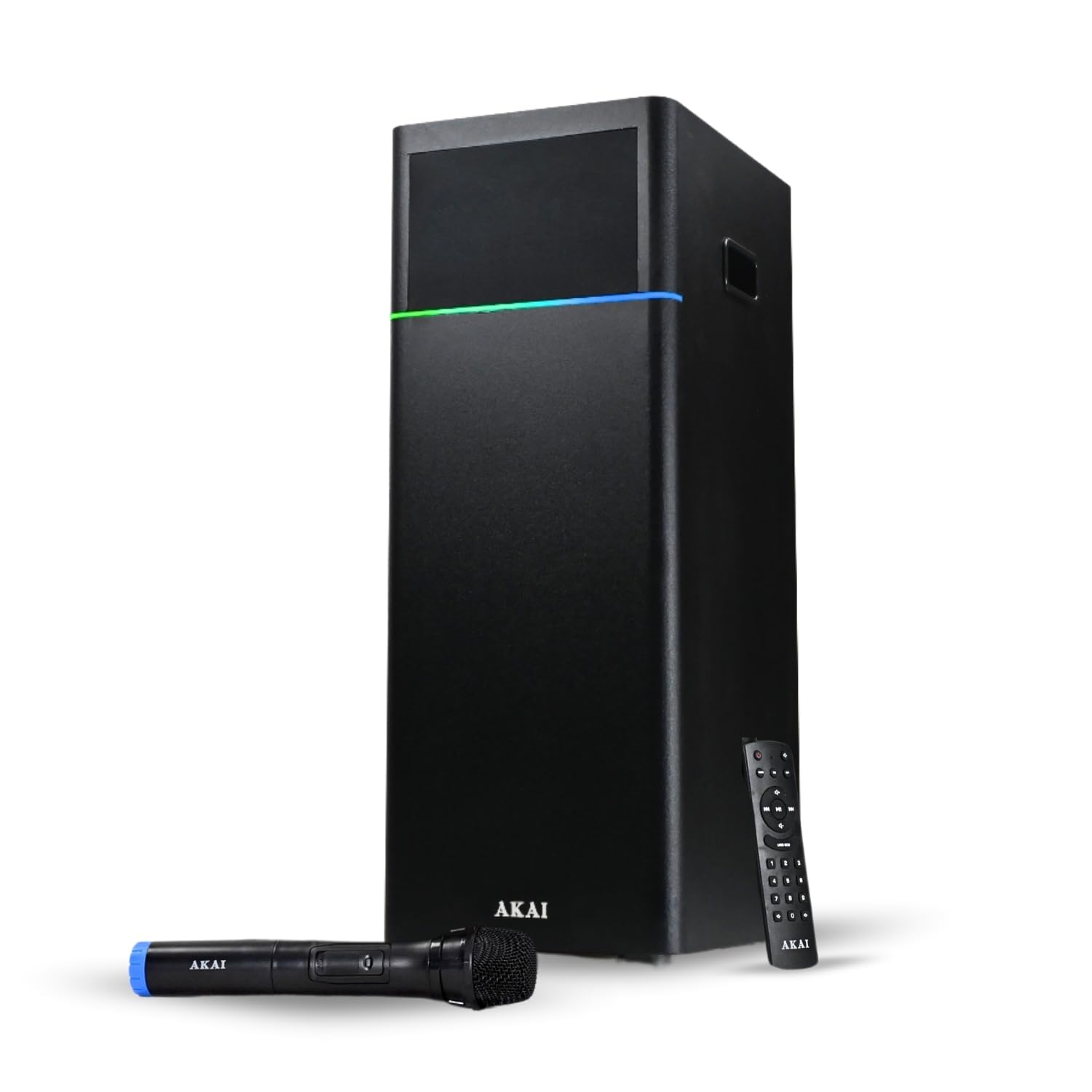
Image 1.1: The AKAI UltraBoom-60 speaker unit, wireless microphone, and remote control.
2. What's in the Box
Carefully unpack your AKAI UltraBoom-60 and ensure all items are present:
- 1N Main Unit (AKAI UltraBoom-60 Speaker)
- 1N Remote Control
- 1N Wireless Microphone
- 1N User Manual/Warranty Card
3. Product Features
The AKAI UltraBoom-60 is designed to deliver a powerful and versatile audio experience:
- 60W RMS Output: Delivers clear, powerful sound.
- Dual Speakers + Woofer: Features dual 3-inch mid-speakers and a 5.25-inch woofer for balanced audio and deep bass.
- Multiple Connectivity: Supports Bluetooth 5.0, USB, AUX, and FM radio.
- Karaoke Ready: Includes a dedicated microphone input and a wireless microphone for vocal performances.
- EQ Modes: Customize your sound with various equalizer presets (Pop, Rock, Jazz, Classical).
- Dynamic LED Lights: Built-in multi-color LED lights enhance the listening experience.
- Remote Control: Full control over functions from a distance.
- Portable Design: Compact and easy to transport for indoor and outdoor use.
- Durable Construction: Features a wooden cabinet for enhanced audio quality and durability.
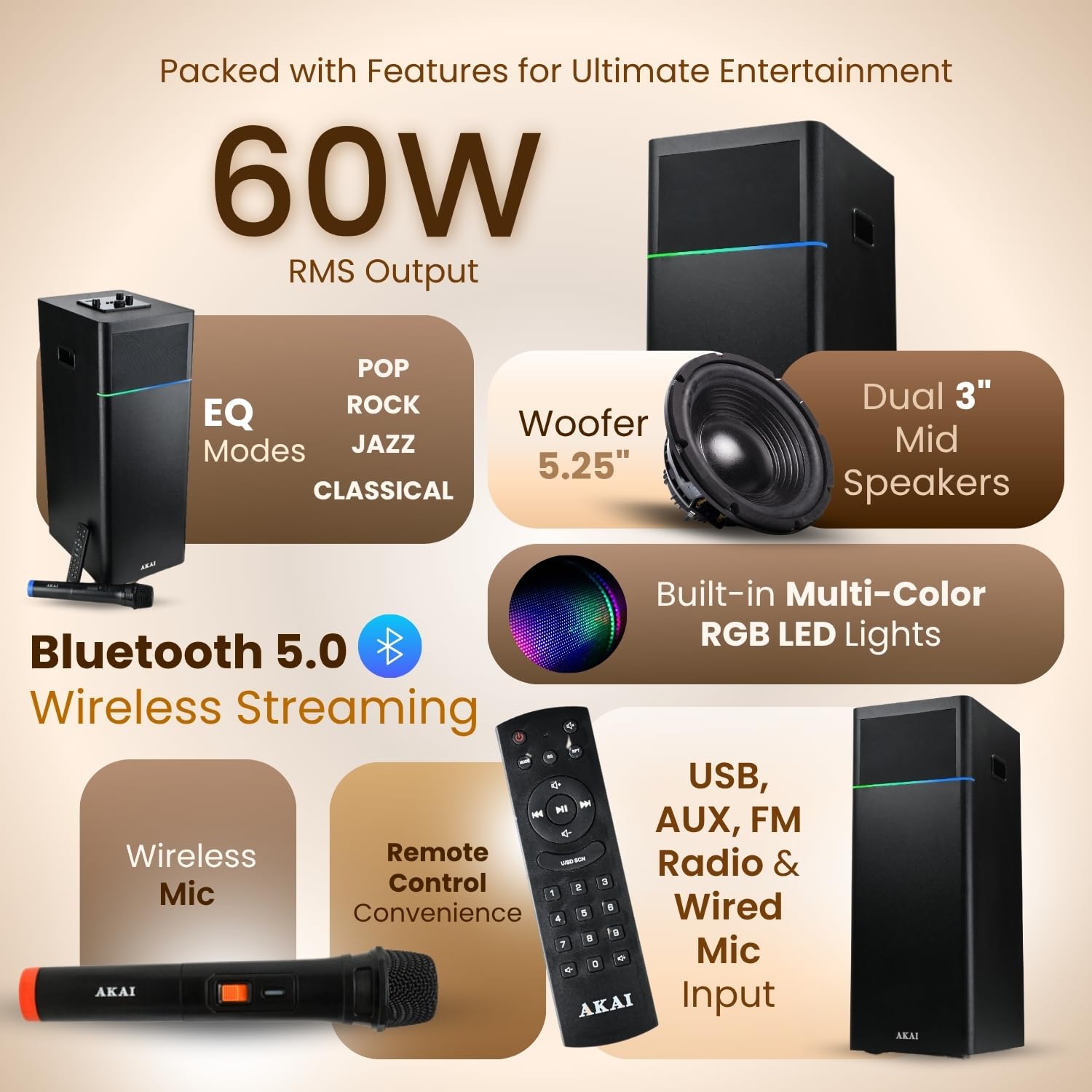
Image 3.1: Overview of the AKAI UltraBoom-60's key features.
4. Setup Instructions
4.1 Power Connection
- Place the speaker on a stable, flat surface.
- Connect the power cord to the speaker's power input.
- Plug the other end of the power cord into a standard 220V AC power outlet.
4.2 Wireless Microphone Setup
- Insert batteries into the wireless microphone (batteries not included).
- Turn on the microphone using its power switch.
- The microphone should automatically connect to the speaker. Adjust microphone volume using the dedicated control on the speaker or remote.
5. Operating Instructions
5.1 Power On/Off
Press the Power button on the speaker's control panel or the remote control to turn the unit on or off.
5.2 Source Selection
Press the 'MODE' button on the speaker or remote to cycle through available input sources: Bluetooth, USB, AUX, and FM Radio.

Image 5.1: The speaker's control panel for source selection and volume adjustments.
5.3 Bluetooth Pairing
- Select Bluetooth mode on the speaker. The display will indicate 'BT' or a similar pairing status.
- Enable Bluetooth on your smartphone, tablet, or other device.
- Search for 'AKAI UltraBoom-60' in your device's Bluetooth list and select it to pair.
- Once paired, the speaker will confirm the connection, and you can play audio wirelessly.
5.4 USB Playback
- Insert a USB drive containing MP3 audio files into the USB port.
- Select USB mode on the speaker.
- Playback will begin automatically. Use the remote or control panel to navigate tracks and adjust volume.
5.5 AUX Input
- Connect an audio device (e.g., TV, PC, smartphone) to the speaker's AUX input using a 3.5mm audio cable (not included).
- Select AUX mode on the speaker.
- Audio from your connected device will play through the speaker.
5.6 FM Radio
- Select FM mode on the speaker.
- Press the 'Play/Pause' button to initiate an automatic scan for FM stations.
- Use the 'Previous/Next' buttons to switch between saved stations.
5.7 Audio Controls
- Volume: Adjust the main volume using the rotary knob on the speaker or the volume buttons on the remote.
- Bass/Treble: Use the dedicated Bass and Treble controls on the speaker or remote to fine-tune the audio output.
- EQ Modes: Press the 'EQ' button on the remote to cycle through preset equalizer modes: Pop, Rock, Jazz, Classical.
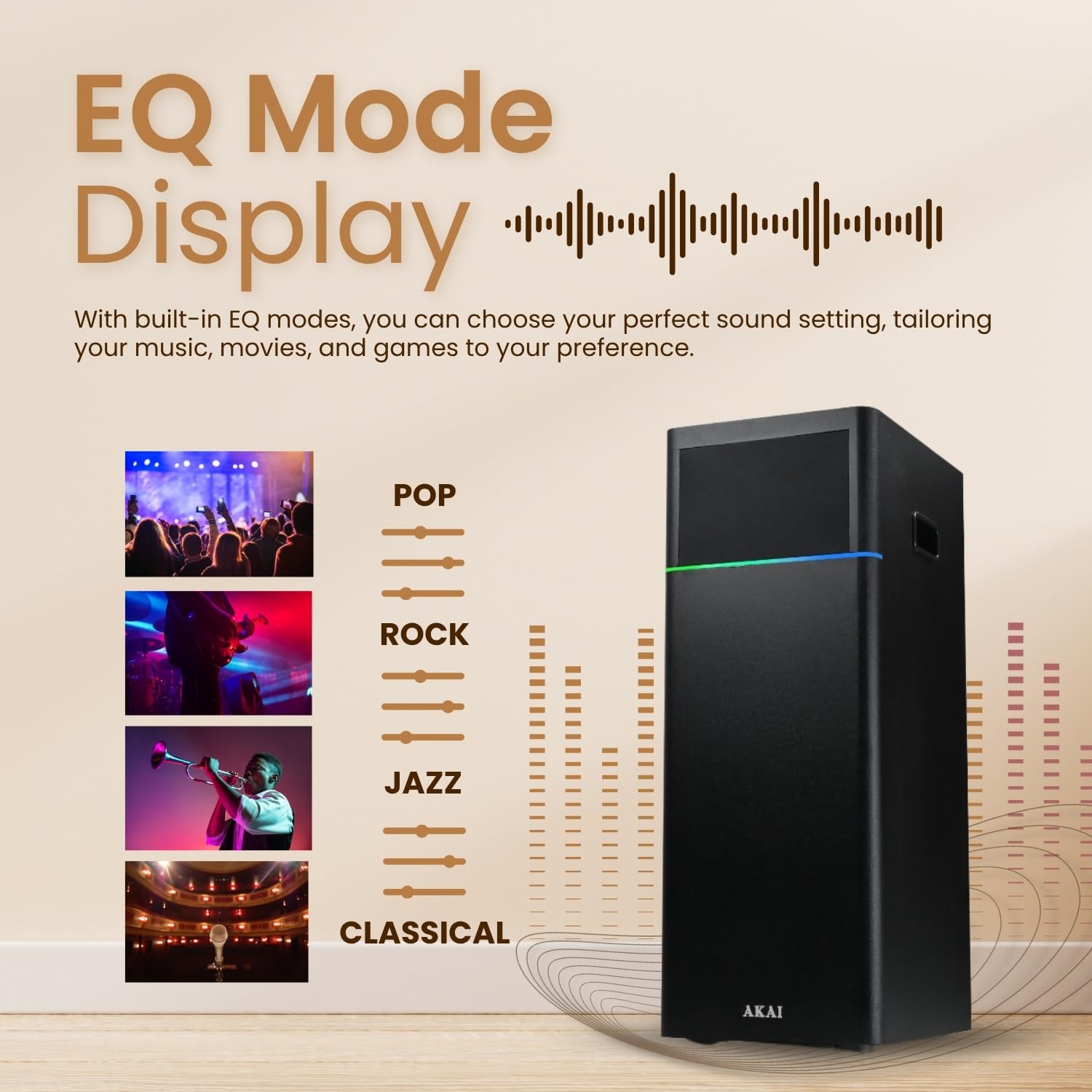
Image 5.2: The EQ mode display showing available sound presets.
5.8 Karaoke Function
With the included wireless microphone, you can enjoy karaoke:
- Ensure the wireless microphone is powered on and connected to the speaker.
- Adjust the microphone volume using the 'MIC VOL' control on the speaker or remote.
- The speaker features built-in echo control for enhanced vocal effects.

Image 5.3: Users engaging in karaoke with the AKAI UltraBoom-60 speaker and wireless microphone.
5.9 LED Lights
The dynamic LED lights automatically synchronize with the music. There are no specific user controls for the LED patterns; they are designed to enhance the audio experience visually.
6. Maintenance
- Cleaning: Use a soft, dry cloth to clean the speaker's exterior. Do not use liquid cleaners or abrasive materials.
- Storage: When not in use for extended periods, store the speaker in a cool, dry place away from direct sunlight and extreme temperatures.
- Ventilation: Ensure the speaker has adequate ventilation to prevent overheating. Do not block any vents.
- Water Exposure: This speaker is not waterproof. Avoid exposure to water or high humidity.
7. Troubleshooting
| Problem | Possible Cause | Solution |
|---|---|---|
| No power | Power cord not connected; Power outlet not working | Ensure power cord is securely plugged in; Test the outlet with another device. |
| No sound | Volume too low; Incorrect source selected; Device not connected properly | Increase volume; Select correct input source (Bluetooth, USB, AUX); Reconnect audio cable or re-pair Bluetooth device. |
| Bluetooth pairing failure | Speaker not in pairing mode; Device too far; Interference | Ensure speaker is in Bluetooth mode; Move device closer to speaker (within 10 meters); Turn off other Bluetooth devices. |
| Microphone not working | Microphone off; Low batteries; Mic volume too low | Turn on microphone; Replace batteries; Increase 'MIC VOL' on speaker/remote. |
| FM radio poor reception | Weak signal; Interference | Reposition the speaker; Try scanning for stations again. |
8. Specifications
| Feature | Detail |
|---|---|
| Model Name | HA-TS60 |
| Output Power | 60W RMS |
| Speaker Configuration | Dual 3-inch Mid Speakers, 5.25-inch Woofer |
| Connectivity | Bluetooth 5.0, USB, AUX, FM Radio |
| Compatible Devices | Laptop, Smartphone, Tablet, Television |
| Control Method | Remote Control, On-unit controls |
| Special Features | Karaoke function with wireless mic, EQ Modes, Dynamic LED Lights |
| Input Voltage | 220 Volts |
| Product Dimensions | 27D x 20.2W x 53.3H Centimeters |
| Item Weight | 6.78 Kilograms |
| Material | Wood (Cabinet) |
| Maximum Range (Bluetooth) | 10 meters |
| Frequency Response | 20 KHz |
9. Warranty and Support
The AKAI UltraBoom-60 Portable Bluetooth Speaker comes with a 1-Year Limited Warranty from the date of purchase. This warranty covers manufacturing defects under normal use conditions.
For warranty claims, technical support, or customer service, please contact:
- Email: esales@akaiindia.in / Akaicare@akaiindia.in
- Customer Care Number: 8544840022 / 33
- Website: https://akaiindia.in
Please retain your purchase receipt and warranty card for future reference.


