
Introduction
This manual provides comprehensive instructions for the safe and effective use of your Leipan HM020 Digital Magnifier. The HM020 is a portable electronic magnifying glass designed to enhance visibility and facilitate detailed inspection of small objects, text, and security features. It features a 2-inch IPS screen, adjustable white and UV lighting, and offers compatibility with computers for larger display and sharing.
Product Features
- Electronic Magnifier for Reading: Equipped with a 2-inch IPS screen and a 178° viewing angle, providing clear magnified text and improved visibility for various reading tasks.
- Magnifying Glass with Light: Features one-touch switching between white light for general illumination and UV light for specialized applications such as banknote authentication.
- Compatible with Large Screen Devices: Designed for seamless integration with Windows and Mac computers, allowing for larger screen observation and multi-person sharing of magnified content.
- Portable Handheld Tool: Weighing approximately 0.33 pounds (5.3 ounces), its ergonomic grip ensures comfortable and prolonged use, suitable for users of all ages.
- 32GB Storage: Includes a 32GB MicroSD card, offering ample storage capacity for capturing and saving numerous photos and videos.
- Rechargeable Battery: Powered by a 500 mAh rechargeable battery, providing up to 1.5 hours of continuous operation on a full charge.
Package Contents
The Leipan HM020 Digital Magnifier package typically includes the following items:
- Leipan HM020 Digital Magnifier Unit
- USB Type-C Charging/Data Cable
- 32GB MicroSD Card
- User Manual

Image: The Leipan HM020 Digital Magnifier, its charging cable, and a 32GB microSD card, shown within its packaging.
Setup
- Charge the Device: Connect the provided USB Type-C cable to the device's charging port and a compatible USB power source (e.g., computer USB port, wall adapter). Allow the device to charge fully before first use. The battery indicator on the screen will show charging status.
- Insert MicroSD Card: Locate the MicroSD card slot on the side of the device. Gently insert the included 32GB MicroSD card with the gold contacts facing down until it clicks into place. This card is essential for storing captured images and videos.
- Power On: Press and hold the power button (usually marked with a power symbol) for approximately 2-3 seconds until the screen illuminates and displays "Welcome".
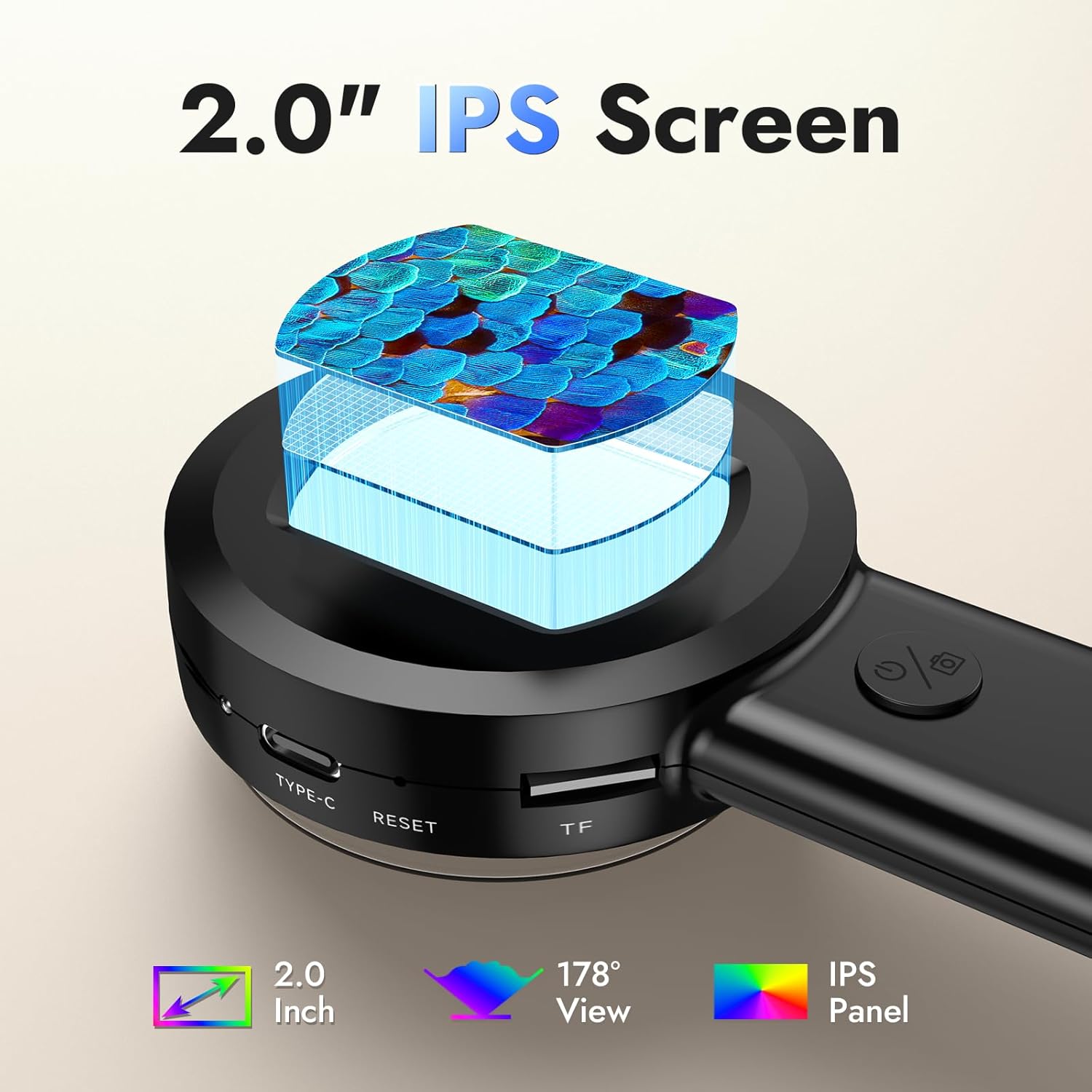
Image: A detailed view of the Leipan HM020's side, highlighting the Type-C charging port, reset button, and the slot for the TF (MicroSD) card.
Operating Instructions
Basic Operation
- Power On/Off: Press and hold the power button for approximately 2-3 seconds to turn the device on or off.
- Magnification: Position the lens directly over the object you wish to magnify. The 2-inch IPS screen will display the magnified view. Adjust the distance between the lens and the object for optimal clarity.
Lighting Control
- Switching Lights: The device features both white LED lights and UV lights. Press the dedicated light button (often located near the power button) to cycle between white light, UV light, and off.
- White Light: Provides bright, even illumination for general magnification tasks, improving visibility in various lighting conditions.
- UV Light: Activates ultraviolet light, primarily used for specialized applications such as authenticating banknotes by revealing hidden security features.
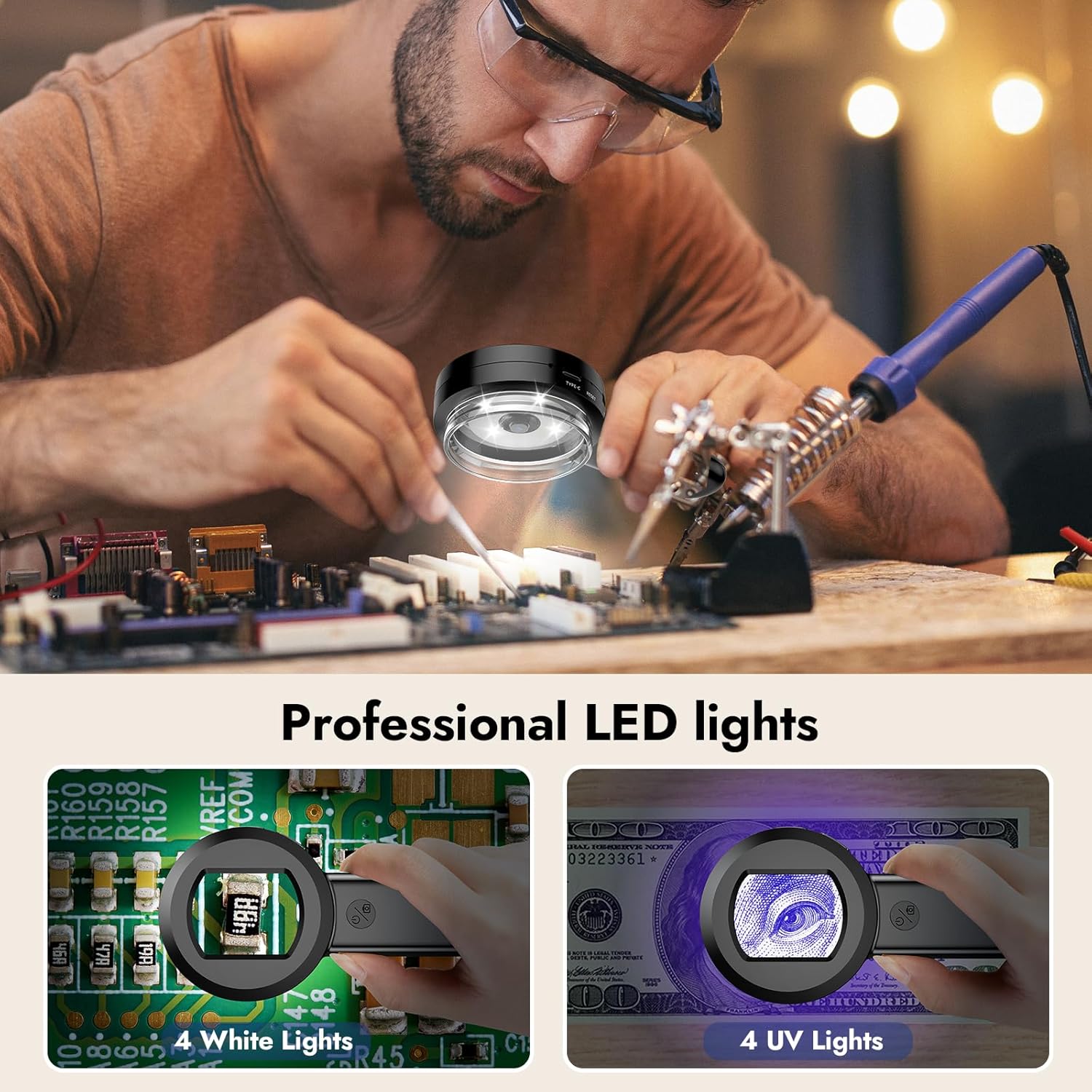
Image: The Leipan HM020 demonstrating its dual lighting capabilities, with white LEDs illuminating a circuit board and UV lights revealing security features on a banknote.
Capturing Images and Videos
- Take Photo: While viewing an object on the screen, press the "OK" button (often marked with a camera icon) to capture a still image. The screen will briefly display "Hold on" as the photo is saved to the 32GB MicroSD card.
- Record Video: To start video recording, long press the "OK" button. Press it again to stop the recording. Videos will be saved to the MicroSD card.
Menu Navigation and Settings
- Access Menu: (Refer to your device's specific button layout for menu access, typically a dedicated button or a long press of an existing button). Use the navigation buttons to scroll through options.
- Image Resolution: Adjust the resolution for captured photos and videos to suit your storage and quality preferences.
- Language: Select your preferred language for the device interface from the available options.
- Auto Power Off: Configure the device to automatically power off after a period of inactivity (e.g., 1, 3, 5 minutes) to conserve battery life.

Image: The Leipan HM020's screen showing its internal menu with options for photo album, automatic shut down, resolution, and language settings.
Computer Connectivity
- Connect to PC/Mac: Use the provided USB Type-C cable to connect the magnifier to a Windows or Mac computer. The device will typically be recognized as an external storage device or a webcam.
- Software Compatibility: The device is compatible with standard camera and photo viewing software on Windows and Mac systems, allowing you to view magnified content on a larger screen and share it with others.
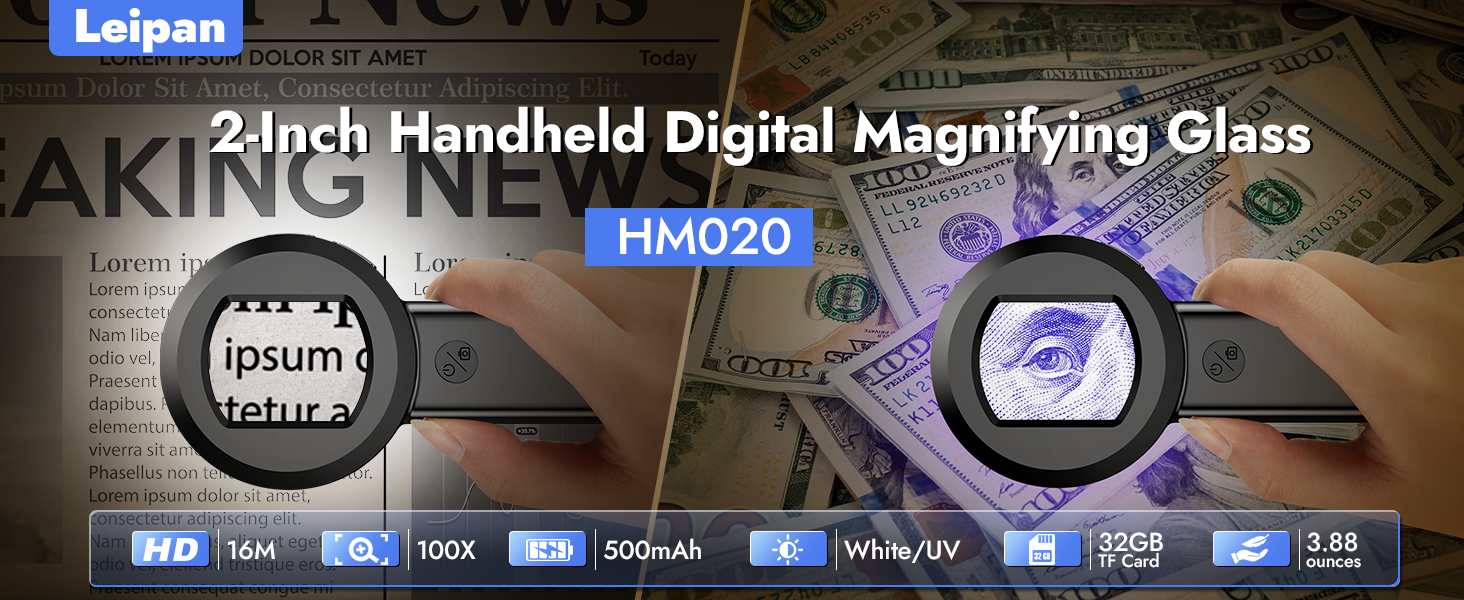
Image: The Leipan HM020 connected via USB-C to a laptop and a desktop computer, showcasing its multi-device compatibility for displaying magnified content on larger screens.
Maintenance
- Cleaning: Use a soft, dry, lint-free cloth to clean the device's screen and lens. For stubborn smudges, a slightly dampened cloth with water can be used, followed by immediate drying. Avoid abrasive materials, solvents, or harsh chemicals.
- Storage: Store the magnifier in a cool, dry place away from direct sunlight, high humidity, and extreme temperatures. Keep it in its original packaging or a protective case when not in use to prevent dust accumulation and damage.
- Battery Care: To prolong the life of the rechargeable battery, avoid fully discharging it frequently. Recharge the device regularly, especially if it will be stored for an extended period (e.g., once every 3 months).
- Handling: Handle the device with care to prevent drops or impacts, which could damage internal components, the screen, or the lens.
Troubleshooting
- Device will not power on: Ensure the battery is sufficiently charged. Connect the device to a power source using the USB Type-C cable and allow it to charge for at least 30 minutes before attempting to power on again.
- Screen is blank or distorted: Check the battery level. If the issue persists after charging, try resetting the device using the reset button (a small pinhole, typically requiring a thin pin to press).
- Images are blurry: Ensure the lens is clean and free of dust or smudges. Adjust the distance between the lens and the object to achieve optimal focus. The device has a fixed focal point, so precise positioning is key.
- UV light is not effective for banknote authentication: Verify that the UV light mode is activated. Note that the effectiveness can vary depending on the specific security features of the banknote and ambient lighting conditions.
- Cannot connect to computer: Ensure the USB Type-C cable is securely connected to both the magnifier and the computer. Try a different USB port or cable. Verify that the computer's operating system recognizes the device (it may appear as a removable disk or camera).
Specifications
| Feature | Specification |
|---|---|
| Brand | Leipan |
| Model | HM020 |
| Screen Size | 2-inch IPS |
| Magnification Strength | Up to 100x |
| Lighting | White LED, UV Light |
| Storage | 32GB MicroSD Card (included) |
| Battery Capacity | 500 mAh |
| Working Time | Up to 1.5 hours |
| Connectivity | USB Type-C (for charging and data transfer to Windows/Mac) |
| Item Weight | 0.33 Pounds (approx. 5.3 ounces) |
| Product Dimensions | 5.4"L x 2.64"W |
| Lens Material | Glass |
Warranty and Support
For detailed warranty information, product registration, and customer support, please refer to the specific documentation included with your Leipan HM020 Digital Magnifier. You may also visit the official Leipan website for additional resources and contact information.
Product Videos
How to use HM020 2" screen magnifier?
Video: A demonstration of how to use the Leipan HM020 digital magnifier, including inserting the memory card, switching between white and UV light, and taking photos of various items like banknotes and circuit boards.