1. Product Overview
The ASUS VA27UCPS is a 27-inch 4K (3840 x 2160) HDR monitor designed for business and productivity. It features a frameless IPS panel, offering a 178° wide viewing angle for sharp and immersive visuals. The monitor includes an integrated USB-C port for data transfer, video signal, and 65W power delivery through a single cable. Its ergonomic design allows for tilt, swivel, pivot, and height adjustments, complemented by TÜV Rheinland-certified Flicker-free and Low Blue Light technologies for a comfortable viewing experience.

Image 1.1: Overview of the ASUS VA27UCPS Business Monitor highlighting its productivity features.
2. Package Contents
Before setting up your monitor, please verify that all items listed below are present in the package:
- ASUS VA27UCPS Monitor
- DisplayPort cable
- HDMI cable
- L-shaped Screwdriver
- Power cord
- Quick start guide
- Warranty Card

Image 2.1: Visual representation of the items included in the ASUS VA27UCPS monitor package.
3. Setup and Assembly
3.1 Stand Assembly
The monitor comes with a stand that supports ergonomic adjustments. Attach the stand base to the stand column, then secure the assembled stand to the back of the monitor. Ensure all connections are firm.
3.2 Connecting the Monitor
Connect the monitor to your computer using one of the following methods:
- USB-C Connection: Use the provided USB-C cable to connect your laptop to the monitor. This single cable supports data transmission, video signal, and 65W power delivery to your laptop.
- HDMI Connection: Use the provided HDMI cable to connect the monitor to your computer's HDMI port.
- DisplayPort Connection: Use the provided DisplayPort cable to connect the monitor to your computer's DisplayPort.
- USB Hub: Utilize the integrated USB hub for connecting peripherals.

Image 3.1: Illustration of the versatile USB-C connection providing power, display, data, and audio.

Image 3.2: Detailed view of the monitor's extensive connectivity options including HDMI, DisplayPort, USB-C, USB Hub, and Earphone out.
3.3 VESA Wall Mounting
The monitor is VESA wall mountable (100 x 100 mm). Ensure you use a compatible VESA mount and follow the mount manufacturer's instructions for secure installation.
4. Key Features and Operation
4.1 Display Technology
Experience crisp, lifelike visuals with the 27-inch 4K UHD (3840 x 2160) resolution HDR display. The IPS panel provides a 178° wide viewing angle, ensuring consistent color and brightness from almost any perspective. HDR-10 support delivers brighter whites and darker blacks for a rich viewing experience.

Image 4.1: The monitor's 178° wide viewing angle ensures consistent visuals from various positions.

Image 4.2: The monitor delivers impeccable detailed visuals in 4K HDR for a rich and lifelike viewing experience.
4.2 Ergonomic Adjustments
The ergonomic stand allows for flexible adjustments to achieve the most comfortable viewing position. This includes:
- Tilt: +35° to -5°
- Swivel: +180° to -180°
- Pivot: +90° to -90° (for portrait orientation)
- Height Adjustment: 0 to 150 mm

Image 4.3: The ergonomic stand allows for extensive tilt, swivel, pivot, and height adjustments.
4.3 Eye Care Technology
ASUS Eye Care monitors are TÜV Rheinland-certified for Flicker-free and Low Blue Light technologies, designed to reduce eye strain during prolonged use.
4.4 ASUS DisplayWidget Center
The ASUS DisplayWidget Center is a software application that provides an intuitive interface to easily adjust monitor settings using your mouse, eliminating the need to use physical buttons on the monitor.

Image 4.4: The ASUS DisplayWidget Center offers an intuitive interface for monitor settings adjustment.
Learn more about ASUS DisplayWidget Center: https://us.rog.gg/vlz56p
4.5 Built-in Speakers
The VA27UCPS includes two integrated stereo speakers to enhance your audiovisual experience for multimedia content.

Image 4.5: The monitor features built-in stereo speakers for an enhanced audio experience.
4.6 Hands-free Convenience
The monitor stand is designed with a convenient tray to place small items like phones or name cards, helping to keep your workspace tidy and organized.
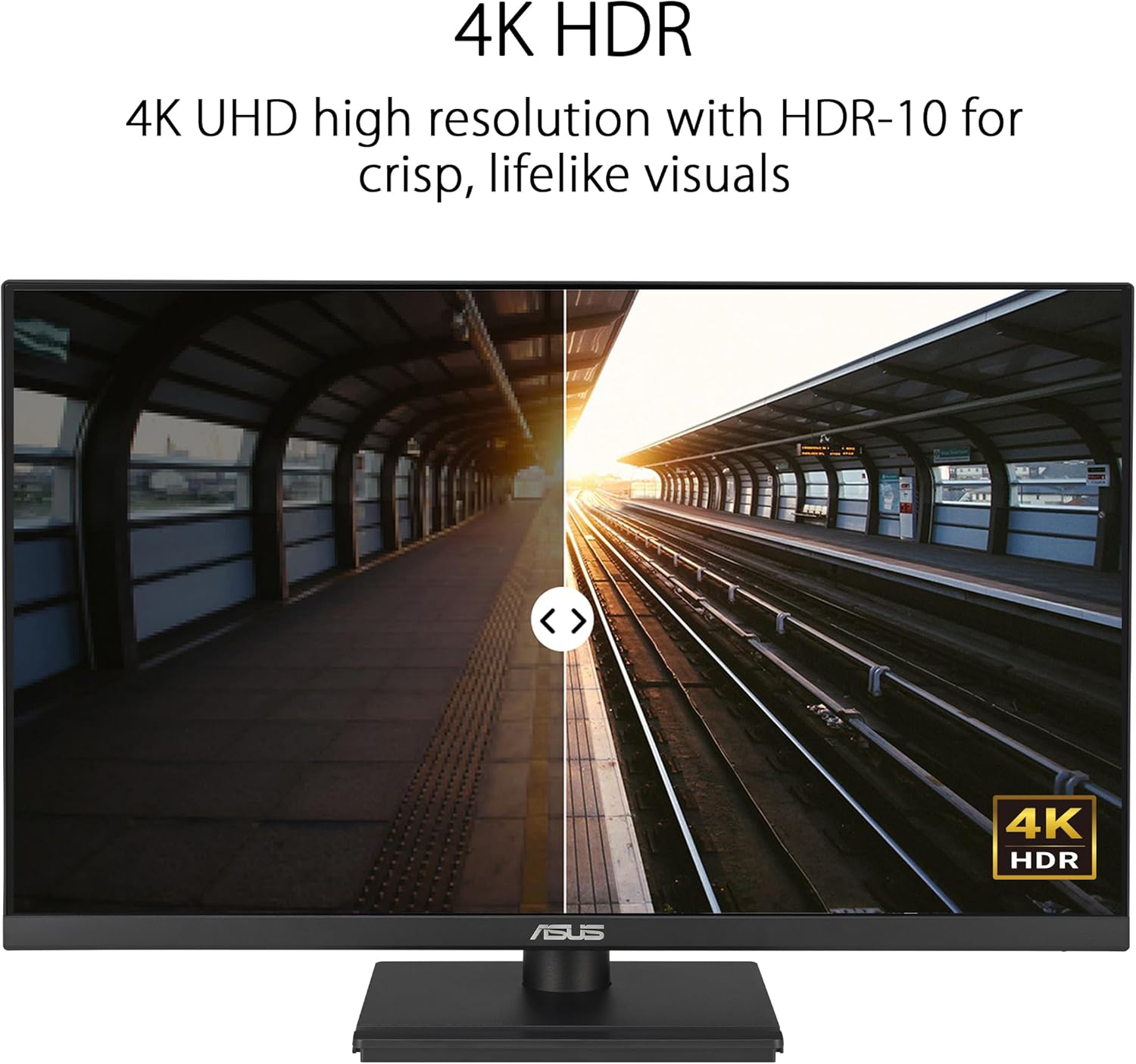
Image 4.6: The monitor stand offers hands-free convenience with a dedicated space for small items.
5. Specifications
| Feature | Detail |
|---|---|
| Screen Size | 27 Inches |
| Screen Resolution | 3840 x 2160 (4K UHD) |
| Max Screen Resolution | 3840 x 2160 Pixels |
| Panel Type | IPS |
| Aspect Ratio | 16:9 |
| HDR Support | HDR-10 |
| Connectivity | USB-C (65W PD), HDMI, DisplayPort, USB Hub (4x USB 3.0) |
| Ergonomics | Tilt, Swivel, Pivot, Height Adjustment |
| Eye Care Features | Flicker-free, Low Blue Light (TÜV Rheinland Certified) |
| Built-in Speakers | Yes |
| VESA Mount Compatible | 100 x 100 mm |
| Item Weight | 15.2 pounds |
| Product Dimensions | 24.2 x 8.8 x 20.6 inches |
6. Green Sustainability
The ASUS VA27UCPS monitor is designed with green sustainability in mind:
- Environmental Certification: Stringently tested to meet world-leading sustainability certifications, including EPEAT Gold, Energy Star, and TCO Certified.
- Eco-friendly Packaging: Packaging is made of at least 80% recycled cardboard, designed to minimize weight and volume for efficient transportation.
- Energy-Efficient Features: Includes a power-saving Eco-mode to minimize power consumption.
- Eco-friendly Materials: Made with 85% post-consumer recycled (PCR) plastics and mercury-free panels.

Image 6.1: The monitor's commitment to environmental sustainability through certifications, packaging, and materials.
7. Warranty and Support
The ASUS VA27UCPS monitor comes with a 3-year warranty. Please refer to the included Warranty Card for detailed terms and conditions. For technical support or service inquiries, visit the official ASUS support website or contact their customer service.


