
AcclaFit P5
AcclaFit Smart Watch P5 User Manual
Model: P5
Introduction
The AcclaFit Smart Watch P5 is a versatile fitness tracker and smartwatch designed to enhance your daily life and health monitoring. Featuring a 1.85-inch HD touch display, it offers comprehensive health tracking capabilities including heart rate, blood oxygen, and sleep monitoring, alongside extensive sport modes and smart communication features. This manual provides detailed instructions for setup, operation, maintenance, and troubleshooting to ensure optimal use of your device.
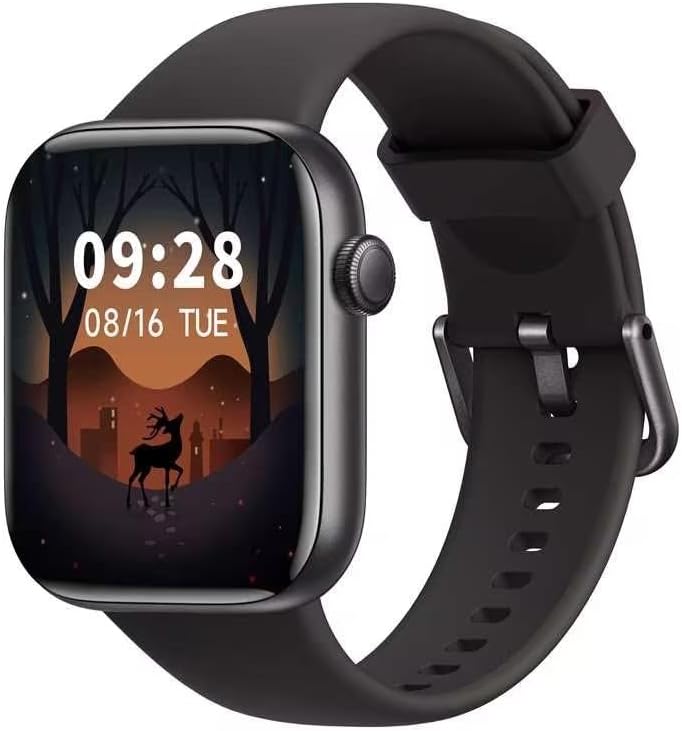
Figure 1: AcclaFit Smart Watch P5
Setup
1. Unboxing and Initial Charge
Upon opening the package, verify that all components are present: the AcclaFit Smart Watch P5, charging cable, and this user manual. Before first use, fully charge the device. Connect the magnetic charging cable to the charging contacts on the back of the watch and plug the USB end into a compatible power source (e.g., computer USB port, 5V/1A USB wall adapter). The watch display will indicate charging status.
2. App Installation
To unlock the full functionality of your Smart Watch P5, download and install the companion application on your smartphone. The application is named "Hband".
- For Android devices: Requires Android 5.0 or above.
- For iOS devices: Requires iOS 10.0 or above.
You can download the app by visiting the official website: https://www.vphband.com/hband/hband.html or by scanning the QR code provided in the product packaging.
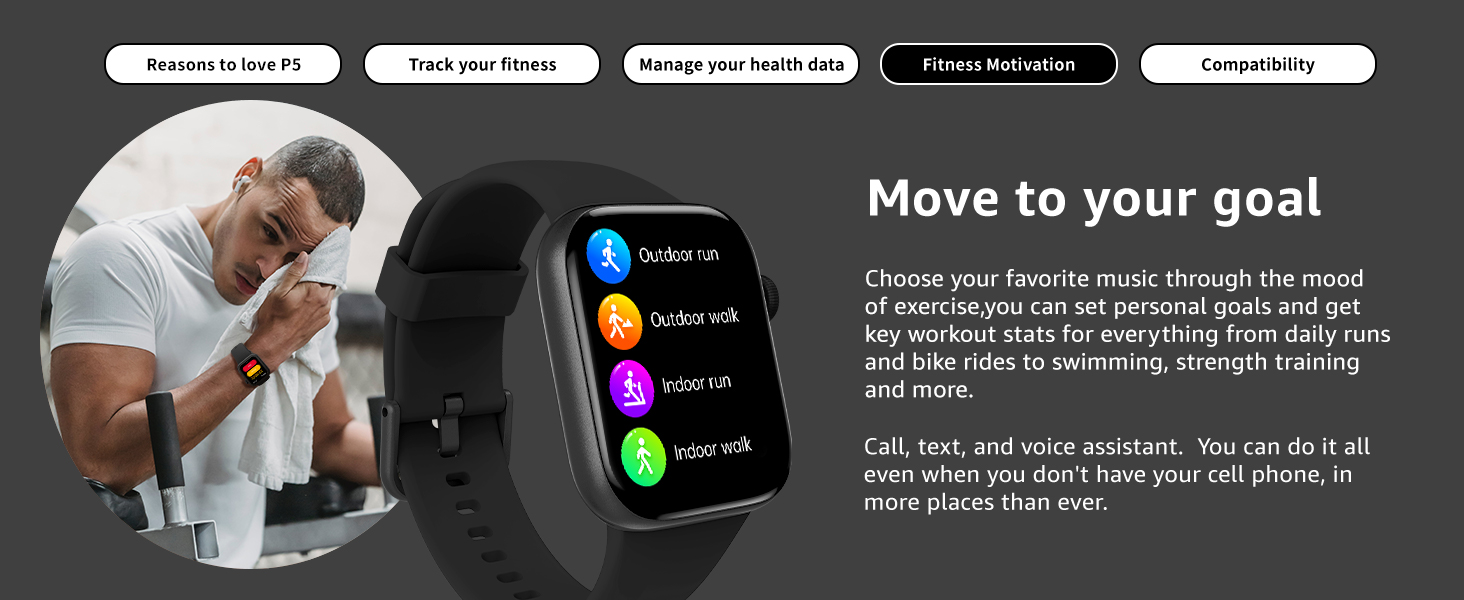
Figure 2: App Installation and Compatibility
3. Pairing with Smartphone
After installing the app, open it and follow the on-screen instructions to create an account or log in. Ensure Bluetooth is enabled on your smartphone. Within the app, search for your AcclaFit Smart Watch P5 (model P5) and initiate the pairing process. Confirm the pairing request on both your watch and smartphone.
4. Initial Configuration
Once paired, the app will guide you through setting up personal information such as age, height, weight, and gender, which are crucial for accurate health and fitness tracking. You can also set your preferred units of measurement and notification preferences.
Operating Instructions
1. Basic Navigation
The Smart Watch P5 features a full touch screen for intuitive navigation.
- Swipe Up/Down: Scroll through menus and notifications.
- Swipe Left/Right: Access quick functions or different data screens.
- Tap: Select an item or confirm an action.
- Side Button: Press to wake the screen, return to the home screen, or access the main menu.
2. Communication Features
The watch supports Bluetooth calling and notifications, allowing you to stay connected without needing to constantly check your phone.
- Answer/Dial Calls: Use the watch to answer incoming calls or dial numbers directly from your wrist.
- Smart Notifications: Receive alerts for calls, text messages, and app notifications (e.g., Facebook, WhatsApp) directly on your watch.
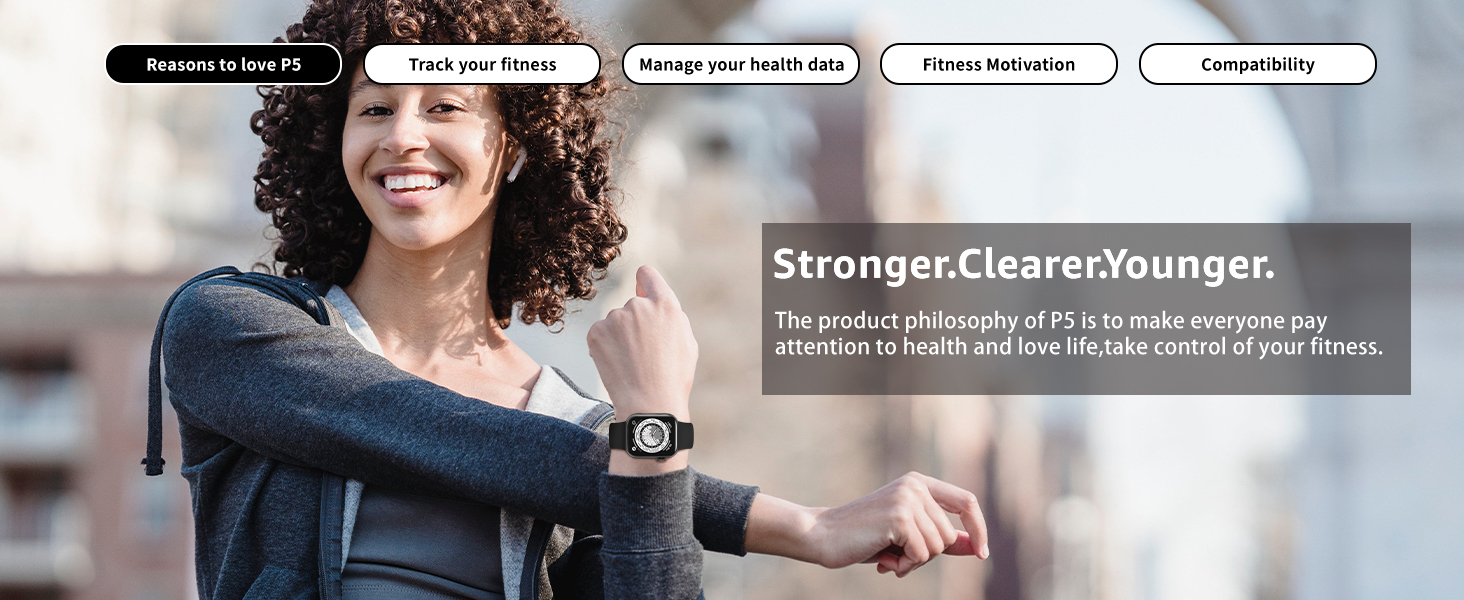
Figure 3: Communication Features
3. Fitness Tracking
The Smart Watch P5 is equipped with over 140 sport modes and comprehensive activity tracking.
- Sport Modes: Select from a wide range of activities like hiking, running, cycling, and more to track specific workout data including calories burned, distance, and heart rate.
- Daily Activity Data: Monitor your steps, distance, and active minutes throughout the day.
- Music Controls: Control music playback on your connected smartphone directly from the watch.

Figure 4: Fitness Tracking and Sport Modes
4. Health Monitoring
Gain insights into your health with the watch's advanced monitoring features.
- Heart Rate Monitor: Continuous 24/7 heart rate monitoring through the optical heart rate sensor. Receive notifications for unusually high or low heart rates.
- Blood Oxygen (SpO2) Monitoring: Measure your blood oxygen saturation levels.
- Sleep Tracking: Analyze your sleep patterns, including deep sleep, light sleep, and awake times, to help improve sleep quality.
- Blood Pressure Management Score: Provides an indication of blood pressure trends. Note: This feature is for reference only and not a substitute for professional medical advice.
- Period Tracking: For female users, track menstrual cycles and predict ovulation.
- Breathing Exercise: Guided breathing exercises to help reduce stress and improve focus.

Figure 5: Comprehensive Health Tracking

Figure 6: Heart Rate Sensor Detail
5. Watch Face Customization
Personalize your watch with over 100 customizable dials or upload your own photos to create unique watch faces through the companion app.
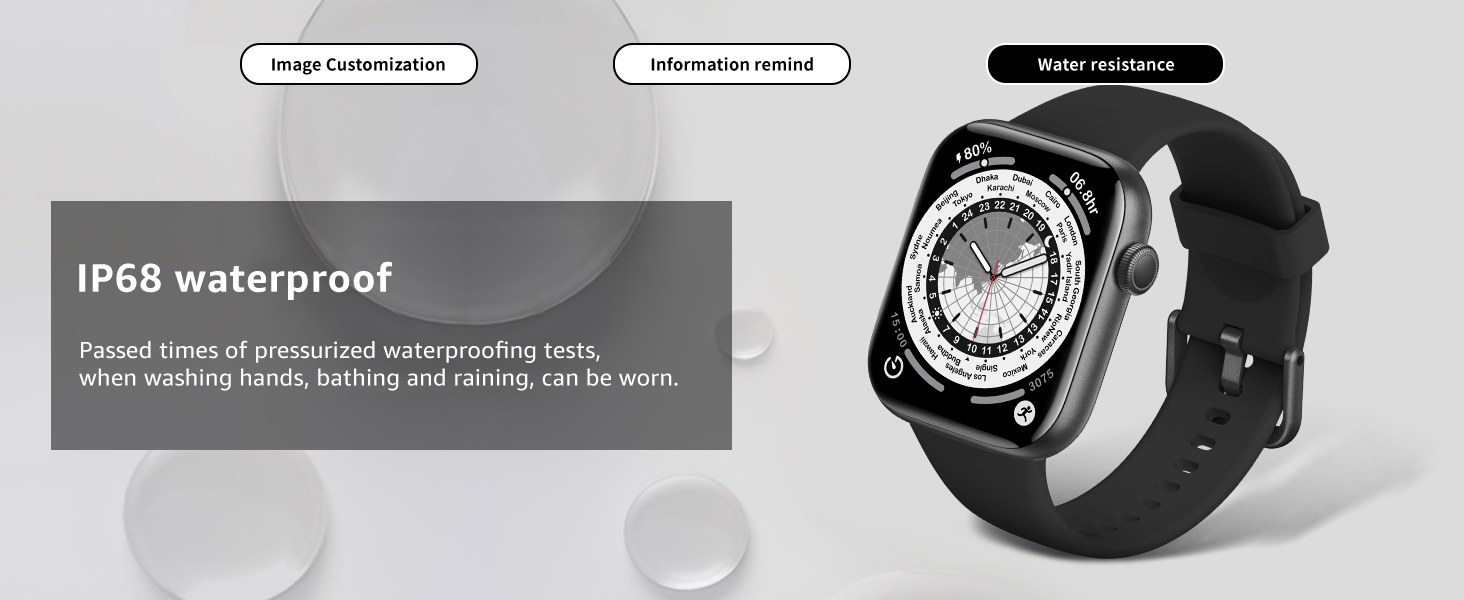
Figure 7: Watch Face Customization Options
Maintenance
1. Cleaning Your Watch
Regularly clean your watch and strap to prevent skin irritation and maintain device performance. Use a soft, lint-free cloth. If necessary, slightly dampen the cloth with water. Avoid using harsh chemicals, abrasive cleaners, or solvents.
2. Water Resistance
The AcclaFit Smart Watch P5 is rated IP68 waterproof, meaning it is designed to withstand dust ingress and immersion in water up to 1.5 meters for 30 minutes. It is suitable for daily use, such as washing hands, bathing, and light rain.
Important Note: While rated IP68, prolonged exposure to water, hot water, steam, or high-pressure water jets (e.g., showering, sauna, diving, or swimming in a pool for extended periods) may compromise the device's water resistance over time. Avoid pressing buttons underwater. If the watch gets wet, dry it thoroughly before charging or using the touchscreen.
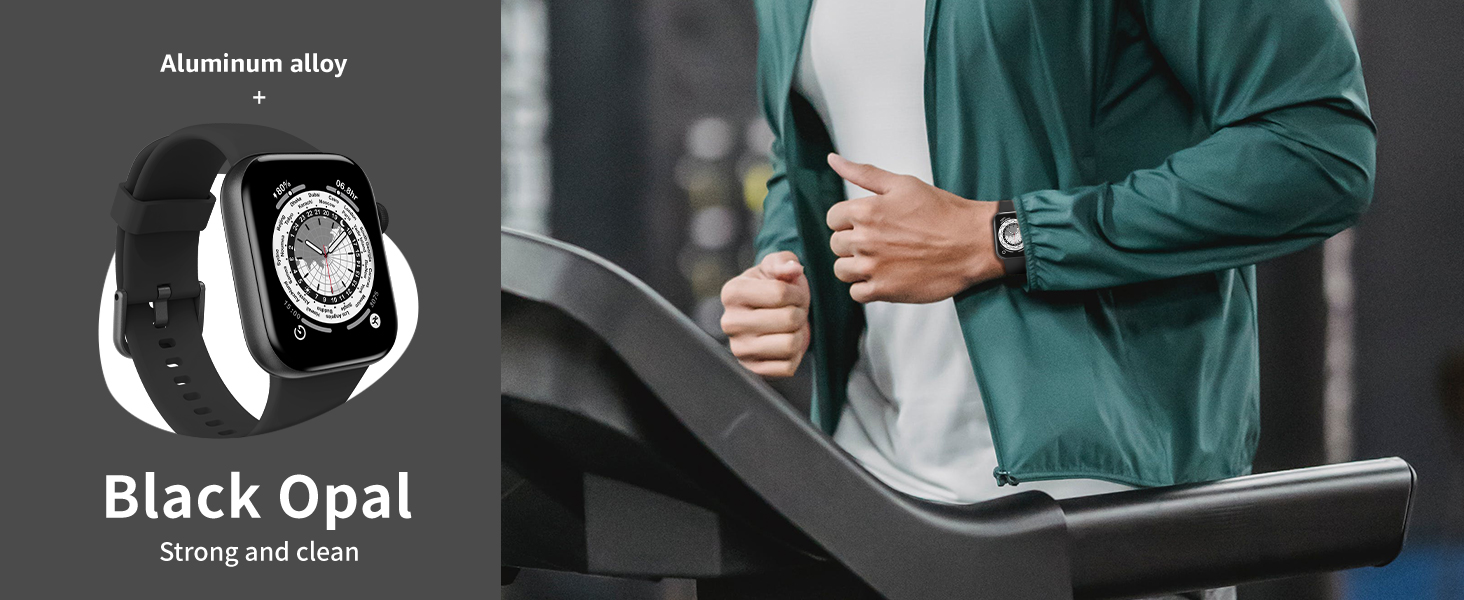
Figure 8: IP68 Water Resistance
3. Charging Best Practices
To prolong battery life and ensure safe charging:
- Use only the provided charging cable.
- Charge in a cool, dry environment.
- Avoid overcharging; disconnect once fully charged.
- Do not charge if the watch or cable is wet.
Troubleshooting
If you encounter issues with your AcclaFit Smart Watch P5, refer to the following common problems and solutions. For more detailed assistance, consult the Hband app's help section or the manufacturer's support resources.
| Problem | Possible Solution |
|---|---|
| Watch does not turn on or charge. |
|
| Cannot pair with smartphone or app. |
|
| Inaccurate health readings (Heart Rate, SpO2). |
|
| Notifications are not received. |
|
| Watch stopped working after water exposure. |
|
Specifications
| Feature | Detail |
|---|---|
| Model Number | P5 |
| Brand | AcclaFit |
| Display Size | 1.85 Inches |
| Human Interface Input | Touchscreen |
| Connectivity Technology | Bluetooth |
| Special Features | Heart Rate Monitor, Sleep Monitor, Blood Oxygen Monitor, Call/Dial Function, 147 Sport Modes |
| Water Resistance Rating | IP68 |
| Battery Cell Composition | Lithium |
| Color | Black |
| Compatible Devices | Smartphones (Android 5.0+, iOS 10.0+) |
Warranty and Support
Warranty Information
Specific warranty details for the AcclaFit Smart Watch P5 are typically provided with the product packaging or can be found on the official AcclaFit website. Please retain your proof of purchase for warranty claims.
Customer Support
For further assistance, technical support, or inquiries, please refer to the following resources:
- Hband App: The companion app often includes an FAQ section, troubleshooting guides, and direct contact options for support.
- AcclaFit Brand Store: Visit the official AcclaFit store on Amazon for product information and potential support contacts: AcclaFit Store.
- Manufacturer Website: Check the official AcclaFit website for the most up-to-date support information and contact methods.
Related documentsP5


Ask a question about this manual
Ask about setup, troubleshooting, compatibility, parts, safety, or missing instructions. Manuals+ will review the question and use this page’s manual context to help answer it.