
Beatbot AquaSense A
Beatbot AquaSense Cordless Robotic Pool Vacuum: User Manual
Model: AquaSense A
Brand: Beatbot
1. Introduction
Thank you for choosing the Beatbot AquaSense Cordless Robotic Pool Vacuum. This manual provides essential information for the safe and efficient operation, maintenance, and troubleshooting of your device. Please read it thoroughly before first use and retain it for future reference.
The Beatbot AquaSense is designed to clean the floor, walls, and waterline of both inground and above-ground pools up to 2,260 sq.ft. It features intelligent path optimization, powerful suction, and a dual-brush system for comprehensive cleaning.
2. Important Safety Information
- Always read and understand all instructions before operating the appliance.
- Do not expose the charging dock to direct sunlight, moisture, or extreme temperatures.
- Ensure the charging dock is placed in a dry, shaded area.
- Only use the provided original power adapter and charging dock.
- Keep children and pets away from the pool cleaner during operation and charging.
- Do not operate the cleaner if the power cord or plug is damaged.
- Turn off and unplug the cleaner before performing any maintenance or cleaning tasks.
- Do not use the cleaner if the pool water temperature is outside the recommended range (typically 10°C to 35°C / 50°F to 95°F).
- Remove the cleaner from the pool after each cleaning cycle.
3. Package Contents
Verify that all items are present in the package:
- Beatbot AquaSense Robotic Pool Vacuum
- Cordless Charging Dock
- Power Adapter
- Retrieval Hook
- User Manual

Image: Beatbot AquaSense Robotic Pool Vacuum with its mobile application interface displayed on a smartphone.
4. Setup
4.1 Initial Charging
- Place the cordless charging dock in a dry, shaded area near a power outlet, away from direct sunlight or moisture.
- Connect the power adapter to the charging dock and plug it into a suitable power outlet.
- Place the Beatbot AquaSense onto the charging dock. Ensure the charging contacts on the cleaner align with those on the dock. The indicator light on the cleaner will illuminate to show charging status.
- Allow the cleaner to charge fully before first use. A full charge typically takes approximately 3.5 hours.

Image: The Beatbot AquaSense robotic pool cleaner on its cordless charging and storage station, illustrating the charging process.
4.2 App Connection (Optional)
For enhanced control and features, download the Beatbot app from your device's app store. Follow the in-app instructions to connect your AquaSense cleaner. The app allows for customized cleaning mode management, cleaning history tracking, real-time water quality recommendations, and OTA software upgrades.

Image: A person using the Beatbot mobile application to manage cleaning modes and view cleaning records for the robotic pool cleaner.
5. Operating Instructions
5.1 Placing the Cleaner in the Pool
- Ensure the cleaner is fully charged.
- Gently lower the Beatbot AquaSense into the pool. It will slowly sink to the bottom.
- Wait for air bubbles to stop escaping from the cleaner, indicating it is fully submerged and filled with water.
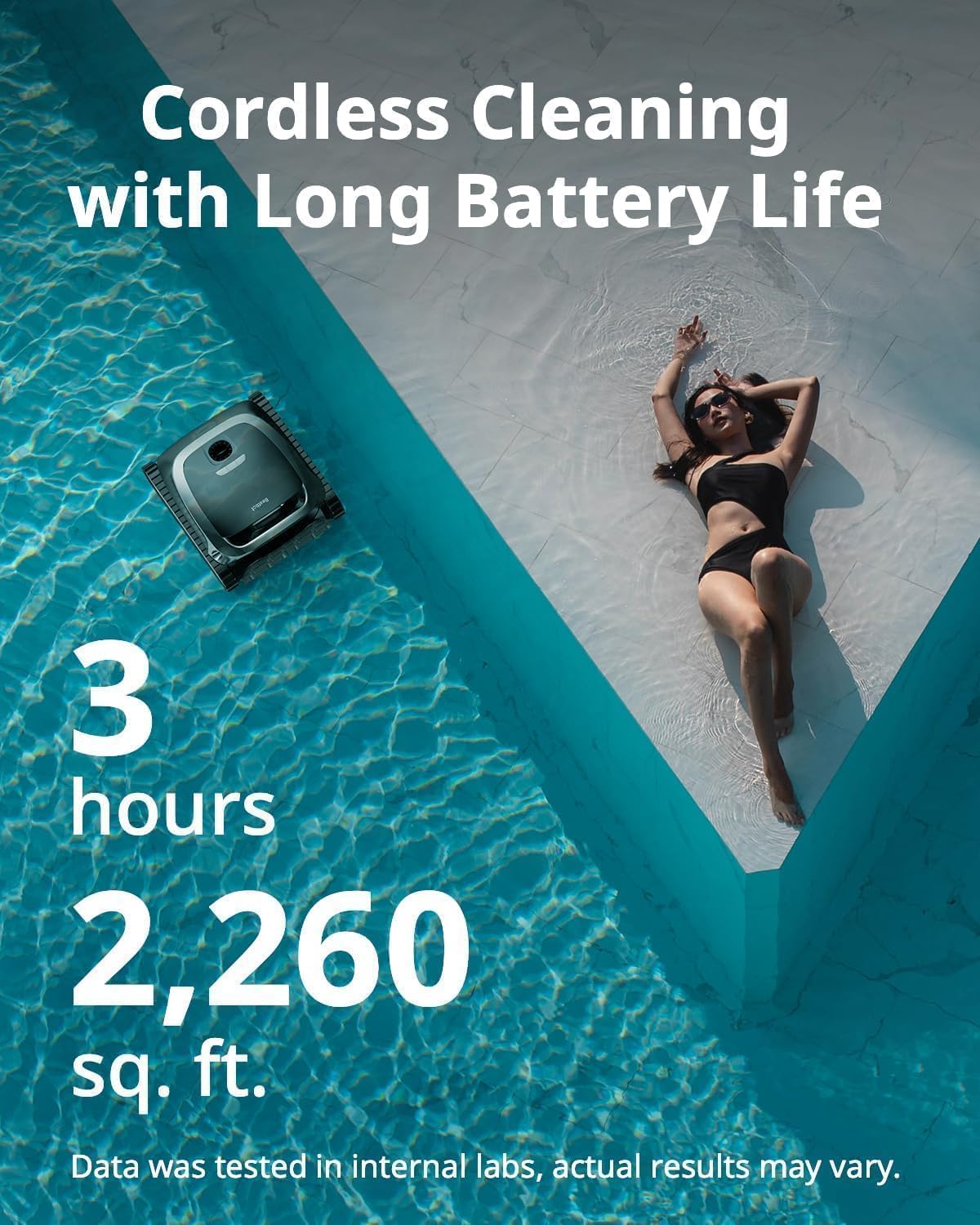
Image: The Beatbot AquaSense robotic pool cleaner submerged in a pool, ready for operation.
5.2 Starting a Cleaning Cycle
You can start a cleaning cycle either manually or via the Beatbot app.
Manual Operation:
- Once submerged, press the power button on the top of the cleaner.
- The cleaner will begin its cleaning cycle, automatically selecting optimal N-shape (zigzag) or S-shape (spiral) paths for floors and walls.
App Operation:
- Open the Beatbot app on your smartphone.
- Select your connected AquaSense device.
- Choose your desired cleaning mode (e.g., floor, walls, waterline) and start the cycle.

Image: Illustration of the Beatbot AquaSense robotic pool cleaner utilizing S-shaped paths for floor cleaning and N-shaped paths for wall cleaning, demonstrating its intelligent navigation.
5.3 Cleaning Modes and Features
- Intelligent Path Optimization: The cleaner uses a quad-core 1.8GHz CPU and 15 high-precision sensors with AI-driven algorithms to map your pool and optimize cleaning paths.
- Dual-Brush System: Features dual independent roller brushes for thorough scrubbing and expanded coverage.
- Wall Climbing: The 200W brushless motor provides strong suction for climbing walls and even curved surfaces.
- Cordless Operation: Provides over 3 hours of continuous cleaning on a single charge.

Image: An aerial view of a pool showing the Beatbot AquaSense robotic cleaner in operation, illustrating its path optimization algorithm with S-shaped paths for the floor and N-shaped paths for walls.

Image: An underside view of the Beatbot AquaSense robotic pool cleaner, highlighting its dual brushes and wide cleaning path for efficient debris collection.
5.4 Retrieving the Cleaner
When the cleaning cycle is complete or the battery is low (orange light: <15%), the cleaner will automatically return to the waterline or a designated parking spot (MemoryPark™ Smart Return). Use the provided retrieval hook to gently lift the cleaner out of the water by its handle. As you lift, the cleaner will automatically purge water to reduce weight.

Image: Two Beatbot AquaSense robotic pool cleaners in a pool, illustrating the "Smart Return" feature where the cleaner automatically moves to the edge of the pool for easy retrieval.

Image: A hand lifting the Beatbot AquaSense robotic pool cleaner out of the water using its ergonomic handle, demonstrating easy retrieval.
6. Maintenance
6.1 Cleaning the Filter Basket
Regularly clean the filter basket to maintain optimal cleaning performance. The AquaSense features an ultra-fine 150-micron filter.
- After retrieving the cleaner from the pool, open the top cover to access the filter basket.
- Remove the filter basket.
- Empty any collected debris into a waste bin.
- Rinse the filter basket thoroughly with a garden hose until all debris and fine particles are removed.
- Reinsert the clean filter basket into the cleaner and close the top cover securely.

Image: A two-panel image showing the Beatbot AquaSense's ultra-fine filtration system and the process of easily cleaning the top-loaded filter basket with water.
6.2 General Care
- Periodically inspect the brushes and tracks for wear or trapped debris. Clean as necessary.
- Store the cleaner on its charging dock in a cool, dry, and shaded location when not in use.
- Do not leave the cleaner in the pool for extended periods when not operating.
7. Troubleshooting
| Problem | Possible Cause | Solution |
|---|---|---|
| Cleaner does not start. | Low battery; Power button not pressed; Obstruction. | Charge the cleaner fully; Press the power button firmly; Check for and remove any obstructions. |
| Poor cleaning performance. | Clogged filter basket; Worn brushes; Low battery. | Clean the filter basket; Inspect and replace brushes if worn; Charge the cleaner fully. |
| Cleaner gets stuck or navigates erratically. | Obstruction; Pool features interfering; Sensors dirty. | Remove large debris; Ensure pool is clear of large toys/floats; Clean sensors gently. |
| Cannot connect to the app. | Incorrect Wi-Fi password; Cleaner out of range; App issue. | Verify Wi-Fi password (note: some systems may not support passphrases with spaces); Move cleaner closer to router; Restart app and cleaner. |
| Cleaner does not climb walls effectively. | Low battery; Dirty brushes/tracks; Algae on pool walls. | Charge the cleaner; Clean brushes and tracks; Manually brush pool walls to remove heavy algae. |
8. Specifications
| Feature | Detail |
|---|---|
| Model Name | AquaSense A |
| Brand | Beatbot |
| Power Source | Battery Powered (Lithium-Ion) |
| Battery Capacity | 133.38 Watt Hours |
| Charging Time | Approximately 3.5 Hours |
| Operating Time | 3+ hours (per lab tests) |
| Max Pool Size | Up to 2,260 sq.ft |
| Suction Power | 5500 GPH (Gallons Per Hour) |
| Motor | 200W Brushless Main-pump Motor |
| Filtration | Ultra-fine 150-micron filter basket |
| Navigation | Quad-core 1.8GHz CPU, 15 high-precision sensors, AI-driven algorithms |
| Control Method | On-device buttons, Mobile App |
| Product Dimensions | 17.6"L x 15.7"W x 9.1"H |
| Item Weight | 33 Pounds |
| Certifications | ETL, CEC, IP68 |
9. Warranty and Support
9.1 Warranty Information
The Beatbot AquaSense Robotic Pool Vacuum comes with an industry-leading 2-year full machine replacement protection. This warranty covers manufacturing defects and ensures a replacement unit instead of repairs, providing peace of mind.
For detailed warranty terms and conditions, please refer to the warranty card included in your package or visit the official Beatbot website.
9.2 Customer Support
If you encounter any issues or have questions regarding your Beatbot AquaSense, please contact Beatbot customer support. Our team is available to assist you with troubleshooting, parts replacement, and general inquiries.
- Online Support: Visit the official Beatbot website for FAQs, troubleshooting guides, and contact forms.
- Email Support: Refer to your product documentation for the dedicated customer support email address.
- Phone Support: Refer to your product documentation for customer service phone numbers.
Please have your model number (AquaSense A) and purchase date ready when contacting support.
Related documentsAquaSense A


Ask a question about this manual
Ask about setup, troubleshooting, compatibility, parts, safety, or missing instructions. Manuals+ will review the question and use this page’s manual context to help answer it.