
iMounTEK SYT001
iMounTEK SYT001 Light Bulb Security Camera
User Manual
Introduction
Thank you for choosing the iMounTEK SYT001 Light Bulb Security Camera. This manual provides essential information for the proper installation, operation, and maintenance of your device. Please read it thoroughly before use and retain it for future reference.
The iMounTEK SYT001 is a 1080P FHD wireless security camera designed for easy installation into a standard E27 light socket. It features 360-degree monitoring, motion detection with auto-tracking, two-way audio communication, and advanced night vision capabilities, including full-color night vision with floodlights.
Product Overview
Key Features
- 1080P Full HD Video: Captures clear and detailed footage.
- 360° Monitoring: Pan 355° horizontally and tilt 90° vertically via the app.
- Motion Detection & Tracking: Automatically detects movement, sends alerts, and tracks subjects.
- Two-Way Audio: Built-in microphone and speaker for real-time communication.
- Night Vision: Infrared (IR) night vision and full-color night vision with integrated floodlights.
- Easy Installation: Screws directly into a standard E27 light socket (110-220V).
- Storage Options: Supports up to 128GB Micro SD card (not included) and cloud storage (30-day free trial).
- Wireless Connectivity: Supports 2.4G WiFi only.
Package Contents
- iMounTEK SYT001 Light Bulb Security Camera
- E27 Socket Base (for wired installation option)
- Mounting Screws
- User Manual (this document)
Setup
Before You Begin
- Ensure your WiFi network is 2.4GHz. This camera does not support 5GHz WiFi.
- Download the V380 Pro application from your smartphone's app store (iOS or Android).
- Have your WiFi network name (SSID) and password ready.
- Ensure the installation location has a standard E27 light socket with 110-220V power.
Installation Steps
- Power Off: Ensure the power to the E27 light socket is turned off before installation to prevent electrical shock.
- Screw In Camera: Carefully screw the iMounTEK SYT001 camera into the E27 light socket. Ensure it is securely fastened.

Image: Easy installation by screwing the camera into an E27 light socket.
Alternatively, if a direct E27 socket is not available, use the included E27 socket base for wired installation. Consult a qualified electrician if unsure.
- Power On: Restore power to the E27 light socket. The camera will power on and initiate its startup sequence. You may hear a voice prompt.
- App Connection:
- Open the V380 Pro app on your smartphone.
- Register a new account or log in if you already have one.
- Tap the "+" icon to add a new device.
- Follow the in-app instructions to connect the camera to your 2.4GHz WiFi network. This typically involves scanning a QR code generated by the app or connecting to the camera's temporary WiFi hotspot.
- Positioning: Once connected, adjust the camera's angle via the app to achieve the desired viewing area.
Operating Instructions
Live View and Pan/Tilt Control
After successful setup, open the V380 Pro app and select your camera to view the live feed. Use the on-screen controls to pan the camera horizontally (355°) and tilt it vertically (90°) to cover your desired area.

Image: The camera provides 360-degree monitoring capabilities.
Two-Way Audio
The camera features a built-in microphone and speaker. In the live view interface of the V380 Pro app, tap the microphone icon to speak through the camera and the speaker icon to listen to audio from the camera's location.
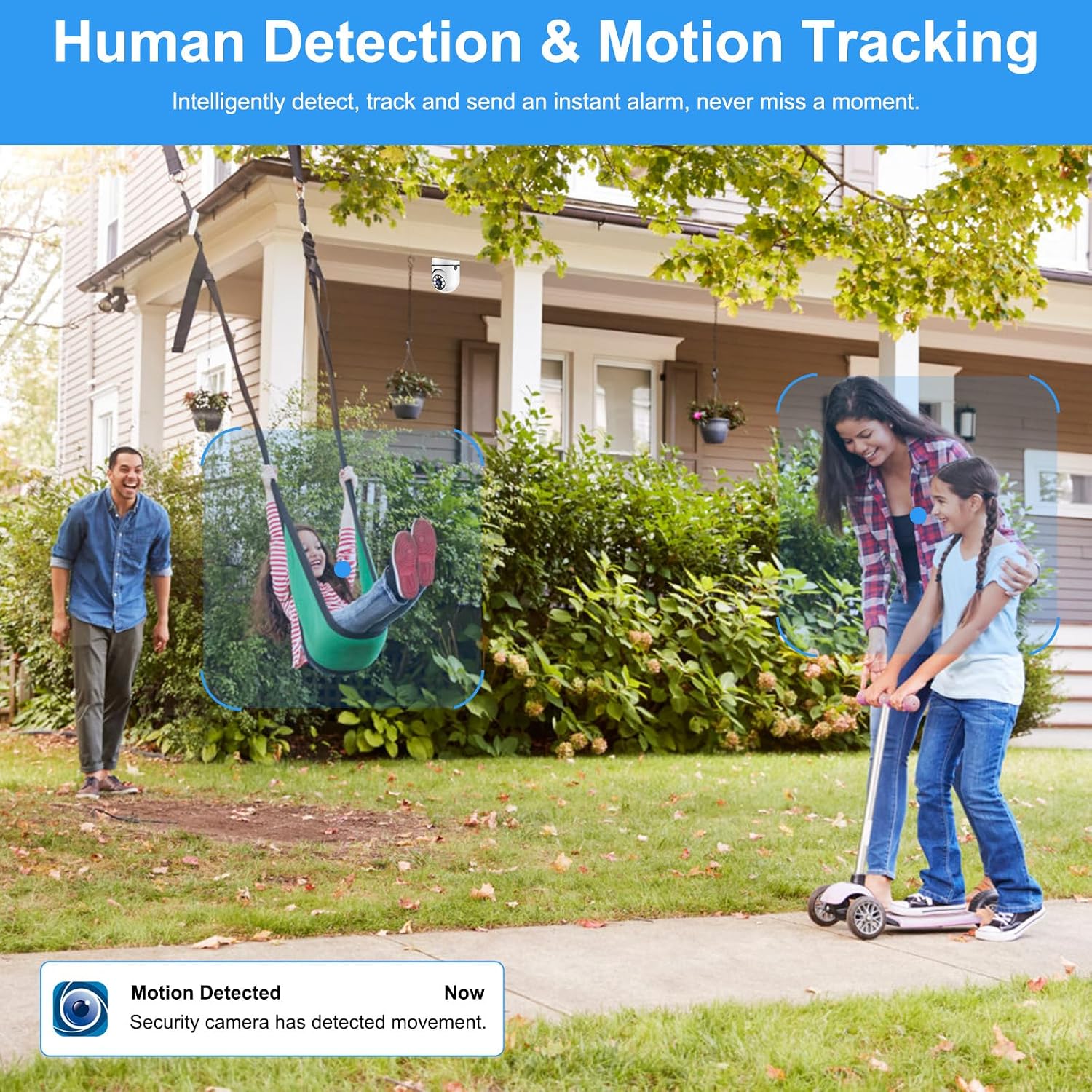
Image: Demonstrating two-way communication through the camera.
Motion Detection and Alerts
The camera is equipped with motion detection. When motion is detected, the camera will automatically track the movement, record footage, and send an instant alert notification to your smartphone via the V380 Pro app. You can adjust motion detection sensitivity in the app settings.

Image: The camera's human detection and motion tracking feature in action.
Night Vision Modes
The camera supports two night vision modes:
- Infrared (IR) Night Vision: Provides clear black and white video in low-light conditions.
- Full-Color Night Vision: Built-in floodlights automatically activate upon motion detection at night, providing full-color video.
You can configure night vision settings within the V380 Pro app.

Image: Demonstrating the difference between infrared and full-color night vision.
Recording and Storage
The camera supports continuous recording and event-triggered recording. Footage can be stored in two ways:
- Micro SD Card (MMC Card): Insert a Micro SD card (up to 128GB, not included) into the camera's designated slot. The camera will record footage locally.
- Cloud Storage: The V380 Pro app offers cloud storage services, often with a free trial period. Refer to the app for subscription details.

Image: Illustrating 24/7 recording with options for Micro SD card and cloud storage.
Maintenance
- Cleaning: Gently wipe the camera lens and body with a soft, dry cloth. Do not use harsh chemicals or abrasive cleaners.
- Firmware Updates: Regularly check the V380 Pro app for available firmware updates to ensure optimal performance and security.
- Power Cycle: If the camera experiences issues, try power cycling it by turning off the power to the E27 socket for a few seconds, then turning it back on.
- SD Card Management: If using a Micro SD card, periodically check its status in the app and format it if necessary to maintain recording quality.
Troubleshooting
| Problem | Possible Cause | Solution |
|---|---|---|
| Camera fails to connect to WiFi. |
|
|
| No recording or footage missing. |
|
|
| Night vision is unclear or not activating. |
|
|
| Motion alerts are too frequent or not received. |
|
|
Specifications
| Feature | Detail |
|---|---|
| Model Number | SYT001 |
| Brand | iMounTEK |
| Resolution | 1080P Full HD |
| Pan/Tilt Range | Horizontal 355°, Vertical 90° |
| Wireless Connectivity | 2.4GHz Wi-Fi (Does not support 5GHz Wi-Fi) |
| Power Supply | E27 Light Socket (110-220V) |
| Storage Options | Micro SD Card (up to 128GB, not included), Cloud Storage |
| Night Vision | IR Night Vision, Full-Color Night Vision with Floodlight |
| Audio | Two-Way Talk (Built-in microphone and speaker) |
| Motion Detection | Yes, with auto-tracking and alerts |
| Product Dimensions | 2.56 x 7.08 x 2.56 inches |
| Alert Type | Motion Only |
| Smart Home Compatibility | Smart Home Compatible |
Safety Information
- Always ensure the power to the light socket is OFF before installing or removing the camera.
- Do not expose the camera to extreme temperatures, humidity, or direct water.
- Avoid placing the camera near strong magnetic fields or sources of interference.
- Use only the specified power supply (E27 light socket, 110-220V).
- Keep the camera out of reach of children and pets.
- Do not attempt to disassemble or repair the camera yourself. Contact customer support for assistance.
- Ensure the camera is securely installed to prevent it from falling.
Warranty and Support
iMounTEK products are designed for reliability and performance. For warranty information, please refer to the warranty card included with your purchase or visit the official iMounTEK website.
If you encounter any issues or have questions regarding your iMounTEK SYT001 Light Bulb Security Camera, please contact our customer support team:
- Email: support@imountek.com
- Website: www.imountek.com/support
Please have your model number (SYT001) and purchase details ready when contacting support.
Ask a question about this manual
Ask about setup, troubleshooting, compatibility, parts, safety, or missing instructions. Manuals+ will review the question and use this page’s manual context to help answer it.