
1. Product Overview
This TOPTECH TV wall mount (Model 32-75 Tilt) is designed to securely hold most flat screen televisions ranging from 32 to 75 inches. It features a low-profile design, positioning your TV approximately 1.1 inches from the wall, and offers a tilt function for optimal viewing angles. The robust metal construction ensures stability and durability.
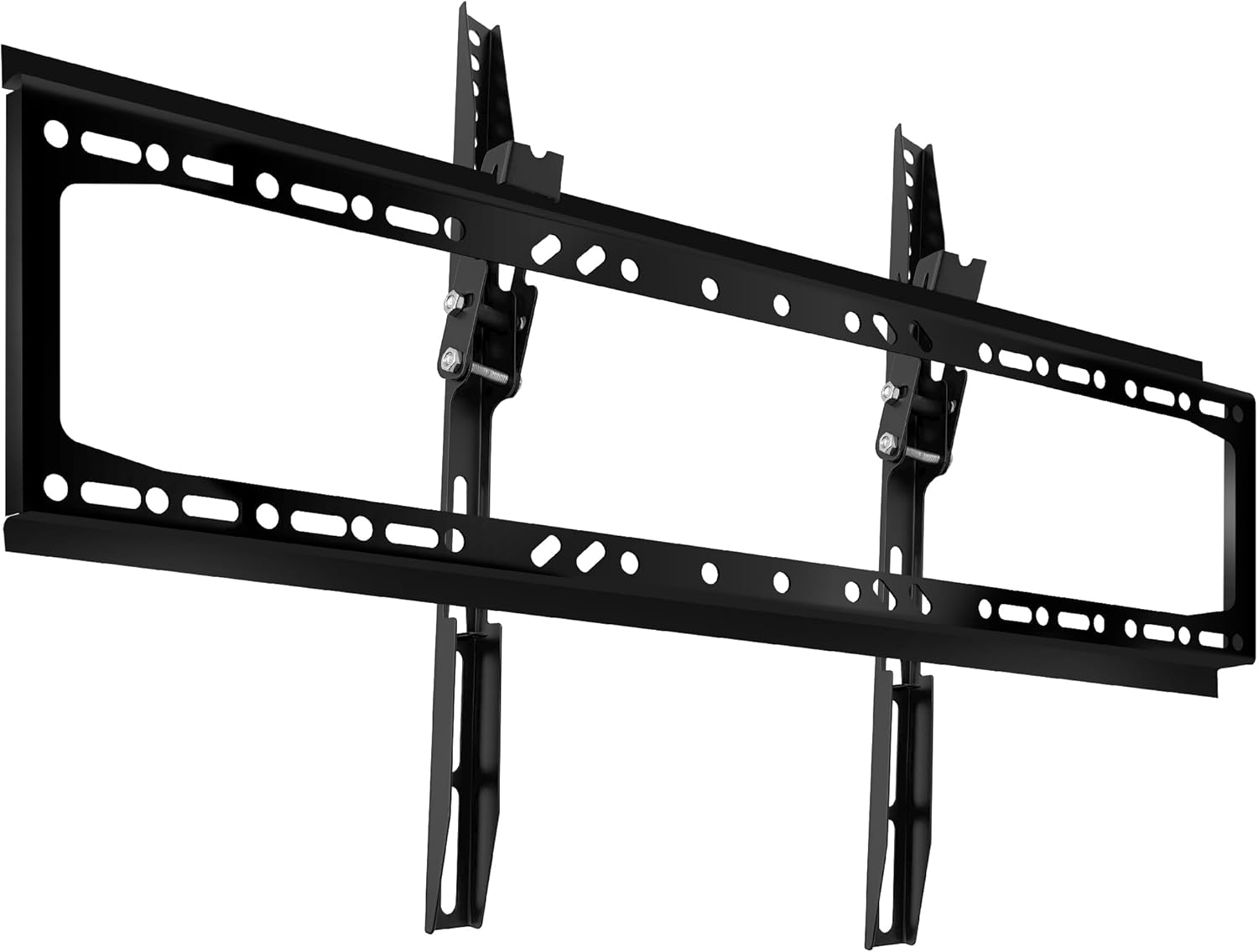
Image 1.1: Overview of the TOPTECH TV Wall Mount.
2. Safety Information
WARNING: Failure to read and follow these instructions may result in serious personal injury, property damage, or voiding of your warranty. If you do not understand these instructions or have doubts about the safety of the installation, please contact customer support.
- Do not install this product on walls that are not structurally sound. Ensure the mounting surface can support the combined weight of the mount and your TV.
- This mount is intended for use with televisions weighing up to 132 lbs (60 kg). Do not exceed this weight limit.
- Verify the VESA pattern of your TV is compatible with the mount (up to 600x400mm).
- Always use a stud finder to locate wood studs. If mounting to concrete or brick, use appropriate anchors (not always included, may need to be purchased separately).
- Ensure all screws are tightened securely, but do not overtighten.
- Keep children and pets away during installation.
- Two people are recommended for safe installation, especially when lifting the TV.
3. Package Contents
Please check that all components are present and undamaged before installation. If any parts are missing or defective, contact TOPTECH customer service.
- Wall Plate Assembly
- TV Brackets (2x)
- Hardware Kit (various screws, washers, spacers for TV and wall mounting)
4. Specifications
| Brand: | TOPTECH |
| Model: | 32-75 Tilt |
| Material: | Metal |
| TV Size Compatibility: | 32 - 75 inches |
| Weight Capacity: | 132 lbs (60 kg) |
| VESA Compatibility: | Up to 600 x 400 mm |
| Mounting Type: | Wall Mount |
| Movement Type: | Tilt (0° to -8° adjustable) |
| Wall Distance (Low Profile): | Approximately 1.1 inches (2.8 cm) |
| Stud Spacing Compatibility: | 16", 18", 24" |
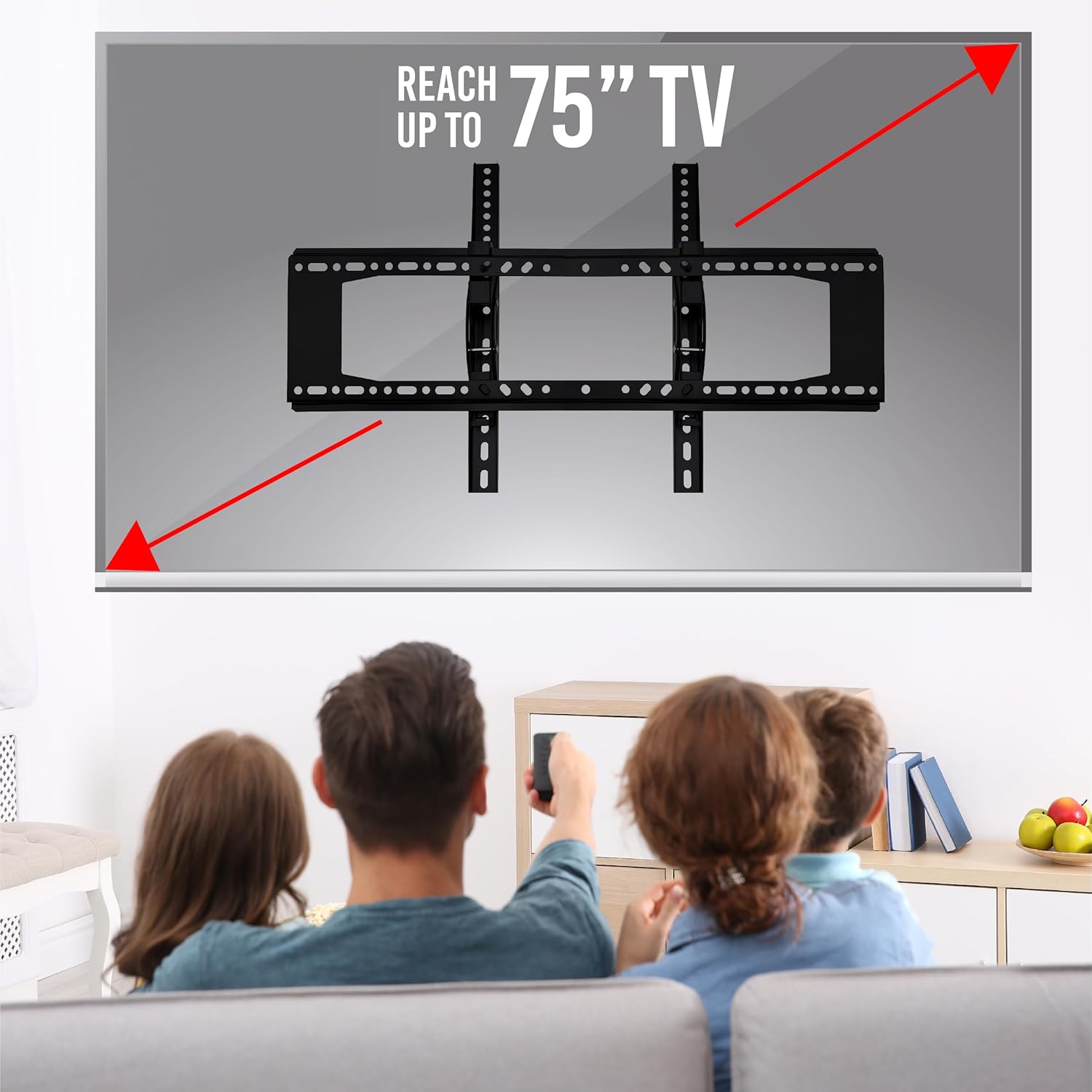
Image 4.1: This mount supports TVs up to 75 inches.
5. Setup and Installation
5.1 Pre-Installation Checklist
- Verify TV Compatibility: Check your TV's weight and VESA mounting pattern. Ensure it is within the mount's specifications (max 132 lbs, VESA up to 600x400mm).
- Locate Mounting Location:
- Determine the desired viewing height and distance for optimal placement.
- Consider the room layout to ensure clear viewing angles.
- Ensure there is proper ventilation around the TV for heat dissipation.
- Identify Wall Type: This mount is designed for wood stud walls or solid concrete/brick walls.
- For wood stud walls, use a reliable stud finder to locate the center of the studs. The mount supports 16", 18", and 24" stud spacing.
- For concrete/brick walls, appropriate concrete anchors (not always included) are required. Do not attempt to install on drywall alone.
- Gather Tools: You will typically need a drill, drill bits, level, tape measure, pencil, and a Phillips head screwdriver or wrench.
5.2 Attaching TV Brackets to Your TV
- Carefully place your TV face down on a soft, clean surface to prevent screen damage.
- Identify the four mounting holes on the back of your TV.
- Select the correct diameter and length screws from the hardware kit that fit your TV's mounting holes. Use washers and spacers if necessary to ensure a snug fit without overtightening.
- Attach the two TV brackets to the back of your TV, ensuring they are centered and level. The hooks on the brackets should face upwards.
5.3 Mounting the Wall Plate
- Hold the wall plate against the wall at your desired height and use a level to ensure it is perfectly horizontal. Mark the drilling locations with a pencil.
- For Wood Studs: Drill pilot holes into the center of the studs at the marked locations. Use a drill bit slightly smaller than the lag bolts. Secure the wall plate to the studs using the provided lag bolts and washers.
- For Concrete/Brick Walls: Drill pilot holes at the marked locations using a masonry drill bit. Insert concrete anchors (if applicable) into the holes. Secure the wall plate using the appropriate bolts and washers.
- Ensure the wall plate is firmly and securely attached to the wall.

Image 5.1: Illustration of attaching TV brackets and hanging the TV onto the wall plate.

Image 5.2: The double hook design provides enhanced stability for your television.
5.4 Hanging the TV
- With assistance, carefully lift the TV with the attached brackets.
- Align the hooks on the TV brackets with the top edge of the wall plate.
- Gently lower the TV, ensuring the brackets engage securely with the wall plate.
- Once the TV is hanging, slide it horizontally to center it on the wall plate as desired.
- Locate the safety screws or locking mechanisms on the bottom of the TV brackets. Tighten these screws to secure the TV to the wall plate and prevent accidental dislodgement.
- Test the stability of the mount by gently pushing and pulling on the TV. It should feel secure.
6. Operating the Tilt Function
This mount allows for a downward tilt adjustment from 0° to -8° to reduce glare and optimize viewing angles.
- To adjust the tilt, locate the tilt adjustment knobs or bolts on the side of the TV brackets.
- Loosen these knobs/bolts slightly.
- Carefully tilt the TV to your desired angle.
- Once the desired angle is achieved, securely tighten the knobs/bolts to lock the TV in position.

Image 6.1: The mount allows for a tilt range of 0 to -8 degrees.
7. Maintenance
- Periodically check all screws and bolts to ensure they remain tight. Retighten if necessary.
- Clean the mount with a soft, dry cloth. Avoid abrasive cleaners or solvents.
- Do not hang anything from the TV or the mount.
8. Troubleshooting
- TV is not level:
Ensure the wall plate was installed level. Some mounts have post-installation leveling adjustments on the TV brackets; check your specific model for this feature. If not, the wall plate may need to be re-adjusted.
- Mount feels loose:
Immediately remove the TV. Recheck all wall mounting bolts and TV bracket screws for tightness. Ensure the wall structure is sound and that appropriate anchors were used for your wall type.
- Cannot tilt the TV:
Ensure the tilt adjustment knobs/bolts are sufficiently loosened before attempting to adjust the angle. Retighten them after adjustment.
9. Warranty and Customer Support
For warranty information or technical assistance, please contact TOPTECH customer support. Keep your purchase receipt as proof of purchase.
For further assistance, please visit the TOPTECH Store on Amazon.