
Introduction
This manual provides comprehensive instructions for the safe and efficient operation of your Retevis RT668H Professional Walkie Talkie. Please read this manual thoroughly before use and retain it for future reference.
Product Features
Hidden Active LED Display
The RT668H features a hidden active LED display that provides clear and easy-to-read information on the current channel and battery status. This design enhances durability compared to traditional screens.
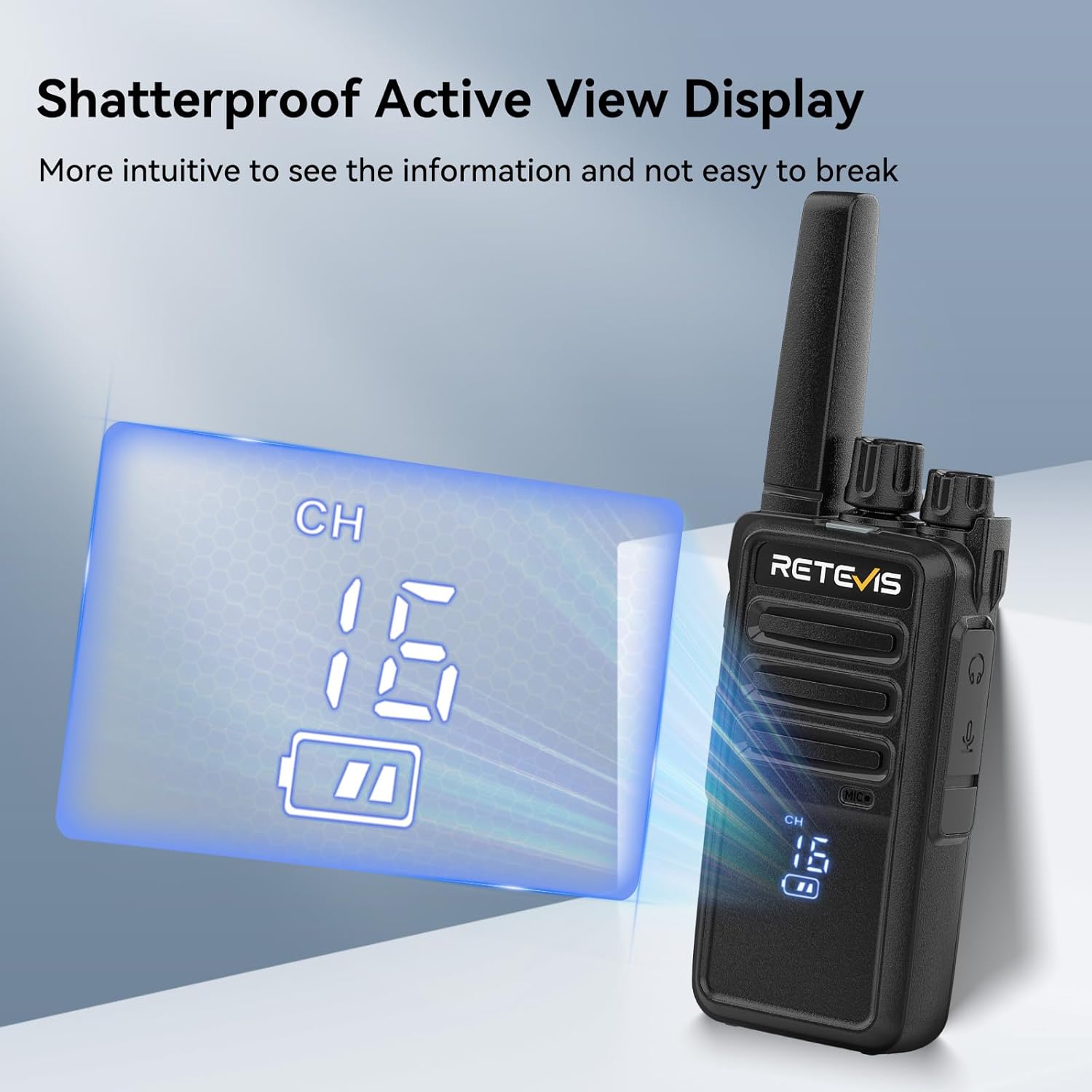
A close-up of the Retevis RT668H walkie talkie highlighting its hidden active LED display, showing channel 16 and battery status.
Rugged and Durable Construction
Constructed from robust and durable ABS material, the RT668H is designed to withstand drops from a height of 1 meter, ensuring long-term reliability in demanding environments.
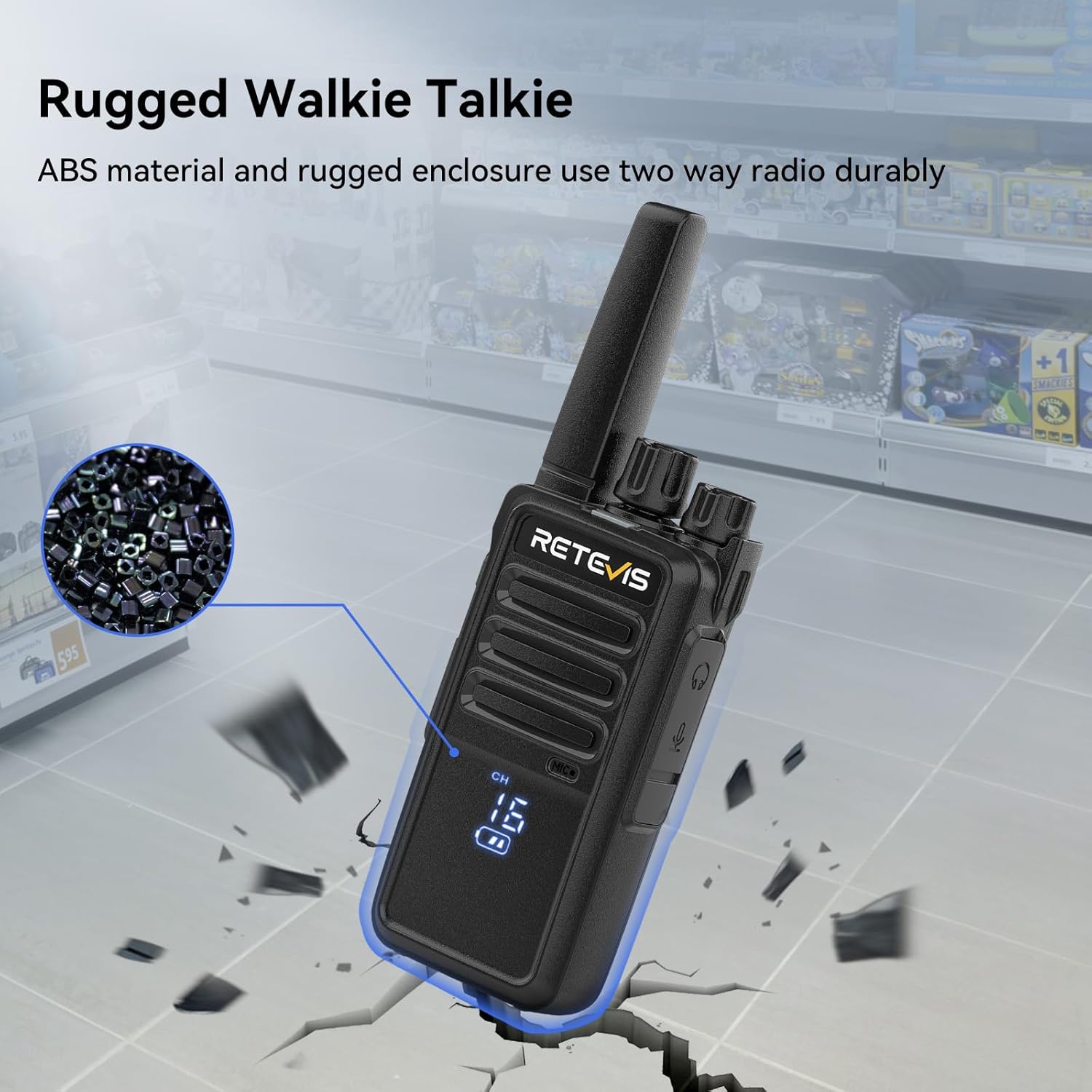
An image depicting the Retevis RT668H walkie talkie in mid-air, about to hit a cracked ground, symbolizing its robust and durable construction.
Key Lock Function
The key lock feature prevents accidental channel changes, maintaining continuous communication with your team members.

A visual representation of the key lock function on the Retevis RT668H walkie talkie, showing a lock icon on its display.
Clear Sound Quality
Equipped with a powerful speaker and a 0-9 level squelch function, the RT668H filters out background noise, ensuring clear and effective communication.

An image showing the Retevis RT668H walkie talkie with graphic representations of sound waves, emphasizing its crisp and clear sound quality.
Type-C Charging and 1200mAh Battery
The walkie talkie is powered by a 1200mAh lithium-ion battery, offering convenient recharging via a Type-C port. This allows for flexible charging methods using various compatible devices.

The Retevis RT668H walkie talkie connected to a Type-C charging cable, with an overlay indicating its 1200mAh battery capacity.
PMR446 and 16 Channels
The RT668H operates on the PMR446 frequency band, offering 16 channels for license-free use. It is compatible with various two-way radios.
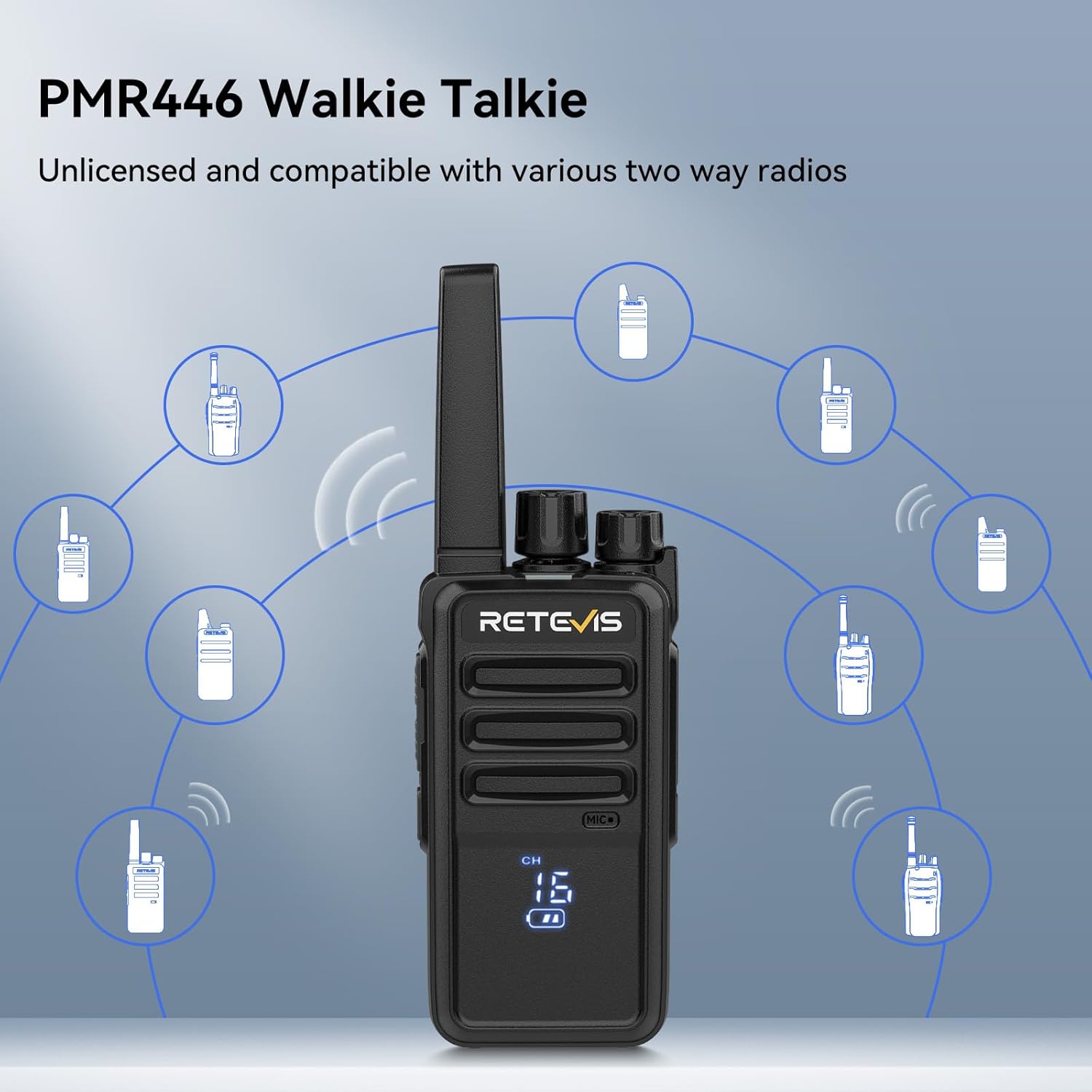
A central Retevis RT668H walkie talkie with multiple other walkie talkie icons around it, signifying its PMR446 compatibility and broad interoperability.
VOX Hands-Free Operation
The Voice Operated Exchange (VOX) function allows for hands-free communication when used with a compatible earpiece, eliminating the need to press the Push-to-Talk (PTT) button.

A person wearing an earpiece connected to a Retevis RT668H walkie talkie clipped to their apron, demonstrating the VOX hands-free communication feature.
Product Overview Video
A video showcasing the key features of the Retevis RT668H walkie talkie, including its hidden display, ruggedness, 16 channels, Type-C charging, and key lock function.
Package Contents
The standard package for the Retevis RT668H includes the following items:
- Retevis RT668H Two-way Radio (10 units)
- USB Charging Base (10 units)
- Belt Clip (10 units)
- Hand Strap (10 units)
- Earpiece (10 units)
- User Manual (5 units)

An organized display of all items included in the Retevis RT668H walkie talkie package, showing ten radios, ten USB charging bases, ten belt clips, ten hand straps, ten earpieces, and five user manuals.
Setup
Battery Installation
To install the battery, align the battery pack with the compartment on the back of the radio and slide it into place until it clicks securely. Ensure the battery is fully seated.
Charging the Battery
Connect the Type-C charging cable to the port on the radio or place the radio in the USB charging base. The indicator light will show charging status. A full charge is recommended before first use.
Attaching Accessories
Attach the belt clip to the designated slot on the back of the radio. Secure the hand strap through the loop at the top or side of the radio for added security. Connect the earpiece to the audio jack for private listening and VOX functionality.
Operating Instructions
Power On/Off
Rotate the power/volume knob clockwise to turn the radio on. Rotate it counter-clockwise until a click is heard to turn the radio off.
Adjusting Volume
After powering on, rotate the power/volume knob to adjust the listening volume to a comfortable level.
Channel Selection
Use the channel selector knob (typically the top knob) to choose one of the 16 available channels. The hidden LED display will show the selected channel number.
Transmitting and Receiving
To transmit, press and hold the Push-to-Talk (PTT) button located on the side of the radio. Speak clearly into the microphone. Release the PTT button to receive.
Key Lock Function
To activate the key lock, press and hold the designated key lock button (refer to your radio's specific button layout). This prevents accidental changes to settings. Repeat the action to unlock.
VOX (Voice Operated Exchange)
When using a compatible earpiece, the VOX function allows you to transmit by speaking into the microphone without pressing the PTT button. The sensitivity of VOX can often be adjusted through programming software.
Squelch Function
The squelch function automatically mutes the speaker when no signal is present, reducing background noise. The RT668H features a 0-9 level squelch, which can be adjusted for optimal performance in different environments.
Maintenance
Cleaning
Clean the radio surface with a soft, damp cloth. Do not use harsh chemicals or abrasive cleaners.
Battery Care
To prolong battery life, avoid overcharging or completely discharging the battery. Store the radio and battery in a cool, dry place when not in use for extended periods.
Storage
Store the walkie talkie in a dry, dust-free environment away from direct sunlight and extreme temperatures.
Troubleshooting
No Power
- Ensure the battery is correctly installed and fully charged.
- Check if the power/volume knob is turned on.
No Sound
- Adjust the volume knob.
- Check if the earpiece is properly connected (if used).
- Ensure the squelch level is not set too high.
Cannot Transmit or Receive
- Verify that you are on the same channel as the other party.
- Check if the key lock function is active.
- Ensure the battery has sufficient charge.
- Confirm that the PTT button is being pressed correctly during transmission.
Short Communication Range
- Obstacles such as buildings, hills, or dense foliage can reduce range.
- Low battery power can affect transmission strength.
- Ensure the antenna is securely attached.
Specifications
| Feature | Detail |
|---|---|
| Brand | Retevis |
| Model Number | RT668H |
| Color | Black |
| Frequency Range | PMR446 |
| Number of Channels | 16 |
| Max Range | 3 Kilometers |
| Battery Type | Lithium-ion |
| Battery Capacity | 1200 mAh |
| Charging Port | Type-C |
| Voltage | 3.7 Volts |
| Water Resistance | Water-repellent |
| Item Weight | 161 Grams |
| Special Features | Durable, License-free PMR, Type-C Charging Port, Radio with Screen |
Warranty and Support
Warranty Information
Retevis offers a 2-year warranty for the radio body and a 1-year warranty for accessories. A 30-day no-reason return policy is also provided.
After-Sales Service
Beyond the warranty period, maintenance services are still available, with buyers responsible for associated costs. For any inquiries or support, please contact Retevis customer service on Amazon. Responses are typically provided within 12 hours.


