
1. Introduction
The VIOFO VS1 Mini Dash Cam is a compact and powerful car camera designed to discreetly record your journeys in high definition. Featuring a STARVIS 2 sensor for superior low-light performance, HDR technology, 5GHz Wi-Fi, built-in GPS, and voice control, the VS1 provides reliable and clear video evidence. This manual provides essential information for setting up, operating, and maintaining your dash cam to ensure optimal performance.

Image: The VIOFO VS1 Mini Dash Cam, shown with its included CPL filter and a 32GB VIOFO microSD card.
2. What's in the Box
Please check the contents of your package to ensure all items are present:
- VS1 Camera
- VIOFO 32GB Card
- Packing Box
- Type-C Data Cable
- Car Charger
- Trim Removal Tool
- Windshield Static Stickers x2
- User Manual
- Mount Sticky Pads

Image: A visual representation of the complete packing list for the VIOFO VS1 Mini Dash Cam.
3. Setup and Installation
The VIOFO VS1 Mini Dash Cam is designed for easy installation and discreet placement. Follow these steps for proper setup:
- Prepare the Windshield: Clean the area on your windshield where you intend to mount the dash cam. Ensure it is free of dust and grease.
- Apply Static Sticker: Place one of the windshield static stickers on the cleaned area. This helps protect your windshield and makes removal easier.
- Attach Mount: Secure the dash cam mount with the sticky pad to the static sticker. The ideal position is typically behind the rearview mirror to ensure it does not obstruct your view.
- Insert MicroSD Card: Insert the included VIOFO 32GB microSD card into the dash cam's card slot. Ensure it clicks into place.
- Connect Power: Connect the Type-C data cable to the dash cam and the car charger. Plug the car charger into your vehicle's 12V power outlet (cigarette lighter socket).
- Route Cable: Carefully route the power cable along the edge of your windshield and dashboard to keep it tidy and out of the way. Use the trim removal tool if necessary to tuck the cable under panels.
- Adjust Lens: The VS1 features a 180° rotatable lens. Adjust the lens to ensure it captures the desired view of the road ahead.

Image: Step-by-step guide showing how to install the dash cam discreetly behind the rearview mirror.
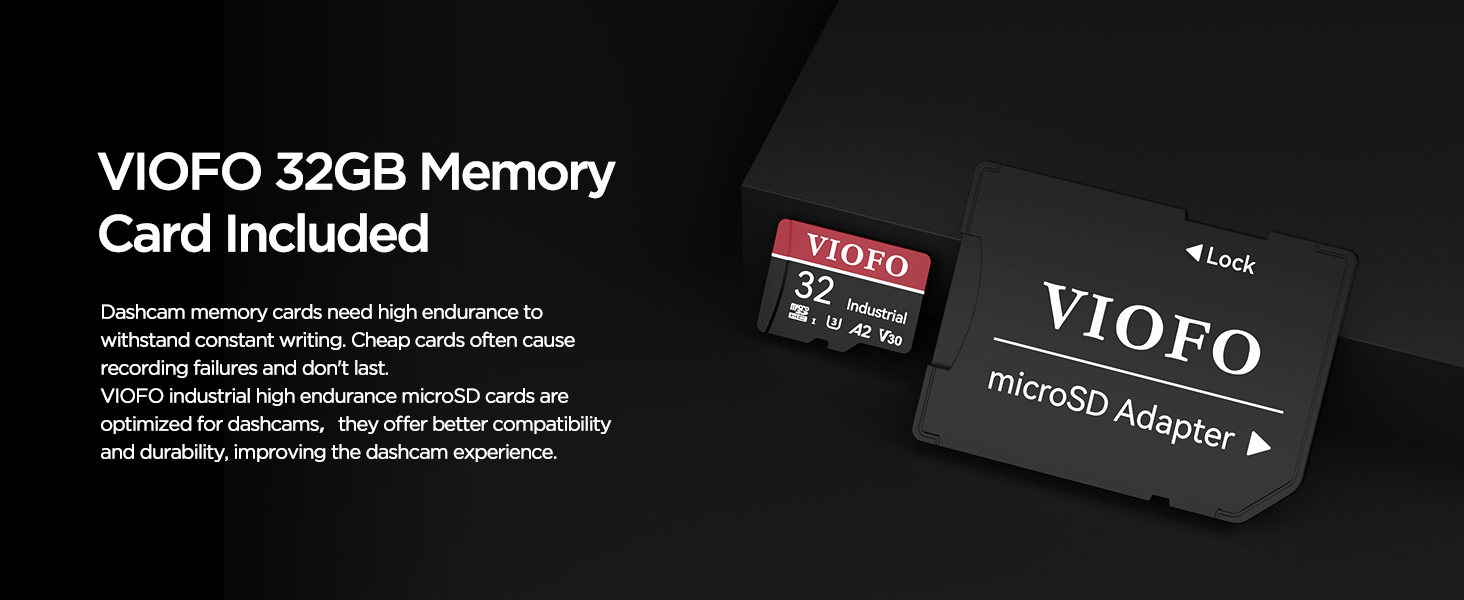
Image: Examples of flexible installation options, including windshield, rear window, and dashboard mounting, thanks to the 180° rotatable lens.
4. Operating Instructions
4.1 Basic Operation
Once powered on, the VIOFO VS1 Mini Dash Cam will automatically begin recording. It operates in a seamless loop, overwriting the oldest footage when the memory card is full. You can largely forget it's there, as it works autonomously.
4.2 VIOFO App & Wi-Fi Connectivity
The VIOFO App allows you to easily review footage, change settings, and download videos directly to your smartphone. The VS1 supports 5GHz Wi-Fi for faster data transfer speeds.
- Download App: Download the VIOFO App from your smartphone's app store (iOS or Android).
- Enable Wi-Fi: The dash cam will automatically enable Wi-Fi when powered on.
- Connect to Dash Cam: On your smartphone, go to Wi-Fi settings and connect to the VIOFO VS1 network. The default password is usually


