
Introduction
The realme Air 6 True Wireless Earbuds offer an immersive audio experience with advanced features designed for clarity and convenience. These earbuds incorporate 50dB Active Noise Reduction, Hi-Res Sound with LHDC technology, and a powerful 12.4mm Dynamic Bass Driver. With 6 microphones for clear calls and up to 40 hours of battery life, they are built for extended use. The IP55 water resistance ensures durability for various environments.

Figure 1: realme Air 6 True Wireless Earbuds and charging case.
What's in the Box
Upon opening the package, you will find the following components:
- Charging Cable
- Wireless Charging Case
- Eartips (various sizes)
- User Manual (this document)
Setup
1. Charging the Earbuds and Case
Before first use, fully charge the realme Air 6 earbuds and their charging case. Connect the provided charging cable to the case and a power source. The indicator light on the case will show charging status. A 10-minute charge provides approximately 7 hours of music playback, and a full charge offers up to 40 hours of total playback with the charging case.
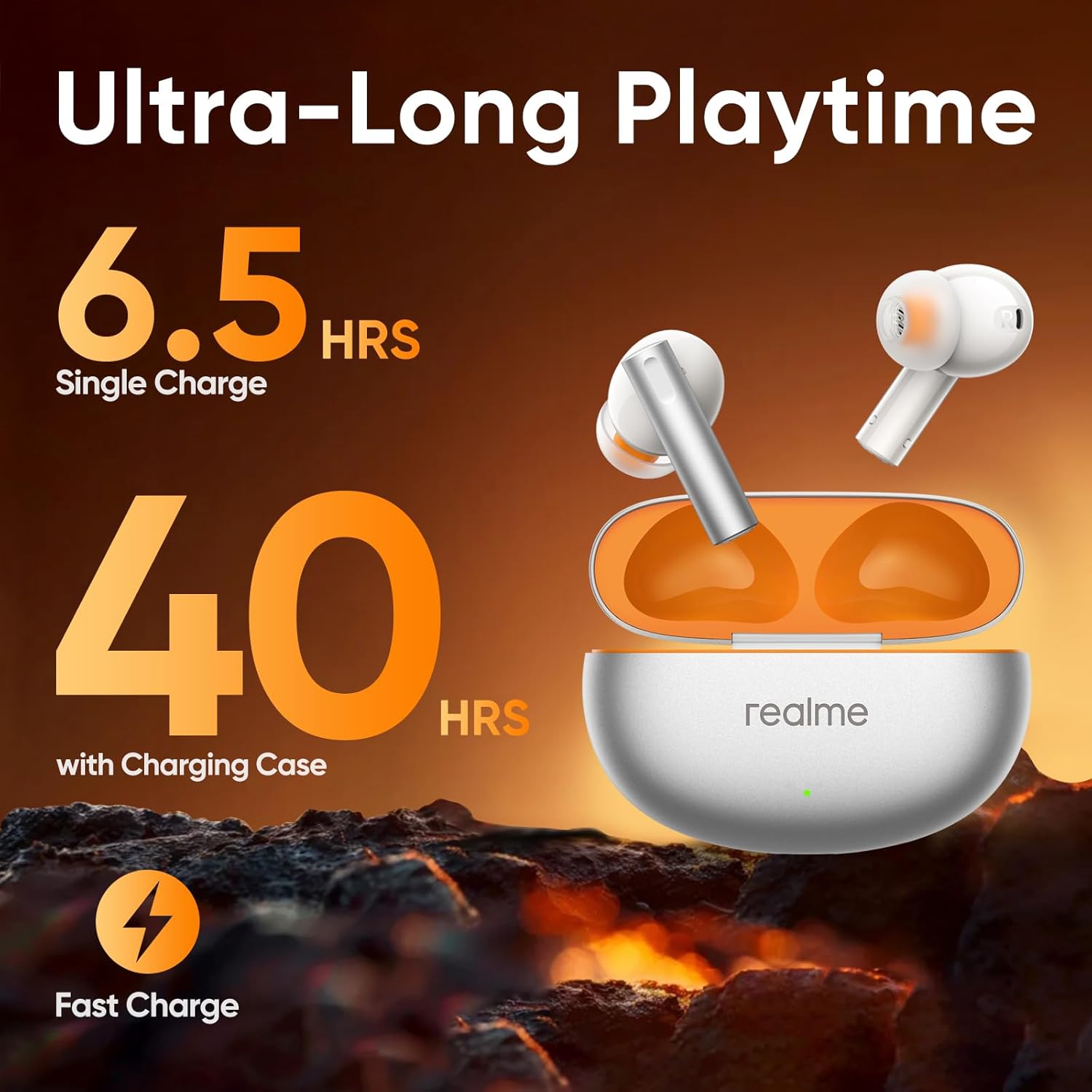
Figure 2: Ultra-long playtime and fast charging capabilities.
2. Pairing with Your Device
- Ensure the earbuds are in the charging case and the case lid is open.
- On your device (smartphone, tablet, etc.), enable Bluetooth.
- Select "realme Air 6" from the list of available Bluetooth devices.
- Once connected, the earbuds are ready for use.
The realme Air 6 supports Bluetooth 5.3 for stable and efficient connectivity. For Android users, Google Fast Pair allows for seamless and quick connection by simply opening the charging case near your device.

Figure 3: Seamless connection with Google Fast Pair.
3. Fitting the Earbuds
Select the appropriate eartip size for a comfortable and secure fit. A good seal is crucial for optimal sound quality and active noise cancellation performance. Gently insert the earbuds into your ears and twist slightly to ensure they are snug.
Operating Instructions
Touch Controls
The realme Air 6 earbuds feature intuitive touch controls for easy management of music playback and calls. Specific touch gestures can be customized via the realme Link app (if available).
- Play/Pause: Single tap on either earbud.
- Next Track: Double tap on the right earbud.
- Previous Track: Double tap on the left earbud.
- Answer/End Call: Single tap on either earbud.
- Reject Call: Long press on either earbud.
- Switch Noise Control Mode (ANC/Transparency): Long press on either earbud (customizable).
Active Noise Cancellation (ANC)
The 50dB Active Noise Cancellation feature effectively reduces ambient noise by up to 98.5%, providing a quiet listening environment. This is particularly useful in noisy settings such as public transport or busy offices.
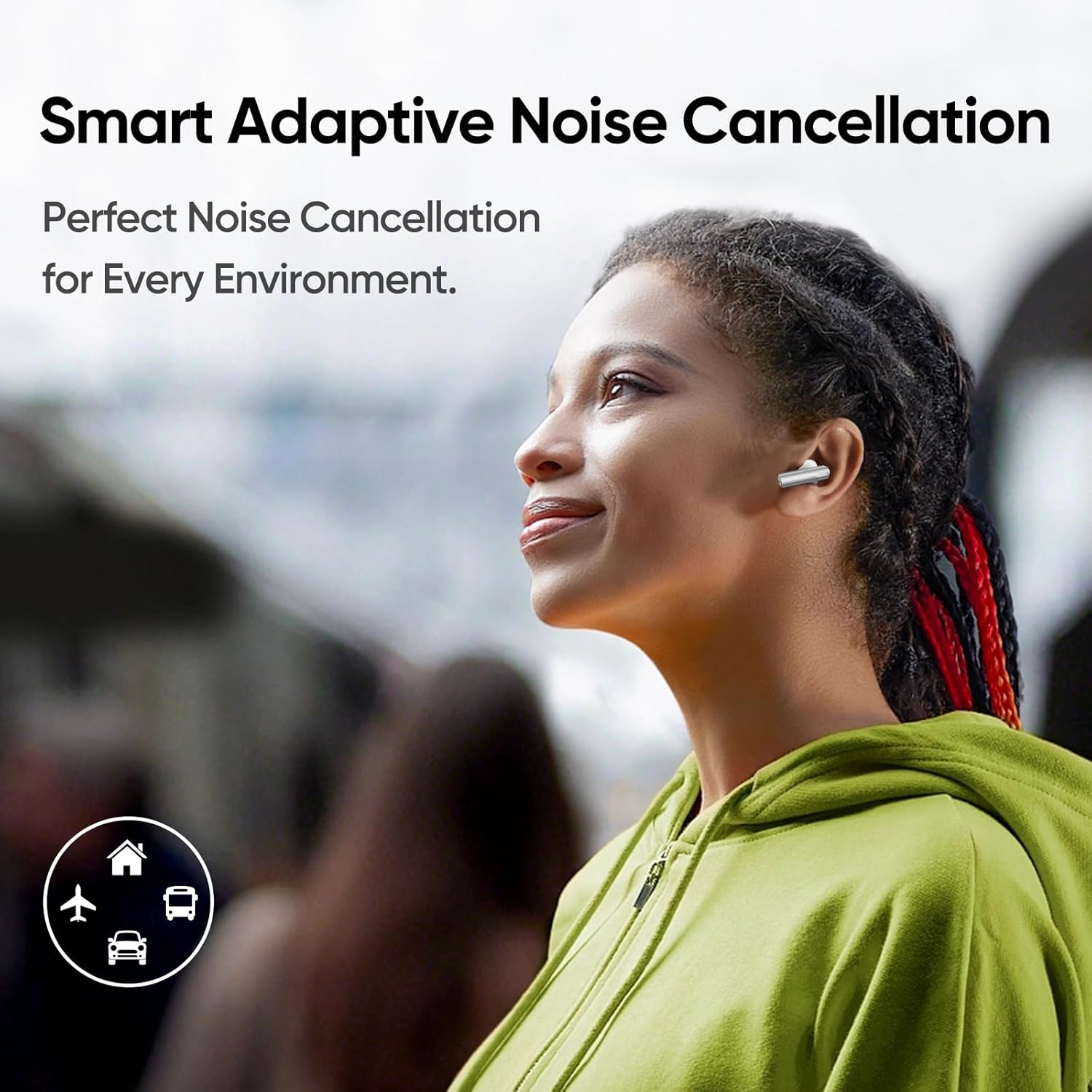
Figure 4: Smart Adaptive Noise Cancellation for diverse environments.
Call Functionality
Equipped with a 6-microphone system, the realme Air 6 ensures clear voice pickup during calls, even in noisy environments. The microphones are strategically placed to enhance human voices and reduce background interference.
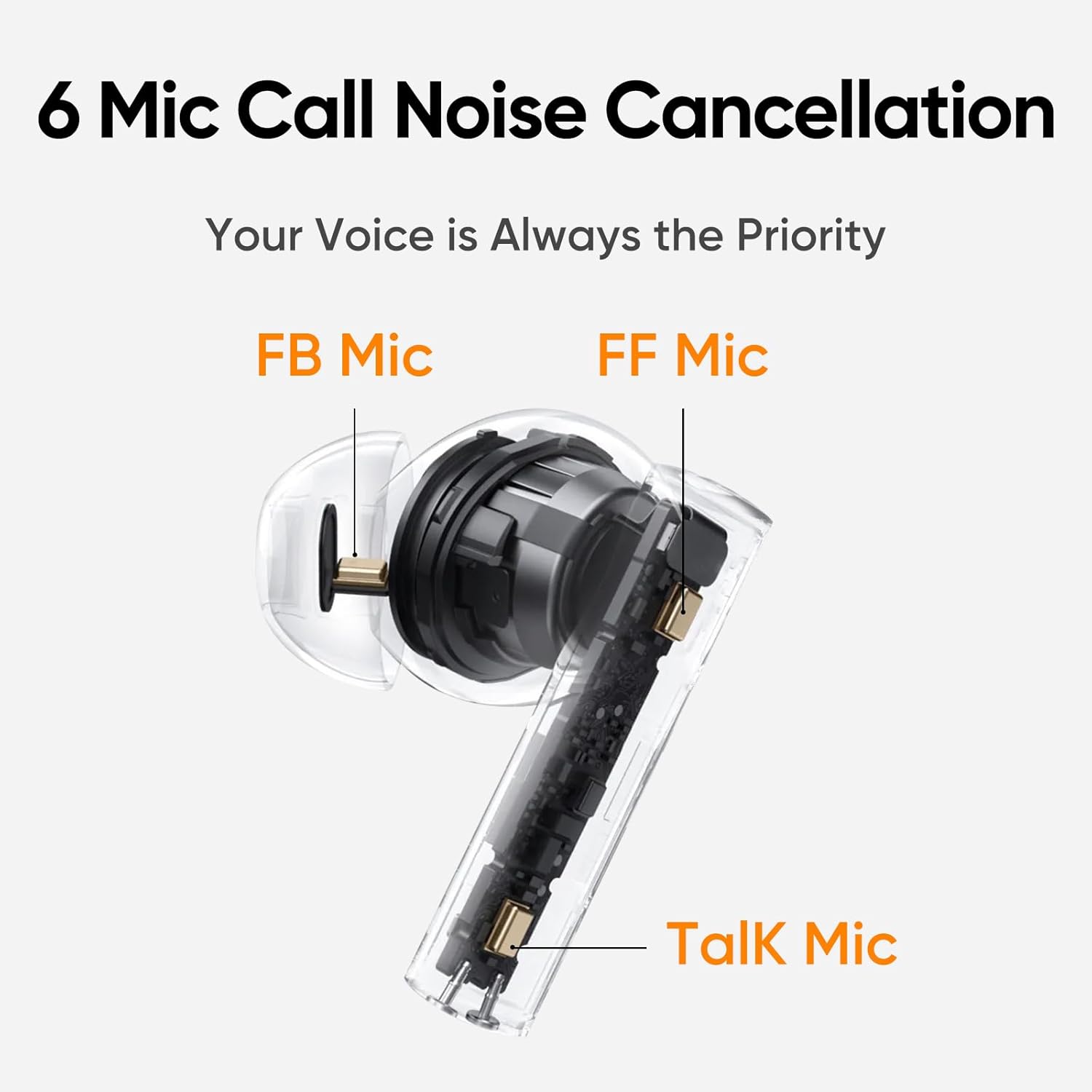
Figure 5: Six-mic design for enhanced call clarity.
Game Mode
Activate Game Mode for an ultra-low latency experience of 55ms, ensuring audio and video synchronization for immersive gaming. This feature needs to be enabled in the realme Link app.

Figure 6: Low latency for an immersive gaming experience.
Hi-Res Audio and Dynamic Bass
The 12.4mm Mega Titanizing driver delivers crisp, detailed Hi-Res wireless audio with LHDC technology, transferring 3 times more data than standard Bluetooth. This results in fuller, grander soundstage, and clearer vocals with powerful bass.

Figure 7: Hi-Res Audio for superior sound quality.

Figure 8: 12.4mm Dynamic Bass Driver for powerful audio.
Maintenance
Cleaning
Regularly clean your earbuds and charging case to maintain optimal performance and hygiene. Use a soft, dry, lint-free cloth to wipe the surfaces. For eartips, remove them and clean with a mild soap solution, then rinse and dry thoroughly before reattaching.
Water Resistance (IP55)
The realme Air 6 earbuds are rated IP55 for water resistance, meaning they are protected against dust and low-pressure water jets. This makes them suitable for workouts and light rain. However, they are not designed for submersion in water or exposure to high-pressure water jets. Ensure earbuds are dry before placing them back in the charging case.

Figure 9: IP55 Water Resistance for durability.
Storage
When not in use, store the earbuds in their charging case to protect them from dust, damage, and to keep them charged.
Troubleshooting
- Earbuds not pairing: Ensure both earbuds are charged. Place them back in the case, close the lid, wait a few seconds, then open the lid and try pairing again. Check your device's Bluetooth settings.
- No sound from one earbud: Place both earbuds back in the case, close the lid, and then take them out again. This often re-syncs them.
- Charging issues: Ensure the charging cable is securely connected to both the case and the power source. Try a different cable or power adapter. Clean the charging contacts on the earbuds and inside the case.
- Poor sound quality: Ensure the eartips provide a good seal. Try different sized eartips. Clean any debris from the earbud nozzles.
- Low volume: Adjust the volume on your connected device.
Specifications
| Feature | Specification |
|---|---|
| Model Name | Air 6 |
| Noise Control | 50dB Active Noise Cancellation |
| Audio Driver Size | 12.4mm Dynamic Driver |
| Connectivity Technology | Bluetooth 5.3 |
| Audio Latency | 55ms (Game Mode) |
| Battery Life | Up to 40 hours (with charging case) |
| Water Resistance Level | IP55 |
| Control Method | Touch |
| Item Weight | 3.84 ounces |
| Package Dimensions | 5.08 x 3.62 x 1.34 inches |
Official Product Video
Watch the official product video for a visual guide on the realme Air 6 True Wireless Earbuds' features and usage.
Video 1: Overview of realme Air 6 True Wireless Earbuds features.
Warranty and Support
For warranty information and customer support, please refer to the warranty card included in your product packaging or visit the official realme website. You may also contact the seller directly for assistance with product-related inquiries.
Protection plans are available for purchase separately to extend coverage for your device. Please check the product listing or contact your retailer for details on available protection plans.