
1. Introduction
The ULTRAFIRE WF-501G PRO is a high-performance green LED flashlight designed for night observation, hunting, and predator spotting. It features a powerful 10W green LED, a single operating mode for simplicity, and a durable, water-resistant aluminum construction. This manual provides essential information for the safe and effective use of your flashlight.
2. Safety Information
- Eye Safety: Do not shine the flashlight directly into eyes. The intense light can cause temporary vision impairment or permanent damage.
- Children: Keep the flashlight and its components out of reach of children.
- Battery Handling: Use only recommended batteries. Ensure correct polarity when inserting batteries. Do not mix old and new batteries or different types of batteries.
- Charging: Use the provided charger or a compatible charger. Do not overcharge batteries. Disconnect the charger once charging is complete.
- Heat: The flashlight head may become warm during prolonged use. Handle with care.
- Disassembly: Do not attempt to disassemble or modify the flashlight, as this may void the warranty and cause damage.
3. Package Contents
Verify that all items are present in your package:
- ULTRAFIRE WF-501G PRO Green LED Flashlight
- Rechargeable Battery
- Battery Charger
- Flashlight Holster
- User Manual

Image: Contents of the ULTRAFIRE WF-501G PRO package, including the flashlight, battery charger, rechargeable battery, holster, and user manual.
4. Setup
4.1. Battery Installation
- Unscrew the tail cap of the flashlight by turning it counter-clockwise.
- Insert the rechargeable Lithium-Ion battery with the positive (+) end facing towards the flashlight head (LED).
- Screw the tail cap back on clockwise until it is securely tightened.
4.2. Charging the Battery
Before first use, fully charge the battery.
- Place the rechargeable battery into the provided battery charger. Ensure correct polarity.
- Plug the charger into a suitable power outlet.
- The indicator light on the charger will typically show red during charging and turn green when the battery is fully charged.
- Once charging is complete, remove the battery from the charger and unplug the charger from the outlet.

Image: The ULTRAFIRE WF-501G PRO flashlight alongside its dedicated battery charger.
5. Operating Instructions
5.1. Turning On/Off
The WF-501G PRO flashlight features a simple single-mode operation.
- To turn the flashlight ON, firmly press the tactical switch located on the tail cap until it clicks.
- To turn the flashlight OFF, firmly press the tactical switch again until it clicks.
There are no other modes (e.g., dim, strobe) to cycle through, ensuring straightforward use in critical situations.

Image: A hand holding the ULTRAFIRE WF-501G PRO flashlight, demonstrating its single-mode green light operation.
5.2. Green Light Performance
The flashlight utilizes a 10W green LED bulb, providing a bright beam suitable for night observation without disturbing wildlife. It offers a beam distance of up to 350 yards.
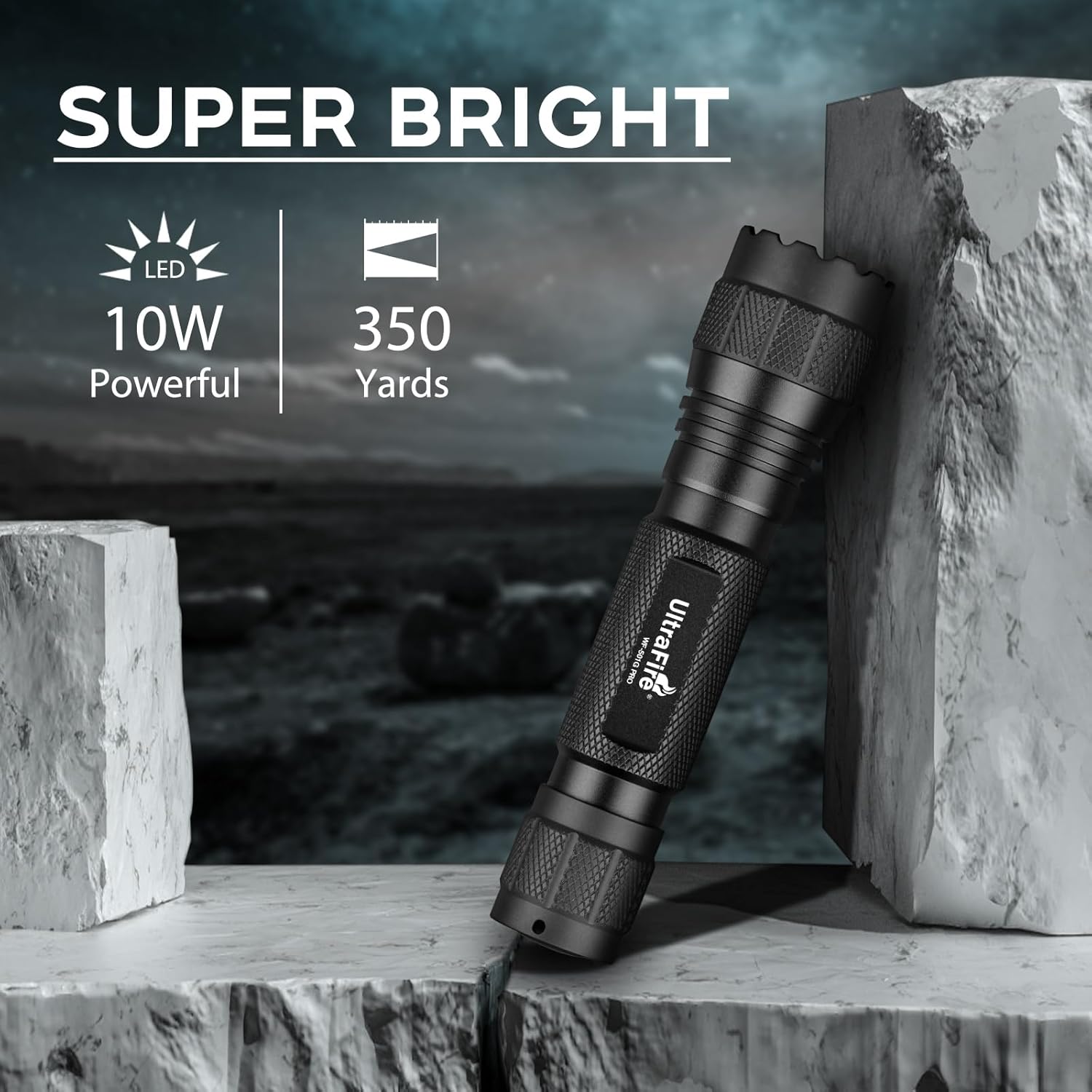
Image: The ULTRAFIRE WF-501G PRO flashlight highlighting its super bright 10W LED and 350-yard illumination capability.
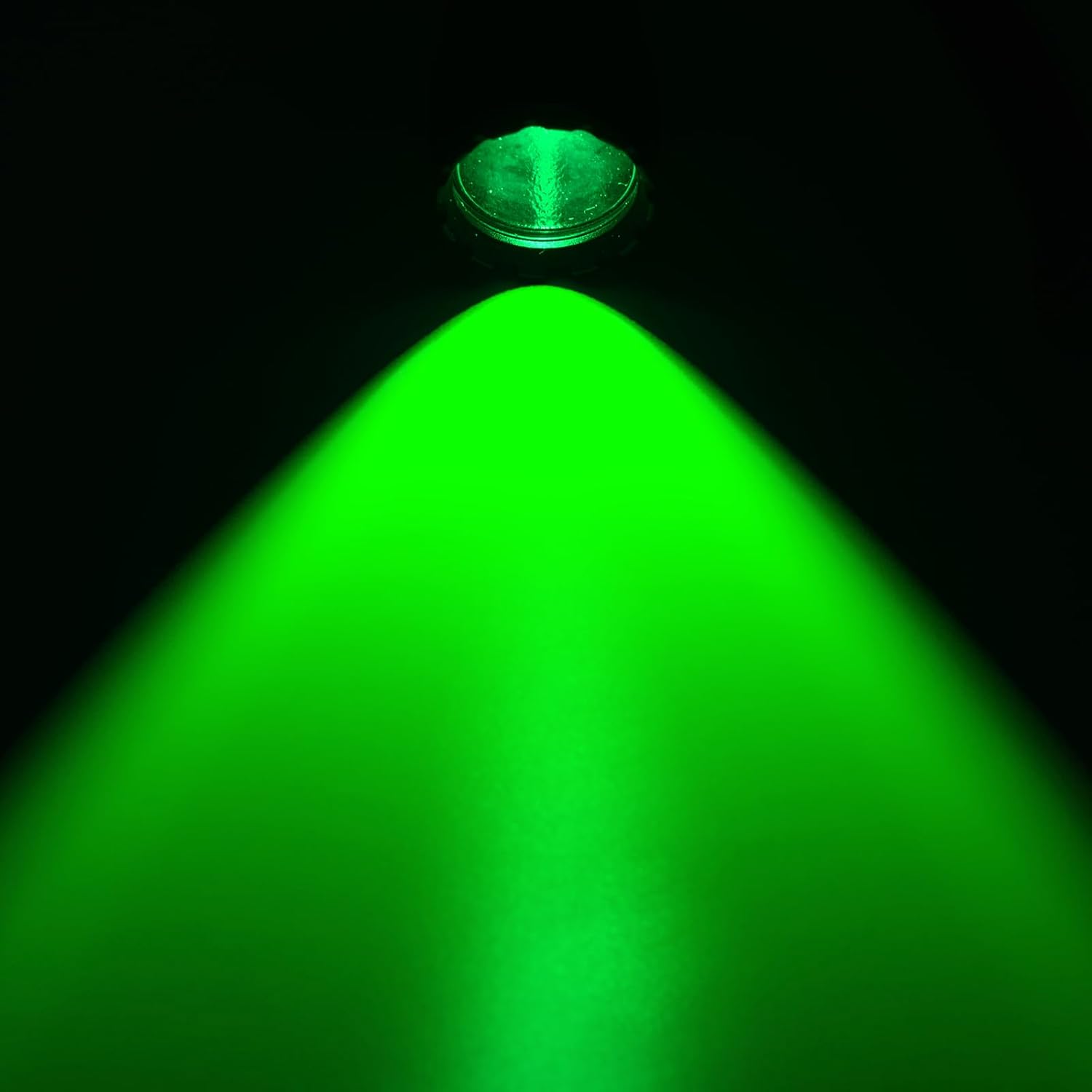
Image: A focused beam of green light emanating from the ULTRAFIRE WF-501G PRO flashlight in a dark environment.
6. Maintenance
6.1. Cleaning
- Wipe the flashlight body with a clean, soft cloth.
- For the lens, use a lens cleaning cloth and solution to avoid scratches.
- Do not use harsh chemicals or abrasive materials.
6.2. Battery Care
- Remove the battery if the flashlight will not be used for an extended period to prevent leakage.
- Store batteries in a cool, dry place.
- Replace batteries when their performance significantly diminishes.
6.3. O-Ring Lubrication
Periodically inspect and lubricate the O-rings (seals) with silicone grease to maintain water resistance. This is especially important if the flashlight is frequently exposed to water or harsh conditions.

Image: The ULTRAFIRE WF-501G PRO flashlight submerged in water, illustrating its IP65 water resistance and shock-resistant design.
7. Troubleshooting
| Problem | Possible Cause | Solution |
|---|---|---|
| Flashlight does not turn on. | Battery is depleted. | Charge or replace the battery. |
| Battery inserted incorrectly. | Check battery polarity (+/-). | |
| Tail cap is loose. | Tighten the tail cap securely. | |
| Light is dim or flickers. | Low battery charge. | Charge the battery. |
| Poor contact between battery and terminals. | Clean battery contacts and flashlight terminals. |
8. Specifications
| Feature | Detail |
|---|---|
| Model Number | WF-501G PRO |
| Light Source | 10W Green LED |
| Brightness | Up to 1000 Lumens |
| Beam Distance | Approximately 350 Yards |
| Operating Mode | Single Mode (ON/OFF) |
| Power Source | Battery Powered (1 Lithium Ion battery required) |
| Voltage | 3.7 Volts |
| Material | Aerospace Grade Aluminum Alloy |
| Water Resistance | IP65 Water Resistant |
| Product Dimensions | 0.98"D x 1.25"W x 5.3"H |
| Item Weight | 3.2 ounces (0.2 Pounds) |
| Recommended Use | Hunting, Night Observation |

Image: A detailed view of the ULTRAFIRE WF-501G PRO flashlight's newly upgraded 10W LED.
9. Warranty and Support
9.1. Warranty Information
The ULTRAFIRE WF-501G PRO Green Hunting LED Flashlight comes with a Lifetime Warranty. This warranty covers manufacturing defects and ensures the product's quality and performance under normal use.
9.2. Customer Support
For any questions, concerns, or warranty claims, please contact ULTRAFIRE customer support. Refer to the contact information provided with your purchase or visit the official ULTRAFIRE website for assistance.