
TigerDad QQ-111
TigerDad Mobile Adjustable Height Laptop Stand Model QQ-111 Instruction Manual
Brand: TigerDad | Model: QQ-111
Introduction
Thank you for choosing the TigerDad Mobile Adjustable Height Laptop Stand. This manual provides detailed instructions for the assembly, operation, and maintenance of your new laptop stand. Please read this manual thoroughly before use to ensure proper setup and safe operation.
Safety Information
To prevent injury or damage to the product, please observe the following safety guidelines:
- Do not exceed the maximum weight capacity of 44 lbs (20 kg).
- Ensure all bolts and knobs are securely tightened before placing items on the stand.
- Avoid placing heavy objects on the edges of the tabletop, especially when tilted, to maintain stability.
- Use caution when adjusting the height or tilt to prevent items from falling.
- Keep children and pets away from the stand during assembly and adjustment.
- Do not sit or stand on the laptop stand.
Package Contents
Verify that all components are present before beginning assembly:
- Main Tabletop (15" x 12" section)
- Mouse Pad Tabletop (8" x 12" section)
- Vertical Support Column
- Base Frame with Caster Wheels (4x 1-inch casters with stop plugs)
- Safety Edge Stopper
- Assembly Hardware (bolts, knobs, screws)
- Assembly Tools
- Instruction Manual
Assembly Instructions
Follow these steps carefully for proper assembly. All necessary tools are included.
- Attach Caster Wheels to Base Frame:
Insert the four caster wheels into the designated holes on the base frame. Ensure they are securely seated. Two of the casters have locking mechanisms; position these at the front for easy access. - Assemble the Base and Vertical Column:
Connect the vertical support column to the base frame. Secure it using the provided bolts. Ensure the flat metal pre-drilled plate is positioned underneath the joint where the vertical column meets the leg member of the base frame, as indicated in the diagram. Tighten all connections firmly.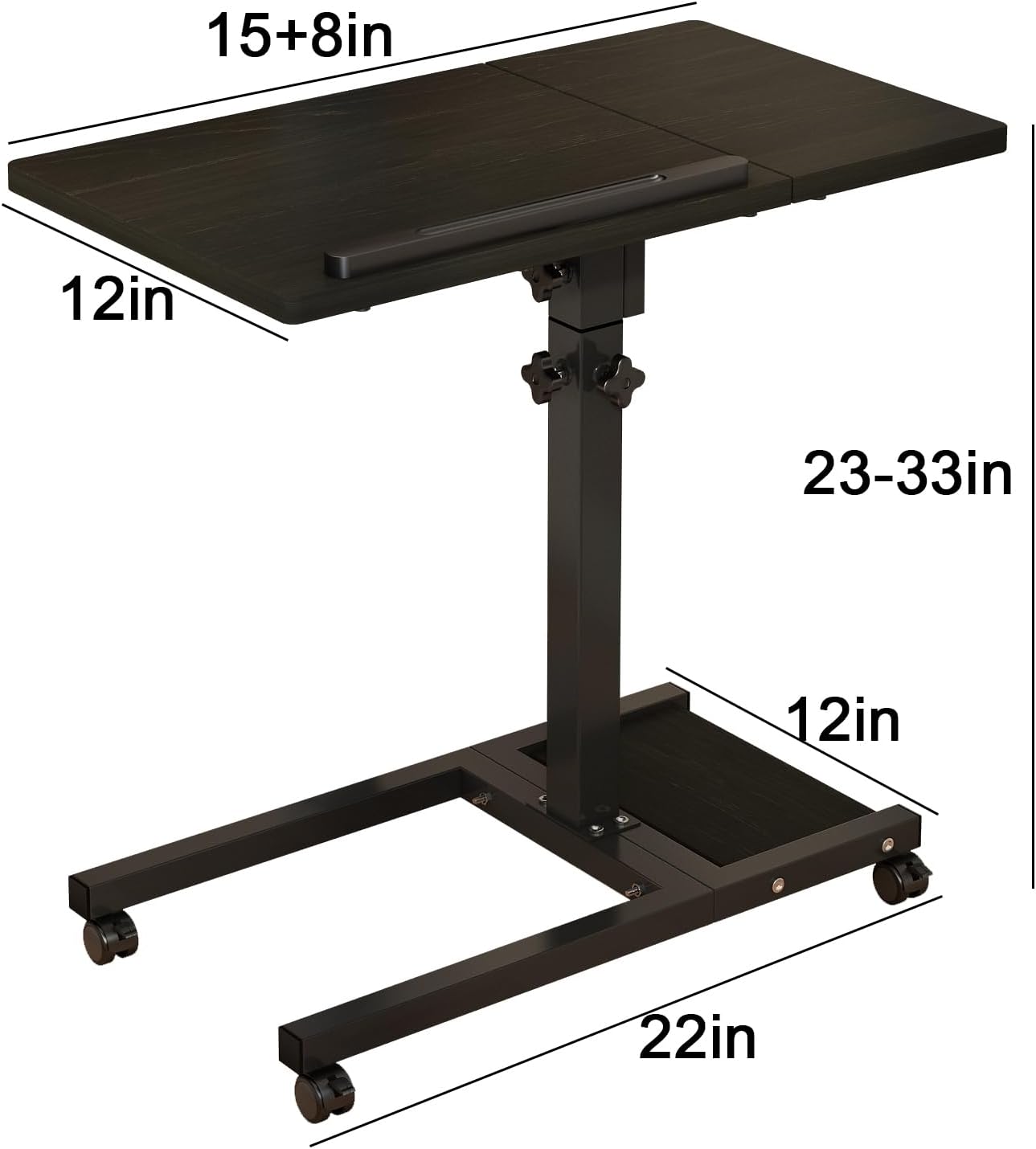
Image: Overall dimensions of the TigerDad Mobile Laptop Stand.
- Attach Tabletop Sections to Clamp Brackets:
The main tabletop and mouse pad tabletop attach to the clamp brackets. Use the eight shorter bolts to secure these tabletop sections to their respective clamp brackets. Ensure the safety edge stopper is correctly oriented on the main tabletop.
Image: Underside view of the tabletop showing attachment points.
- Connect Tabletop Assembly to Vertical Column:
Slide the assembled tabletop unit onto the top of the vertical support column. Secure it using the large adjustment knobs. These knobs allow for height and tilt adjustments. - Install Pen Holder (Optional):
If included, attach the black pen holder to the main tabletop using the two long bolts.
Operating Instructions
Adjusting Height
To adjust the height of the laptop stand (from 23 to 33 inches), loosen the large adjustment knob located on the vertical support column. Raise or lower the tabletop to your desired height, then firmly tighten the knob to secure it in position.
Adjusting Tabletop Tilt
The main tabletop can be tilted to provide a more ergonomic angle for your laptop. Loosen the smaller adjustment knobs located beneath the main tabletop. Adjust the tilt to your preferred angle, then tighten the knobs to lock it. The mouse pad table remains flat independently.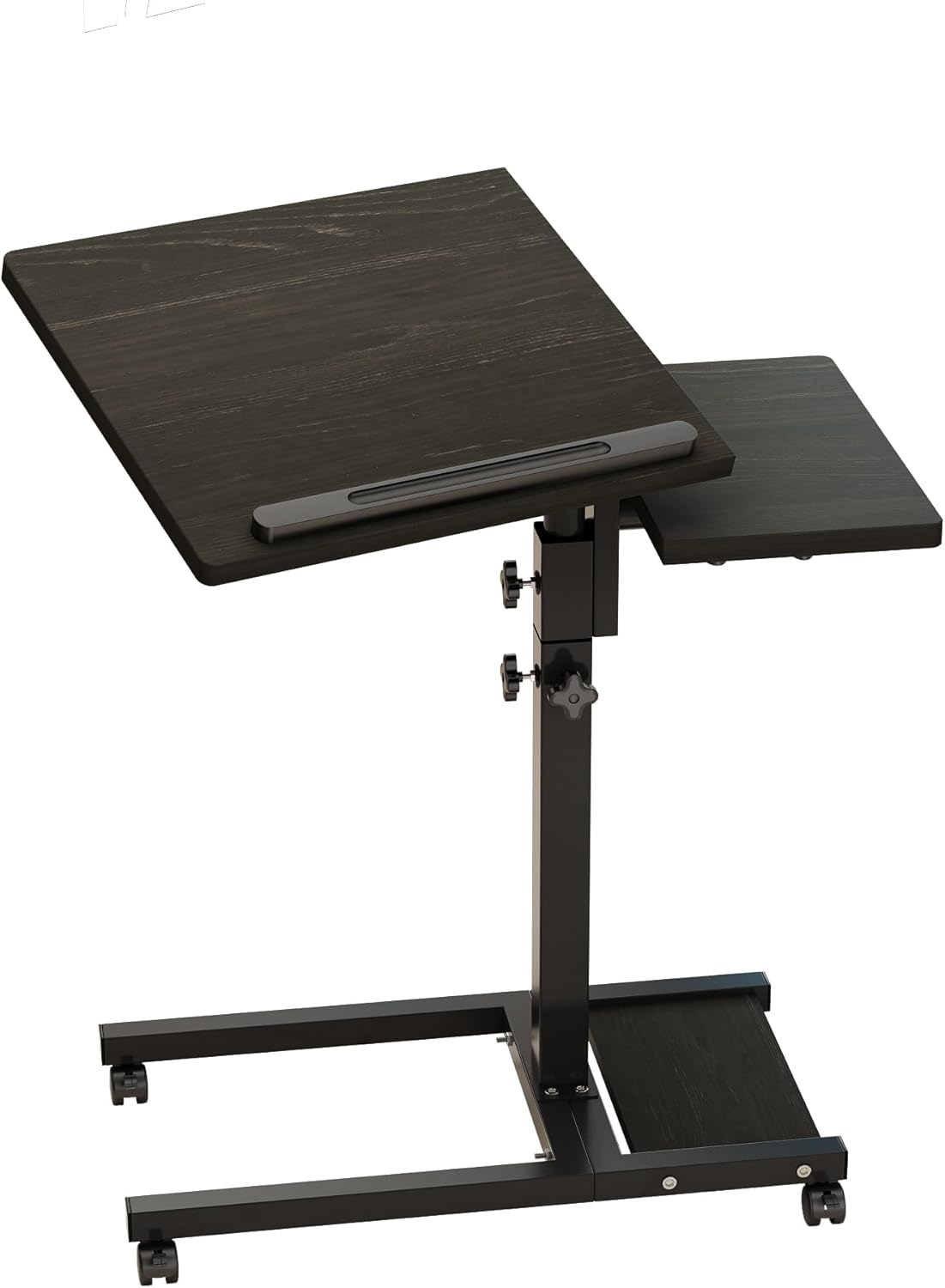
Image: Laptop stand with main tabletop tilted.
Using the Caster Wheels
The four lockable caster wheels allow for easy mobility. To move the stand, unlock the casters by flipping their levers. To keep the stand stationary, engage the locking mechanism on the casters.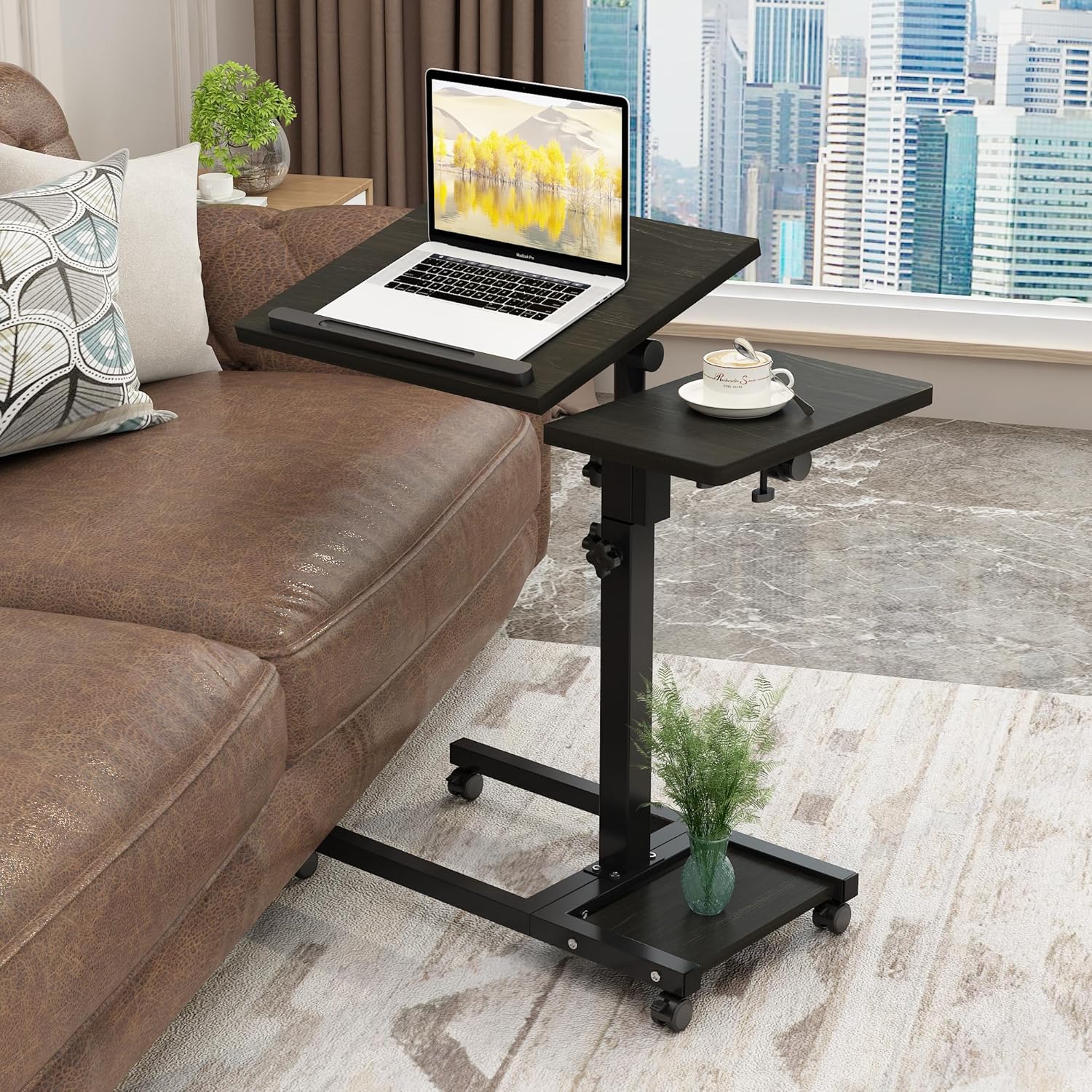
Image: Laptop stand in use next to a sofa.
Maintenance
To ensure the longevity of your laptop stand:
- Wipe surfaces with a soft, damp cloth. Avoid harsh chemicals or abrasive cleaners.
- Periodically check all bolts and connections to ensure they remain tight.
- Keep the stand dry and away from direct sunlight or extreme temperatures.
Troubleshooting
| Problem | Possible Cause | Solution |
|---|---|---|
| Stand is wobbly | Loose connections; uneven floor | Tighten all assembly bolts and adjustment knobs. Ensure the stand is on a flat surface. |
| Difficulty adjusting height/tilt | Knobs too tight; mechanism obstructed | Loosen adjustment knobs sufficiently. Check for any obstructions in the adjustment mechanism. |
| Casters not rolling smoothly | Casters locked; debris in wheels | Ensure caster locks are disengaged. Clean any debris from the wheels. |
Specifications
- Model: QQ-111
- Color: Dekuwood
- Material: E1 grade MDF panel with metal frame
- Main Table Size: 15 inches (D) x 12 inches (W)
- Mouse Pad Table Size: 8 inches (D) x 12 inches (W)
- Adjustable Height: 23 inches to 33 inches
- Base Dimensions: Approximately 22 inches (W) x 12 inches (D)
- Weight Capacity: 44 lbs (20 kg)
- Casters: 4 x 1-inch lockable wheels
- Item Weight: 12 lbs
- Assembly Required: Yes
Warranty and Support
For warranty information or technical support, please refer to the product packaging or contact TigerDad customer service directly. Contact details are typically available on the manufacturer's official website or through your point of purchase.
Ask a question about this manual
Ask about setup, troubleshooting, compatibility, parts, safety, or missing instructions. Manuals+ will review the question and use this page’s manual context to help answer it.