
1. Product Overview
The Smartwares FGA-13091 Carbon Monoxide (CO) Detector provides reliable protection against carbon monoxide, an invisible, odorless, and highly dangerous gas. This device features a high-precision electrochemical sensor designed to detect even small quantities of CO, ensuring essential safety in your home. With a 10-year sealed battery, the detector offers long-term peace of mind without the need for battery replacement.
Key features include an LED display and indicator for status updates, a built-in test button for regular functionality checks, and an 85 dB alarm to alert occupants effectively.
2. What's in the Box
Upon opening the package, verify that all components are present:
- Smartwares FGA-13091 CO alarm unit
- Mounting supplies (screws, dowels, double-sided adhesive tape)
- Instructions manual (this document)
3. Setup and Installation
Proper placement and installation are crucial for the effective operation of your CO detector. Mounting hardware is included to facilitate installation using your preferred method.
3.1 Recommended Placement
- Install at least one CO detector on each floor of your home.
- Place detectors close to combustion appliances (e.g., furnaces, water heaters, fireplaces) to detect leaks early.
- Install detectors near bedrooms or sleeping areas to ensure the alarm is heard during sleep.
- Avoid placing the detector in direct sunlight, near vents, or in areas with high humidity.
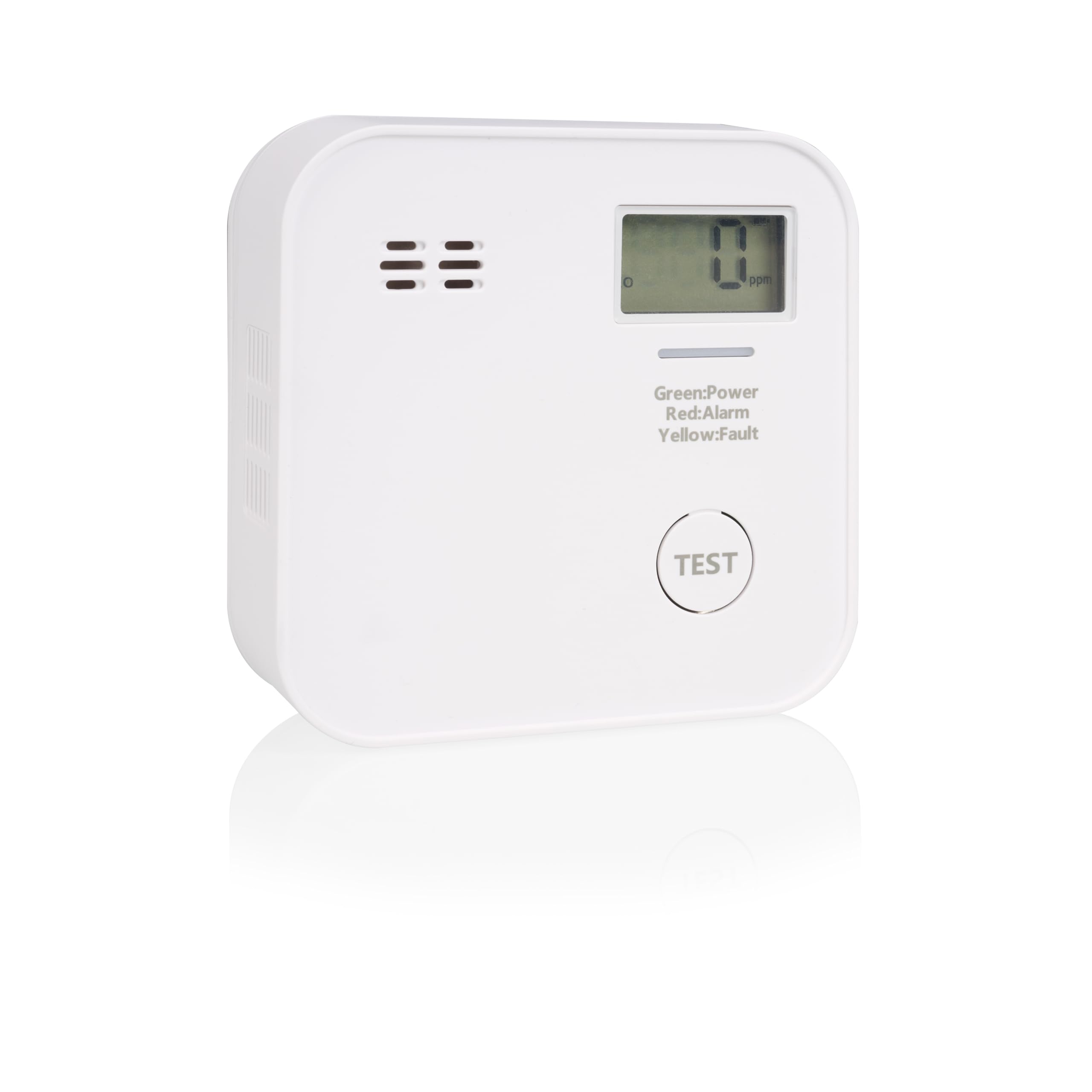
Image 1: Smartwares FGA-13091 CO detector installed on a wall. This illustrates a typical installation location within a home environment.

Image 2: Dimensions of the Smartwares FGA-13091 CO detector. The device measures approximately 8.65 cm in width, 8.65 cm in height, and 3.05 cm in depth.
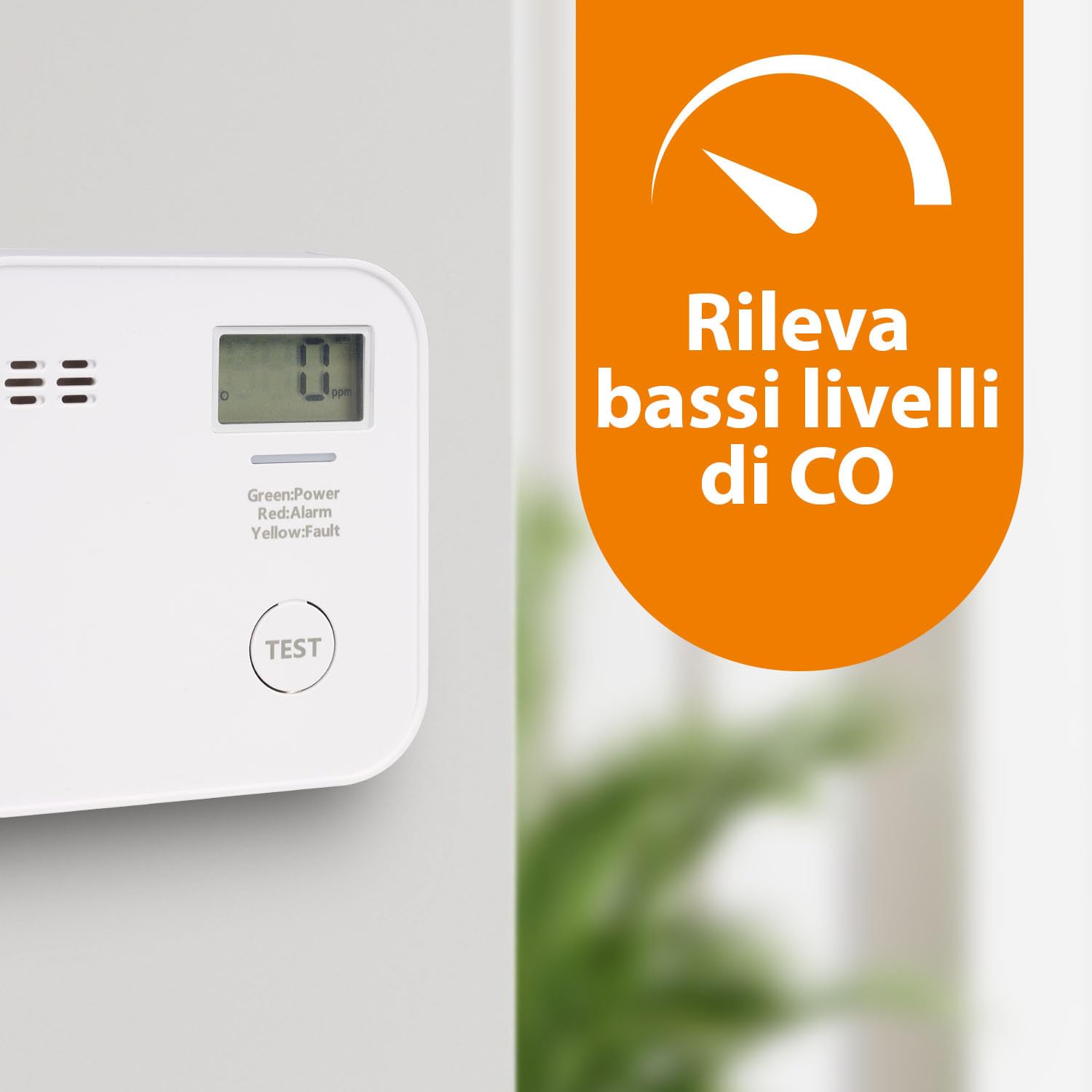
Image 3: The detector's display indicating '0 ppm' and its capability to detect low levels of CO. This highlights the device's sensitivity.

Image 4: The CO detector positioned on a bedside table, illustrating its suitability for placement in sleeping areas. The image also references the 10-year sealed battery feature.
3.2 Mounting Instructions
- Choose a suitable location on a wall or ceiling, following the placement guidelines.
- Mark the drilling points using the detector's mounting bracket as a template.
- Drill holes if using screws and dowels, then insert the dowels.
- Attach the mounting bracket to the wall/ceiling using the provided screws, or use the double-sided adhesive tape for a non-drilling option.
- Securely attach the CO detector unit to the mounting bracket.
- Once installed, the detector will automatically activate.
4. Operating the Detector
4.1 LED Display and Indicator
The detector features an LED indicator and a digital display to communicate its status:
- Green LED: Indicates normal operation and power.
- Red LED: Indicates a CO alarm condition. The display will show the detected CO level in parts per million (ppm).
- Yellow LED: Indicates a fault or end-of-life condition. The display may show an error code.
- Digital Display: Shows the current CO concentration in ppm when detected, or '0' during normal operation. It also displays error codes or end-of-life indicators.
4.2 Test Button
The built-in test button allows you to verify the detector's functionality. Press and hold the "TEST" button for a few seconds. The alarm will sound, and the LEDs will cycle through their indications, confirming that the sensor, alarm, and electronics are working correctly.
It is recommended to test your detector at least once a month.
4.3 Alarm Sound
When carbon monoxide is detected at dangerous levels, the detector will emit a loud 85 dB alarm. This sound is designed to be clearly audible to alert all occupants.
5. Maintenance
5.1 Regular Testing
Perform a functional test using the "TEST" button monthly to ensure the detector is operating correctly. Refer to section 4.2 for details on using the test button.
5.2 Battery Life
The Smartwares FGA-13091 CO detector is equipped with a sealed 10-year battery. This battery is designed to last for the entire lifespan of the device and does not require replacement. When the detector reaches its end-of-life, it will indicate this via the yellow LED and/or display, and the unit should be replaced.
5.3 Cleaning
Clean the exterior of the detector periodically with a soft, damp cloth. Do not use cleaning agents, solvents, or abrasive materials, as these can damage the sensor or casing. Do not paint the detector.
6. Troubleshooting
6.1 Alarm Sounds (Red LED)
If the alarm sounds and the red LED flashes, it indicates the presence of carbon monoxide. Take immediate action:
- Immediately move to fresh air outdoors or open all doors and windows to ventilate the area.
- Do not re-enter the premises until the alarm has stopped and the area has been thoroughly ventilated.
- Contact emergency services, your gas supplier, or a qualified technician to investigate the source of the CO.
- Seek medical attention if anyone is experiencing symptoms of CO poisoning (headache, dizziness, nausea).
6.2 Fault Indication (Yellow LED)
If the yellow LED flashes or an error code appears on the display, it indicates a fault with the detector or that it has reached its end-of-life. In this case:
- Press the test button to see if the fault clears.
- If the fault persists, the detector may be malfunctioning or has reached the end of its operational life.
- Replace the detector immediately to ensure continued protection.
6.3 No Power/No Indication
If the detector shows no signs of power or indication, ensure it is properly mounted and activated. If the issue persists, the unit may be faulty and requires replacement.
7. Specifications
| Model Number | FGA-13091 |
| Sensor Type | Electrochemical |
| Power Source | Battery Powered (10-year sealed battery) |
| Alarm Volume | 85 dB at 1 meter |
| Product Dimensions (D x W x H) | 3.1D x 8.7W x 8.7H Centimeters |
| Item Weight | 108 Grams |
| Material | ABS |
| Color | White |
| Operating Temperature | (Typically 0°C to 40°C, check product for exact range) |
| Humidity Range | (Typically 10% to 95% non-condensing, check product for exact range) |
Note: Specific operating temperature and humidity ranges should be verified from the product packaging or official documentation.
8. Warranty and Support
8.1 Warranty Information
Smartwares products are designed for reliability and durability. For specific warranty terms and conditions applicable to your FGA-13091 CO detector, please refer to the warranty card included with your purchase or visit the official Smartwares website. Keep your proof of purchase for warranty claims.
8.2 Customer Support
If you encounter any issues or have questions regarding the installation, operation, or maintenance of your Smartwares FGA-13091 CO detector that are not covered in this manual, please contact Smartwares customer support. Contact details can typically be found on the product packaging or the official Smartwares website.
Online Resources: For additional information, FAQs, and support, please visit the official Smartwares website.


