
1. Introduction
Thank you for choosing the AutoFull G5 Ergonomic Mesh Gaming Chair. This manual provides essential information for the safe assembly, operation, and maintenance of your new chair. Please read these instructions carefully before use and retain them for future reference.
2. Safety Information
- This product is designed to support a static load of approximately 150 kg (330 lbs). Do not exceed this weight limit.
- Assembly is required. Follow the assembly instructions precisely to ensure proper function and safety.
- Keep small parts away from children to prevent choking hazards.
- Ensure all screws and bolts are tightened securely before using the chair. Periodically check and re-tighten as necessary.
- Avoid standing on the chair or using it as a step stool.
- Do not use the chair on uneven surfaces.
3. Package Contents
Before assembly, verify that all components are present and undamaged. If any parts are missing or damaged, please contact customer support.
- Chair Backrest
- Seat Base with Armrests
- Headrest
- Gas Lift Cylinder
- Star Base
- Casters (5 pieces)
- Footrest (integrated or separate, depending on model)
- Assembly Hardware (screws, washers, Allen wrench)
- Japanese Assembly Manual
4. Assembly Instructions
Follow these steps carefully for proper assembly. It is recommended to assemble the chair on a soft, clean surface to prevent damage.
- Attach Casters to Star Base: Insert each of the five casters into the holes at the end of each leg of the star base until they click securely into place.
- Insert Gas Lift: Place the gas lift cylinder into the center hole of the assembled star base. Ensure it is seated firmly.
- Attach Seat Base to Gas Lift: Carefully align the center mechanism of the seat base with the top of the gas lift cylinder. Lower the seat base onto the gas lift, applying gentle pressure until it is seated.
- Attach Backrest to Seat Base: Align the backrest's mounting brackets with the corresponding holes on the seat base. Secure with the provided screws and tighten using the Allen wrench.
- Install Headrest: Slide the headrest into the designated slots at the top of the backrest. Adjust to your preferred height and angle.
- Final Checks: Ensure all screws are tightened, and the chair feels stable before use.

Figure 1: Overall dimensions of the AutoFull G5 Gaming Chair.
5. Operating Instructions (Adjustments)
The AutoFull G5 chair offers multiple adjustment options for personalized comfort:
5.1. Headrest Adjustment
The headrest features a dual-axis adjustment design:
- Height Adjustment: Adjust the headrest vertically by up to 60 mm.
- Angle Adjustment: The main axis allows for an upward and downward adjustment of up to 70 degrees.

Figure 2: Detailed view of the adjustable headrest.
5.2. Lumbar Support Adjustment
The multi-directional lumbar support provides comprehensive lower back comfort:
- Depth Adjustment: Adjust forward and backward by 20 mm.
- Height Adjustment: Adjust vertically by 60 mm.
- Angle Adjustment: The bottom of the lumbar pillow can be adjusted by 15 degrees up and down.

Figure 3: Detailed view of the adjustable lumbar support.
5.3. Armrest Adjustment
The 360° mechanical armrests offer versatile support for your elbows and shoulders:
- Height Adjustment: Adjust vertically by 65 mm.
- Depth Adjustment: Adjust forward and backward by 40 mm.
- Rotation: Rotate left and right by 40 degrees.
- Armrest Pad Angle: The armrest pads can be adjusted up and down by 20 degrees.
- Main Axis Rotation: The entire armrest assembly can rotate 360 degrees.

Figure 4: Detailed view of the multi-directional armrest.
5.4. Recline Function
The chair features a recline function for relaxation:
- The chair can recline from 90 degrees to 160 degrees.
- Use the recline lever, typically located on the right side under the seat, to adjust the backrest angle.
- The integrated footrest can be extended for full body support during recline.

Figure 5: Chair in a reclined position with footrest.
5.5. Seat Height Adjustment
Adjust the seat height to ensure your feet are flat on the floor and your knees are at a 90-degree angle:
- The seat height can be adjusted from 44 cm to 52.5 cm.
- Use the lever located under the seat (usually on the right side) to raise or lower the seat.
5.6. Weight-Sensing Seat Base
The chair features a weight-sensing seat base that automatically adjusts to fit your body, providing full-body support.

Figure 6: Internal view of the weight-sensing seat mechanism.
6. Maintenance
Regular maintenance will prolong the life and appearance of your AutoFull G5 chair:
- Cleaning: Wipe mesh and frame surfaces with a soft, damp cloth. Avoid harsh chemicals or abrasive cleaners.
- Inspection: Periodically check all bolts and screws to ensure they are tight. Re-tighten if necessary.
- Casters: Keep casters clean from hair and debris to ensure smooth movement.
- Avoid Direct Sunlight: Prolonged exposure to direct sunlight can cause material degradation and fading.
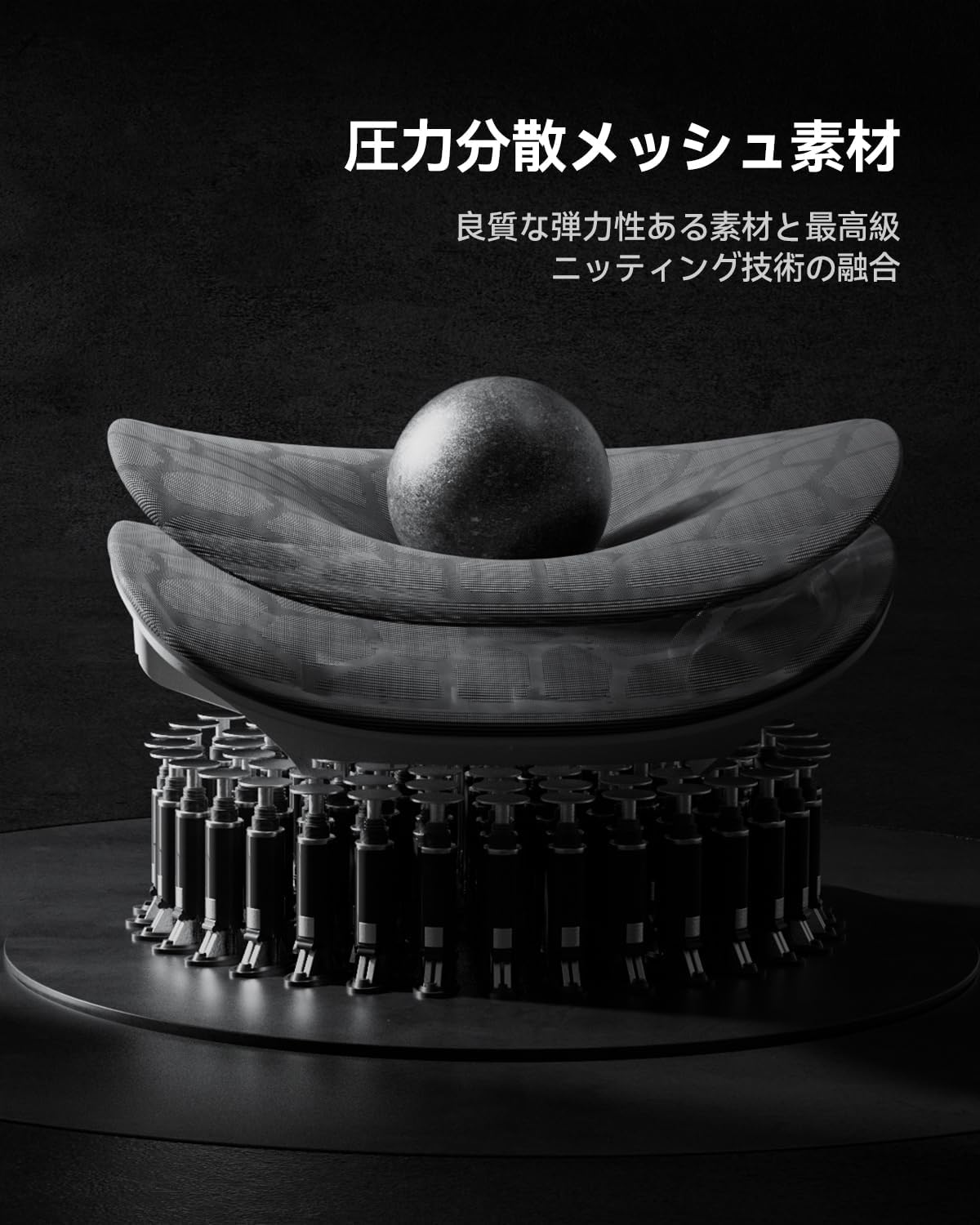
Figure 7: Example of the mesh material used in the chair.
7. Troubleshooting
If you encounter issues with your AutoFull G5 chair, refer to the following common solutions:
- Chair is unstable/wobbly: Ensure all assembly screws are fully tightened. Check that the gas lift is properly seated in the star base and seat mechanism.
- Casters not rolling smoothly: Remove any hair or debris from the caster wheels. Ensure casters are fully inserted into the star base.
- Gas lift not adjusting height: Check if the height adjustment lever is fully engaged. Ensure no obstructions are preventing the gas lift from moving.
- Recline function not working: Verify that the recline lock mechanism is disengaged. Check for any obstructions in the recline mechanism.
- Armrests feel loose: Check the screws securing the armrests to the seat base and tighten if necessary.
If the problem persists after attempting these solutions, please contact AutoFull customer support.
8. Specifications
| Feature | Specification |
|---|---|
| Model | G5 Series |
| Dimensions (D x W x H) | 70 cm x 70 cm x 108-128 cm |
| Seat Height Range | 44 cm - 52.5 cm |
| Static Load Capacity | Approx. 150 kg (330 lbs) |
| Materials | Polyester fiber (upholstery), Polypropylene (frame), Reinforced Nylon Resin (base), Polyester fiber (cushion) |
| Gas Lift | SGS Class 4 Certified Gas Cylinder |
| Recline Angle | 90° to 160° |
| Armrest Adjustments | Height (65mm), Depth (40mm), Rotation (40° L/R), Pad Angle (20° U/D), Main Axis Rotation (360°) |
| Headrest Adjustments | Height (60mm), Angle (70° U/D) |
| Lumbar Support Adjustments | Depth (20mm), Height (60mm), Angle (15° U/D) |
| Assembly | Required (Japanese manual and tools included) |
9. Warranty and Support
AutoFull provides a three-year warranty on all products. This warranty covers manufacturing defects and significant malfunctions under normal use.
Spare parts are readily available in our Japanese warehouses (Tokyo, Osaka) to ensure prompt support and peace of mind for our customers.
For any initial defects, incompatibilities, or questions regarding your product, please contact our customer service center. Our team is dedicated to assisting you.
Contact Information: Please refer to the contact details provided with your purchase documentation or visit the official AutoFull website for support.