
Introduction
This manual provides essential information for the safe and efficient operation of your Haier 55-inch QLED Google TV, model H55S80EU. Please read all instructions carefully before using the television and retain this manual for future reference. This television features a QLED display, 4K HDR10, 120Hz gaming capabilities, Dolby Vision, Dolby Atmos audio, and the Google TV operating system for a comprehensive entertainment experience.
Safety Information
Always follow basic safety precautions when using this television to reduce the risk of fire, electric shock, and injury. Do not expose the TV to rain or moisture. Do not open the TV casing; refer all servicing to qualified personnel. Ensure proper ventilation and avoid blocking ventilation openings. Keep the TV away from heat sources and direct sunlight. Use only the power cord and accessories specified by the manufacturer.
Setup
1. Unpacking
Carefully remove the television from its packaging. Inspect for any damage. Ensure all accessories are present: remote control, batteries, power cord, and stand components.
2. Stand Installation or Wall Mounting
For Stand Installation: Place the TV face down on a soft, flat surface. Attach the stand legs to the designated slots on the bottom of the TV using the provided screws. Ensure the stand is securely fastened.

Image: Front view of the Haier 55-inch QLED Google TV with its stand installed.
For Wall Mounting: This TV supports VESA mounting standard 200 x 200 mm. Use a compatible wall mount bracket (sold separately) and follow the instructions provided with the bracket. Ensure the wall can support the TV's weight (10.6 kg).
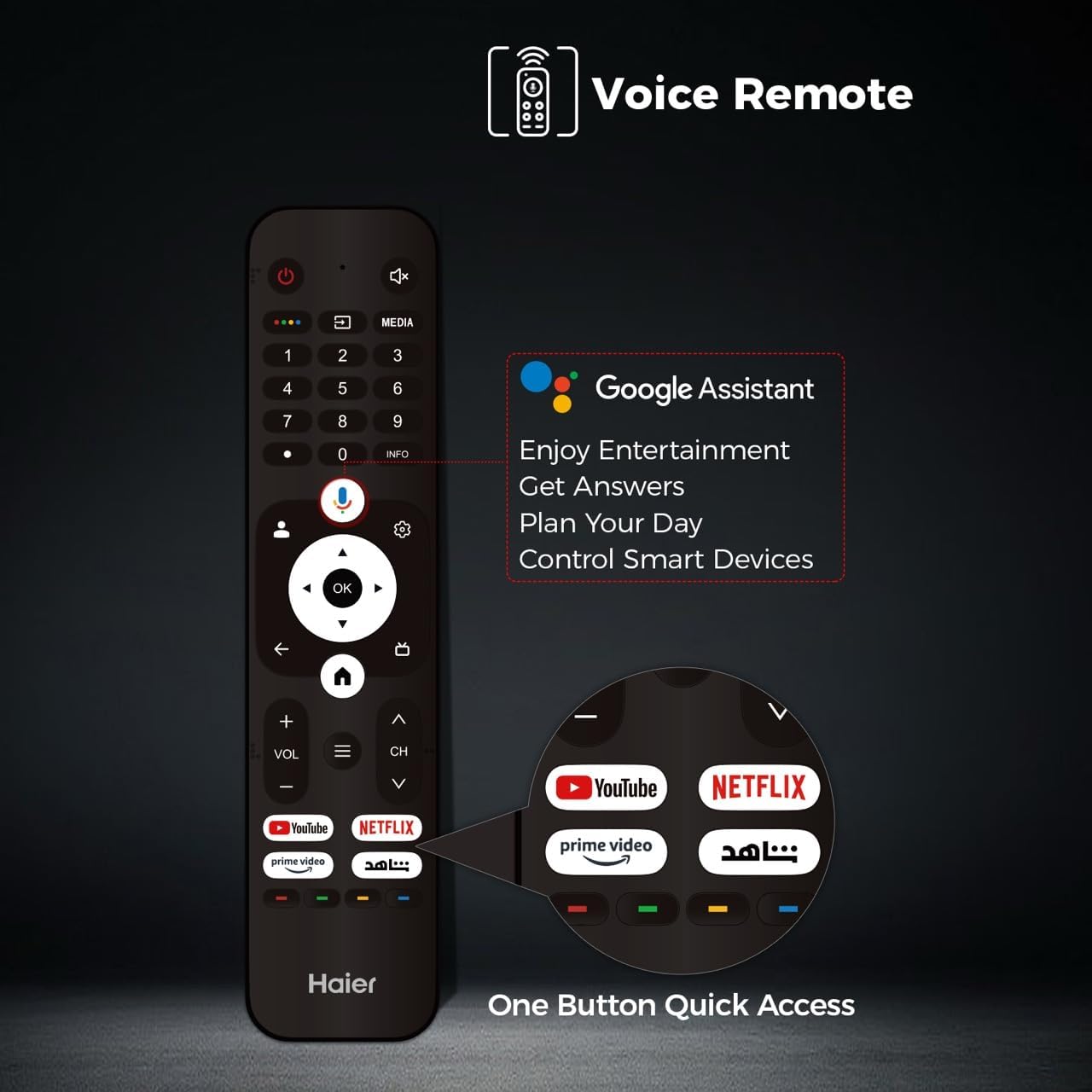
Image: Rear view of the Haier 55-inch QLED Google TV, highlighting the VESA mounting points and various input ports.
3. Connecting Peripherals
Connect your external devices such as cable boxes, gaming consoles, or Blu-ray players to the TV's HDMI ports. This model features 4 HDMI ports, including HDMI 2.1 for enhanced gaming features like VRR and ALLM. Two USB 3.0 ports are also available for media playback or connecting other accessories. Connect the power cord to the TV and then to a wall outlet.
4. Initial Power On and Google TV Setup
Press the power button on the remote control or on the TV. Follow the on-screen instructions to complete the initial setup, including language selection, network connection (Wi-Fi), and Google account sign-in. This will activate the Google TV operating system and allow access to smart features.
Operating Instructions
1. Remote Control Overview
The included remote control allows full control over your TV. It features dedicated buttons for popular streaming services and a voice control button for Google Assistant.
Image: The Haier TV voice remote control, showing buttons for power, volume, channel, navigation, Google Assistant, and quick access to YouTube, Netflix, and Prime Video.
2. Basic TV Functions
- Power: Press the power button to turn the TV on or off.
- Volume: Use the VOL +/- buttons to adjust the sound level.
- Channel: Use the CH +/- buttons to change channels (for broadcast TV).
- Input: Press the Input button to select different video sources (HDMI 1, HDMI 2, USB, etc.).
3. Google TV Interface Navigation
Navigate the Google TV interface using the directional pad and OK button on your remote. The home screen provides personalized recommendations, access to installed apps, and live TV options.
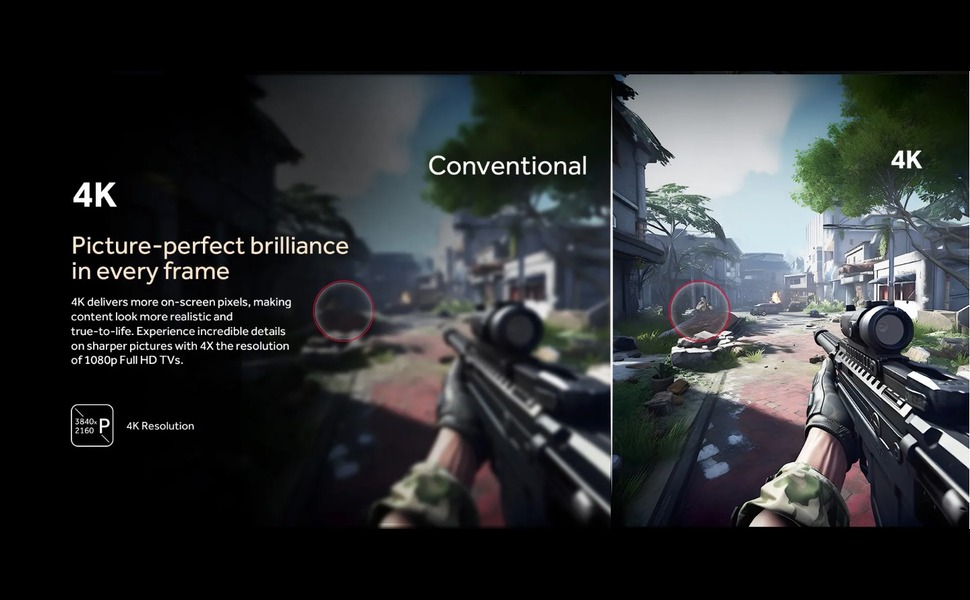
Image: The Google TV home screen displaying various streaming content recommendations and installed applications like YouTube, Netflix, and Disney+.
4. Smart Features
- Google Assistant: Press the voice button on your remote to use voice commands for searching content, controlling smart home devices, or getting information.
- Streaming Apps: Access pre-installed apps like YouTube, Netflix, and Prime Video, or download more from the Google Play Store.
- Google Cast: Use Google Cast to mirror content from your mobile device to the TV.
5. Picture and Sound Settings
Access the TV settings menu to adjust picture and sound preferences. This QLED TV offers vibrant colors and high contrast. It supports 4K resolution, HDR10, and Dolby Vision for enhanced visual quality.
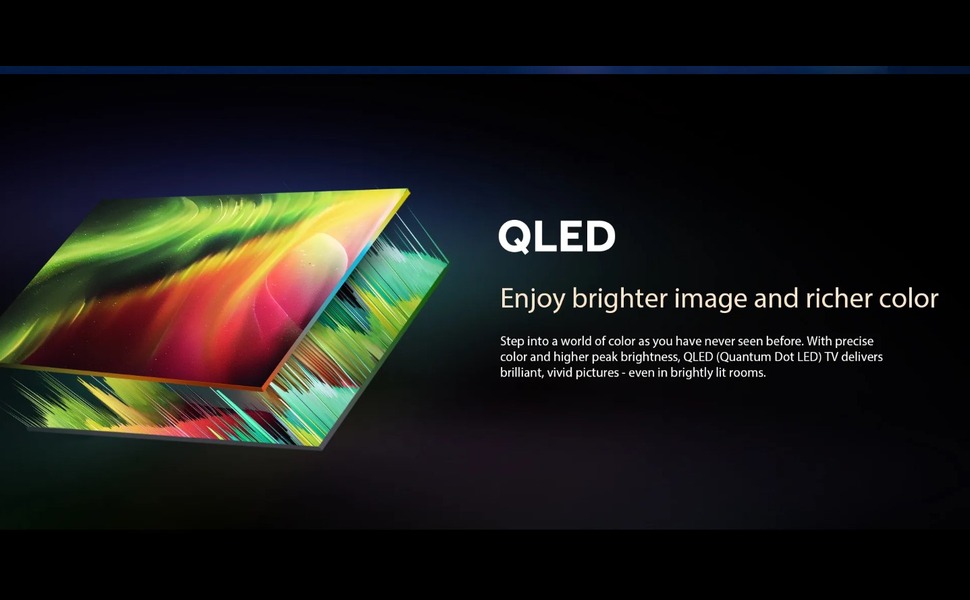
Image: An illustration demonstrating QLED display technology, emphasizing brighter images and richer colors.
For audio, the TV features Dolby Atmos and 2.1 channel speakers, providing immersive sound. Adjust sound modes and equalizer settings to suit your preference.
6. Gaming Features
The Haier H55S80EU is optimized for gaming with a 120Hz refresh rate, Variable Refresh Rate (VRR), and Auto Low Latency Mode (ALLM) via HDMI 2.1. Motion Estimation, Motion Compensation (MEMC) technology reduces blur in fast-moving scenes.
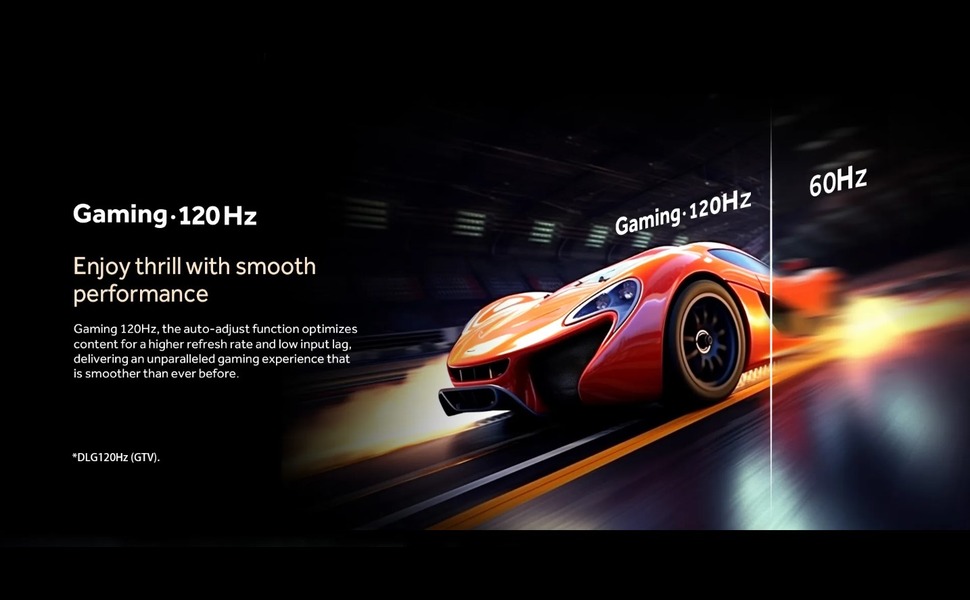
Image: A visual comparison illustrating the smoothness of 120Hz gaming compared to 60Hz, showing a racing car.

Image: An illustration demonstrating MEMC (Motion Estimation, Motion Compensation) technology, showing a blurred image on the left and a clear image on the right, indicating reduced motion blur.
Maintenance
1. Cleaning
Unplug the TV before cleaning. Use a soft, dry cloth to wipe the screen and cabinet. For stubborn marks, lightly dampen the cloth with water or a mild, non-abrasive cleaner specifically designed for electronics. Do not use alcohol, benzene, or thinners.
2. Software Updates
Ensure your TV is connected to the internet to receive automatic software updates. Updates provide new features, performance improvements, and security enhancements. You can also manually check for updates in the TV's settings menu.
Troubleshooting
If you encounter issues with your TV, refer to the following common solutions:
| Problem | Possible Solution |
|---|---|
| No power | Check if the power cord is securely plugged into the TV and the wall outlet. Ensure the outlet has power. |
| No picture, but sound is present | Check the input source. Ensure external devices are powered on and connected correctly. |
| No sound, but picture is present | Check the volume level and mute settings. Ensure external audio devices are connected correctly. |
| Remote control not working | Replace the batteries. Ensure there are no obstructions between the remote and the TV's IR sensor. |
| Wi-Fi connection issues | Restart your router and modem. Reconnect the TV to the Wi-Fi network in the settings. |
Specifications
| Feature | Detail |
|---|---|
| Brand Name | Haier |
| Model Name | H55S80EU |
| Screen Size | 55 Inch |
| Display Technology | QLED |
| Resolution | 4K |
| Refresh Rate | 120 Hz |
| HDR Format Support | HDR10, Dolby Vision |
| Motion Enhancement Technology | MEMC |
| Maximum Screen Brightness | 1000 nits |
| Backlight Technology | Mini LED |
| Operating System | Google TV |
| Audio Output Mode | Dolby Atmos |
| Speaker Description | 2.1 Channel Speakers |
| Total HDMI Ports | 4 (HDMI 2.1 with VRR/ALLM support) |
| Total USB Ports | 2 (USB 3.0) |
| Wireless Communication Technology | Wi-Fi |
| Screen Mirroring Technology | Google Cast |
| Control Method | Remote Control, App Control |
| VESA Mounting Standard | 200 x 200 mm |
| Item Weight | 10.6 kg |
| Product Dimensions (Depth x Width x Height) | 8cm x 120cm x 84cm |
| Year of Manufacture | 2024 |
Warranty Information
This Haier television comes with a standard warranty. The warranty description states a coverage period of Two years, with an estimated product life of 5 years. For detailed terms and conditions, please refer to the warranty card included with your product or contact Haier customer service.
Support
For further assistance, technical support, or service inquiries, please visit the official Haier website or contact their customer service department. Contact information can typically be found on the manufacturer's website or in the product packaging.