
Introduction
This manual provides detailed instructions for the setup, operation, and maintenance of your ELP 4K HDMI USB Camera. This industrial-grade camera features 4K resolution, dual HDMI and USB outputs, and a 5-50mm 10X manual zoom varifocal lens, making it suitable for various applications including computer, TV, projector, and industrial monitoring.

Image: The ELP 4K HDMI USB Camera with its 10X zoom varifocal lens, connected to a monitor and laptop, demonstrating its use for detailed observation.
What's in the Box
- 1x ELP 4K USB HDMI Camera
- 1x 1.2m USB Cable (Type C)
- 1x 1.5m HDMI Cable
- 1x User Manual (this document)
Product Features
- 4K Resolution: Full 4K (3840x2160) resolution at 30 frames per second (fps) for clear video output.
- Dual Output: Simultaneous USB and HDMI outputs allow connection to a laptop and a monitor concurrently.
- Multiple Display Modes: Supports HDMI mode, USB mode, and HDMI+USB simultaneous mode.
- 10X Optical Zoom Lens: Equipped with a 5-50mm varifocal CS mount lens for 10X optical zoom, plus 2X digital zoom for close-up or long-distance viewing.
- Compression Formats: Supports H.264, MJPEG, and YUY2 compression formats.
- IMX415 Sensor: Integrates a 1/2.8" IMX415 Color CMOS sensor for high-quality imaging, capable of operating in low light conditions (as low as 0.2 LUX).
- Focusing Range: Adjustable focusing range from 20mm to infinity.
- Durable Design: Industrial-grade metal housing and base for stable, permanent mounting.
Setup
Follow these steps to set up your ELP 4K HDMI USB Camera:
- Unpack: Carefully remove all components from the packaging.
- Mounting: Position the camera on a stable surface or mount it using the 1/4" tripod mount screw located on the camera body.
- Connect Power/USB: Connect the provided 1.2m USB Type-C cable to the camera and to your computer's USB port. The camera is UVC (USB Video Class) compliant, meaning it is plug-and-play and typically does not require additional drivers for most operating systems (Windows, Linux, Mac OS).
- Connect HDMI (Optional): If using HDMI output, connect the provided 1.5m HDMI cable from the camera's HDMI port to an HDMI-enabled monitor, TV, or projector. For HDMI mode or HDMI+USB mode, ensure the camera receives adequate power, typically via the USB connection or an external 5V 2A power adapter (not included) if using HDMI only.

Image: Physical dimensions of the camera and included cables.

Image: Connection diagrams for USB, HDMI, and simultaneous USB+HDMI modes.
Operating Instructions
Lens Adjustment (Manual Zoom, Focus, Aperture)
The camera features a manual 5-50mm varifocal lens. Adjustments are made directly on the lens barrel:
- Adjust Focal Length (Zoom): Rotate the ring labeled 'ZOOM' or 'FOCAL LENGTH' to adjust the magnification (1X to 10X optical zoom).
- Adjust Focus (Clarity): Rotate the ring labeled 'FOCUS' to achieve a sharp image.
- Adjust Aperture (Iris): Rotate the ring labeled 'IRIS' or 'APERTURE' to control the amount of light entering the lens. This affects brightness and depth of field.
- Fix Position: After adjusting, use the small set screws on the lens barrel to lock your desired settings in place. Exercise care when tightening to avoid shifting the adjustments.

Image: Detailed view of the 5-50mm varifocal lens adjustments.
Display Modes
The camera supports three primary display modes:
- USB Mode: Connect the camera via USB to a computer. The video feed will be accessible through standard webcam software or applications.
- HDMI Mode: Connect the camera via HDMI to a monitor or display. The video feed will be shown directly on the HDMI display. Ensure the camera is powered, typically via its USB port.
- HDMI+USB Mode: Both USB and HDMI outputs can be used simultaneously. This allows for real-time viewing on an HDMI monitor while also capturing or streaming via a connected computer.
Compression Formats
The camera supports H.264, MJPEG, and YUY2 compression formats. The choice of format can impact file size, quality, and system performance. H.264 offers efficient compression for smaller file sizes, while MJPEG and YUY2 may provide higher quality for specific applications.
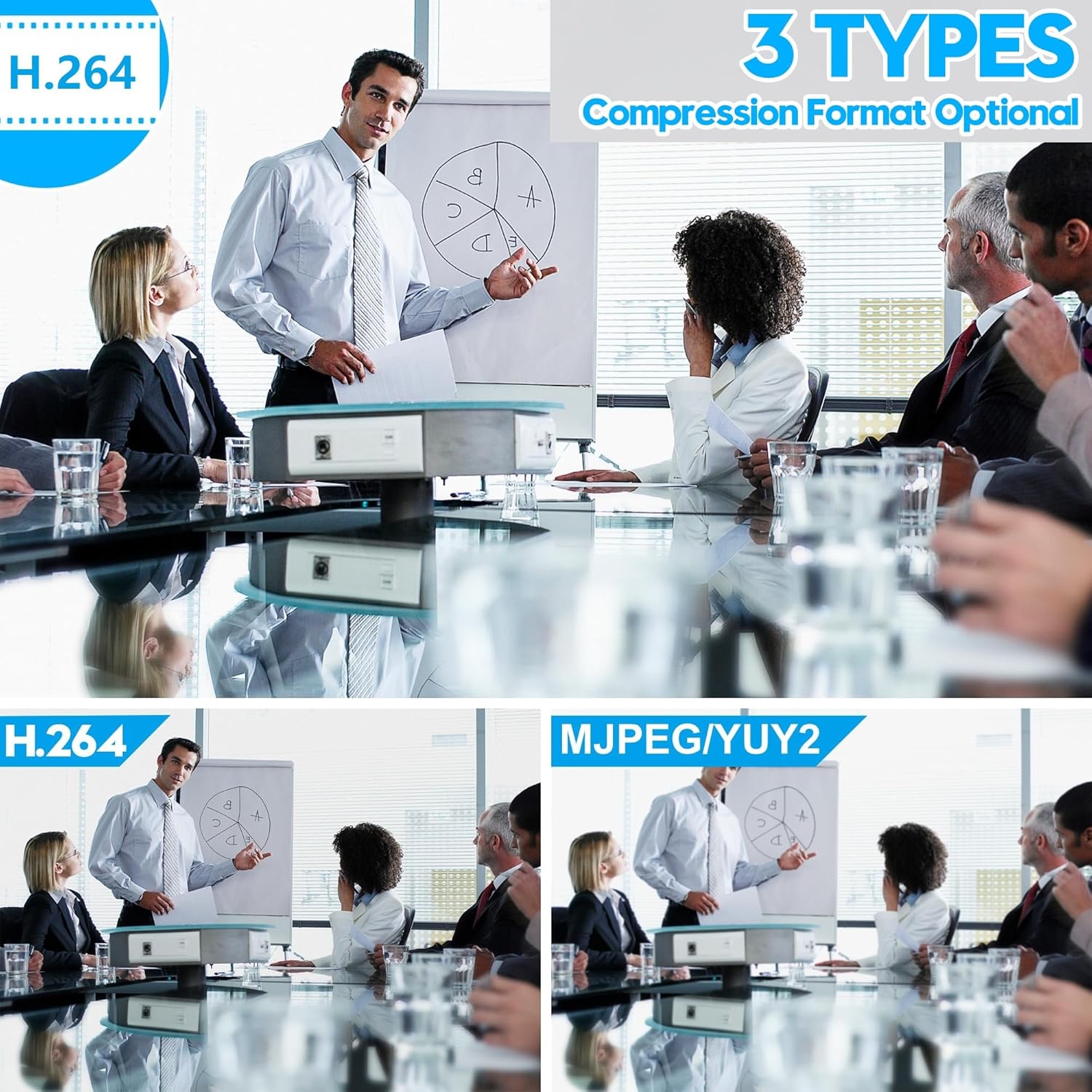
Image: Illustration of the three supported compression formats.
Maintenance
To ensure the longevity and optimal performance of your ELP 4K HDMI USB Camera, follow these maintenance guidelines:
- Cleaning the Lens: Use a soft, lint-free cloth specifically designed for optical lenses to gently wipe the lens surface. Avoid abrasive materials or harsh chemicals.
- Cleaning the Body: Wipe the camera body with a dry or slightly damp soft cloth. Do not use solvents or strong cleaning agents.
- Storage: When not in use, store the camera in a clean, dry environment away from direct sunlight and extreme temperatures.
- Cable Care: Avoid bending or twisting the USB and HDMI cables excessively to prevent internal damage.
Troubleshooting
If you encounter issues with your camera, refer to the following common problems and solutions:
| Problem | Possible Cause | Solution |
|---|---|---|
| No image/signal via USB | Loose USB connection, incorrect software settings, insufficient power. | Ensure USB cable is securely connected. Try a different USB port or cable. Check camera settings in your software. |
| No image/signal via HDMI | Loose HDMI connection, display input not selected, camera not powered. | Verify HDMI cable connection. Select correct HDMI input on your display. Ensure camera is powered via USB. |
| Image is blurry | Lens focus not adjusted, dirty lens. | Manually adjust the focus ring on the lens. Clean the lens surface. |
| Image is too dark/bright | Aperture not adjusted, insufficient lighting. | Manually adjust the aperture (iris) ring on the lens. Ensure adequate lighting in the environment. |
| Zoom not working | Zoom ring not adjusted, set screw tightened. | Rotate the zoom ring on the lens. Loosen any set screws if they are preventing adjustment. |
Specifications
| Feature | Detail |
|---|---|
| Brand | ELP |
| Model Number | ELP 4K HDMI usb camera for TV computer |
| Image Sensor | 1/2.8" IMX415 Color CMOS |
| Video Capture Resolution | 4K (3840x2160) at 30fps (H.264/MJPEG) |
| Lens Type | 5-50mm 10X Manual Zoom Varifocal CS Mount Lens |
| Digital Zoom | 2X |
| Minimum Illumination | 0.2 LUX |
| Focusing Range | 20mm to infinity |
| Connectivity | HDMI, USB (UVC compliant) |
| Compression Formats | H.264, MJPEG, YUY2 |
| Product Dimensions | 1.65 x 1.69 x 4.8 inches |
| Item Weight | 1.17 pounds |
| Color | Black |
Warranty and Support
For warranty information and technical support, please refer to the documentation provided at the time of purchase or contact ELP customer service directly. Keep your purchase receipt as proof of purchase for any warranty claims.
For further assistance, you may visit the official ELP store on Amazon: ELP Store