
1. Safety Information
Please read all safety instructions carefully before using the inf protear E6850 Bluetooth Hearing Protection Earmuffs. Improper use may result in hearing damage or other injuries.
- Noise Reduction Rating (NRR): These earmuffs provide a Noise Reduction Rating (NRR) of 25 dB. This rating indicates the average noise reduction provided when worn correctly.
- Proper Fit: Ensure the earmuffs fit snugly over your ears, completely sealing out external noise. Adjust the headband for a comfortable and secure fit.
- Maintenance: Regularly inspect the earmuffs for damage, especially the ear cushions and headband. Replace worn or damaged parts to maintain effective hearing protection.
- Environmental Awareness: While providing hearing protection, these earmuffs may reduce your ability to hear warning signals or other important sounds. Use with caution in environments where situational awareness is critical.
2. Product Overview
The inf protear E6850 Bluetooth Hearing Protection Earmuffs are designed to protect your hearing in noisy environments while allowing you to enjoy audio content and hands-free communication. They feature advanced Bluetooth 5.3 technology, high-fidelity speakers, and an integrated microphone.
Key Features:
- Bluetooth 5.3 Technology: Provides a fast and stable wireless connection for streaming audio from compatible devices.
- High-Fidelity Speakers: Delivers clear and quality sound for an enhanced listening experience.
- Integrated Microphone: Allows for hands-free calling without removing the earmuffs.
- Extended Playtime: Up to 48+ hours in Bluetooth mode and 120+ hours in AUX mode.
- Comfortable Design: Features soft, foam-filled ear cushions, a low-profile, lightweight design, and a flexible headband with cutouts for comfort, even with glasses or hats.
Product Components:

Figure 2.1: Front view of the inf protear E6850 earmuffs, showcasing the black and green design with control buttons on the right ear cup.

Figure 2.2: Detailed view of the earmuffs' design, highlighting the flexible headband, tough steel core, large control buttons, and adjustable headband mechanism.

Figure 2.3: Close-up of the soft, foam-filled ear cushions designed for comfortable wear.
3. Setup
3.1 Charging the Earmuffs
The earmuffs come with a built-in Lithium Polymer battery. Before first use, fully charge the device.
- Connect the provided USB charging cable to the charging port on the earmuffs.
- Connect the other end of the USB cable to a compatible USB power source (e.g., computer USB port, wall adapter).
- The charging indicator light will illuminate. Once fully charged, the light may change color or turn off, depending on the model.
3.2 Powering On/Off
- To Power On: Press and hold the Power button (usually located on the right ear cup) for approximately 3 seconds until an indicator light illuminates and/or an audible prompt is heard.
- To Power Off: Press and hold the Power button for approximately 3-5 seconds until the indicator light turns off and/or an audible prompt is heard.
3.3 Bluetooth Pairing
To connect your earmuffs to a Bluetooth-enabled device:
- Ensure the earmuffs are powered off.
- Press and hold the Power button for approximately 5-7 seconds until the indicator light flashes rapidly (typically blue and red), indicating pairing mode.
- On your mobile device, enable Bluetooth and search for available devices.
- Select "E6850" or similar from the list of found devices.
- Once connected, the indicator light will typically flash slowly or remain solid blue, and an audible confirmation may be heard.
3.4 AUX Connection
For non-Bluetooth devices or to extend battery life, you can use the AUX input.
- Connect one end of a 3.5mm audio cable (not always included, check packaging) to the AUX port on the earmuffs.
- Connect the other end of the cable to the audio output jack of your device.
- The earmuffs will automatically switch to AUX mode.
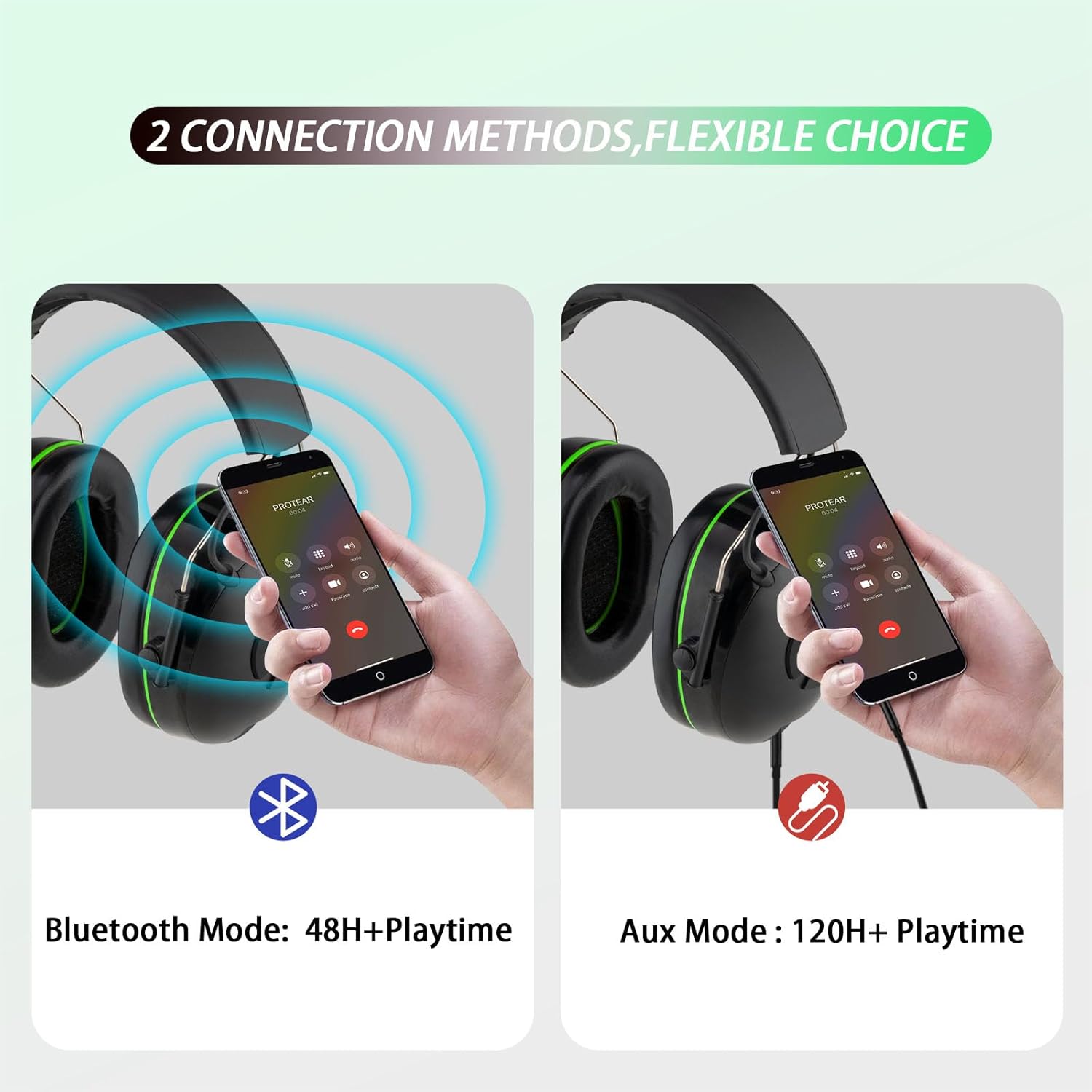
Figure 3.1: Illustration of Bluetooth and AUX connection methods, showing respective battery life estimates.
4. Operating Instructions
4.1 Basic Controls
The control buttons are located on the right ear cup for easy access.
- Power Button (Center): Press and hold to power on/off. Short press to play/pause audio.
- Volume Up (Up Arrow): Short press to increase volume.
- Volume Down (Down Arrow): Short press to decrease volume.
- Next Track (Right Arrow): Short press to skip to the next audio track.
- Previous Track (Left Arrow): Short press to go to the previous audio track.
4.2 Answering/Ending Calls
With the integrated microphone, you can manage phone calls directly from the earmuffs when connected via Bluetooth.
- Answer Call: Short press the Power button when a call comes in.
- End Call: Short press the Power button during a call.
- Reject Call: Press and hold the Power button for approximately 2 seconds when a call comes in.
4.3 Usage Scenarios
These earmuffs are suitable for various noisy environments where hearing protection is essential, including:
- Lawn mowing and landscaping
- Woodworking and sawing
- Construction sites
- Workshops
- Operating heavy machinery like tractors
- Snow blowing

Figure 4.1: User wearing earmuffs while performing outdoor tasks, demonstrating practical application.

Figure 4.2: Visual representation of different scenarios where hearing protection is beneficial, such as snow blowing, workshops, mowing, woodworking, and tractor operation.
5. Maintenance
Proper maintenance ensures the longevity and effectiveness of your inf protear E6850 earmuffs.
- Cleaning: Wipe the exterior of the earmuffs with a soft, damp cloth. Do not use abrasive cleaners or immerse the earmuffs in water.
- Ear Cushions: Periodically check the ear cushions for cracks, hardening, or other signs of wear. Replace them if damaged to maintain optimal noise reduction and comfort.
- Storage: Store the earmuffs in a clean, dry place away from extreme temperatures and direct sunlight.
- Battery Care: To preserve battery life, avoid fully discharging the battery frequently. If storing for an extended period, charge the earmuffs to about 50% every few months.
6. Troubleshooting
If you encounter issues with your earmuffs, refer to the following common problems and solutions:
| Problem | Possible Cause | Solution |
|---|---|---|
| Earmuffs do not power on. | Low battery. | Charge the earmuffs fully. |
| Cannot connect via Bluetooth. | Earmuffs not in pairing mode; device Bluetooth off; too far from device. | Ensure earmuffs are in pairing mode (flashing indicator). Turn on Bluetooth on your device. Move closer to the device (within 80ft/25m). |
| No sound or poor audio quality. | Volume too low; improper connection; damaged audio source. | Increase volume on earmuffs and connected device. Re-pair Bluetooth or re-connect AUX cable. Test with a different audio source. |
| Microphone not working or poor call quality. | Microphone obstruction; software issue; environmental noise. | Ensure microphone is clear. Restart earmuffs and phone. Try making calls in a quieter environment. |
| Short battery life. | Battery degradation; frequent high volume use. | Ensure full charge. Reduce volume if possible. Consider using AUX mode for longer sessions. |
7. Specifications
Detailed technical specifications for the inf protear E6850 Bluetooth Hearing Protection Earmuffs:
| Feature | Detail |
|---|---|
| Model Number | E6850 |
| Noise Reduction Rating (NRR) | 25 dB |
| Bluetooth Version | 5.3 |
| Bluetooth Wireless Range | Up to 80 ft (approx. 25 meters) |
| Bluetooth Playtime | 48+ hours |
| AUX Playtime | 120+ hours |
| Battery Type | 1 Lithium Polymer battery (included) |
| Item Weight | 14.1 ounces |
| Product Dimensions | 8 x 6 x 4 inches |
| Material | Acrylonitrile Butadiene Styrene |
| Color | Green |
8. Support & Warranty
inf protear is committed to providing reliable products and customer satisfaction. If you encounter any issues or have questions regarding your E6850 Bluetooth Hearing Protection Earmuffs, please do not hesitate to contact our customer support team.
We stand by our products and are dedicated to resolving any concerns you may have. Your feedback and suggestions are always welcome.
For support, please refer to the contact information provided with your product packaging or visit the official inf protear website.


