
1. Introduction
The ehozirta Red Light Therapy Hair Growth Cap is designed to stimulate hair growth and improve scalp health using advanced phototherapy technology. It features 120 high-intensity LEDs emitting both 660 nm red light and 850 nm near-infrared light, which penetrate deeply into the scalp to activate dormant hair follicles and promote thicker, healthier hair. This lightweight and ergonomic cap offers a comfortable and convenient solution for your hair care routine.
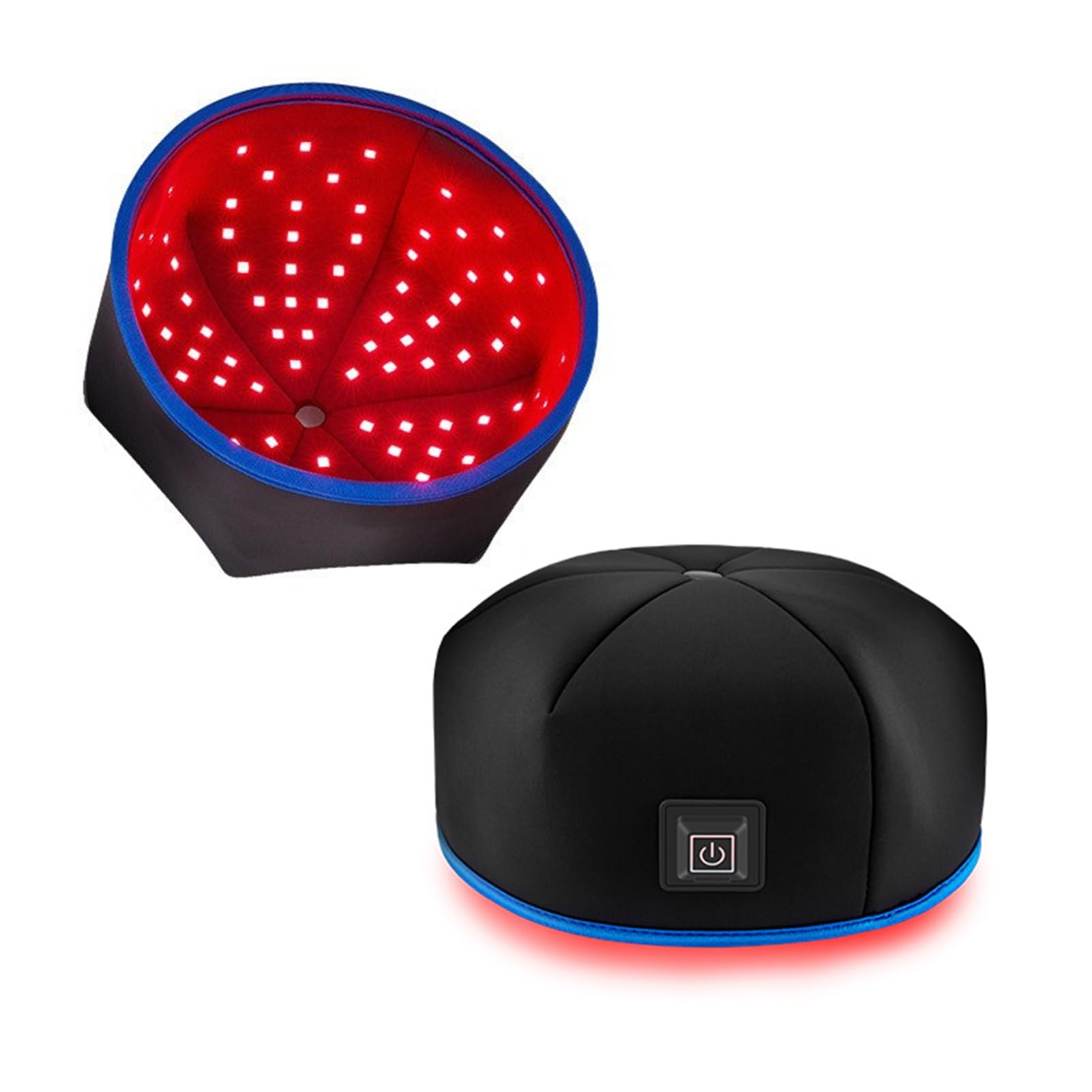
Image 1.1: The ehozirta Red Light Therapy Hair Growth Cap, featuring a power button on the front.
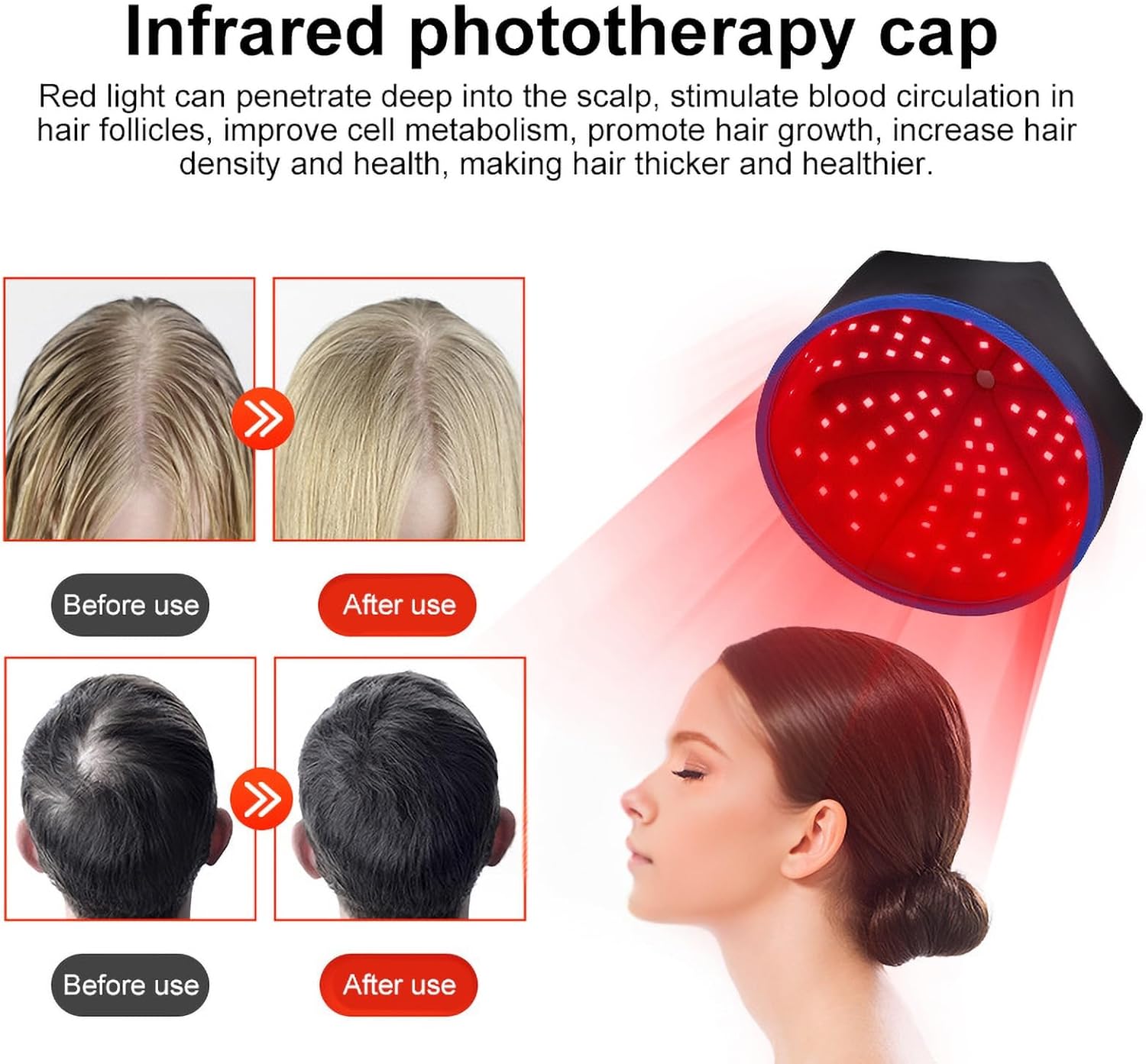
Image 1.2: Diagram illustrating how red light penetrates the scalp to stimulate blood circulation, improve metabolism, and promote hair growth, along with visual examples of hair before and after use.
2. Safety Information
Please read all instructions carefully before using the device. Keep this manual for future reference.
- Do not use this device if you are pregnant, breastfeeding, or have a history of skin cancer or light sensitivity.
- Consult a healthcare professional before use if you have any medical conditions, are taking photosensitizing medications, or have any concerns about using light therapy.
- Avoid direct eye exposure to the LED lights. Although the device is designed for scalp use, prolonged direct eye contact with intense light can be harmful.
- Keep out of reach of children.
- Do not use the device in wet environments or near water.
- Do not attempt to open or repair the device. Contact customer support for assistance.
- Use only the provided USB cable and a compatible 5V-2A power source.
3. Package Contents
Verify that all items are present in the package:
- 1 x Phototherapy Cap
- 1 x USB Charging Cable
4. Product Features
The ehozirta Red Light Therapy Hair Growth Cap offers several key features for effective and comfortable hair care:
- Enhanced Hair Growth: Equipped with 120 high-intensity LEDs (60 x 660 nm red light + 60 x 850 nm near-infrared light) to deeply penetrate the scalp and stimulate hair follicles.
- Comfortable Design: Lightweight and ergonomic construction ensures a comfortable fit for extended use.
- Dual Wavelength Technology: Combines 660 nm red light and 850 nm near-infrared light for comprehensive scalp penetration and follicle activation.
- Scalp Health Improvement: Promotes overall scalp health, helps reduce dandruff, and enhances hair vitality and shine.
- Versatile Hair Care Solution: Suitable for all hair types and genders, providing a robust solution for healthier, more beautiful hair.
- Automatic Treatment Timer: Each treatment session is automatically set for 20 minutes.
- Three Phototherapy Modes: Offers different modes for activating hair follicles, accelerating metabolism, and relieving fatigue.

Image 4.1: Visual representation of the cap's benefits, including anti-stripping hair care, hot compress therapy, and fatigue relief.

Image 4.2: The phototherapy cap emitting red light, alongside before and after images demonstrating potential hair growth and density improvements.
5. Setup
Before first use, ensure the cap is clean and fully charged if applicable (though it operates via USB power, not internal battery).
- Unpack: Carefully remove the phototherapy cap and USB cable from the packaging.
- Connect Power: Insert the USB cable into the cap's Type-C port. Connect the other end of the USB cable to a compatible 5V-2A USB power source (e.g., wall adapter, power bank, computer USB port).
- Position: Place the cap comfortably on your head, ensuring it covers the desired areas of your scalp.
6. Operating Instructions
Follow these steps for proper operation of your phototherapy cap:
- Power On: Long press the silicone power button located on the front of the cap to turn the device ON. The LEDs will illuminate.
- Select Mode: Lightly press the power button to cycle through the three available phototherapy modes:
- Mode 1 (660nm + 850nm): Activates hair follicles and strengthens hair roots.
- Mode 2 (10HZ): Accelerates metabolism and promotes blood circulation.
- Mode 3 (40HZ): Helps relax the head and relieve fatigue.
- Treatment Duration: Each treatment course is automatically scheduled for 20 minutes. The device will automatically shut off after the session is complete.
- Power Off: To manually turn off the device before the 20-minute cycle ends, long press the power button again.
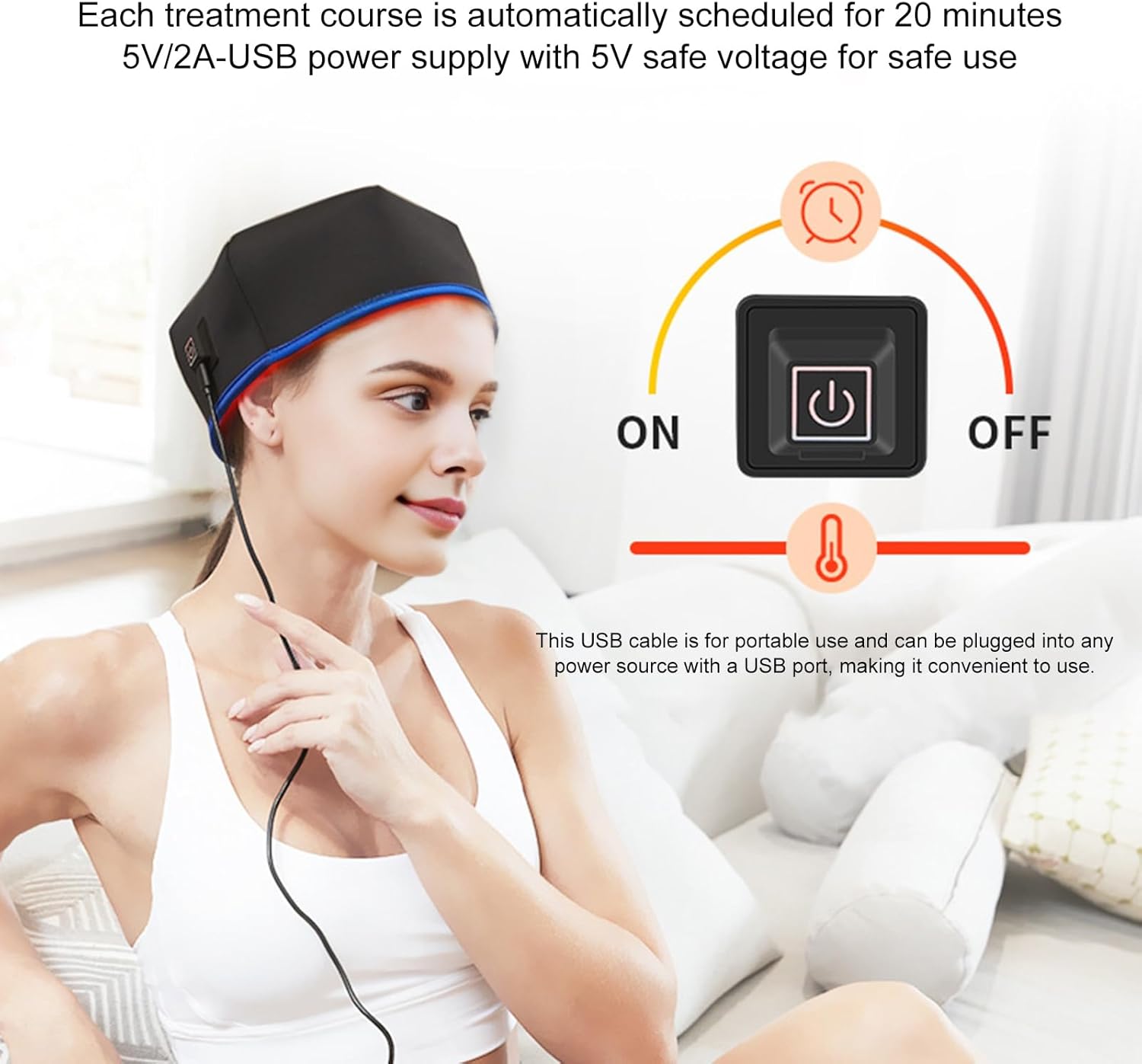
Image 6.1: A user wearing the cap, illustrating the 20-minute automatic treatment schedule and the USB power connection for safe 5V/2A operation.

Image 6.2: Depiction of the three phototherapy modes: 660nm+850nm for activating hair follicles, 10HZ for accelerating metabolism, and 40HZ for relaxing the head and relieving fatigue.
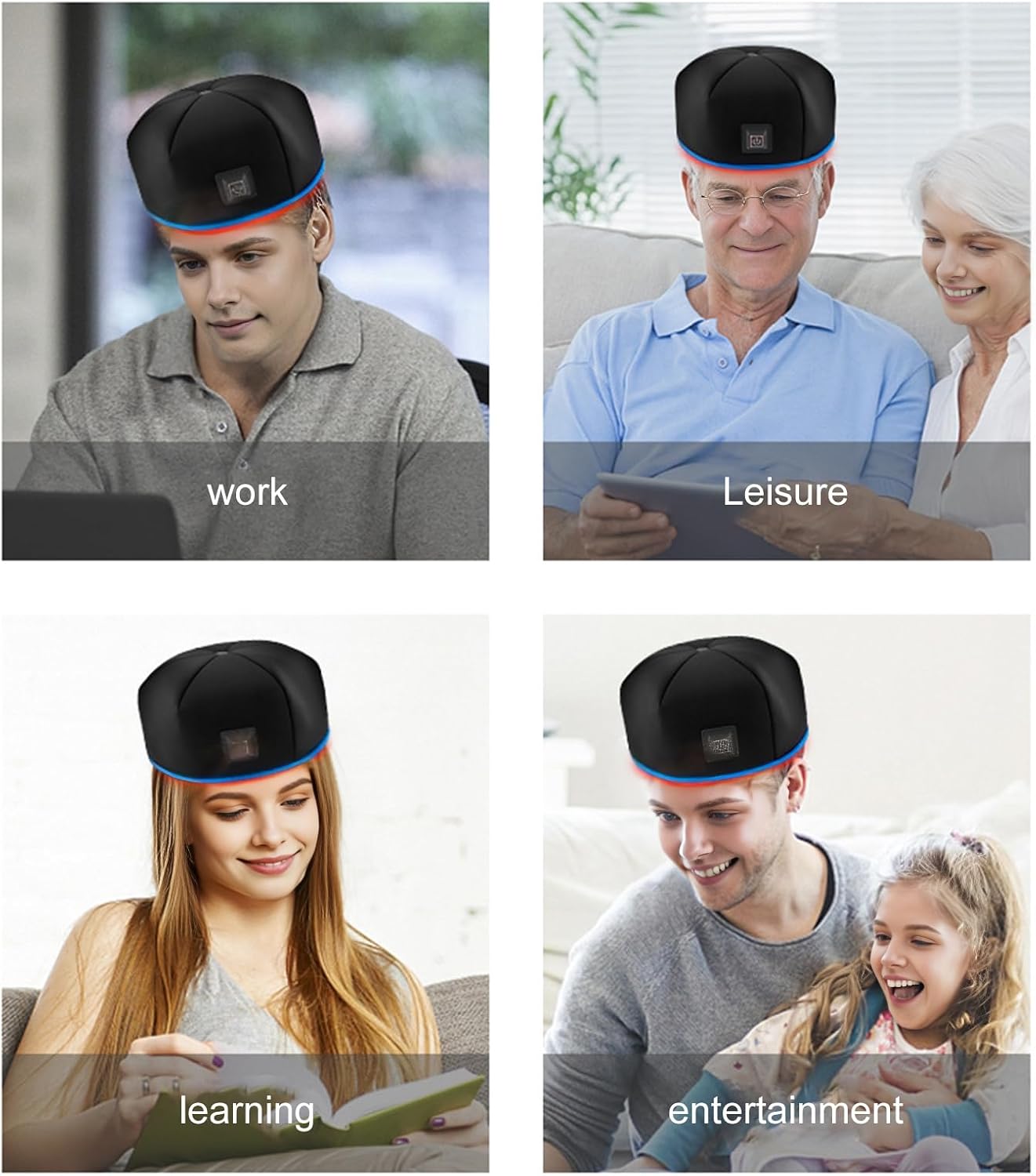
Image 6.3: Examples of individuals using the cap during different activities such as working, leisure, learning, and entertainment, highlighting its versatility.
7. Maintenance
Proper care and maintenance will ensure the longevity and optimal performance of your device.
- Cleaning: Disconnect the device from the power source before cleaning. Wipe the exterior of the cap with a soft, damp cloth. Do not use harsh chemicals or abrasive cleaners. Ensure no liquid enters the LED area or USB port.
- Storage: Store the cap in a cool, dry place away from direct sunlight and extreme temperatures. Avoid placing heavy objects on the cap.
- Cable Care: Handle the USB cable gently. Do not bend or twist it excessively.
8. Troubleshooting
If you encounter any issues, refer to the following troubleshooting guide:
| Problem | Possible Cause | Solution |
|---|---|---|
| Device does not turn on. | No power or loose connection. | Ensure the USB cable is securely connected to both the cap and a working 5V-2A power source. Try a different USB port or power adapter. |
| LEDs are dim or flickering. | Insufficient power supply. | Verify that your power source provides 5V-2A. Some computer USB ports may not provide sufficient power. Use a dedicated wall adapter. |
| Device turns off unexpectedly. | Automatic timer or power interruption. | The device has an automatic 20-minute timer. If it turns off before 20 minutes, check the power connection for interruptions. |
| Cannot change phototherapy modes. | Incorrect button press. | Ensure you are lightly pressing the power button to cycle modes, not long-pressing to turn off. |
If the problem persists after trying these solutions, please contact customer support.
9. Specifications
| Item Name | Phototherapy Cap |
| Material | Polyester |
| Temperature Range | 43 to 45 °C (109.4 to 113 °F) |
| Lighting Duration | 20 minutes (automatic shutdown) |
| Lamp Beads | 60 x 660 nm Red Light + 60 x 850 nm Near-Infrared Light (Total 120 LEDs) |
| Charging Method | USB Charging |
| Power Input | Type-C 5V-2A |
| Dimensions (L x W x H) | Approximately 21.5 cm x 21.5 cm x 11 cm (8.5 in x 8.5 in x 4.3 in) |
| Model Number | 664F0664F07463106A |
| Color | Black |
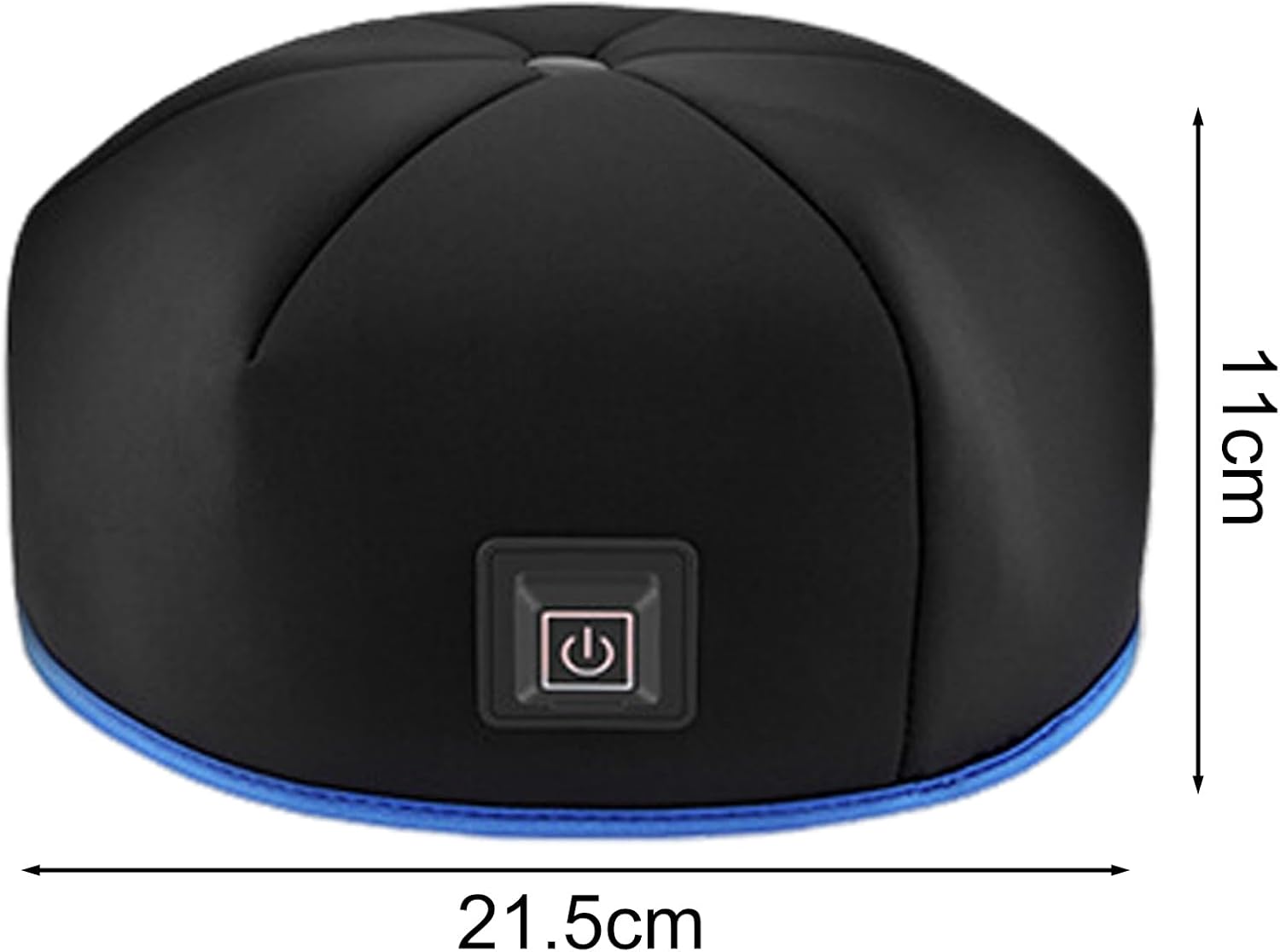
Image 9.1: Diagram showing the approximate dimensions of the phototherapy cap: 21.5 cm length, 21.5 cm width, and 11 cm height.
10. Warranty and Support
For warranty information or technical support, please refer to the documentation provided with your purchase or contact the retailer. Keep your proof of purchase for any warranty claims.