
1. Introduction
This manual provides comprehensive instructions for the safe and effective use of the CIGMAN CD120G Laser Distance Meter. Please read this manual thoroughly before operating the device to ensure proper functionality and to prevent potential hazards.
The CIGMAN CD120G is a high-precision laser measuring tool designed for various applications, offering a measurement range of up to 393 feet (120 meters). It features a green laser beam for enhanced visibility, a 4X zoom pointfinder camera, P2P technology, and multiple measurement modes. The device is built with an IP68 rating for durability in challenging environments.
2. Safety Information
WARNING: Laser Radiation
- This device emits Class II laser radiation. Do not stare into the laser beam.
- Avoid direct eye exposure to the laser beam.
- Do not aim the laser beam at people or animals.
- The laser output power is less than 1mW.
- Keep the device out of reach of children.
- Do not attempt to modify or disassemble the device. Unauthorized modifications can lead to hazardous laser exposure.
3. Package Contents
Verify that all items are present in the package:
- CIGMAN CD120G Laser Distance Meter
- USB Type-C Charging Cable
- Hand Strap
- Portable Bag
- Reflector Plate
- User Manual

Image: The CIGMAN CD120G Laser Distance Meter, USB Type-C cable, hand strap, portable bag, and reflector plate.
4. Product Overview
The CIGMAN CD120G features a robust design with an ABS-wrapped body for enhanced durability and shock absorption. It is equipped with a 2.4-inch IPS color backlit display for clear readability in various lighting conditions.

Image: Front view of the CIGMAN CD120G Laser Distance Meter, highlighting the display, control buttons, and green laser emitter.
4.1 Key Features
- Green Laser Technology: Produces a spot 4x brighter than standard red beams, improving visibility for outdoor measurements.
- Digital PointFinder Camera: Integrated 4x zoom camera with on-screen aiming crosshairs for precise targeting, especially in bright sunlight.
- P2P Technology: Utilizes a 360° high-precision tilt sensor for remote distance measurement between two points, compatible with a 1/4" tripod (sold separately).
- Multiple Measurement Modes: Includes distance, area, volume, Pythagorean theorem, addition/subtraction, electronic level, and real-time angle measurements.
- Data Storage: Stores up to 100 sets of measurement data.
- Durable Design: IP68 rated for water and dust resistance, ensuring protection against immersion up to 1 meter.
- Rechargeable Battery: Equipped with a 2000mAh lithium-ion battery for extended use.
5. Setup
5.1 Charging the Battery
The device is powered by a built-in 2000mAh rechargeable lithium-ion battery. Before first use, fully charge the device.
- Connect the provided USB Type-C cable to the charging port on the device.
- Connect the other end of the USB cable to a compatible USB power adapter (not included) or a computer USB port.
- The battery indicator on the display will show charging status. A full charge typically takes approximately 3 hours.

Image: Illustration of the CIGMAN CD120G's internal 2000mAh rechargeable battery and Type-C charging port.
5.2 Attaching the Hand Strap
To attach the hand strap, locate the small loop hole on the side of the device. Thread the thin loop of the hand strap through this hole and then pass the larger part of the strap through the loop to secure it. This may require a fine tool like tweezers due to the small opening.
6. Operating Instructions
6.1 Power On/Off
- Power On: Press the MEAS button once to turn on the device. The laser will activate.
- Power Off: Press and hold the OFF/CLEAR button for a few seconds to turn off the device. The device will automatically power off after a period of inactivity to conserve battery.
6.2 Basic Distance Measurement
- Turn on the device.
- Aim the laser beam at the target point.
- Press the MEAS button once. The measured distance will be displayed on the screen.
6.3 Unit Switching
The device supports multiple units of measurement (meters, inches, feet, etc.).
- Press the FUNC button repeatedly to cycle through available units (e.g., m, ft, in, 0'00", 0'00" 1/32).

Image: The CIGMAN CD120G display illustrating the various measurement units that can be selected.
6.4 Digital PointFinder Camera
The integrated 4x zoom camera assists in targeting distant objects, especially outdoors where the laser dot may be difficult to see.
- Activate the camera mode (refer to the device's menu for specific camera activation).
- Use the on-screen crosshairs to precisely align the measurement point.
- Adjust the zoom level (1x, 2x, 4x) as needed for better visibility.

Image: The CIGMAN CD120G's display showing the pointfinder camera view with crosshairs, used to target a distant building for measurement.

Image: A visual comparison demonstrating the 1x, 2x, and 4x digital zoom capabilities of the pointfinder camera, showing how it helps in accurately capturing measurement points outdoors.
6.5 P2P Technology (Point-to-Point Measurement)
P2P technology allows for indirect measurement between two points using the integrated tilt sensor. A tripod is recommended for optimal accuracy.
- Mount the device on a 1/4" tripod (not included).
- Select the P2P measurement mode from the menu.
- Follow the on-screen prompts to measure the first point (P1) and then the second point (P2). The device will calculate the distance between P1 and P2.
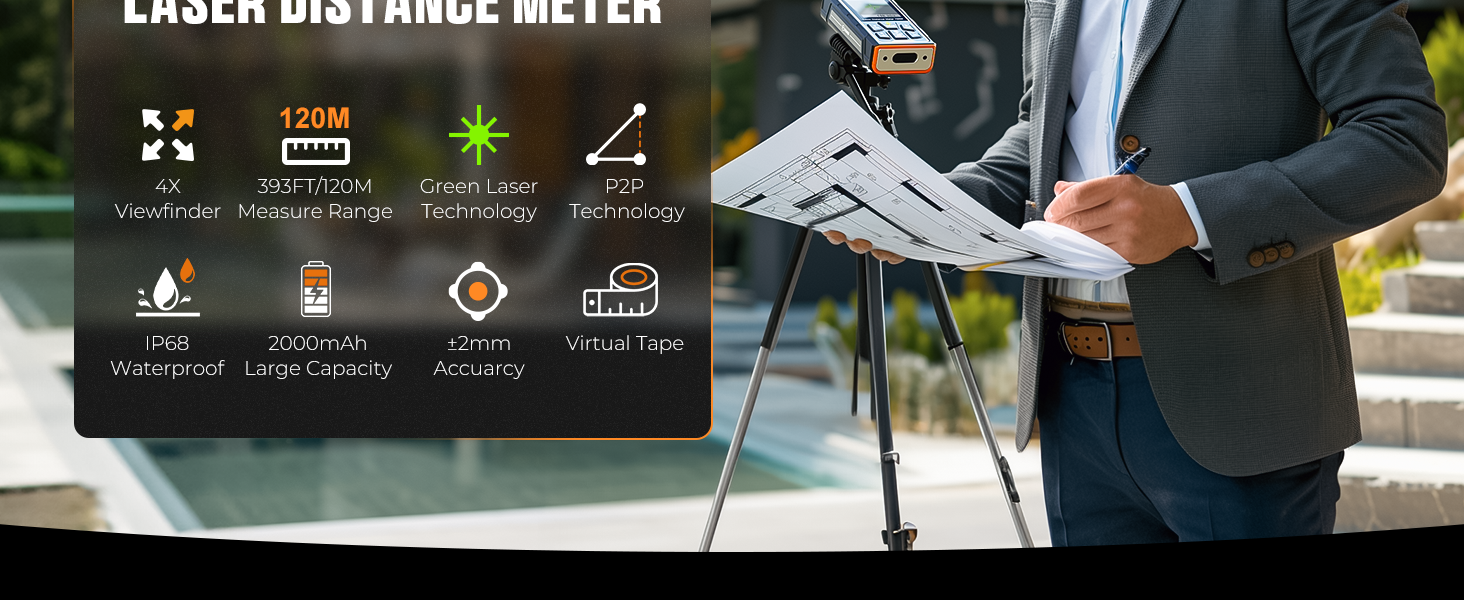
Image: A diagram showing the CIGMAN CD120G on a tripod, using P2P technology to measure the distance between two points (P1 and P2) on a building.
6.6 Multiple Measuring Modes
The CD120G offers various measurement functions accessible via the FUNC or MENU buttons.
- Area Measurement: Measure two sides to calculate the area.
- Volume Measurement: Measure three sides to calculate the volume.
- Pythagorean Theorem: Indirectly measure heights or distances using two or three measurements.
- Angle Sensor: Displays real-time angles and can be used as an electronic level.
- Addition/Subtraction: Add or subtract measurement results.
- Virtual Tape Measurement: Provides a visual representation of measurements, useful for renovations.

Image: The CIGMAN CD120G displaying a virtual tape measurement, demonstrating its utility for precise layout and renovation tasks.
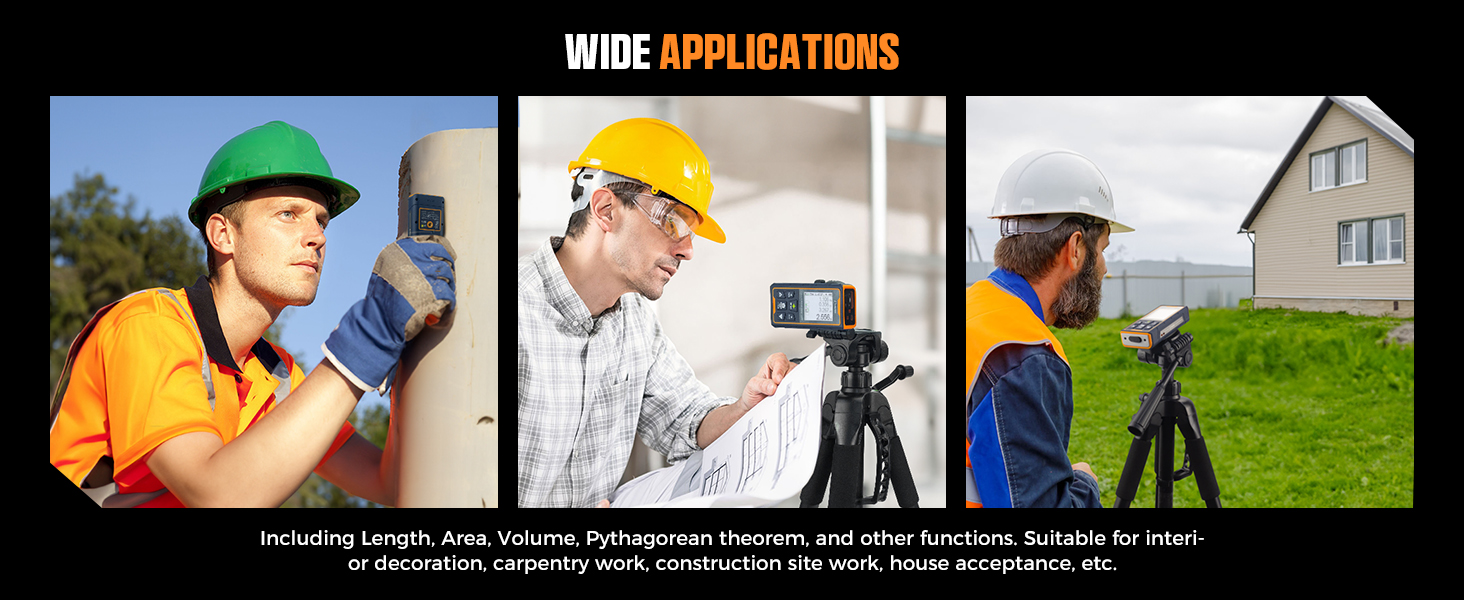
Image: A hand holding the CIGMAN CD120G, which is displaying an incline angle measurement, demonstrating its use as a digital level for stairs or slopes.
6.7 Data Storage and Retrieval
The device can store up to 100 sets of measurement data.
- To save a measurement, the device typically saves automatically after a measurement is taken, or there might be a specific save function in the menu.
- To review stored data, navigate to the memory function via the MENU button.

Image: The CIGMAN CD120G displaying a list of 100 stored data sets, useful for reviewing historical measurements or modifying design drawings.
6.8 Adaptive Rotating Screen
The display automatically rotates to ensure the measurement values are always upright and easy to read from any angle.

Image: The CIGMAN CD120G demonstrating its adaptive rotating screen feature, which keeps the display oriented correctly for easy reading regardless of the device's position.
7. Maintenance
7.1 Cleaning
- Use a soft, damp cloth to clean the device. Do not use harsh chemicals or abrasive cleaners.
- Clean the laser lens and camera lens with a soft, lint-free cloth, similar to cleaning eyeglasses.
7.2 Storage
- Store the device in its portable bag when not in use to protect it from dust and impacts.
- Store in a cool, dry place, away from direct sunlight and extreme temperatures.
- If storing for an extended period, ensure the battery is partially charged (around 50%) and recharge it every few months to maintain battery health.
7.3 Durability and Water Resistance
The CIGMAN CD120G is designed with an IP68 rating, providing excellent protection against dust and water immersion up to 1 meter.

Image: The CIGMAN CD120G shown being splashed with water and partially buried in sand, illustrating its IP68 water and dust protection.
8. Troubleshooting
| Problem | Possible Cause | Solution |
|---|---|---|
| Device does not turn on. | Low battery. | Charge the battery using the provided USB Type-C cable. |
| Laser beam is not visible outdoors. | Bright ambient light. | Use the Digital PointFinder camera with 4x zoom to target the measurement point. Use the reflector plate if available. |
| Inaccurate measurements. | Unstable device, dirty lens, or incorrect measurement mode. | Ensure the device is stable (use a tripod for P2P). Clean the laser and camera lenses. Verify the correct measurement mode is selected. |
| Difficulty attaching hand strap. | Small loop opening. | Use a pair of fine tweezers or a thin, pointed object to guide the strap through the hole. |
| Display is difficult to read. | Screen brightness setting or environmental glare. | Adjust screen brightness in settings. The rotatable display helps with viewing angles. |
9. Specifications
| Feature | Specification |
|---|---|
| Model Number | CD120G |
| Measuring Range | Up to 393 ft (120 m) |
| Accuracy | +/- 1/16 inch |
| Laser Type | Green Laser, Class II, <1mW |
| Digital Zoom | 4x |
| Display | 2.4-inch IPS Color Backlit Display |
| Battery | 2000mAh Lithium Ion (Rechargeable) |
| Charging Port | USB Type-C |
| IP Rating | IP68 (Waterproof and Dust-proof) |
| Data Storage | 100 sets |
| Material | Acrylonitrile Butadiene Styrene, Aluminum |
| Item Weight | 5.3 ounces (0.15 Kilograms) |
| Package Dimensions | 6.93 x 4.53 x 2.24 inches |
10. Warranty and Support
10.1 Warranty Information
The CIGMAN CD120G Laser Distance Meter comes with a 3-year warranty from the date of purchase. This warranty covers defects in materials and workmanship under normal use. It does not cover damage caused by misuse, accidents, unauthorized repairs, or normal wear and tear.
10.2 Customer Support
For technical assistance, warranty claims, or any questions regarding your CIGMAN CD120G, please contact CIGMAN customer support. Refer to the contact information provided in the product packaging or on the official CIGMAN website.