1. Introduction
The Lince Fit 3 Smartwatch LSWUQPM003 is designed to enhance your daily life by combining advanced health and fitness tracking with convenient communication features. This manual provides essential information to help you get the most out of your device, from initial setup to advanced functionalities.

Image 1.1: Overview of Lince Fit 3 Smartwatch key features, including 7-10 day battery life, voice assistant, calls and notifications, over 100 workout types, sleep monitoring, customizable watch faces, body monitoring, respiratory rate detection, IP68 water resistance, and elegant design.
2. Setup
2.1 Unboxing and Initial Charge
Upon unboxing your Lince Fit 3 Smartwatch, ensure all components are present. It is recommended to fully charge the device before first use.

Image 2.1: The Lince Fit 3 Smartwatch, its retail packaging, and a display cushion, indicating the product's presentation.
- Connect the charging cable to the smartwatch's charging port.
- Plug the other end into a USB power adapter (not included).
- A full charge typically takes approximately 2 hours.
- The battery can last up to 10 days on a single charge, depending on usage.
2.2 App Installation and Pairing
To unlock the full potential of your Lince Fit 3 Smartwatch, download and install the companion application on your smartphone. The smartwatch is compatible with both Android and iOS devices.
- Scan the QR code in the smartwatch's quick start guide or search for the official Lince Fit app in your smartphone's app store.
- Install the application and create an account or log in.
- Ensure Bluetooth is enabled on your smartphone.
- Open the Lince Fit app and follow the on-screen instructions to pair your smartwatch via Bluetooth BLE 5.2.
- Confirm the pairing request on both your smartphone and smartwatch.
3. Operating Instructions
3.1 Basic Navigation
The Lince Fit 3 features a 1.96-inch TFT curved mineral crystal display with full touch functionality. Navigate through menus by swiping left, right, up, or down, and tap to select options.

Image 3.1: The Lince Fit 3 Smartwatch display showing the time (10:08) and date (05-26 MON) with a digital watch face.
3.2 Calls and Notifications
Once paired, your smartwatch can receive notifications and manage calls directly from your wrist.
- Receiving Calls: When a call comes in, the smartwatch will display the caller ID. You can answer or reject calls directly from the watch.
- Making Calls: Use the dialer, recent calls list, or up to 100 contacts synchronized from your phone to make calls. The improved Bluetooth 5.2 ensures efficient transmission and lower battery consumption.
- Notifications: Receive alerts for messages, emails, and app notifications from your smartphone.
- Voice Assistant: Utilize the integrated voice assistant for hands-free control and information retrieval.
3.3 Health and Fitness Monitoring
The Lince Fit 3 is equipped with various sensors to help you monitor your health and fitness.
- Heart Rate: Continuous heart rate monitoring using PPG sensors.
- SpO2 Levels: Measure your blood oxygen saturation.
- Respiratory Rate: Track your breathing frequency.
- Skin Temperature: Monitor your skin temperature.
- Sleep Monitoring: Analyze your sleep patterns to improve rest quality.
- Menstrual Cycle Tracking: A dedicated feature for tracking menstrual cycles.
- Workout Modes: Choose from over 100 types of workouts to track your activities accurately.
3.4 Customization and Additional Features
Personalize your smartwatch experience and explore its additional functionalities.
- Watch Faces: Access hundreds of watch faces through the companion app to match your style. You can quickly customize the dial with more than 14 different modules.
- Remote Camera Control: Use your smartwatch as a remote shutter for your smartphone's camera.
4. Maintenance
4.1 Water Resistance (IP68)
The Lince Fit 3 Smartwatch has an IP68 water resistance rating. This means it is protected against dust ingress and can withstand immersion in water up to 1.5 meters for up to 30 minutes. It is suitable for everyday use, including hand washing, rain, and showering, but not recommended for swimming or diving.
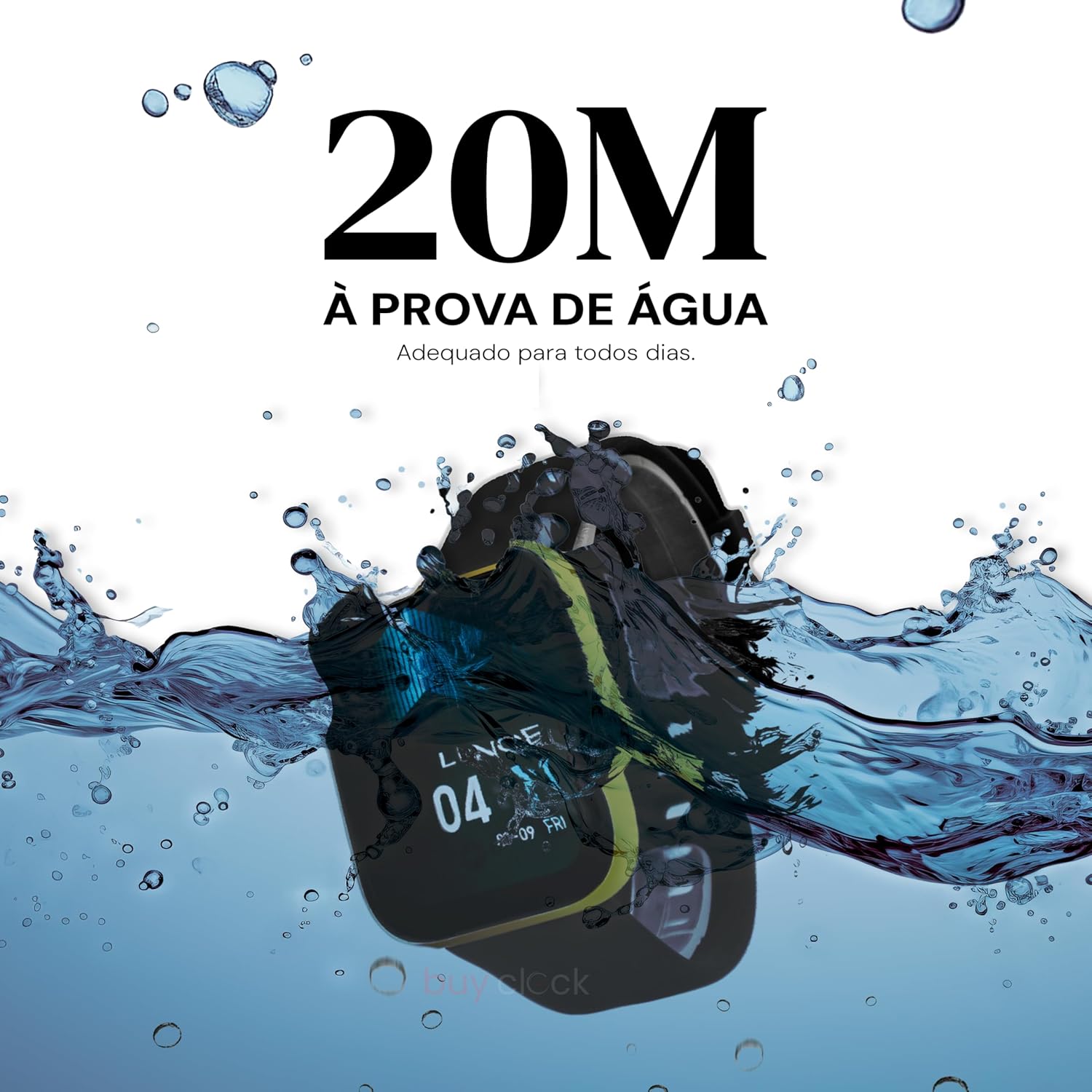
Image 4.1: The Lince Fit 3 Smartwatch partially submerged in water, illustrating its 20M water resistance capability, suitable for daily activities.
4.2 Cleaning
To maintain the appearance and functionality of your smartwatch:
- Wipe the screen and body with a soft, damp, lint-free cloth.
- Avoid using harsh chemicals or abrasive materials.
- Clean the charging contacts regularly to ensure proper charging.
- The silicone strap is interchangeable and can be cleaned with mild soap and water.
5. Troubleshooting
If you encounter issues with your Lince Fit 3 Smartwatch, refer to the following common solutions:
- Device not turning on: Ensure the device is fully charged. Connect it to the charger for at least 30 minutes.
- Cannot pair with smartphone: Make sure Bluetooth is enabled on both devices. Restart both the smartwatch and smartphone. Ensure the Lince Fit app is updated to the latest version.
- Inaccurate health data: Ensure the smartwatch is worn snugly on your wrist, not too tight or too loose. Clean the sensor area on the back of the watch.
- Notifications not received: Check app permissions on your smartphone to ensure the Lince Fit app has access to notifications. Verify that notifications are enabled within the Lince Fit app settings.
- Short battery life: Reduce screen brightness, disable unnecessary features like continuous heart rate monitoring if not needed, and ensure background app usage is optimized on your phone.
For further assistance, please contact Lince customer support.
6. Specifications
| Feature | Specification |
|---|---|
| Brand | LINCE |
| Model Reference | LSWUQPM003 |
| Display | 1.96" TFT Curved Mineral Crystal (356x400 px), Full Touch |
| Dimensions (Watch) | 44.5 x 37 x 10.5 mm |
| Weight | 39g |
| Case Material | Metal |
| Strap Material | Silicone (Interchangeable), 22 mm |
| Color | Black and Gold |
| Compatibility | Android and iOS |
| Connectivity | Bluetooth BLE 5.2 |
| Platform | RTOS |
| Battery Capacity | 260mAh |
| Charging Time | Approx. 2 hours |
| Battery Life | Up to 10 days |
| Water Resistance | IP68 |
| Sensors | Accelerometer, PPG sensors (Heart Rate, SpO2, Respiratory Rate), Skin Temperature Sensor |
| Features | Voice Assistant, Bluetooth Calls, Notifications, Menstrual Cycle Tracking, 100+ Workout Types, Remote Camera Control, Customizable Watch Faces |
7. Warranty and Support
For detailed warranty information, please refer to the official Lince website or the warranty card included with your product. Standard manufacturer warranties typically cover defects in materials and workmanship for a specified period from the date of purchase.
If you require technical support or have questions not covered in this manual, please contact Lince customer service through their official channels.


