1. Introduction
Welcome to the user manual for your Dumwick Titan 13 Multi-Jointed Action Figure. This figure is designed for collectors and enthusiasts, offering extensive articulation for dynamic posing and creative display. This manual will guide you through the features, safe handling, and maintenance of your action figure.
2. Safety Information
WARNING:
- Keep away from ignition sources.
- Prevent swallowing of small parts. This product contains small components and is not suitable for children under 3 years of age due to choking hazards.
- Handle joints gently to avoid breakage.
3. Package Contents
Your Dumwick Titan 13 Action Figure package includes:
- Multi-jointed action figure (pre-assembled)
- Three (3) sets of interchangeable hand shapes
- Four (4) weapon options (e.g., sword, axe, gun, trident)
- Instruction leaflet (for assembly/customization)

Image: Overview of the Dumwick Titan 13 Action Figure set, including multiple figures, accessories, and a view of the pre-assembled state.
4. Product Features
- Multi-Jointed Design: Each joint is fully movable, allowing for a wide range of dynamic poses and movements.
- Premium Quality Materials: Constructed from durable ABS and plastic, ensuring longevity and robust play.
- Interchangeable Accessories: Includes multiple hand shapes and weapon options for enhanced customization and display.
- Pre-Assembled: Figures arrive fully assembled and ready for immediate use.
- Versatile Display: Ideal for desktop decoration, creative photography, or as a collectible item.

Image: A collection of Dumwick Titan 13 Action Figures in different colors, showcasing their design.
5. Customization and Posing
The Titan 13 Action Figure is designed for extensive customization and dynamic posing. While the figures come pre-assembled, individual parts can be detached and reattached to change hand shapes, weapons, or even reconfigure limbs for unique poses.
5.1 Changing Hand Shapes and Weapons
- Gently pull the existing hand from the wrist joint.
- Select your desired hand shape or weapon.
- Align the peg of the new hand/weapon with the wrist socket and press firmly until it clicks into place.

Image: Detailed assembly instructions for the action figure, illustrating how to connect various body parts and accessories.
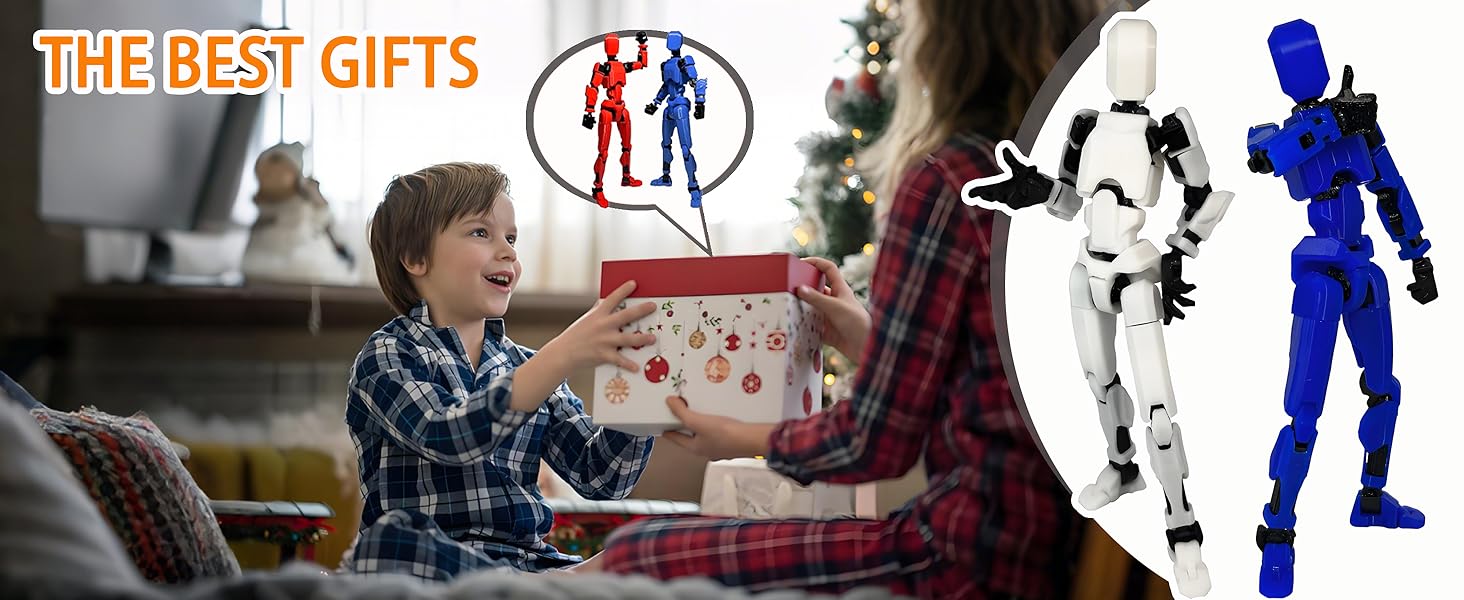
Image: An action figure demonstrating a dynamic pose with weapons, alongside a visual guide to its components.
5.2 Posing the Figure
Utilize the numerous joints in the neck, shoulders, elbows, wrists, torso, hips, knees, and ankles to create a wide array of poses. Experiment with different stances, action sequences, and expressive gestures.
Video: Demonstration of the articulation and posing capabilities of the Titan 13 action figure, showcasing various dynamic stances and movements.

Image: Multiple action figures displayed in various poses, highlighting their jointed design and material quality.
6. Maintenance
To ensure the longevity of your action figure:
- Cleaning: Wipe the figure gently with a soft, dry cloth. For stubborn dirt, a slightly damp cloth can be used, followed by immediate drying. Avoid harsh chemicals or abrasive cleaners.
- Joint Care: If joints become stiff, gently manipulate them to loosen. Avoid excessive force, which can lead to breakage.
- Storage: Store the figure away from direct sunlight and extreme temperatures to prevent material degradation or discoloration.
7. Troubleshooting
If you encounter any issues with your Titan 13 Action Figure, please refer to the following common solutions:
- Detached Parts: If a limb or accessory detaches, carefully re-align the peg with its corresponding socket and apply gentle, firm pressure until it snaps back into place. Avoid forcing parts.
- Stiff Joints: Gently rotate or bend the joint back and forth to loosen it. If a joint remains stiff, a small amount of silicone-based lubricant (not oil-based) can be applied sparingly, but this is rarely necessary.
- Loose Accessories: If a weapon or hand feels loose, ensure it is fully inserted into the socket. If it continues to be loose, it may be due to wear; consider using a tiny amount of clear adhesive on the peg for a tighter fit, but this is a permanent modification.
8. Specifications
| Feature | Detail |
|---|---|
| Product Dimensions | 1.77 x 5.4 x 1.2 inches |
| Item Weight | 9.9 ounces |
| Model Number | 8820 |
| Manufacturer Recommended Age | 3 years and up |
| Material | ABS and Plastic |
| Manufacturer | Dumwick |

Image: Three action figures in different colors and poses, demonstrating the variety of accessories and articulation.
9. Warranty and Support
For any questions, concerns, or support regarding your Dumwick Titan 13 Action Figure, please contact the manufacturer directly through their official channels. Please retain your proof of purchase for any warranty claims.
For more information about Dumwick products, visit the official Dumwick brand page.


