
amazon basics ABPBT02
amazon basics Pro Series Bluetooth Magnetic Case with Keyboard User Manual
Model: ABPBT02
Introduction
This manual provides detailed instructions for the setup, operation, and maintenance of your amazon basics Pro Series Bluetooth Magnetic Case with Keyboard. This accessory is designed to enhance the functionality of your compatible iPad, offering a comfortable typing experience and precise trackpad control.

Image: The amazon basics Pro Series Bluetooth Magnetic Case with Keyboard, featuring an iPad securely attached and open, ready for use. The keyboard has backlit keys and a trackpad.
Compatibility
The amazon basics Pro Series Bluetooth Magnetic Case with Keyboard is compatible with the following iPad models:
- iPad Air 10.9 Inch (M2) - 2024 (5th/4th Gen)
- iPad Pro 11 Inch (4th/3rd/2nd/1st Gen)

Image: Visual representation of compatible iPad models, showing both iPad Air 10.9" (4th/5th Gen) and iPad Pro 11" (1st, 2nd, 3rd & 4th Gen).
Key Features
- Trackpad: Features a click-anywhere trackpad with multitouch gesture support for enhanced navigation and productivity.
- Backlit Keys: Equipped with an 11-color backlit keyboard for comfortable typing in various lighting environments.
- Adjustable Design: Cantilever design offers adjustable viewing angles for optimal ergonomics.
- Integrated Pencil Dock: Includes a secure dock for storing your Apple Pencil.
- Bluetooth Connectivity: Effortless and reliable wireless connection.
- Battery Life: Up to 73 hours 12 minutes with backlight off, and 3 hours 31 minutes with backlight on under constant use.
- Quick Charging: Supports fast charging.
- Auto Sleep Function: Conserves battery when not in use.
- Detachable Wireless and Magnetic Case: Provides flexibility and protection.

Image: An infographic highlighting key features such as battery life (3H 31M with backlight on, 73H 12M with backlight off), Bluetooth connectivity, and the detachable wireless and magnetic case design.
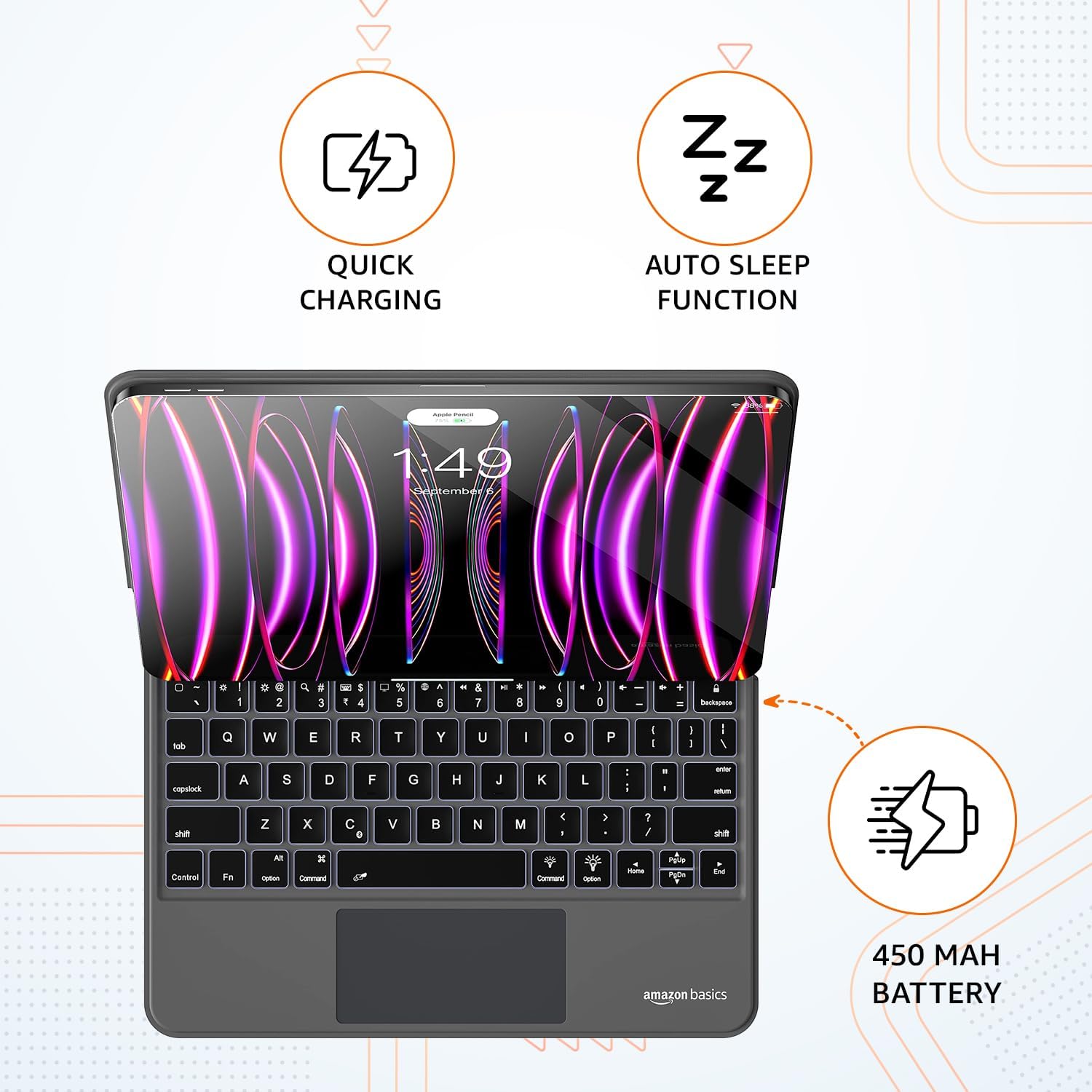
Image: An infographic detailing quick charging, auto sleep function, and the 450 mAh battery capacity of the keyboard case.
Setup
1. Charging the Keyboard
Before first use, fully charge the keyboard. Connect the charging cable to the keyboard's charging port and to a USB power source. The charging indicator light will show the charging status.
2. Attaching Your iPad
Align your iPad with the magnetic back panel of the case. The strong magnets will securely hold your iPad in place. Ensure the camera cutout aligns correctly.
3. Bluetooth Pairing
- Turn on the keyboard by sliding the power switch. The Bluetooth indicator light will begin to flash, indicating it's in pairing mode.
- On your iPad, go to Settings > Bluetooth.
- Ensure Bluetooth is turned On.
- Look for "amazon basics Keyboard" or a similar name in the "Other Devices" list.
- Tap on the device name to connect. Once connected, the Bluetooth indicator light on the keyboard will stop flashing and remain solid, or turn off depending on the model.
- Your keyboard is now ready for use.
Operating Instructions
Typing and Trackpad Use
Once paired, you can use the keyboard for typing and the integrated trackpad for navigation. The trackpad supports click-anywhere functionality and multi-touch gestures, similar to a laptop trackpad.

Image: A user actively typing on the keyboard, showcasing the backlit keys and the integrated trackpad in a typical work setup.
Adjusting Viewing Angles
The cantilever design allows for flexible adjustment of the iPad's viewing angle. Gently tilt the iPad screen to your desired position for optimal comfort and visibility.

Image: A side profile of the keyboard case demonstrating its adjustable cantilever design, allowing the iPad to be positioned at various viewing angles.
Backlight Control
The keyboard features 11-color backlighting. Refer to the keyboard's function keys for controlling backlight brightness and color options. Typically, a dedicated key or a combination of Fn + key is used.
Maintenance
- Cleaning: Use a soft, dry, lint-free cloth to clean the keyboard and case. Do not use harsh chemicals or abrasive materials.
- Storage: When not in use for extended periods, store the keyboard in a cool, dry place.
- Battery Care: Recharge the keyboard regularly to maintain optimal battery health. Avoid fully discharging the battery frequently.
- Protection: Keep the keyboard away from liquids, humidity, extreme temperatures, direct sunlight, flames, and sharp objects to prevent damage.
Troubleshooting
| Problem | Possible Cause | Solution |
|---|---|---|
| Keyboard not connecting via Bluetooth. | Keyboard battery is low; Bluetooth is off on iPad; Keyboard not in pairing mode; Interference. | Charge the keyboard; Ensure iPad Bluetooth is on; Put keyboard in pairing mode; Move closer to iPad; Forget device on iPad and re-pair. |
| Keys not responding. | Keyboard is off; Battery is dead; Connection issue. | Turn on keyboard; Charge keyboard; Re-establish Bluetooth connection. |
| Trackpad not working. | Connection issue; Trackpad might be disabled (if applicable); Software glitch. | Re-pair Bluetooth; Restart iPad; Check iPad accessibility settings for trackpad options. |
| iPad keeps falling down / Magnet is weak. | Improper alignment; Excessive force when opening/closing. | Ensure iPad is correctly seated and aligned with the magnetic panel. Handle with care when adjusting. |
Specifications
- Brand: amazon basics
- Series: Pro Series
- Model Number: ABPBT02
- Colour: Black - Android
- Form Factor: Bluetooth Keyboard
- Product Dimensions (LxWxH): 19.8 x 1.7 x 25.5 cm
- Item Weight: 788 g
- Batteries: 1 Lithium Ion battery required (included)
- Lithium Battery Energy Content: 2.6 Watt Hours
- Number of Lithium Ion Cells: 7
- Connectivity Technology: Bluetooth
- Keyboard Description: Multi Functional
- Special Feature: Portable
- Country of Origin: China

Image: Diagram illustrating the dimensions of the keyboard case with an iPad attached, showing a height of 25.4 cm and a width of 19.8 cm.
Warranty and Support
For warranty information and customer support, please refer to the documentation included with your purchase or visit the official amazon basics support website. Keep your proof of purchase for warranty claims.
Manufacturer: DONGGUAN ARCHER TECHNOLOGY CO., LTD
Importer: IRIS TECH, G-1, Dharam complex, Phase-1, Opp.Sapna Bar, Anjur Mankoli Road, Bhiwandi-421302, Maharashtra, India
Important Safety Information
Disclaimer: Keep the keyboard away from liquids, humidity, extreme temperatures, direct sunlight, flames, and sharp objects. Recharge regularly for optimal use.
Ask a question about this manual
Ask about setup, troubleshooting, compatibility, parts, safety, or missing instructions. Manuals+ will review the question and use this page’s manual context to help answer it.