
1. Important Safety Information
Please read all safety instructions before using this product. Failure to follow these instructions may result in fire, electric shock, injury, or damage to the product or property.
- Do not expose the power bank to extreme temperatures, direct sunlight, or high humidity.
- Do not disassemble, modify, or attempt to repair the device.
- Keep away from water and other liquids.
- Avoid dropping or subjecting the device to strong impacts.
- Use only certified charging cables and adapters.
- This power bank is equipped with multiple safety protections: over-charge, over-voltage, over-current, overheat, and short circuit protection.
- The device is airline-approved for safe travel.

If you notice any unusual behavior, such as swelling, overheating, or strange odors, discontinue use immediately and contact customer support.
2. Product Overview
The LanLuk Magnetic Portable Charger is a versatile power bank designed for convenient on-the-go charging. It features a strong magnetic connection for compatible devices, a foldable stand for hands-free viewing, and a clear LED digital display to show remaining battery capacity.

Key Features:
- 10800mAh Capacity: Provides multiple charges for compatible devices.
- Magnetic Wireless Charging: Up to 15W for MagSafe-compatible iPhones.
- 25W PD USB-C Fast Charging: For rapid wired charging and recharging.
- Foldable Stand: Integrated stand for vertical or horizontal viewing.
- LED Digital Display: Shows precise battery percentage.
- USB-C In/Output & USB-A Output: Versatile connectivity for various devices.
- Compact Design: Lightweight (0.46lbs) and portable (4.0*2.7*0.6 inches).
Package Contents:
- 1 x LanLuk 10800mAh Portable Wireless Charger
- 1 x USB-C Charging Cable
- 1 x Dustproof Portable Storage Bag
- 1 x Magnetic Charger User Manual
- 1 x 24-Month Customer Service Card
3. Setup
3.1 Charging the Power Bank
Before first use, fully charge your LanLuk Magnetic Portable Charger. Use the provided USB-C cable and connect it to a compatible USB power adapter (not included).
- Connect the small end of the USB-C cable to the USB-C port on the power bank.
- Connect the other end of the USB-C cable to a USB power adapter.
- The LED digital display will show the charging progress. The power bank is fully charged when the display shows 100%.
3.2 Preparing Your Device for Wireless Charging
For optimal magnetic wireless charging, ensure your device is MagSafe compatible. If your device is not natively MagSafe compatible, or if you use a non-MagSafe case, the magnetic connection may be weak or non-existent, and wireless charging may not function correctly.

4. Operating Instructions
4.1 Wireless Charging
- Press the power button once to activate the power bank.
- Align your MagSafe-compatible iPhone (iPhone 12/13/14/15/16 series) with the magnetic charging area on the power bank. The magnets will snap into place.
- Wireless charging will begin automatically. The LED display on the power bank will show its remaining charge, and your phone will indicate charging status.

4.2 Wired Charging
The power bank supports 25W PD fast charging via its USB-C port and standard charging via its USB-A port.
- Press the power button once to activate the power bank.
- Connect your device to the power bank using a compatible USB-C to USB-C cable (for 25W PD fast charging) or a USB-A to device-specific cable.
- Charging will begin automatically.
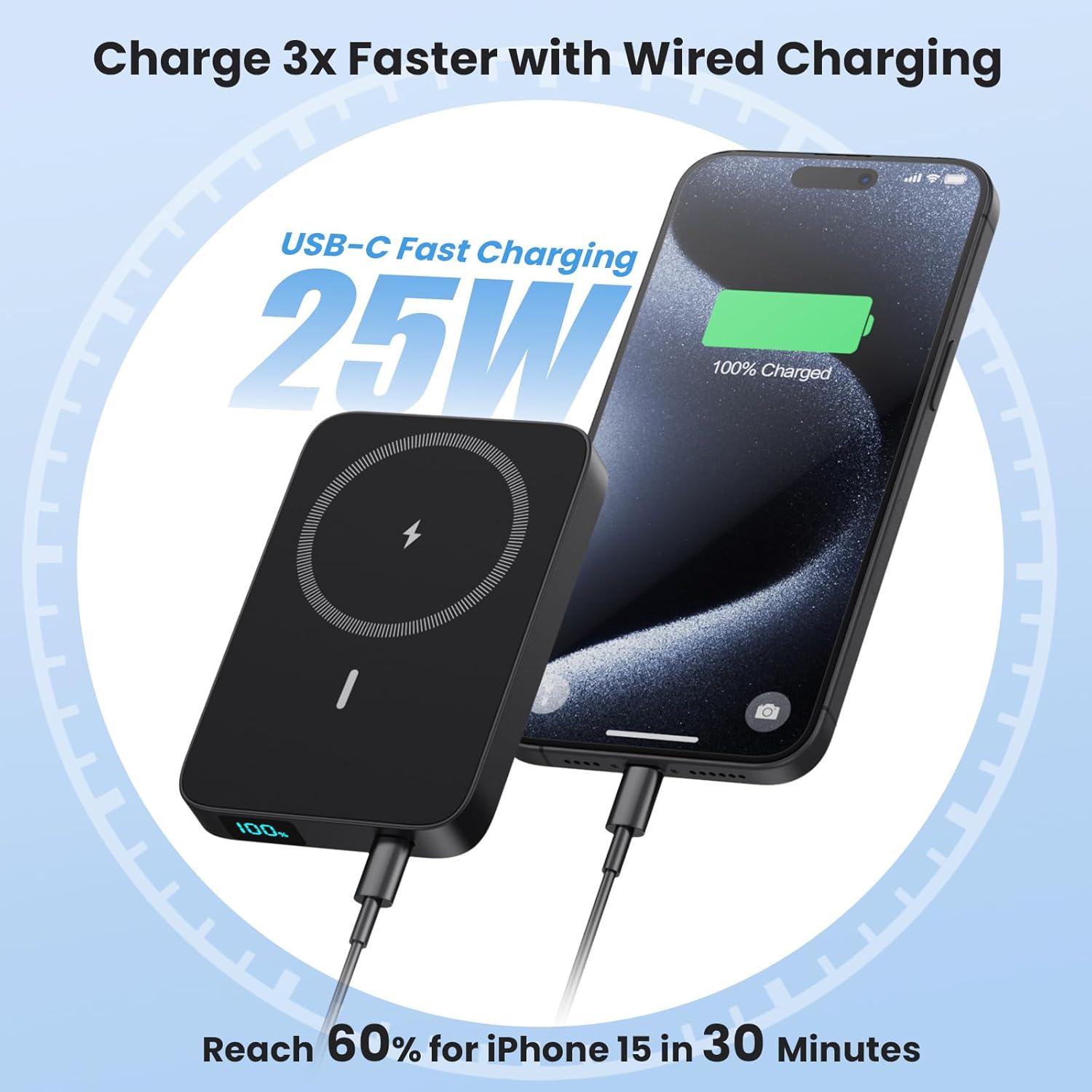
4.3 Pass-Through Charging
The power bank supports pass-through charging, allowing you to charge both your device and the power bank simultaneously. Connect the power bank to a power source, and then connect your device to the power bank.

4.4 Using the Foldable Stand
The integrated foldable stand allows for convenient hands-free viewing while charging.
- Gently pull out the stand from the back of the power bank.
- Place your magnetically attached phone onto the stand in either a vertical or horizontal orientation for comfortable viewing.

4.5 LED Digital Display
The smart LED display provides real-time information on the power bank's remaining battery capacity.
- Press the power button once to view the battery percentage.
- The display shows the exact percentage from 1% to 100%.

5. Maintenance
- Clean the power bank with a soft, dry cloth. Do not use harsh chemicals or abrasive materials.
- Store the device in a cool, dry place away from direct sunlight and extreme temperatures.
- If not used for extended periods, charge the power bank at least once every three months to maintain battery health.
6. Troubleshooting
6.1 Device Not Charging
- Ensure the power bank is sufficiently charged. Check the LED display.
- Press the power button once to activate the power bank before connecting or attaching your device.
- For wireless charging, ensure your device is MagSafe compatible or using a MagSafe-compatible case, and that it is correctly aligned with the charging area.
- For wired charging, try a different cable or port to rule out cable/port issues.
6.2 Slow Charging
- Ensure you are using a 25W PD compatible adapter and cable for fast wired charging.
- For wireless charging, ensure no foreign objects are between the power bank and your device. Thick, non-MagSafe cases can impede charging speed.
6.3 Power Bank Not Recharging
- Ensure the USB-C charging cable is securely connected to both the power bank and the power adapter.
- Try a different USB-C cable or power adapter.
7. Specifications
| Feature | Detail |
|---|---|
| Model Number | HX100M7 |
| Battery Capacity | 10800mAh |
| Wireless Charging Output | 15W Max |
| USB-C Input/Output | 25W PD Fast Charging |
| USB-A Output | Standard Charging |
| Dimensions | 4.0 x 2.7 x 0.6 inches |
| Weight | 0.46 lbs (7.4 ounces) |
| Compatibility | iPhone 12/13/14/15/16 Series (MagSafe compatible or with MagSafe cases) |
| Special Features | LED Digital Display, Foldable Stand, Multiple Safety Protections, Airline Approved |

8. Warranty and Support
Your LanLuk Magnetic Portable Charger comes with a 24-Month Customer Service warranty. If you encounter any issues or have questions about your product, please contact our customer support team for assistance.
Please refer to the contact information provided on the included Customer Service Card or visit the official LanLuk website for support details.