
Yottamaster DM200
Yottamaster 2 Bay NAS Storage DM200 User Manual
Model: DM200 | Brand: Yottamaster
1. Product Overview
The Yottamaster DM200 2 Bay NAS is an entry-level private cloud storage solution designed for individuals and home users. It features a dual-bay design, supporting a maximum storage capacity of up to 40TB (2x20TB). Equipped with an ARM quad-core CPU and a dedicated NPU chip, it offers robust performance for data management and sharing. This device simplifies data organization, provides remote access capabilities, and ensures data security through various backup and privacy features.

Figure 1: Yottamaster 2 Bay NAS Storage DM200 with hard drives and front cover.
2. Package Contents
Before proceeding with the setup, please verify that all items listed below are included in your package:
- Yottamaster 2 Bay NAS Device (DM200)
- Power Supply
- Power Cable
- Network Cable
- Screwdriver
- Screws
- User Manual (this document)

Figure 2: Included items in the product package.
3. Setup Guide
3.1 Hardware Installation
The Yottamaster DM200 supports 2.5/3.5 inch hard drives and features a tool-free, magnetic suction structure design for easy installation.
- Insert HDD/SSD: Gently slide your 2.5-inch or 3.5-inch HDD/SSD into the device's drive bays. Ensure they are securely seated.
- Connect Ethernet Cable: Connect one end of the provided network cable to the LAN port on the back of the NAS and the other end to your router or network switch.
- Connect Power: Plug the power supply into the DC 12V port on the back of the NAS, then connect the power cable to an electrical outlet.
- Power On: Press the power button to turn on the device.

Figure 3: Tool-free hard drive installation and initial connections.

Figure 4: Comprehensive setup steps for the NAS.
3.2 Software Setup (Mobile App)
- Download App: Scan the QR code provided in the user manual or on the product packaging to download the official Yottamaster app.
- Register Account: Open the app and register for a new user account.
- Bind Device: Scan the QR code on the product to bind your NAS device to your account.
- Format Hard Drive: Follow the in-app instructions to format the installed hard drives. This prepares them for use and initiates your personal cloud storage.
4. Operating Instructions
4.1 Data Management and Privacy
The DM200 offers intelligent data management features with three major divisions to manage your data files and protect privacy:
- My Space: For saving personal data, accessible only to you.
- Public Space: For storing public files, accessible to authorized users.
- Group Space: For storing group data, accessible to specific group members.

Figure 5: Mobile app interface for managing data spaces.
4.2 Automatic Backup and Storage Expansion
Enable automatic backup to free up space on your phone and ensure your data is always safe. The NAS supports a total storage capacity of up to 40TB, allowing you to store a vast amount of photos, videos, music, and documents.

Figure 6: Support for various hard drive sizes and large storage capacity.

Figure 7: Storage capacity for different file types.
4.3 Remote Access and Sharing
Access and manage your files remotely from anywhere with global access. Share your pictures and videos with friends and family through various social platforms.
Figure 8: Global access to your NAS files.

Figure 9: Recording and storing happy moments.
4.4 Media Playback and Team Collaboration
Watch movies anytime and anywhere through the DLNA protocol, connecting to the NAS for a high-definition visual experience. The NAS also supports unified management of team files, allowing access and editing of files anytime, anywhere, improving efficiency for remote work and video editing.

Figure 10: Creating a home theater experience with the NAS.

Figure 11: Remote working and improved efficiency with the NAS.

Figure 12: Online video editing with the NAS.
4.5 Official Product Video
Video 1: Official product overview of the Yottamaster 2 Bay NAS Enclosure DM200, showcasing its features and uses.
5. Data Security and RAID Support
The Yottamaster DM200 prioritizes data security with SDVN technology and supports multiple RAID configurations for flexible data protection and backup options.
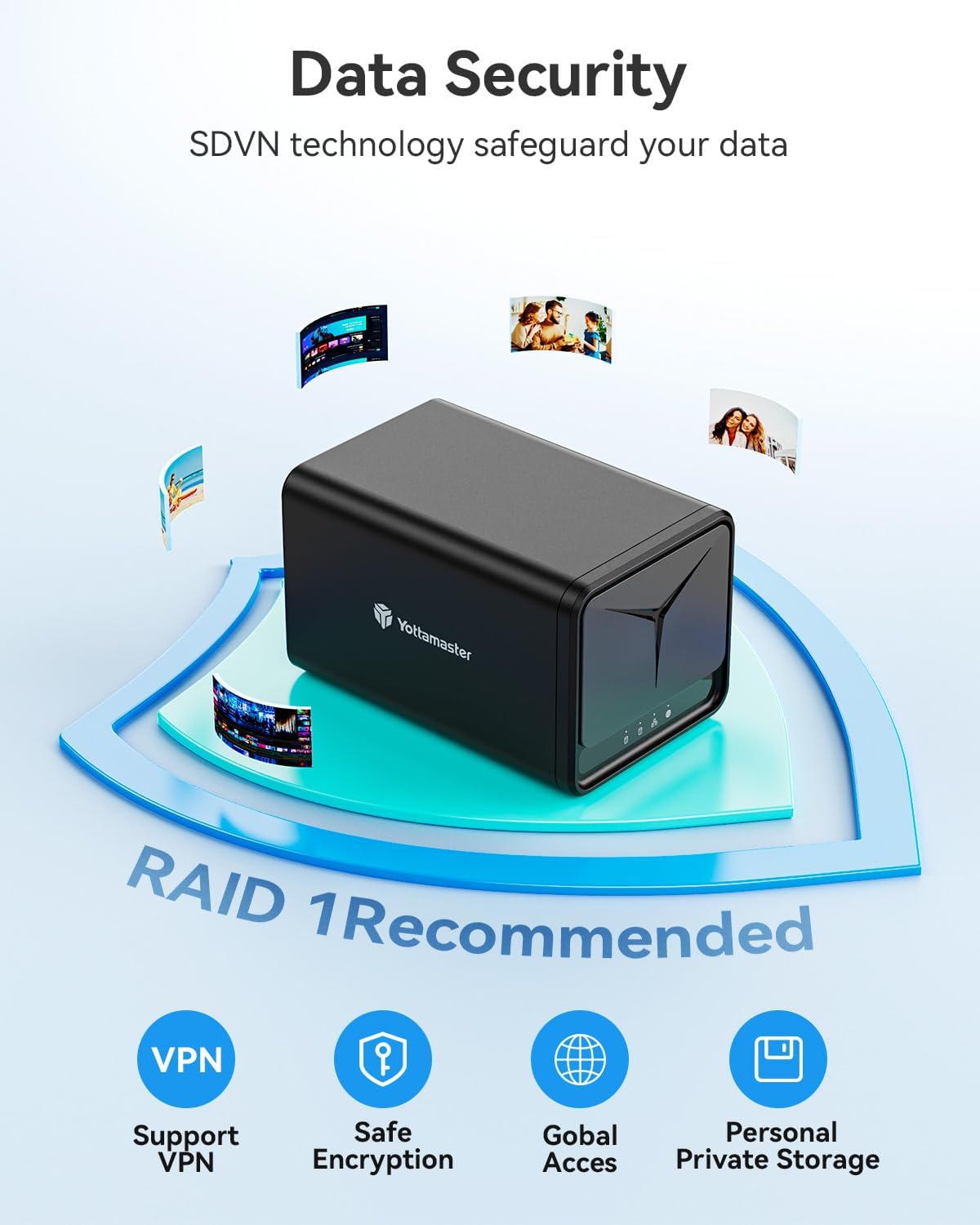
Figure 13: Data security features and RAID 1 recommendation.
The device supports LVM, RAID 0, and RAID 1 modes:
| RAID Mode | Min. Disks | Max. Capacity | Security Level | Speed |
|---|---|---|---|---|
| RAID 0 | 2 | 100% | Low | High |
| RAID 1 | 2 | 50% | Middle | Medium |
| LVM | 2 | 100% | Low | Medium |
Table 1: RAID Mode comparison for the Yottamaster DM200.

Figure 14: RAID mode support for improved data security and reliability.
6. Maintenance
6.1 Heat Dissipation
The Yottamaster DM200 is designed for efficient heat dissipation to ensure stable operation without overheating. It features a cooling fan for quick cooling.

Figure 15: Efficient heat dissipation design.
7. Troubleshooting
If you encounter issues with your Yottamaster DM200 NAS, please refer to the following general troubleshooting steps:
- No Power: Ensure the power cable is securely connected to both the NAS and a working electrical outlet. Check the power adapter.
- No Network Connection: Verify that the Ethernet cable is properly connected to both the NAS and your router/switch. Check your router's status.
- Cannot Access Files: Ensure the NAS is powered on and connected to the network. Check your app's connection status and ensure you have the correct access permissions.
- Storage Full/Performance Issues: Review your storage usage in the app. Consider optimizing file organization or upgrading hard drives if necessary.
- Device Not Responding: Try restarting the NAS by powering it off and then on again.
For more detailed troubleshooting or persistent issues, please contact Yottamaster customer support.
8. Specifications
| Feature | Detail |
|---|---|
| Brand | Yottamaster |
| Model | DM200 |
| CPU | Quad Core ARM Processor with NPU chip |
| RAM | 2GB DDR4 |
| Bays | 2 Bay |
| Max Storage Capacity | Up to 40TB (2x20TB) |
| Network Port | 1GbE Port |
| Interface | DC 12V, Type-C, USB A3.0, LAN, Reset, Switch |
| RAID Support | LVM, RAID 0, RAID 1 |
| Compatible Devices | Android, iOS, Mac OS, Windows, TV |
| Material | Acrylonitrile Butadiene Styrene (ABS) |
| Color | Black |
| Package Dimensions | 13.15 x 8.78 x 7.95 inches |
| Item Weight | 4.64 pounds |
| Date First Available | May 18, 2024 |
Table 2: Technical Specifications of Yottamaster 2 Bay NAS Storage DM200.
9. Warranty and Support
Yottamaster products come with a standard manufacturer's warranty. For warranty details, technical support, or any inquiries regarding your DM200 NAS, please visit the official Yottamaster website or contact their customer service team. Keep your purchase receipt for warranty claims.
Yottamaster Official Website: www.yottamaster.com
Related documentsDM200


Ask a question about this manual
Ask about setup, troubleshooting, compatibility, parts, safety, or missing instructions. Manuals+ will review the question and use this page’s manual context to help answer it.