
Introduction to the Canon EOS R50
The Canon EOS R50 is a versatile mirrorless camera designed to capture high-quality images and videos. This guide provides essential information to help users understand its features, optimize settings, and apply various photographic techniques. It aims to assist in mastering the camera's functions to achieve desired photographic results.
Setup and Initial Configuration
Before using your Canon EOS R50, ensure proper setup for optimal performance. This includes charging the battery, inserting a memory card, and attaching a lens.
Battery and Memory Card Installation
- Open the battery compartment cover located at the bottom of the camera.
- Insert the charged battery with the contacts facing the correct direction until it locks into place.
- Open the memory card slot cover, typically on the side or bottom.
- Insert a compatible SD card into the slot until it clicks. Ensure the card is formatted in the camera before first use.
Attaching a Lens
- Remove the body cap from the camera and the rear cap from the lens.
- Align the red or white index mark on the lens with the corresponding mark on the camera body.
- Rotate the lens clockwise until it clicks into place.
Initial Settings
Upon first power-on, the camera may prompt you to set the date, time, and language. Follow the on-screen instructions to configure these basic settings.
Operating the Camera
The Canon EOS R50 offers various modes and settings to control your photography. Understanding these will help you capture diverse scenes effectively.
Shooting Modes
The mode dial allows selection of various shooting modes:
- Automatic Modes: For quick and easy shooting, where the camera determines optimal settings.
- Program AE (P): Camera sets aperture and shutter speed, but allows user control over other settings.
- Shutter-priority AE (Tv): User sets shutter speed, camera sets aperture. Ideal for controlling motion blur.
- Aperture-priority AE (Av): User sets aperture, camera sets shutter speed. Ideal for controlling depth of field.
- Manual (M): User controls both aperture and shutter speed for complete creative control.
- Creative Filters: Apply various effects to your photos directly in-camera.
Focusing and Exposure
Utilize the camera's autofocus system for sharp images. Adjust exposure compensation to brighten or darken your photos as needed. Experiment with ISO sensitivity to manage image noise in different lighting conditions.
Video Recording
To record video, switch the camera to video mode. Adjust video settings such as resolution, frame rate, and audio levels through the menu system. Press the movie shooting button to start and stop recording.
Maintenance and Care
Proper maintenance ensures the longevity and performance of your Canon EOS R50 camera.
Cleaning the Camera
- Use a soft, lint-free cloth to clean the camera body.
- For the lens, use a lens brush to remove dust, followed by a lens cleaning solution and cloth.
- Avoid touching the sensor directly. If sensor cleaning is required, use a specialized sensor cleaning kit or consult a professional service center.
Storage
Store the camera in a dry, cool place, away from direct sunlight and extreme temperatures. Use a camera bag for protection during transport.
Battery Care
Charge batteries regularly, even if not in use, to maintain their capacity. Remove batteries from the camera during long periods of storage.
Troubleshooting Common Issues
This section addresses common problems encountered during camera operation.
| Problem | Solution |
|---|---|
| Camera does not power on. | Ensure the battery is charged and correctly inserted. Check if the battery contacts are clean. |
| Images are blurry. | Check focus settings (autofocus or manual focus). Ensure shutter speed is fast enough to prevent camera shake, especially in low light. |
| Memory card error. | Reinsert the memory card. Try formatting the card in-camera (this will erase all data). Use a different memory card if the issue persists. |
| Flash does not fire. | Check flash mode settings. Ensure the flash is not disabled or in a mode where it won't fire (e.g., silent mode). |
Product Images
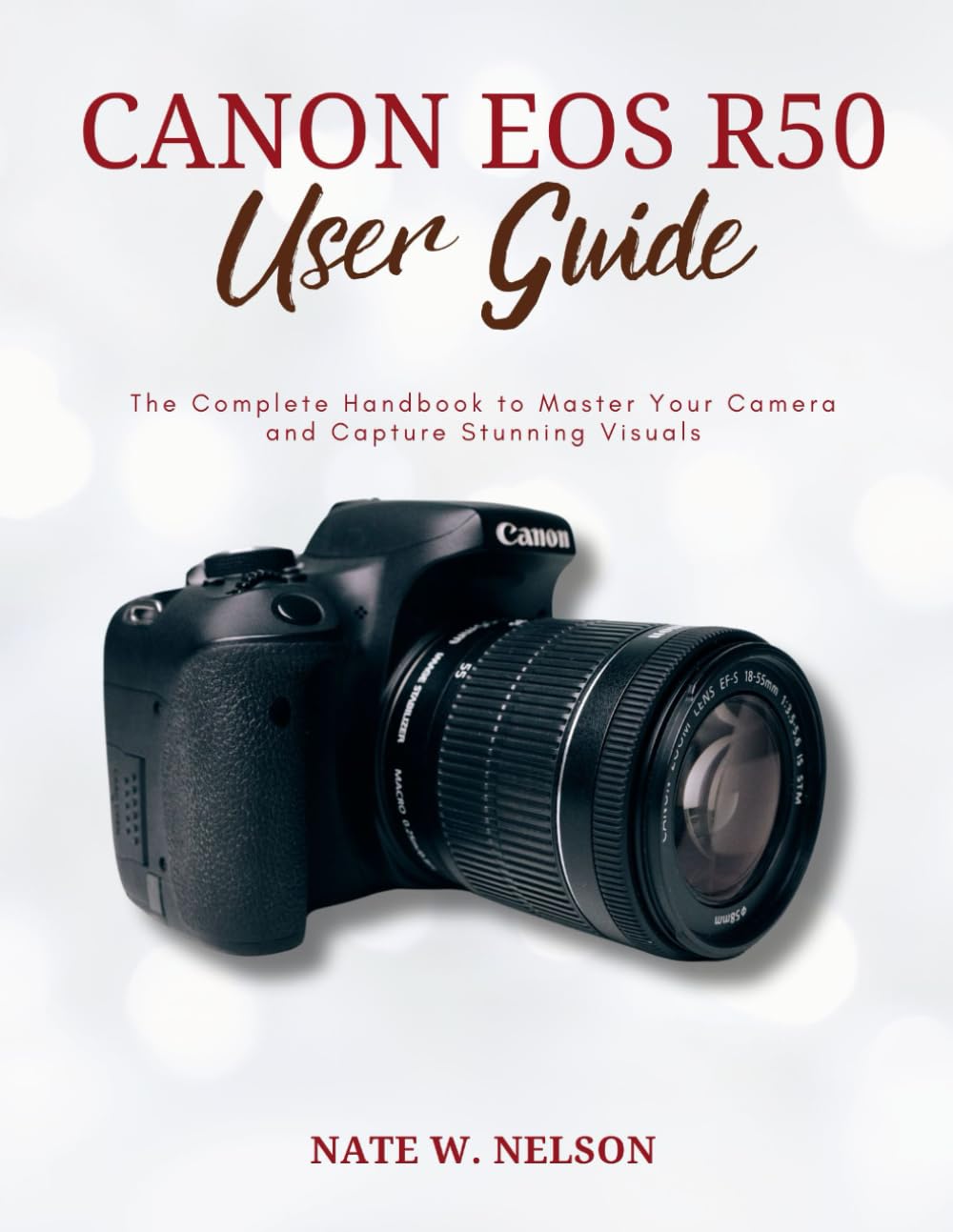
Image 1: Front cover of the Canon EOS R50 User Guide. This image displays the title and primary design of the book.
Image 2: Back cover of the Canon EOS R50 User Guide. This image shows the ISBN barcode and additional publication details.
Specifications (Book Product)
The following specifications pertain to the "CANON EOS R50 USER GUIDE" book itself, not the Canon EOS R50 camera.
- ASIN: B0D4DJ55RJ
- Publisher: Independently published
- Publication date: May 15, 2024
- Language: English
- Print length: 120 pages
- ISBN-13: 979-8325767739
- Item Weight: 13.1 ounces
- Dimensions: 8.5 x 0.28 x 11 inches
Warranty and Support
Information regarding warranty and specific support contacts for the Canon EOS R50 camera is not available in this user guide. Please refer to the official Canon website or your camera's original documentation for warranty details and customer support information.