
1. Introduction
This manual provides essential information for the safe and efficient operation of your Takki TP89Max 99Wh Portable Solar Generator. This compact and lightweight power station, accompanied by a 21W foldable solar panel, is designed to provide reliable power for various applications, including outdoor activities, camping, hiking, travel, and as an emergency backup during power outages. Please read this manual thoroughly before use and retain it for future reference.
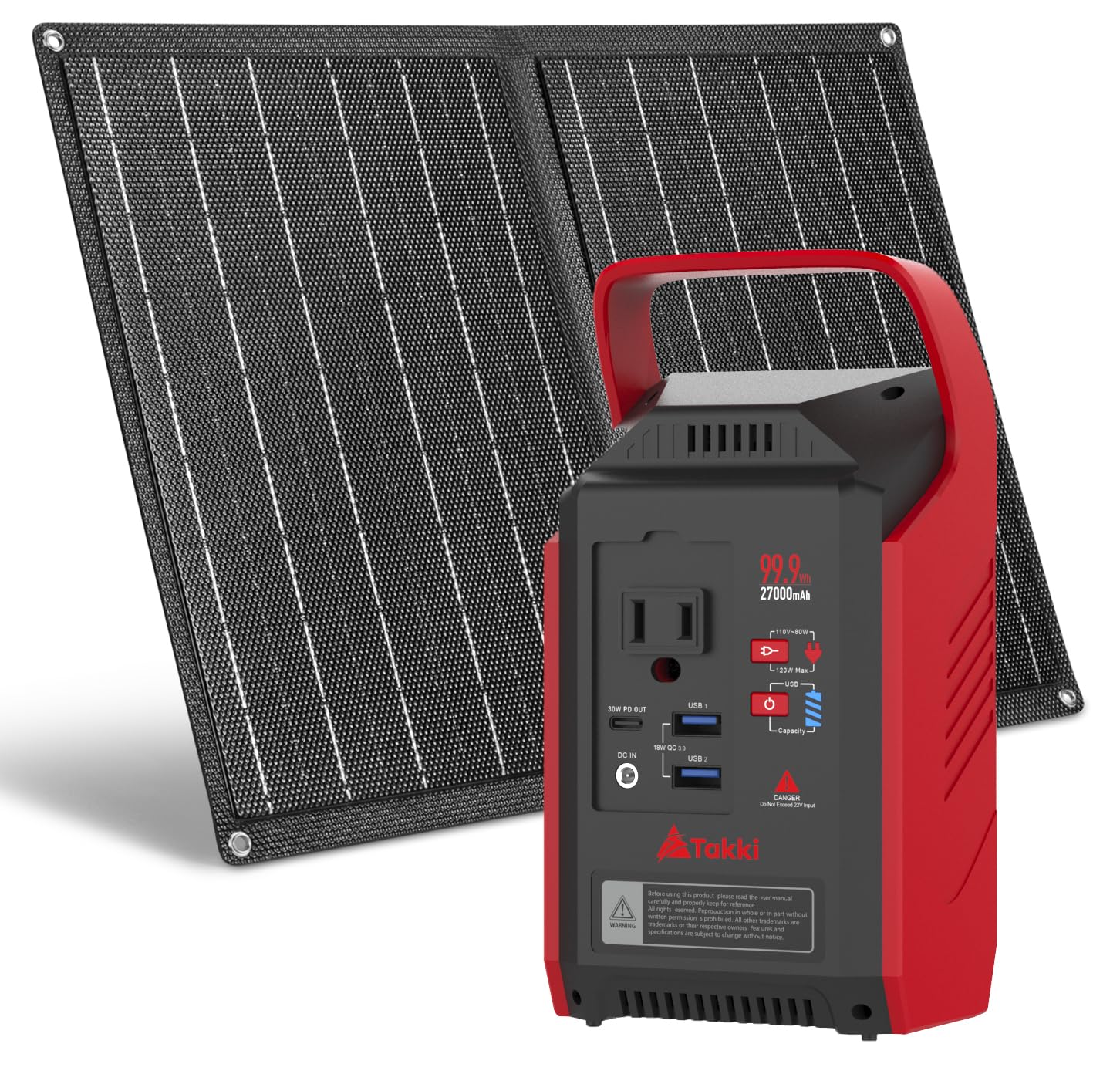
Figure 1: Takki TP89Max Portable Solar Generator with included 21W Solar Panel.
2. Product Overview
The Takki TP89Max features a 99.9Wh (27000mAh) battery capacity, offering multiple output options to charge and power your devices. It includes AC outlets, USB-A ports, a USB-C port, DC outputs, and a wireless charging pad. The unit also integrates a multi-mode LED camping light for illumination.

Figure 2: Overview of the Takki TP89Max's multiple output ports and digital display.
Key Features:
- High Capacity: 99.9Wh (27000mAh) Lithium-Ion battery.
- Versatile Outputs: 1x 110V/80W (Peak 120W) AC outlet, 2x USB-A (18W QC3.0), 1x USB-C (PD 30W), DC outputs (12V 8A, 24V 3A).
- Multiple Charging Options: Recharge via AC adapter, car charger, or 21W solar panel.
- Integrated Lighting: Multi-level LED camping light with SOS mode.
- Compact & Portable: Lightweight design for easy transport.
3. Setup and Initial Charging
3.1 Unboxing and Components
Upon opening the package, ensure all components are present:
- Takki TP89Max Portable Power Station
- 21W Foldable Solar Panel
- AC Wall Charger
- Car Charger Cable
- User Manual
3.2 Initial Charging Methods
Before first use, fully charge the power station using one of the following methods:
A. AC Wall Charging
Connect the provided AC wall charger to the 'INPUT' port on the power station and then plug it into a standard wall outlet. The digital display will indicate charging status and battery level. Charging time will vary.
B. Car Charging
Use the included car charger cable. Plug one end into the 'INPUT' port of the power station and the other end into your vehicle's 12V cigarette lighter socket. This method is convenient for charging while traveling.
C. Solar Panel Charging
Connect the 21W foldable solar panel to the 'INPUT' port of the power station. Place the solar panel in direct sunlight for optimal charging. The digital display will show the input wattage. Note that solar charging efficiency is highly dependent on sunlight intensity and angle. Cloudy weather or indirect sunlight will significantly reduce charging speed.

Figure 3: Connecting the 21W solar panel to the power station.
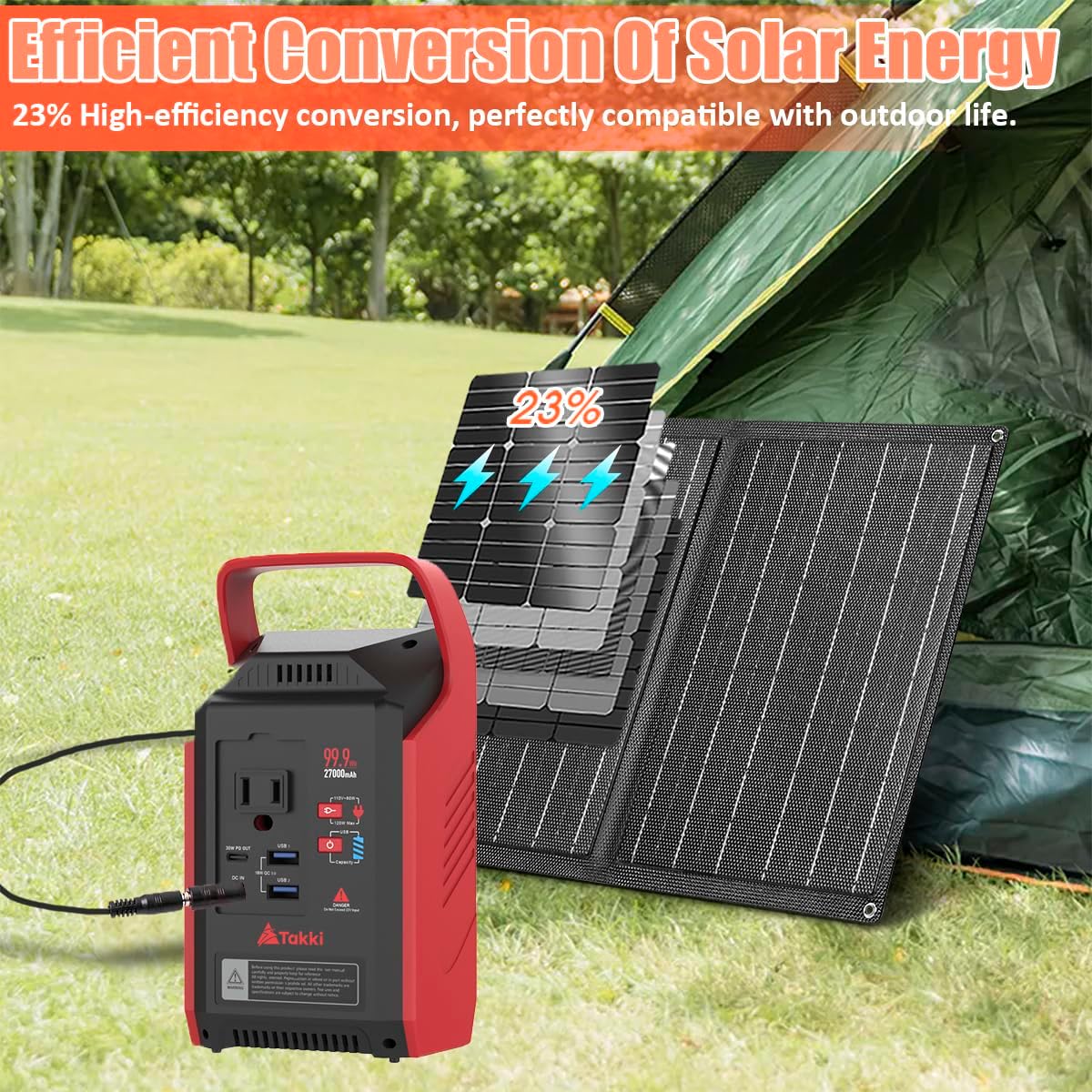
Figure 4: The 21W monocrystalline solar panel offers up to 23% conversion efficiency.
Video 1: Demonstrates the Takki Solar Generator's use for camping and emergency situations, including solar charging.
4. Operating Instructions
4.1 Powering On/Off
To power on the unit, press and hold the main power button until the digital display illuminates. To power off, press and hold the same button until the display turns off.
4.2 Using Output Ports
The Takki TP89Max offers various output ports for different devices:
- AC Outlets: The unit features one 110V/80W (Peak 120W) AC outlet. Press the AC power button to activate. A cooling fan may operate during AC use to prevent overheating.
- USB Ports: Two USB-A ports (18W QC3.0) and one USB-C port (PD 30W) are available for charging smartphones, tablets, and other USB-powered devices.
- DC Outputs: Dedicated DC output ports (12V 8A, 24V 3A) are suitable for devices like CPAP machines, 12-volt refrigerators, or camping air conditioners.
- Wireless Charging: A wireless charging pad is located on the top surface of the unit. Simply place your compatible device on the pad to initiate charging.

Figure 5: The power station can charge laptops and other devices via its AC outlet.
4.3 LED Camping Light
The integrated LED light offers four levels of brightness adjustment and an SOS flashing mode for emergencies. Press the light button to cycle through brightness levels and activate SOS mode.

Figure 6: The LED camping light provides illumination for various situations.
4.4 Digital Display
The digital display provides real-time information, including the current battery level and the wattage being drawn by connected devices from AC, DC, and USB outputs.
5. Maintenance
To ensure the longevity and optimal performance of your Takki TP89Max Portable Solar Generator:
- Storage: Store the unit in a cool, dry place away from direct sunlight and extreme temperatures. When not in use for extended periods, it is recommended to store it in its original packaging or a protective bag.
- Battery Health: For best battery life, fully charge the unit at least once every 3-6 months, even if not in active use.
- Cleaning: Use a soft, dry cloth to clean the exterior of the unit. Avoid using harsh chemicals or abrasive materials.
6. Troubleshooting
- Slow Solar Charging: Solar charging efficiency is directly affected by sunlight. Ensure the solar panel is positioned to receive maximum direct sunlight. Cloudy conditions or partial shade will significantly reduce the charging rate.
- Device Not Charging: Verify that the power station is turned on and the specific output port (AC, USB, DC) is activated. Check that the device's power requirements do not exceed the power station's output limits (80W continuous, 120W peak for AC).
- Unit Overheating: The power station has a built-in cooling fan that activates during high power draw, especially when using AC outlets. Ensure proper ventilation around the unit and do not block the fan vents.
- Digital Display Not Working: Ensure the unit is powered on. If the issue persists, try recharging the unit.
7. Specifications
| Manufacturer | Takki |
| Part Number | TP89 Max |
| Item Model Number | TP89 Max |
| Style | TP89Max 99Wh Solar Generator |
| Material | ABS |
| Power Source | Electric |
| Voltage | 110 Volts (AC) |
| Wattage | 99.9 Watt-hours |
| Special Features | Lightweight, Portable, Super Quiet, USB Port |
| Included Components | 21W solar panel set, 99.9Wh power station, Charger |
| Battery Cell Type | Lithium Ion |
| Item Weight | 1.92 kg |
| Parcel Dimensions | 32.29 x 21.9 x 14.6 cm |
8. Warranty and Support
For warranty information, technical support, or any product-related inquiries, please contact Takki customer service through the retailer's platform or the official Takki website. Please have your product model number (TP89Max) and purchase details ready when contacting support.

