Introduction
Welcome to the user manual for your new BLU G73L smartphone. This guide provides essential information to help you set up, operate, maintain, and troubleshoot your device. Please read this manual carefully to ensure optimal performance and longevity of your smartphone.
Safety Information
Always follow basic safety precautions when using your BLU G73L to reduce the risk of fire, electric shock, and injury.
- Do not expose the device to extreme temperatures or direct sunlight.
- Avoid contact with liquids.
- Use only BLU-approved chargers and accessories.
- Do not attempt to disassemble or repair the device yourself.
- Dispose of batteries and the device according to local regulations.
Setup
What's in the Box
- BLU G73L Smartphone
- USB Cable
Note: Contents may vary by region or retailer.
Inserting SIM Card and MicroSD Card
The BLU G73L supports dual SIM cards and a MicroSD card for expandable storage up to 64GB.
- Locate the SIM/MicroSD card tray on the side of the phone.
- Insert the SIM ejector tool (if provided) or a small paperclip into the small hole next to the tray to eject it.
- Carefully pull out the tray.
- Place your Nano-SIM card(s) and MicroSD card into the designated slots on the tray, ensuring the gold contacts face down.
- Gently push the tray back into the phone until it clicks into place.

Charging the Battery
Your BLU G73L comes with a built-in 5000mAh Lithium Ion battery.
- Connect the USB Type-C cable to the charging port at the bottom of the phone.
- Connect the other end of the USB cable to a compatible power adapter and plug it into a power outlet.
- Allow the phone to charge fully before first use. A charging indicator will appear on the screen.

Powering On/Off
- To power on: Press and hold the Power button until the BLU logo appears.
- To power off: Press and hold the Power button, then select "Power off" from the options on the screen.
Operating Your BLU G73L
Basic Navigation
The BLU G73L runs on Android 13 (Go Edition).
- Touch Screen: Tap, swipe, pinch-to-zoom to interact with the display.
- Home Screen: Your central hub for apps and widgets.
- Notifications Panel: Swipe down from the top of the screen to access quick settings and notifications.
- Navigation Bar: Use the on-screen buttons (Back, Home, Recent Apps) or gesture navigation (if enabled) to move between screens and applications.
Connectivity
Your device supports various connectivity options:
- Wi-Fi: Connect to wireless networks for internet access. Go to Settings > Network & internet > Internet.
- Bluetooth: Pair with other Bluetooth devices like headphones or speakers. Go to Settings > Connected devices > Connection preferences > Bluetooth.
- Mobile Data: Access the internet via your cellular network. Ensure your SIM card is active and mobile data is enabled in Settings > Network & internet > SIMs.
Camera Usage
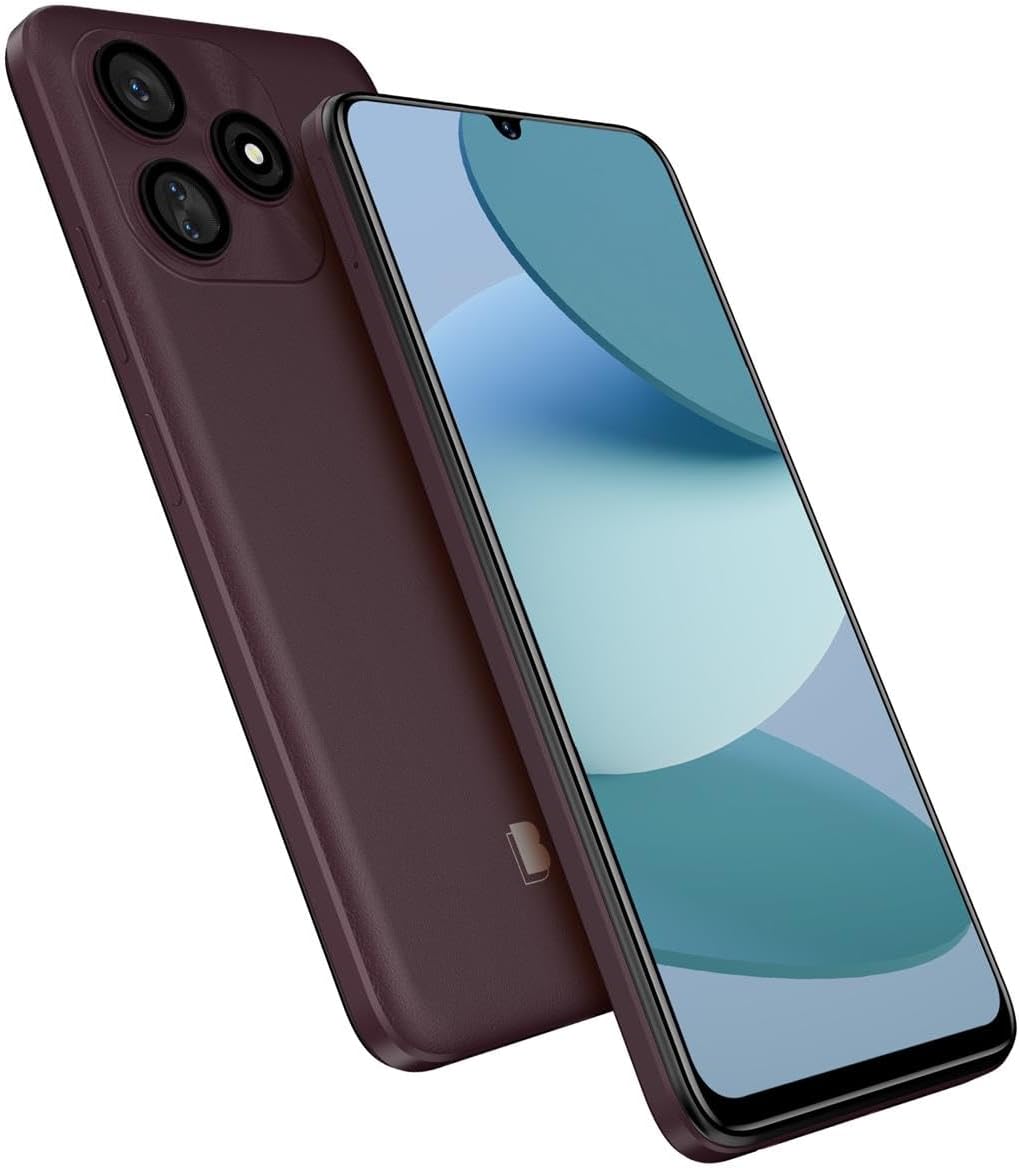
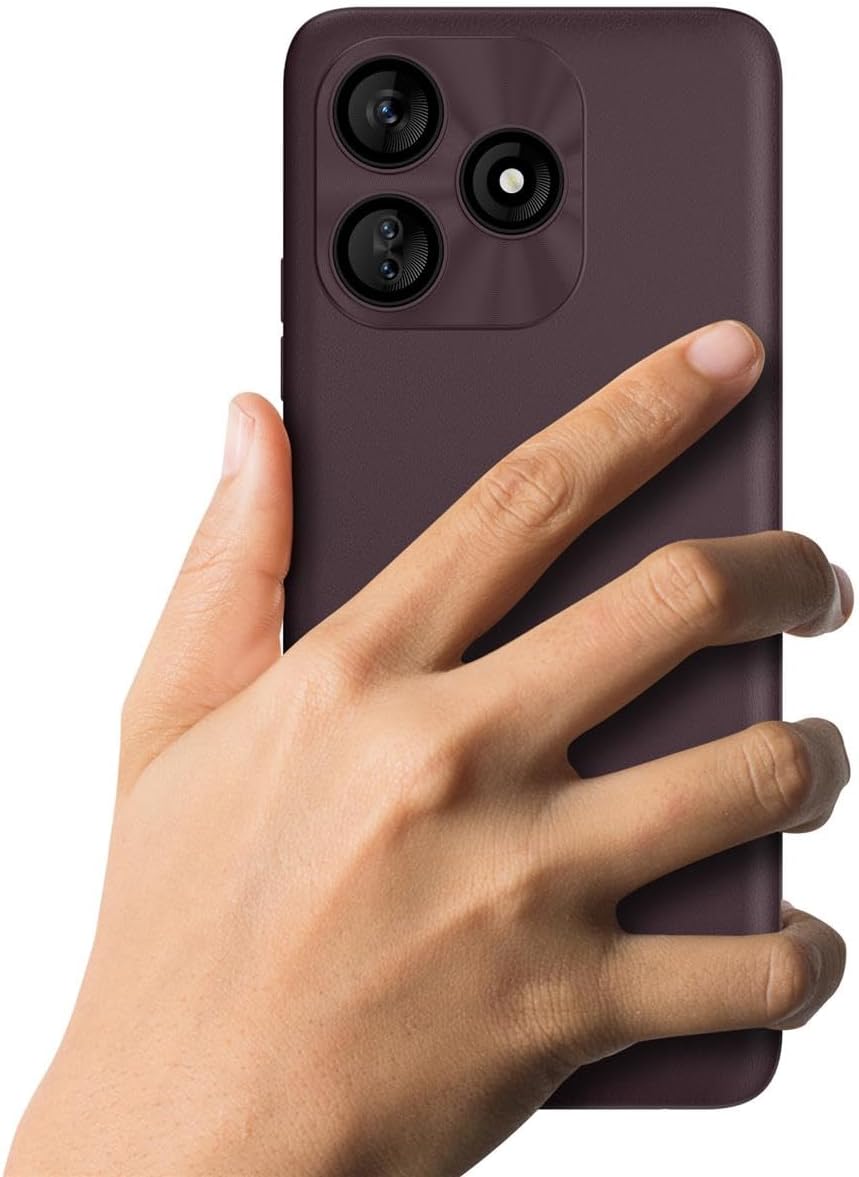
The BLU G73L features a 13MP triple main camera with flash and an 8MP selfie camera.
- Open the Camera app from your home screen or app drawer.
- Select your desired mode (Photo, Video, Portrait, etc.).
- Tap the shutter button to capture a photo or start/stop video recording.
- Use the front/rear camera switch icon to change cameras.

Storage Management
The device has 64GB internal memory, expandable up to 64GB via MicroSD.
- Regularly check your storage usage in Settings > Storage.
- Move large files (photos, videos) to your MicroSD card to free up internal space.
- Uninstall unused applications.
Maintenance
Software Updates
Keep your device's software up to date to ensure optimal performance and security.
- Go to Settings > System > System update to check for and install available updates.
- Ensure your phone is connected to Wi-Fi and has sufficient battery charge before performing an update.
Cleaning Your Device
To clean your BLU G73L:
- Power off the device.
- Use a soft, lint-free cloth to wipe the screen and body.
- Avoid using harsh chemicals or abrasive materials.
Battery Care
To maximize battery life:
- Avoid fully discharging the battery frequently.
- Do not leave the phone charging for extended periods after it's full.
- Reduce screen brightness and disable unnecessary features like GPS or Bluetooth when not in use.
Troubleshooting
| Problem | Solution |
|---|---|
| Phone not turning on | Ensure the battery is charged. Press and hold the Power button for at least 10 seconds. |
| Apps freezing or crashing | Close the app and reopen it. Clear the app's cache (Settings > Apps > [App Name] > Storage & cache > Clear cache). Restart the phone. |
| Poor Wi-Fi connection | Restart your Wi-Fi router. Forget the network on your phone and reconnect. Ensure you are within range of the Wi-Fi signal. |
| Battery draining quickly | Reduce screen brightness. Close background apps. Disable unnecessary features like GPS or Bluetooth. Check battery usage in Settings to identify power-hungry apps. |
| Cannot make/receive calls or texts | Check if your SIM card is properly inserted. Ensure you have network signal. Contact your mobile carrier for service issues. |
Specifications
| Feature | Detail |
|---|---|
| Model | BLU G73L (G0930WW) |
| Operating System | Android 13 (Go Edition) |
| Display | 6.8" HD+ Infinity Display (720 x 1600 Resolution, 258ppi) |
| Internal Storage | 64GB |
| RAM | 2GB + 2GB Xtra RAM |
| Expandable Storage | MicroSD up to 64GB |
| Rear Camera | 13MP Triple Main with Flash |
| Front Camera | 8MP Selfie Camera |
| Video Capture | 1080p@30fps |
| Battery | 5000mAh Lithium Ion (included) |
| Connectivity | Bluetooth 4.1, Wi-Fi (a/b/g/n), USB Type-C |
| Network Bands | GSM: Quad Bands | 3G: 850/900/1700/1900/2100 | LTE: 2/3/4/5/7/12/17/28AB/38/66/71 |
| Dimensions | 9.25 x 6.75 x 3.25 inches |
| Weight | 1 pound |
Warranty Information
For detailed warranty information regarding your BLU G73L smartphone, please refer to the warranty card included in your product packaging or visit the official BLU website. Warranty terms and conditions may vary by region.
Support
If you encounter issues not covered in this manual or require further assistance, please contact BLU customer support.
- Online Support: Visit the official BLU website for FAQs, support resources, and contact options.
- Service Centers: Information on authorized service centers can be found on the BLU website.
Please have your device model number (G0930WW) and serial number ready when contacting support.


