
Envion 80286
Envion Therapure Desktop Purifier User Manual
Model: 80286
1. Introduction
Welcome to the user manual for your new Envion Therapure Desktop Purifier. This device is designed to enhance your indoor air quality through its Triple Action Purification system, featuring a cleanable HEPA-type filter and UV light technology. Please read this manual thoroughly before operating the unit to ensure safe and efficient use.
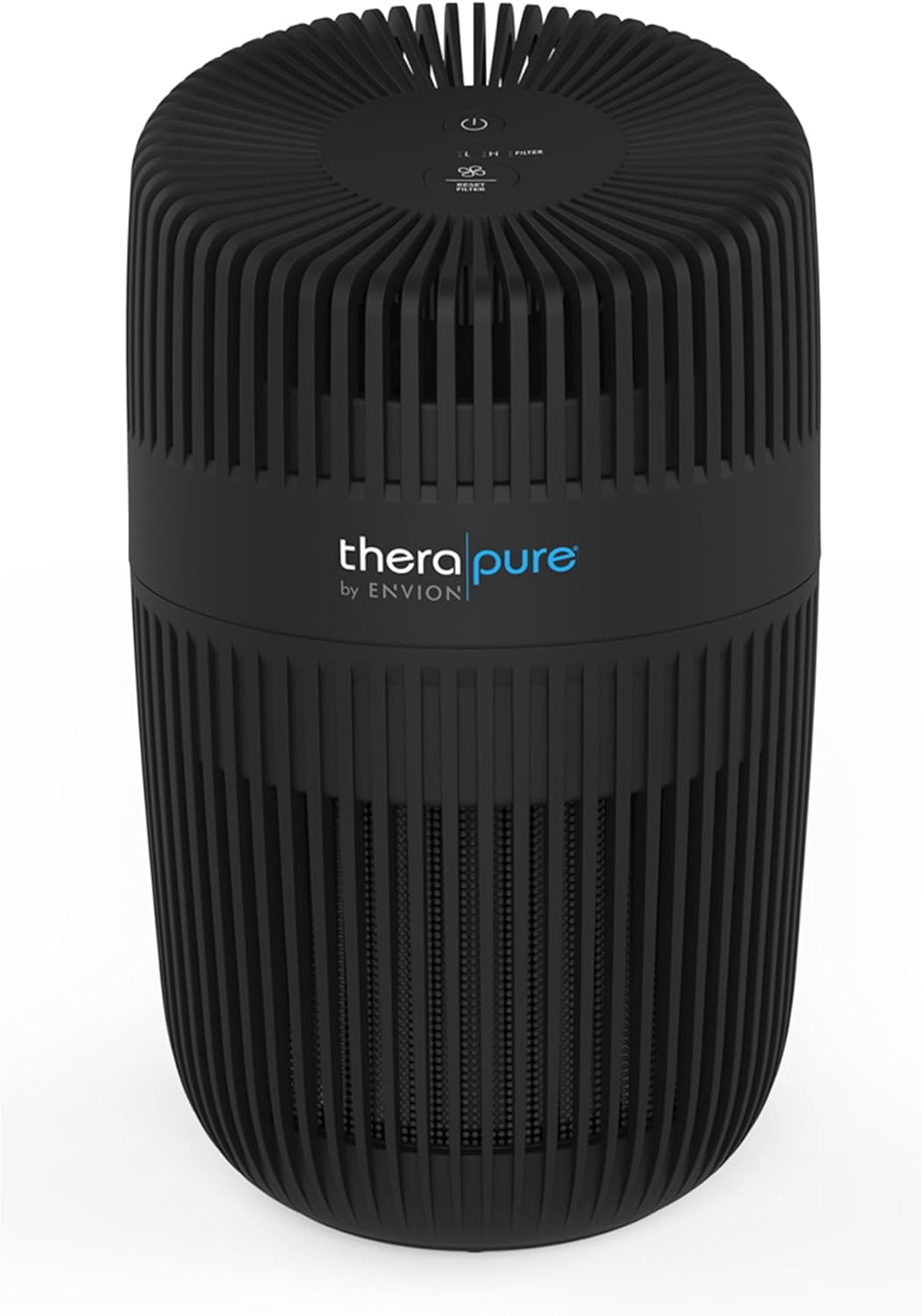
Image: Front view of the Envion Therapure Desktop Purifier, showcasing its sleek black design and top control panel.
2. Important Safety Information
Always follow basic safety precautions when using electrical appliances to reduce the risk of fire, electric shock, and injury to persons.
- Read all instructions before using the appliance.
- Do not operate any appliance with a damaged cord or plug.
- Do not run cord under carpeting.
- Do not use outdoors or on wet surfaces.
- Unplug from outlet when not in use or before cleaning.
- Use only as described in this manual.
3. Product Features
The Envion Therapure Desktop Purifier is equipped with advanced features for optimal air purification:
- Cleanable HEPA-Type Filter: Captures particles from the air, including pollen, smoke, dust, and pet dander.
- UV Light Technology: Helps combat viruses and bacteria for a healthier indoor environment.
- 2 Fan Speeds: Allows adjustment of airflow for different needs.
- Quiet Operation: Designed to run silently, ideal for bedrooms and offices.
- Filter Change Indicator: Notifies when the filter needs cleaning or replacement.

Image: Diagram highlighting key features of the TP150 model, including cleanable HEPA-type filter, 2 fan speeds, filter change indicator, and quiet operation.
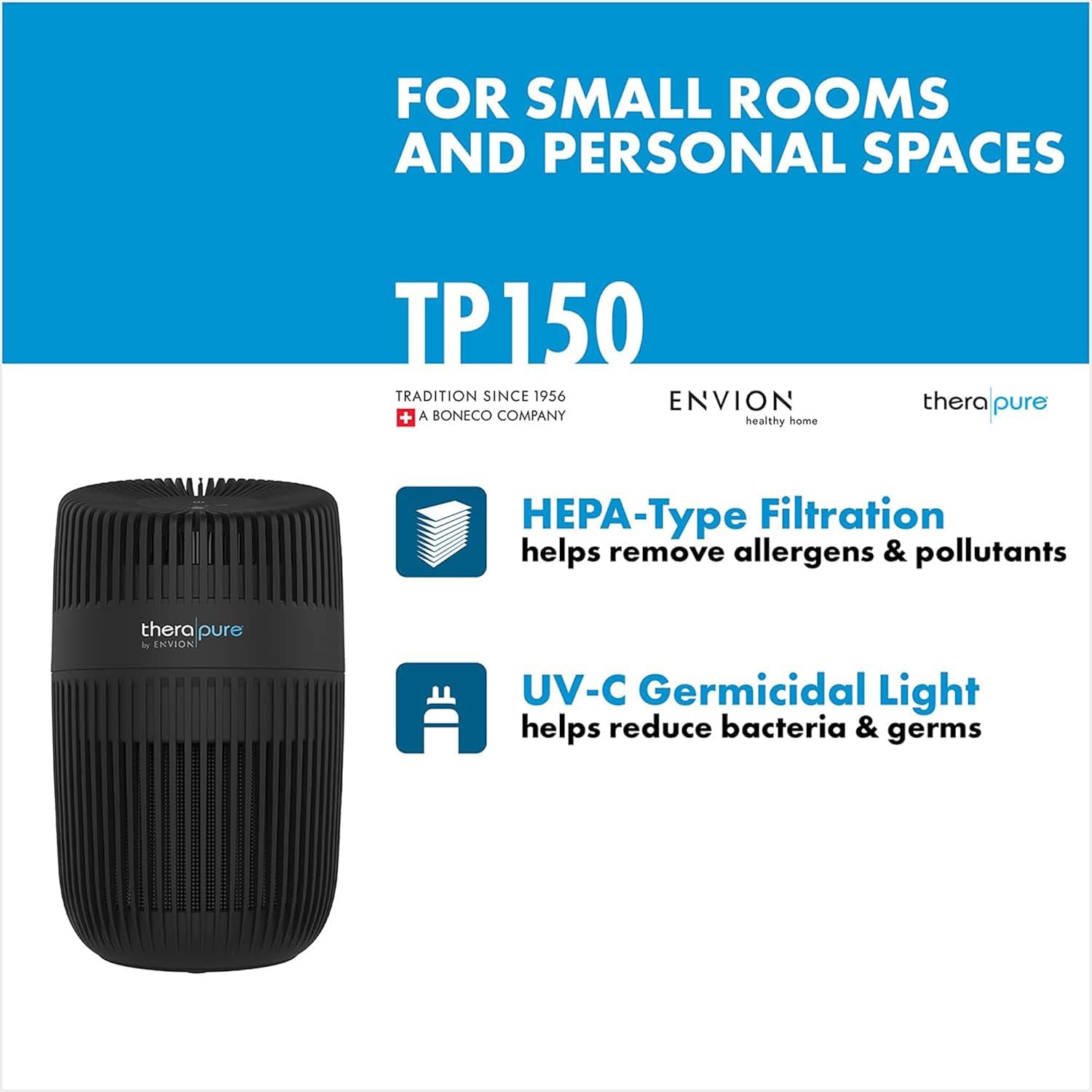
Image: Illustration showing HEPA-Type Filtration for allergens and pollutants, and UV-C Germicidal Light for reducing bacteria and germs.
4. Setup and Installation
Follow these steps to set up your air purifier:
- Unpack the Unit: Carefully remove the air purifier from its packaging. Retain packaging for future storage or transport.
- Choose a Location: Place the unit on a firm, level surface. Ensure there is at least 6 inches of clearance from walls or furniture for optimal airflow.
- Plug In: Insert the power cord into a standard 120V AC electrical outlet.

Image: The air purifier placed discreetly in a modern living room, demonstrating its compact size and aesthetic integration.
5. Operating Instructions
The control panel is located on the top of the unit.
- Power Button ( ⑂ ): Press to turn the unit ON or OFF.
- Fan Speed Button ( L/H ): Press to cycle between Low (L) and High (H) fan speeds.
- UV Light Button ( UV ): Press to turn the UV light ON or OFF.
- Filter Reset Button ( FILTER ): After cleaning or replacing the filter, press and hold this button for 3 seconds to reset the filter indicator.
Image: Close-up of the top control panel, showing the power, fan speed, UV light, and filter reset buttons.
6. Maintenance and Care
Regular maintenance ensures optimal performance and longevity of your air purifier.
6.1. Cleaning the HEPA-Type Filter
The HEPA-type filter is designed to be cleanable. It is recommended to clean the filter every 2-3 months, or when the filter indicator light illuminates.
- Unplug the Unit: Always disconnect the power cord before performing any maintenance.
- Remove the Filter: Refer to the diagram below for filter access. Gently pull out the filter assembly.
- Clean the Filter: Use a vacuum cleaner with a brush attachment to remove dust and debris from the filter surface. Do NOT wash the filter with water.
- Reinstall the Filter: Place the clean filter back into the unit, ensuring it is securely seated.
- Reset Filter Indicator: Plug in the unit and press and hold the "FILTER" button for 3 seconds until the light turns off.
6.2. Exterior Cleaning
Wipe the exterior of the unit with a soft, damp cloth. Do not use abrasive cleaners or solvents.
7. Troubleshooting
If you experience issues with your air purifier, consult the table below:
| Problem | Possible Cause | Solution |
|---|---|---|
| Unit does not turn on. | Not plugged in; Power outage; Damaged cord/plug. | Ensure unit is securely plugged in; Check circuit breaker; Do not use if cord/plug is damaged, contact support. |
| Airflow is weak. | Filter is dirty; Air intake/outlet blocked. | Clean the HEPA-type filter; Ensure nothing is obstructing air vents. |
| Unusual noise. | Unit not on a level surface; Foreign object inside. | Place unit on a flat, stable surface; Unplug and check for obstructions. |
| Filter indicator light remains on after cleaning. | Filter reset button not pressed. | Press and hold the "FILTER" button for 3 seconds to reset. |
8. Specifications
- Model: 80286
- Brand: Envion
- Power Input: 120V AC, 60Hz
- Coverage Area: Up to 80 sq ft
- Dimensions: Approximately 6.3" x 6.3" x 10.8"
- Weight: 3.54 pounds
- Filter Type: Cleanable HEPA-Type Filter
- Additional Features: UV Light, 2 Fan Speeds, Filter Change Indicator
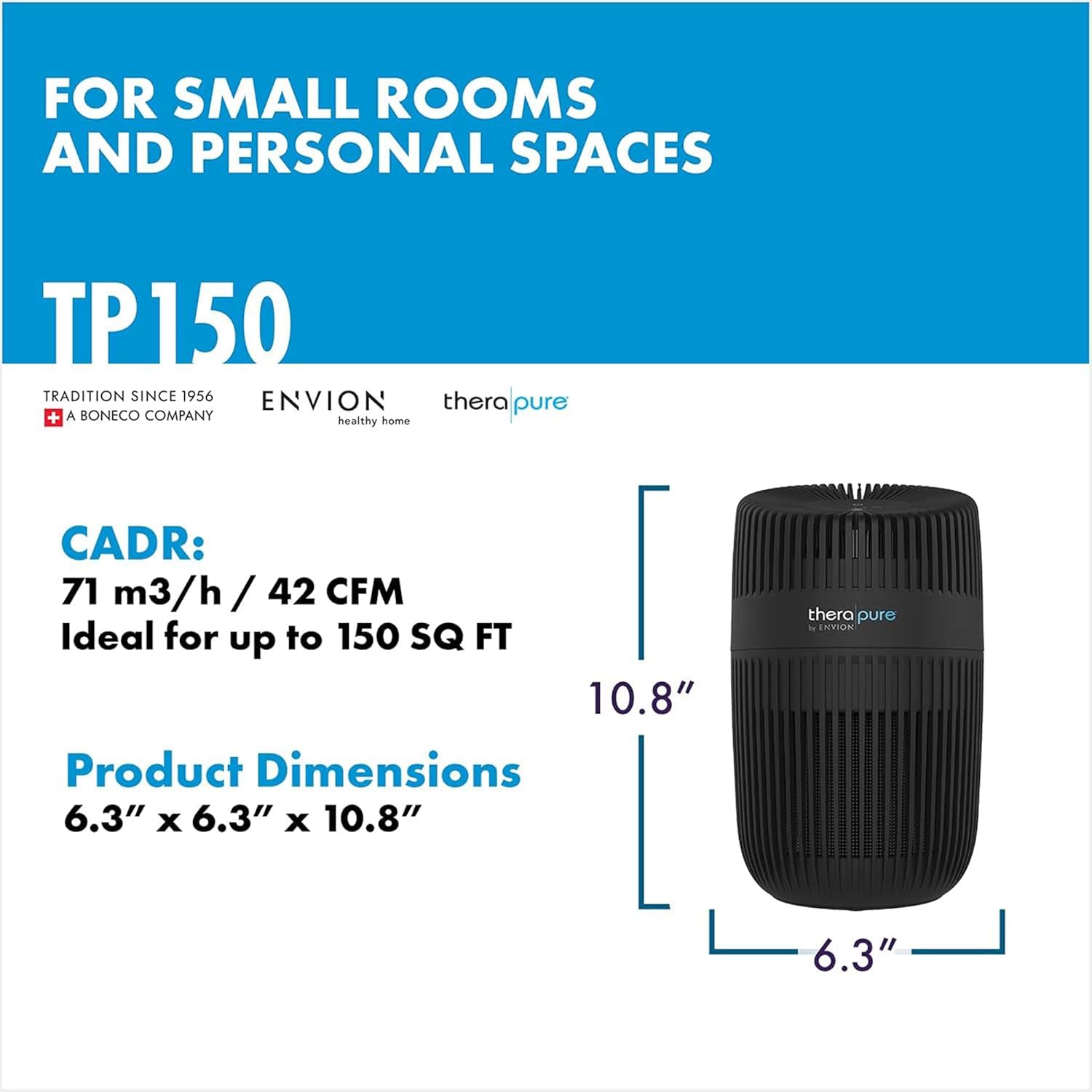
Image: Diagram illustrating the product dimensions of the TP150, showing a height of 10.8 inches and a base of 6.3 x 6.3 inches.
9. Warranty and Support
This product comes with a manufacturer's warranty. Please refer to the warranty card included in your product packaging for specific terms and conditions. For technical support, replacement parts, or general inquiries, please contact Envion customer service.
Manufacturer: ENVION
Website: Envion Official Store
Warranty Description: Warranty (as per product specifications)
Related Documents - 80286
 |
TheraPure TP150 Air Purifier User Manual Comprehensive user manual for the TheraPure TP150 air purifier by ENVION, detailing setup, operation, technical specifications, cleaning, maintenance, and filter replacement procedures to ensure optimal indoor air quality. |
 |
TheraPure TPP540 UV Air Purifier Owner's Guide Owner's guide for the TheraPure TPP540 UV Air Purifier by Envion. Includes safety instructions, product benefits, main parts, operating instructions, cleaning and maintenance, troubleshooting, and warranty information. |
 |
Four Seasons™ 4-in-1 Heater, Humidifier, Air Purifier, Fan Owner's Manual Comprehensive owner's manual for the Four Seasons™ by Envion, detailing features, specifications, assembly, operation, cleaning, troubleshooting, and warranty for the combination heater, humidifier, air purifier, and fan. |
 |
Ionic Pro Turbo TA550 Air Purifier User Manual | Envion Comprehensive user manual for the Envion Ionic Pro Turbo TA550 air purifier. Includes setup, operation, maintenance, troubleshooting, and important health information. |
 |
TheraPure TPP220M UV Germicidal Air Purifier Owner's Guide Owner's guide for the TheraPure TPP220M UV Germicidal Air Purifier by Envion. Learn about product benefits, main parts, operation, cleaning, maintenance, troubleshooting, and warranty information. |