
Introduction
Welcome to the Ninja Detect Power Blender + Personal Single-Serve system. This appliance is designed for versatile blending and food preparation, featuring advanced BlendSense Technology for optimal results. Please read this manual thoroughly before first use to ensure safe and efficient operation.
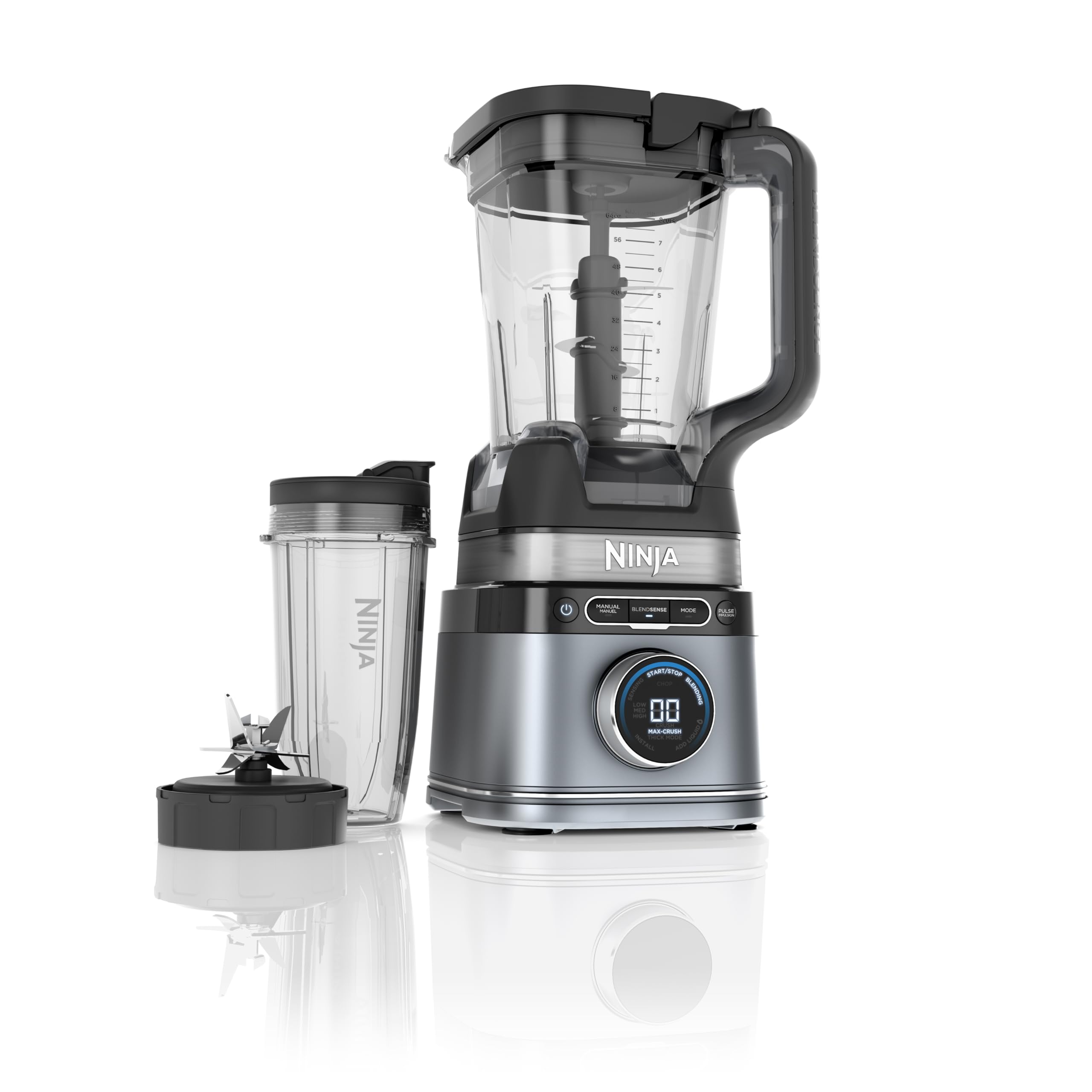
Image: The Ninja Detect Power Blender base with the large 72 oz. pitcher and a single-serve cup, showcasing its dual functionality.
Setup and Assembly
Before initial use, wash all components that will come into contact with food in warm, soapy water. Rinse thoroughly and dry. The pitcher, lid, and blades are top-rack dishwasher safe.
Components Overview:
- 1700 Peak Watt Motor Base: The main power unit.
- 72 oz. Full-Size Pitcher: Ideal for large batches, with a secure lid and pour spout.
- Total Crushing & Chopping Blade Assembly: Multi-level blade for efficient processing in the pitcher.
- 24 oz. Single-Serve Cup: For individual portions, with a dedicated Hybrid Edge™ Blade Assembly.
- Lids: Secure lids for both pitcher and single-serve cup.

Image: All components of the Ninja Detect Power Blender system, including the motor base, large pitcher, single-serve cup, and various blade assemblies.
Assembling the Pitcher:
- Place the motor base on a clean, dry, level surface.
- Carefully place the Total Crushing & Chopping Blade Assembly onto the drive gear inside the 72 oz. pitcher.
- Align the pitcher with the motor base and twist clockwise until it locks securely into place. The blender will not operate if the pitcher is not correctly locked.
- Place the pitcher lid onto the pitcher and press down firmly until it clicks into place. Ensure the handle is fully engaged.
Assembling the Single-Serve Cup:
- Fill the 24 oz. single-serve cup with your desired ingredients.
- Screw the Hybrid Edge™ Blade Assembly onto the top of the cup until it is tightly sealed.
- Invert the cup and place it onto the motor base, twisting clockwise until it locks securely.
Operating Instructions
The Ninja Detect Power Blender features BlendSense Technology, which automatically adjusts speed and time for perfectly smooth results. It also offers manual control and preset programs.
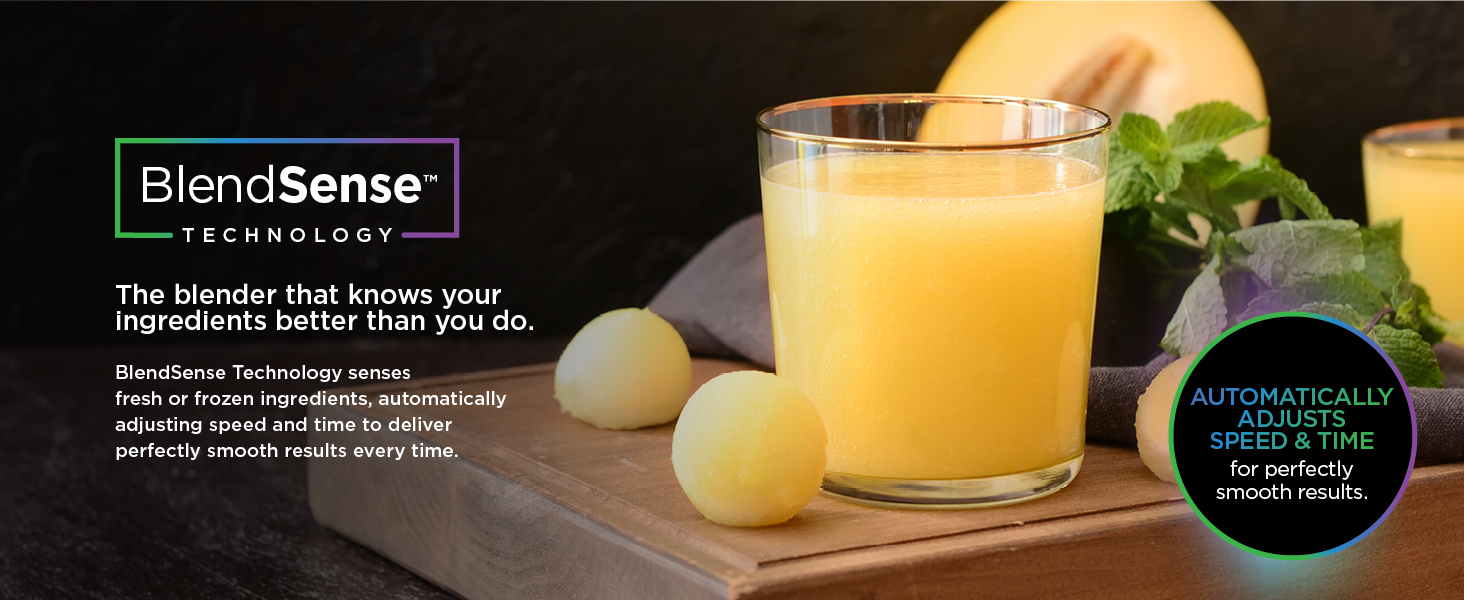
Image: Close-up of the Ninja Detect Power Blender's control panel, highlighting the BlendSense dial and various program options.
BlendSense Technology:
- Add ingredients to the pitcher or single-serve cup.
- Press the BlendSense button. The blender will intelligently detect the ingredients and adjust its blending pattern to achieve optimal smoothness.
- The innovative dial will display the blending progress and mode.

Image: The Ninja Detect Power Blender displaying the 'Ice Detect' feature, indicating its ability to auto-calibrate for crushing ice.
Single-Touch Preset Programs:
Utilize the dedicated preset buttons for consistent results:
- Smoothie: For perfectly smooth beverages.
- Frozen Drink: Ideal for frozen cocktails and slushies.
- Ice Cream: Creates creamy frozen desserts.
- Snow Cone: Produces finely shaved ice.
- Chop: For processing and chopping ingredients in the 72 oz. pitcher.
Manual Control:
For customized blending, use the manual settings:
- Low/Medium/High: Select desired continuous speed.
- Pulse: For short bursts of power to control texture.
Care and Maintenance
Proper cleaning ensures the longevity and performance of your Ninja Detect Power Blender.
Image: The Ninja Detect Power Blender's pitcher, lid, and blade assembly are shown, emphasizing their dishwasher-safe design for easy cleanup.
Cleaning:
- Dishwasher Safe Parts: The pitcher, lids, and blade assemblies are BPA-free and top-rack dishwasher safe.
- Hand Washing: For best results, wash components in warm, soapy water using a non-abrasive cloth or sponge. Exercise caution when handling blade assemblies as they are sharp.
- Motor Base: Wipe the motor base clean with a damp cloth. Do not immerse the motor base in water or any other liquid.
- Quick Clean: For a quick clean, fill the pitcher with warm water and a drop of dish soap. Run the blender on a low setting for a few seconds, then rinse.
Troubleshooting
If you encounter issues with your blender, refer to the following common solutions:
- Blender Does Not Turn On: Ensure the pitcher or single-serve cup is securely locked onto the motor base. The safety interlock system prevents operation if not properly assembled. Check that the power cord is firmly plugged into a working electrical outlet.
- Ingredients Not Blending Smoothly: Reduce the amount of ingredients in the container. Add more liquid if the mixture is too thick. Use the Pulse function to break down larger pieces before continuous blending.
- Motor Overheating: If the motor stops unexpectedly, it may be due to overheating. Unplug the unit and allow it to cool down for at least 15 minutes before resuming use. Reduce load or blending time.
- Lid Not Sealing: Ensure the lid is correctly aligned and pressed down firmly until it clicks into place. The handle must be fully engaged for the blender to operate.
Specifications
| Feature | Detail |
|---|---|
| Brand | Ninja |
| Model Number | TB300C |
| Power/Wattage | 1700 Peak Watts (1200 watts nominal) |
| Voltage | 120V |
| Pitcher Capacity | 72 oz. (2.1 Liters) |
| Single-Serve Cup Capacity | 24 oz. |
| Material | Metal, Plastic, Rubber (BPA-free) |
| Number of Speeds | 3 (Low, Medium, High) + Pulse |
| Special Features | BlendSense Technology, Countdown Timer, Multiple Attachments, Pre-Programmed, Removable Blade, Single Serve |
| Product Dimensions | 21.29 x 17.48 x 44.45 cm |
| Item Weight | 4.5 kg |
Warranty and Support
For warranty information and customer support, please refer to the documentation included in your product packaging or visit the official Ninja website. Keep your purchase receipt as proof of purchase for any warranty claims.


