
1. Introduction and Overview
This manual provides essential information for the safe and efficient operation of your Ninja Detect Power Kitchen System with BlendSense, model TB400C. This versatile kitchen appliance is designed for blending, chopping, slicing, and shredding, featuring BlendSense Technology for optimized performance. Please read all instructions thoroughly before first use and retain this manual for future reference.
Video Description: An overview of the Ninja Detect Power Kitchen System with BlendSense, showcasing its various functions including blending, chopping, and dough making, along with its components and intelligent features.

Image Description: The Ninja Detect Power Kitchen System, featuring the motor base, 72oz pitcher, and two 24oz single-serve cups, ready for use.
2. Important Safety Information
Always follow basic safety precautions when using electrical appliances to reduce the risk of fire, electric shock, serious injury, and/or damage to property. This appliance is for household use only.
- Read all instructions before operating the appliance.
- Do not immerse the motor base in water or other liquids.
- Keep hands, hair, and clothing, as well as spatulas and other utensils, away from moving blades during operation to prevent personal injury.
- Blades are sharp. Handle with care.
- Ensure the appliance is unplugged when not in use, before assembling or disassembling parts, and before cleaning.
- Do not operate any appliance with a damaged cord or plug, or after the appliance malfunctions or has been dropped or damaged in any manner.
- Do not use attachments not recommended or sold by Ninja.
- Do not fill containers above the MAX FILL line.
3. What's Included
Your Ninja Detect Power Kitchen System includes the following components:
- 1700 Peak Watt Motor Base
- 72 oz. Total Crushing® Pitcher with Lid
- Total Crushing & Chopping Blade Assembly for the pitcher
- Two 24 oz. Single-Serve Cups with Spout Lids
- Hybrid Edge™ Blade Assembly for single-serve cups
- 8-cup Power Food Processor Bowl with Lid
- Chopping Blade Assembly for the processor bowl
- Dough Blade Assembly for the processor bowl
- Reversible Slicing/Shredding Disc
- 3-Inch Feed Tube for processor bowl

Image Description: A visual representation of all included components: motor base, 72oz pitcher, single-serve cups, processor bowl, and various blade assemblies.
4. Setup and Assembly
4.1 Before First Use
- Remove all packaging materials, promotional labels, and tape from the unit.
- Wash the lids, containers, and blade assemblies in warm, soapy water using a dishwashing utensil with a handle to avoid direct contact with blades. Rinse thoroughly and air dry.
- Wipe the motor base with a clean, damp cloth.
4.2 Assembling the Pitcher or Processor Bowl
- Place the motor base on a clean, dry, level surface.
- Place the desired container (72oz pitcher or 8-cup processor bowl) onto the motor base, aligning the handle to the right. Twist clockwise until it clicks into place.
- Carefully place the appropriate blade assembly onto the drive gear inside the container.
- Add ingredients, ensuring not to exceed the MAX FILL line.
- Place the lid onto the container and press down firmly until it clicks into place. The appliance will not operate unless the lid is securely locked.
4.3 Assembling the Single-Serve Cup
- Add ingredients to the 24oz single-serve cup, ensuring not to exceed the MAX FILL line.
- Screw the Hybrid Edge™ Blade Assembly onto the cup until a tight seal is achieved.
- Invert the cup and place it onto the motor base, twisting clockwise until it clicks into place.
5. Operating Instructions
The Ninja Detect Power Kitchen System features BlendSense Technology, which automatically adjusts speed and time for optimal results based on the ingredients and container used.
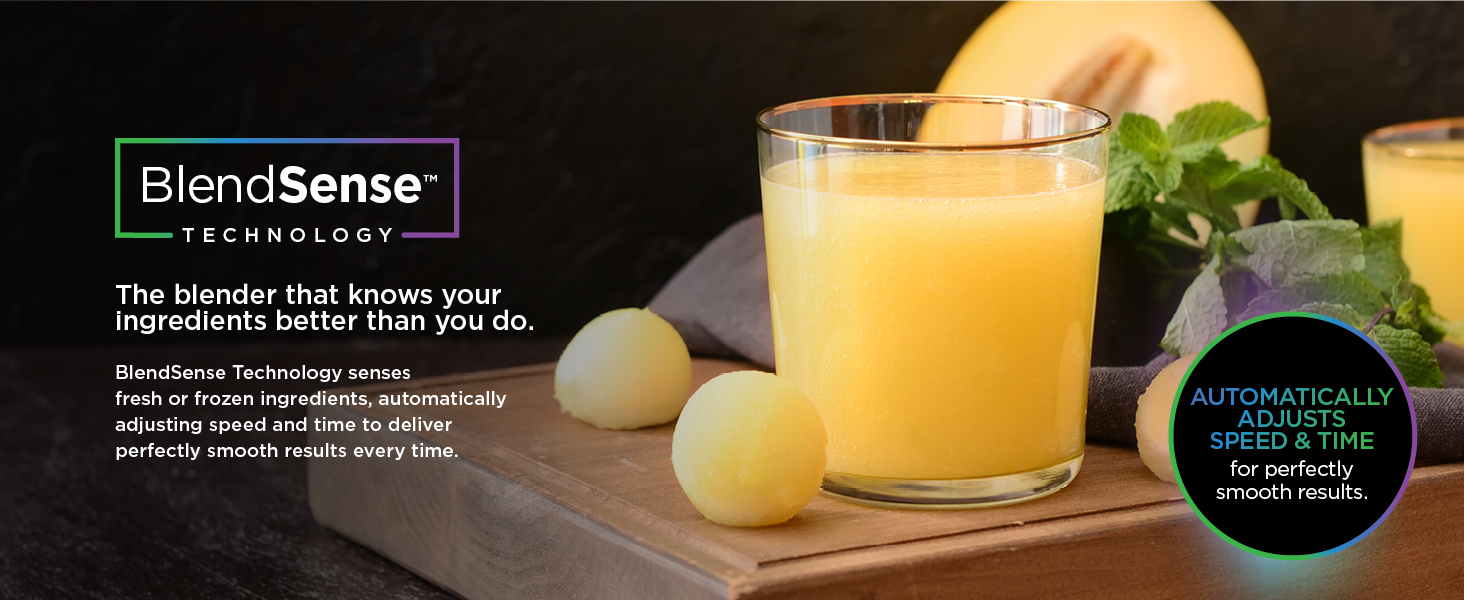
Image Description: A banner explaining BlendSense Technology, highlighting its ability to sense fresh or frozen ingredients and automatically adjust speed and time for smooth results.
5.1 BlendSense Automatic Programs
When a container is attached, the Detect Dial illuminates. Press the dial to activate BlendSense. The system will automatically detect the container and ingredients, then run a program tailored for perfect results. The display will show the remaining time.

Image Description: A diagram illustrating how BlendSense Technology senses ingredients, detects their state (fresh/frozen), adjusts time, speed, and pulsing, and delivers perfect results regardless of portion size.
Key Detect Features:
- Torque Detect: Identifies fresh or frozen ingredients and automatically boosts power as needed.
- Ice Detect: Auto-calibrates to power through ice for perfectly smooth drinks.
- Portion Detect: Actively adjusts time and speed based on the amount of ingredients in the pitcher.
- Liquid Detect: Alerts you when liquid is needed for silky-smooth drinks (primarily for single-serve cups).

Image Description: A close-up of the Ninja Detect dial, showing the digital display for runtime, mode type, and the color-changing rim indicating the selected program.

Image Description: A visual demonstrating the Torque Detect feature, showing a smoothie bowl and the blender dial indicating "THICK MODE" with a 25-second countdown.

Image Description: A visual demonstrating the Ice Detect feature, showing a glass of watermelon drink and the blender dial indicating "MAX-CRUSH" with a 20-second countdown.

Image Description: A visual demonstrating the Portion Detect feature, showing a pitcher filled with frozen berries and the blender dial indicating "SENSING" with a 15-second countdown.

Image Description: A single-serve cup with blended ingredients and the blender base, illustrating the Liquid Detect feature which prompts the user to add liquid for smoother results.
5.2 Manual Speed Control
For precise control over blending and processing, use the manual settings. Press the MANUAL button, then select LOW, MED, or HIGH. Press START/STOP to begin and end operation. The PULSE button provides short bursts of power for controlled chopping.

Image Description: A pitcher filled with various ingredients, illustrating the manual speed control options (Low, Medium, High) for customized blending texture.
5.3 Specific Functions
Blending (72oz Pitcher & 24oz Single-Serve Cups)
Ideal for smoothies, frozen drinks, and purees. Use the Total Crushing & Chopping Blade Assembly with the 72oz pitcher or the Hybrid Edge™ Blade Assembly with the 24oz single-serve cups. Select BlendSense or a manual speed setting.

Image Description: A visual showcasing various blending possibilities, including frozen drinks, extractions, smoothies, smoothie bowls, and nut butters.
Food Processing (8-cup Processor Bowl)
The 8-cup Power Food Processor Bowl is designed for chopping, pureeing, dough making, slicing, and shredding. Attach the appropriate blade assembly (chopping blade, dough blade, or slicing/shredding disc) for your task.
- Chopping: Use the chopping blade assembly for ingredients like onions, garlic, and herbs.
- Dough Making: Use the dough blade assembly to mix up to 2 lbs. of dough.
- Slicing & Shredding: Use the reversible slicing/shredding disc for vegetables. The 3-inch feed chute allows for easy and safe ingredient addition.

Image Description: A scene showing the Ninja Kitchen System set up for food processing, with ingredients like tomatoes, onions, and cheese, demonstrating its chopping and pureeing capabilities.

Image Description: A plate of chocolate chip cookies, illustrating the dough-making capability of the processor bowl, with the blender dial showing a 5-second countdown for "DOUGH" mode.

Image Description: A bowl of coleslaw, demonstrating the use of the reversible slicing and shredding disc, with the blender dial showing a 00-second countdown for "DISC" mode.

Image Description: A person using the 3-inch feed chute on the food processor bowl to add ingredients, ensuring even and safe processing.
6. Cleaning and Maintenance
Proper cleaning ensures the longevity and optimal performance of your Ninja Detect Power Kitchen System.
6.1 Cleaning
- Motor Base: Wipe the motor base with a clean, damp cloth. Do not immerse the motor base in water.
- Containers, Lids, and Blade Assemblies: All containers, lids, and blade assemblies are BPA-free and top-rack dishwasher safe. Alternatively, wash them in warm, soapy water. Use caution when handling blade assemblies due to sharp edges.

Image Description: A close-up of a dishwasher rack, indicating that the containers, lids, and blades are BPA-free and top-rack dishwasher safe for easy cleaning.
6.2 Storage
Store the appliance upright with the blade assembly inside the container and the lid securely fastened. Do not stack items on top of the containers.
7. Troubleshooting
If you encounter any issues, refer to the following common troubleshooting steps:
- Appliance does not turn on: Ensure the power cord is securely plugged into an outlet. Check that the container and lid are correctly assembled and locked into place.
- Ingredients are not blending smoothly: Ensure you have added sufficient liquid. Do not overfill the container. For tough ingredients, use the PULSE function or a higher manual speed.
- Motor stops during operation: The appliance may have overheated. Unplug the unit and allow it to cool for at least 15 minutes. Reduce the load size or add more liquid before restarting.
- Lid is difficult to remove: Ensure the appliance is unplugged. Press the release button on the lid handle firmly.
For issues not covered here, please contact Ninja customer support.
8. Specifications
| Feature | Specification |
|---|---|
| Brand | Ninja |
| Model Number | TB400C |
| Colour | Platinum |
| Power/Wattage | 1700 Peak Watts (Motor Base) / 1200 watts (Rated) |
| Voltage | 120 Volts |
| Material | Metal, Plastic, Rubber |
| 72oz Pitcher Capacity | 72 oz. (64 oz. max liquid fill) |
| 64oz Processor Bowl Capacity | 8 cups (64 oz.) |
| Single-Serve Cup Capacity | 24 oz. (x2) |
| Number of Speeds | 3 (Manual) |
| Special Features | BlendSense Technology, Countdown Timer, Multiple Attachments, Pre-Programmed, Removable Blade |
| Item Weight | 6.37 kg |
| Product Dimensions | 21.3D x 17.5W x 44.5H Centimetres |
9. Warranty and Support
For warranty information, please refer to the warranty card included with your product or visit the official Ninja website. For customer support, replacement parts, or service, please contact Ninja customer service directly. Keep your purchase receipt as proof of purchase.


