
Introduction
Thank you for choosing the MCHOSE A5 ProMax Wireless Gaming Mouse. This manual provides essential information for setting up, operating, and maintaining your new gaming mouse. Designed for peak performance, the A5 ProMax offers a symmetrical, ultra-lightweight design at just 59 grams, ensuring optimal control and comfort during extended gaming sessions. It features a high-precision PAW3395 optical sensor with up to 26,000 DPI and a 1K polling rate for pixel-perfect tracking. Enjoy up to 130 hours of battery life and versatile tri-mode connectivity, making it a perfect accessory for any computer or PC gamer.

The MCHOSE A5 ProMax Wireless Gaming Mouse.
Key Features:
- Ultra-Lightweight Design: Weighing only 59 grams for effortless control and comfort.
- High Precision Tracking: Equipped with a PAW3395 optical sensor, offering up to 26,000 DPI for pixel-perfect accuracy.
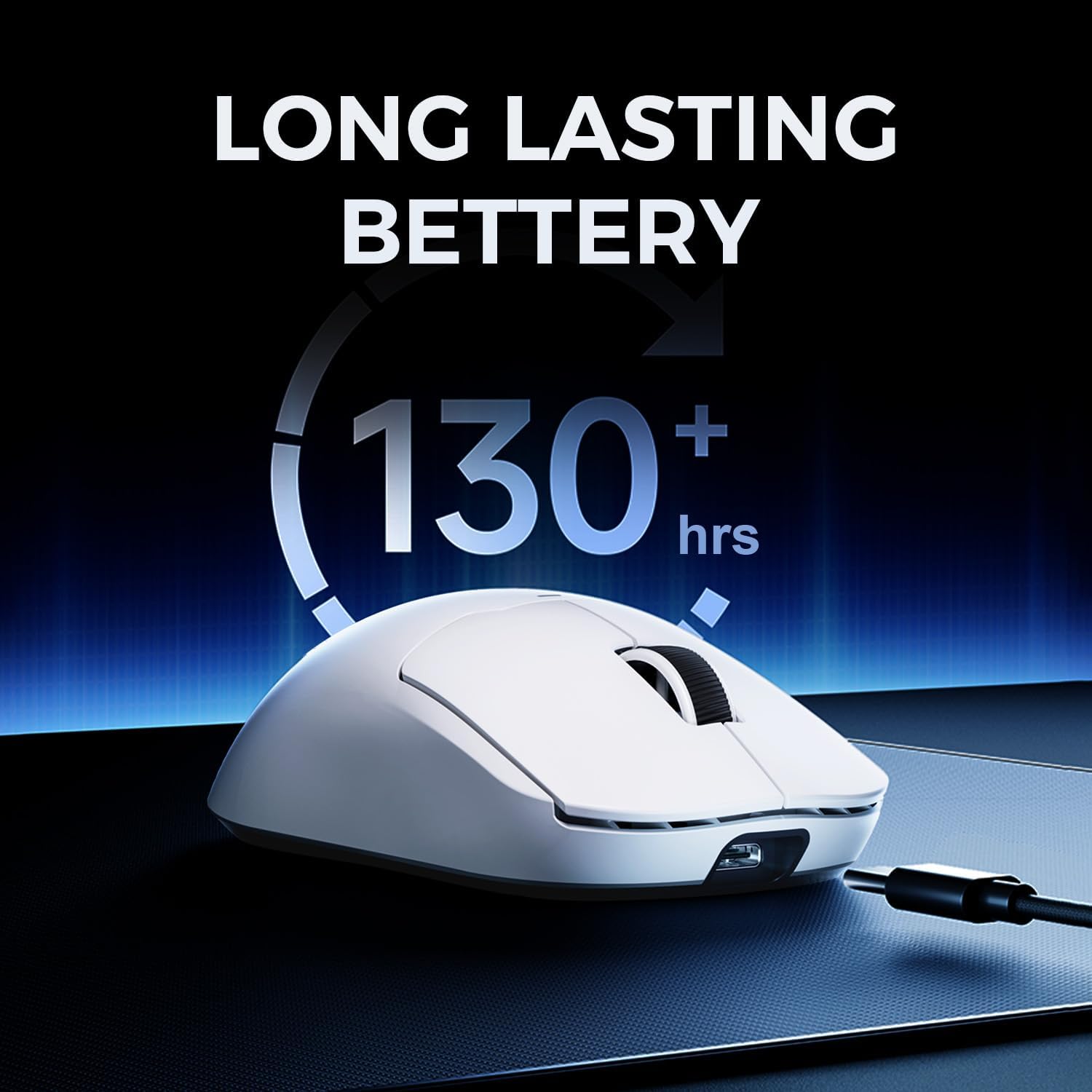
- Long-Lasting Battery: Up to 130 hours of battery life on a single charge.
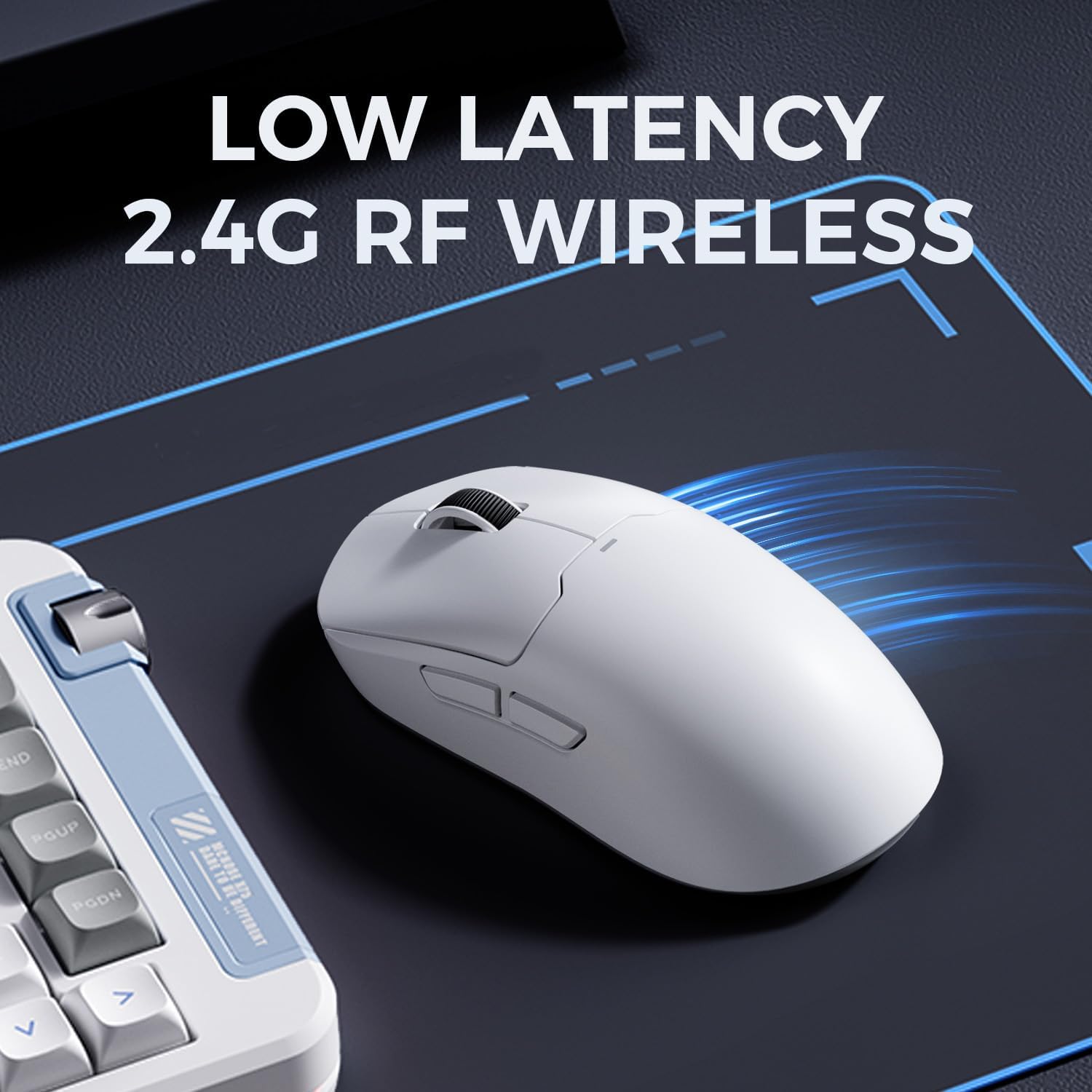
- Tri-Mode Connectivity: Seamlessly switch between 2.4GHz wireless, Bluetooth, and USB-C wired modes.
- Durable Switches: Rated for up to 80 million clicks, providing solid tactile and audible feedback.
Setup Guide
The MCHOSE A5 ProMax offers flexible connectivity options to suit your gaming setup.
Connecting Your Mouse:
- 2.4GHz Wireless Mode:
- Locate the USB receiver stored in the compartment on the underside of the mouse.
- Plug the USB receiver into an available USB port on your computer.
- Slide the switch on the bottom of the mouse to the '2.4G' position. The mouse will automatically connect.
- Bluetooth Mode:
- Slide the switch on the bottom of the mouse to the 'BT' position.
- On your computer or device, go to Bluetooth settings and search for new devices.
- Select 'MCHOSE A5 ProMax' from the list of available devices to pair.
- USB-C Wired Mode:
- Connect the provided USB-C cable to the front port of the mouse and the other end to a USB port on your computer.
- The mouse will function immediately in wired mode and will also charge its internal battery.

The USB receiver is conveniently stored in the mouse's underside compartment.

The compact USB wireless dongle for 2.4GHz connectivity.
Operating Your Mouse
The MCHOSE A5 ProMax is designed for intuitive use and high performance.
DPI Adjustment:
The mouse features a dedicated DPI switch on its underside, allowing you to cycle through various sensitivity levels up to 26,000 DPI. This enables quick adjustments to match your gaming style or task requirements. The default settings typically include common DPI steps like 800, 1600, and higher, providing flexibility for different scenarios.
The PAW3395 optical sensor provides up to 26,000 DPI for precise tracking.
Button Functions:
- Left/Right Click: Standard mouse buttons with durable switches rated for 80 million clicks.
- Scroll Wheel: For vertical scrolling and a clickable middle button.
- Side Buttons: Two programmable side buttons, typically used for forward/backward navigation in browsers or custom in-game actions.
The mouse features highly durable switches for consistent performance.
Polling Rate:
The A5 ProMax operates at a 1K (1000Hz) polling rate, ensuring rapid and responsive communication between the mouse and your computer. This high polling rate minimizes input lag, providing a smooth and precise cursor movement crucial for competitive gaming.
Maintenance
Proper maintenance will ensure the longevity and optimal performance of your MCHOSE A5 ProMax mouse.
Battery Charging:
The mouse boasts up to 130 hours of battery life. When the battery is low, connect the mouse to your computer using the provided USB-C cable. The charging indicator light will show the charging status and turn off when fully charged.

Charge your mouse via USB-C to enjoy up to 130 hours of gameplay.

The mouse charges quickly via its USB-C port.
Cleaning:
To clean your mouse, use a soft, lint-free cloth. For stubborn dirt, slightly dampen the cloth with water or a mild cleaning solution. Avoid using harsh chemicals or abrasive materials, as these can damage the mouse's surface or internal components.
Troubleshooting
If you encounter any issues with your MCHOSE A5 ProMax mouse, refer to the following common solutions:
- Mouse not responding:
- Ensure the mouse is charged.
- Check the connectivity mode switch on the bottom of the mouse (2.4G, BT, OFF).
- For 2.4GHz mode, ensure the USB receiver is securely plugged into a working USB port. Try a different USB port.
- For Bluetooth mode, ensure Bluetooth is enabled on your device and the mouse is properly paired. Try re-pairing.
- If using wired mode, ensure the USB-C cable is securely connected to both the mouse and the computer.
- Inconsistent tracking or cursor lag:
- Clean the optical sensor on the bottom of the mouse with a soft cloth.
- Ensure you are using the mouse on a suitable surface (e.g., a mouse pad).
- Check for any wireless interference if using 2.4GHz or Bluetooth mode. Move closer to the receiver or device.
- Ensure the mouse battery is not critically low.
- Software Issues:
- While the mouse functions well out of the box, advanced customization may require specific software. Please refer to the official MCHOSE website for the latest software and drivers. Exercise caution when downloading software from third-party sources.
Specifications
| Feature | Detail |
|---|---|
| Brand | MCHOSE |
| Model Number | A5 ProMax |
| Product Dimensions | 4.79 x 2.42 x 0.1 inches |
| Item Weight | 2.12 ounces |
| Connectivity Technology | 2.4GHz Wireless, Bluetooth, USB-C Wired |
| Movement Detection Technology | Optical (PAW3395) |
| DPI | Up to 26,000 DPI |
| Polling Rate | 1K (1000Hz) |
| Battery Life | Up to 130 hours |
| Batteries | 1 Lithium Ion battery (included) |
| Switch Durability | Rated for up to 80 million clicks |
| Color | White |
| Compatible Operating Systems | Linux, Windows |
Warranty and Support
For warranty information and technical support, please refer to the documentation included with your product packaging or visit the official MCHOSE website. Our customer service team is available to assist you with any questions or concerns regarding your A5 ProMax Wireless Gaming Mouse.


