
1. Introduction
Thank you for choosing the Bewinner Musical Bluetooth Boxing Machine. This device is designed to provide an interactive and engaging boxing training experience for both adults and children, promoting physical activity and improving reflexes. Please read this manual carefully before use to ensure proper installation, operation, and maintenance.
2. Product Overview
2.1 Package Contents
- 1 x Music Boxing Machine
- 2 x Adult Boxing Gloves
- 2 x Children's Boxing Gloves
- 1 x Charging Cable
- 2 x Hook-and-Loop Straps
- 10 x Wall Stickers
2.2 Key Features
- Automatic Speed Increase: The hitting speed automatically adjusts based on your performance, providing a dynamic workout.
- Bluetooth Connectivity: Connect your device wirelessly to play your favorite music during training.
- Safety Design: Features soft padding for comfortable hitting and enhanced safety, especially for children.
- Indoor Training Equipment: Offers a convenient way to exercise anytime, anywhere, promoting physical activity indoors.
- Reflex and Attention Improvement: Helps develop and enhance reflexes, hand-eye coordination, motor skills, and flexibility.
- Interactive and Fun: Provides an exciting boxing training experience that encourages interactive learning and makes exercise enjoyable.
2.3 Product Components

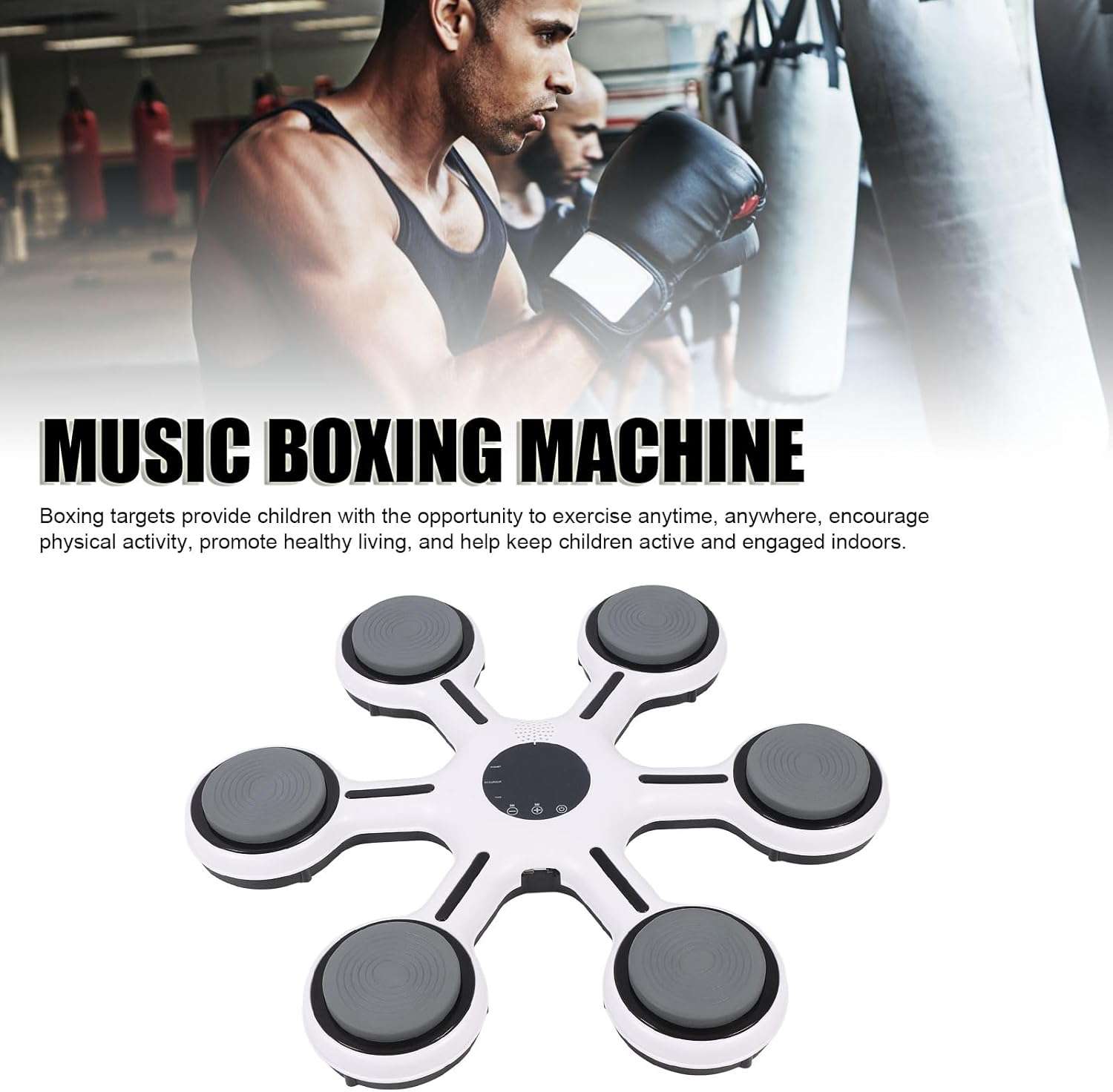
Overall view of the Music Boxing Machine and included gloves, demonstrating its use.

Detailed view of the central display showing time, accuracy, and hit count.

Illustration of Bluetooth connectivity for playing music wirelessly.

All components included in the package: machine, gloves, cable, straps, and wall stickers.

Detailed view of the soft punching pad, designed for comfort and safety.
An adult engaging in a boxing training session using the machine.

A child actively participating in a boxing training session with the machine.
3. Setup
3.1 Mounting Instructions
- Choose a suitable wall location for mounting the boxing machine. Ensure the surface is clean and sturdy.
- Use the provided wall stickers or hook-and-loop straps to securely attach the machine to the wall. Ensure it is firmly fixed to prevent movement during use.
3.2 Initial Charging
- Before first use, fully charge the device using the provided charging cable.
- Connect the charging cable to the machine's charging port and a suitable USB power source.
- The charging indicator will show the charging status.
4. Operating Instructions
4.1 Power On/Off
- To power on the device, long press the power button. The lights will illuminate, and music will begin to play.
- To power off, long press the power button again.
4.2 Basic Operation
- The device features lights that indicate targets. Begin by hitting the illuminated targets.
- The speed of the target lights will automatically increase based on your performance. For example, 20 correct hits in a row within 3 seconds will reduce the time by 0.5 seconds.
- The display screen shows:
- COUNT: Total number of hits.
- ACCURACY: Your hitting accuracy (calculated from the first hit).
- TIME: Elapsed training time.
- The device automatically changes speed levels. The fastest level (Level 6) will have a target time of 0.5 seconds per hit.
4.3 Bluetooth Connection
- Ensure the boxing machine is powered on.
- On your mobile device, enable Bluetooth and search for available devices.
- Select the