
1. Product Overview
The ATOTO F7XE is a versatile 10-inch car multimedia system designed for both single DIN and double DIN installations. It features wireless CarPlay and Android Auto, integrated DAB+ radio, Bluetooth connectivity, MirrorLink, and Live Rear View (LRV) capabilities. This manual provides essential information for installation, operation, and maintenance.
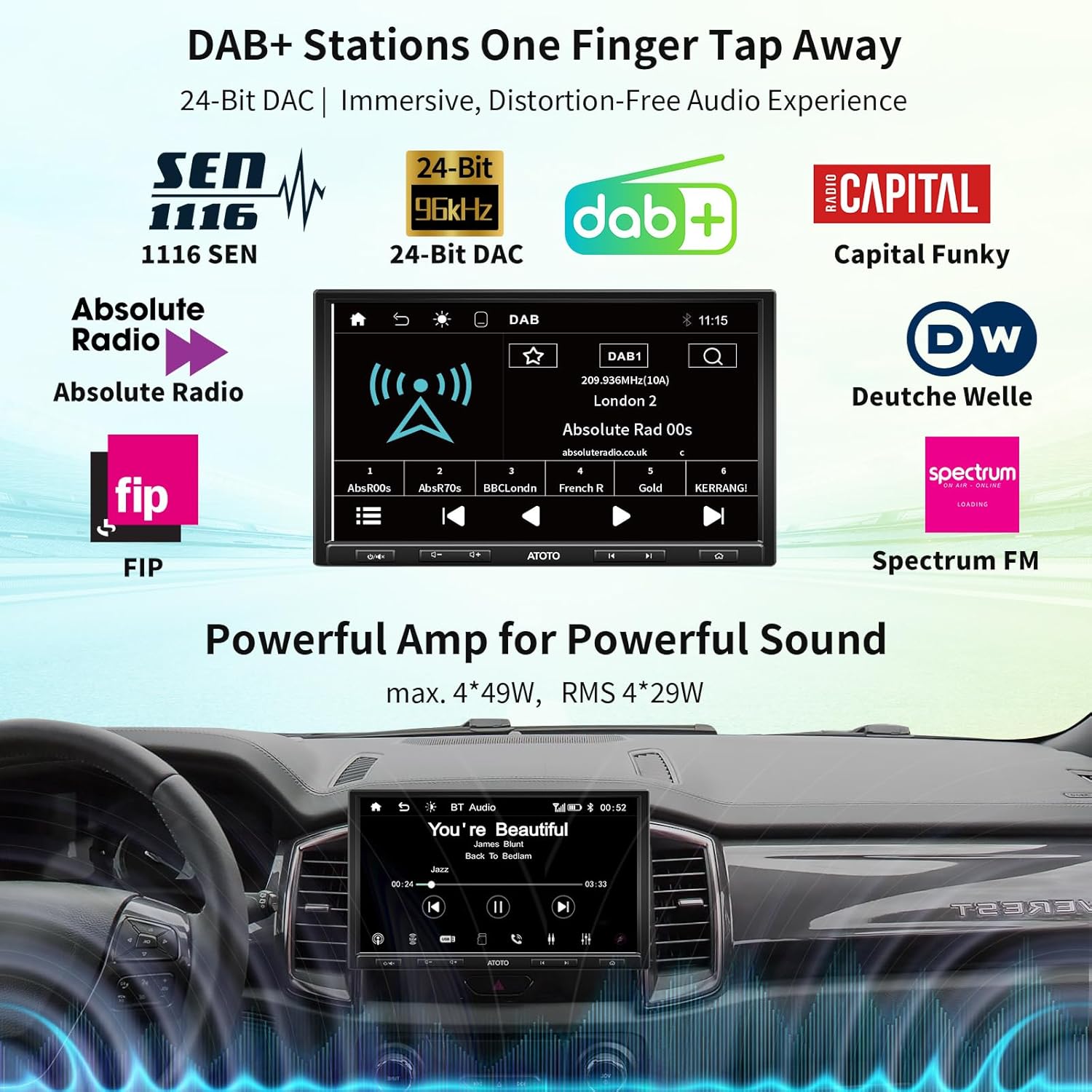
Image: The ATOTO F7XE car stereo display showing the DAB+ radio interface with various station logos.
2. Setup and Installation
The F7G110XED supports adaptive single DIN mounting with its 10.1-inch display, and can also be installed as a double DIN unit using the included DIN pocket. The screen offers 3-way adjustability for optimal viewing angles.
2.1 Package Contents
Before installation, verify all components are present:
- Power Cable
- External Microphone
- Adaptive Cage (1x)
- DIN Pocket (1x)
- Mounting Brackets
- Screen Protector
- Mounting Screws
- Video Input/Output Extension Cable (1x)
- Wi-Fi Antenna
- ISO Connector
- DAB+ Antenna
- Autoradio Unit
- User Manual

Image: An overview of all components included in the ATOTO F7XE package, such as cables, antennas, mounting hardware, and the main unit.
2.2 Wiring and Connections
Ensure all wiring is correctly connected according to your vehicle's specifications and the provided wiring diagram. Incorrect wiring can damage the unit or your vehicle's electrical system.
- Power Cable: Connect to your vehicle's power supply.
- External Microphone: Plug into the designated microphone input for hands-free calling.
- USB Ports: Two USB ports are available. One is for Phone Link (CarPlay/Android Auto/MirrorLink), and the other is for external storage and media playback (supports up to 2TB SSD).
- SD Slot: Supports up to 512GB SD cards for media.
- DAB+ Antenna: Connect the included DAB+ antenna for digital radio reception.
- Wi-Fi Antenna: Connect for wireless connectivity features.
- Rear Camera Input: For connecting an optional ATOTO AC-HD02LR HD 720P rear camera for Live Rear View functionality.
2.3 Steering Wheel Controls
The unit supports retaining OEM steering wheel controls or using an ATOTO AC-44F5 wireless remote (sold separately).
- OEM Controls: Connect to the SWC wires on your vehicle (analogue signals).
- 3rd Party Interfaces: A dedicated 3.5mm port is available for connecting steering wheel control interfaces purchased from third parties.
- ATOTO AC-44F5 Remote: If OEM controls are not compatible, the optional ATOTO AC-44F5 wireless remote can be used.

Image: A visual guide demonstrating three methods for integrating steering wheel controls: direct wiring, a 3.5mm port for third-party interfaces, and the ATOTO AC-44F5 wireless remote.
3. Operating Instructions
3.1 Wireless CarPlay and Android Auto
The F7XE supports both wired and wireless CarPlay and Android Auto. This allows for seamless integration of your smartphone for navigation, music, calls, and other apps.
- Connection: Connect your iPhone for CarPlay or Android phone for Android Auto via USB for wired connection, or wirelessly via Bluetooth and Wi-Fi.
- Functionality: Navigate using maps, play music, make calls, send messages, and access compatible apps directly from the car stereo display.
- Charging: When using wired CarPlay/Android Auto, your phone's battery will charge.
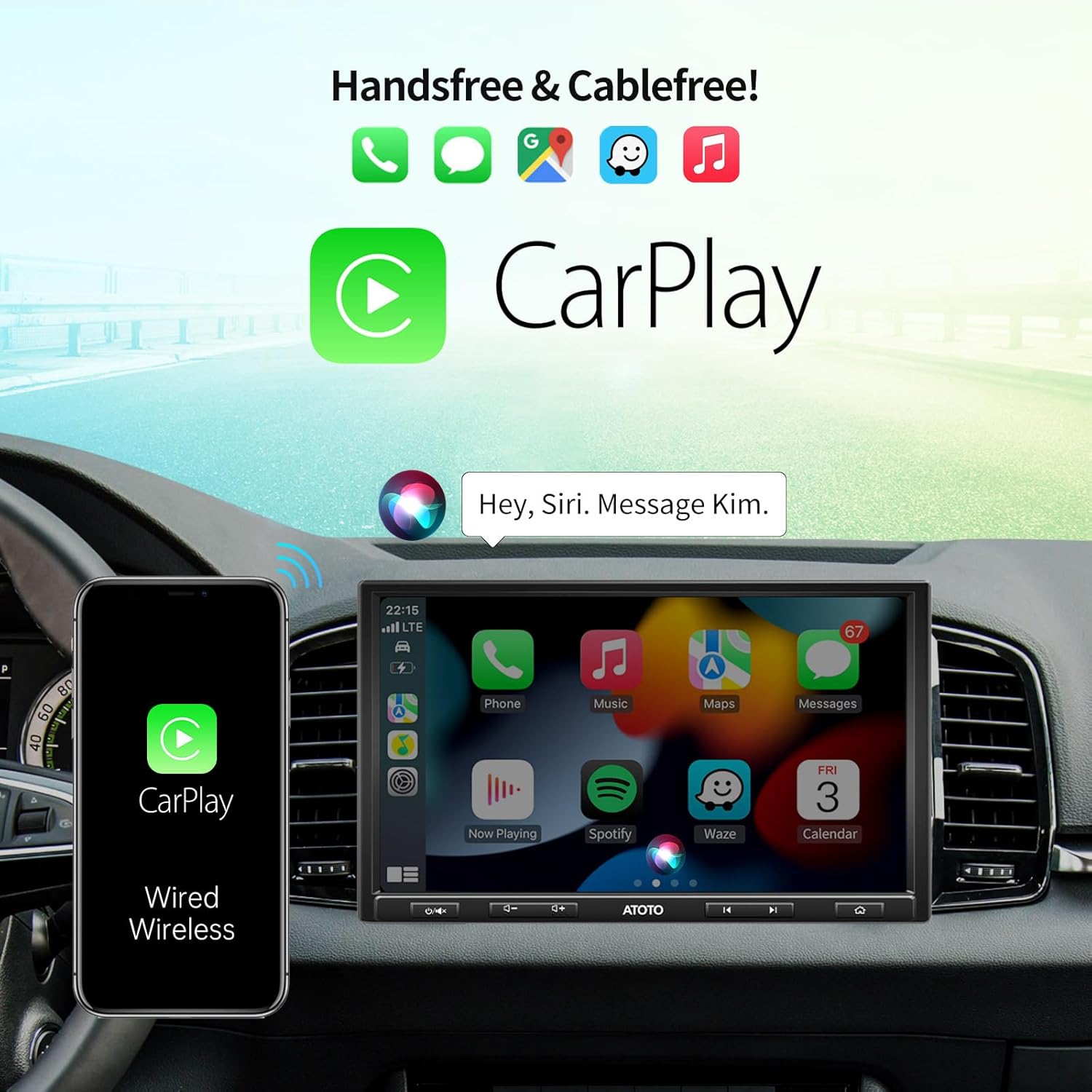
Image: The ATOTO F7XE display showing the Apple CarPlay interface, with a smartphone connected via cable.

Image: The ATOTO F7XE display showing the Android Auto interface, with a smartphone connected via cable.
3.2 MirrorLink
MirrorLink allows you to mirror your Android or iOS smartphone screen onto the F7XE display via a wired connection.
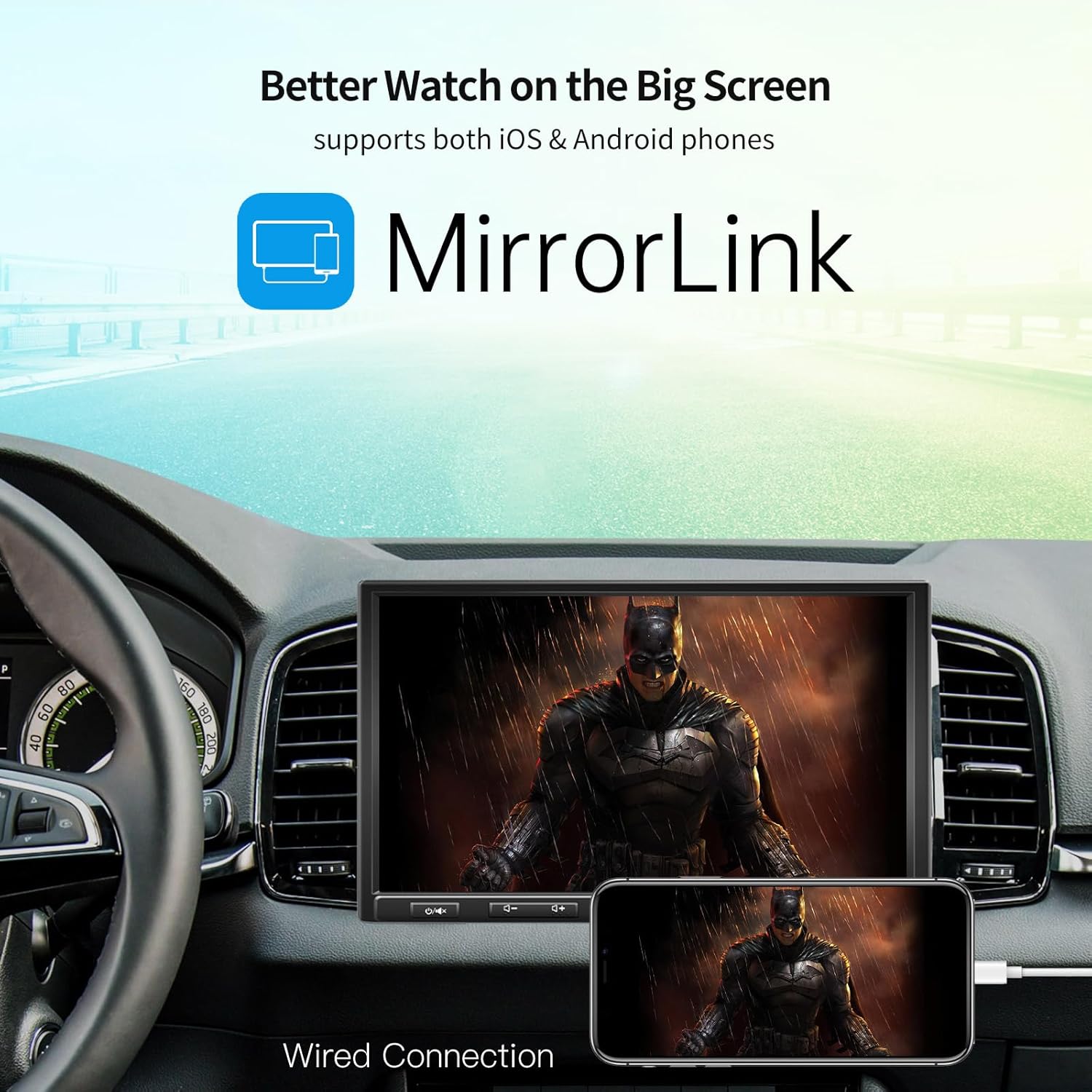
Image: The ATOTO F7XE display mirroring content from a smartphone using the MirrorLink feature.
3.3 DAB+ and FM/AM Radio
The F7XE includes an integrated DAB+ module and supports FM/AM radio with RDS. The included DAB+ antenna ensures access to digital radio stations.
- DAB+ Features: Enjoy features like traffic announcements, service following, and program type information.
- FM/AM: Tune into traditional radio stations with RDS support for station information.
3.4 Live Rear View (LRV)
The LRV function provides a real-time rear view display at any time, enhancing driving safety. This feature requires the optional ATOTO AC-HD02LR HD 720P rear camera (not included).

Image: The ATOTO F7XE display demonstrating the Live Rear View (LRV) feature, showing both a reversing view with guidelines and a continuous rear view while driving.
3.5 Audio Settings
Customize your audio experience with the built-in 10-band equalizer, offering 7 preset options and a bass filter function. The unit provides a maximum output of 4*49W and RMS output of 4*29W.
4. Maintenance
4.1 Screen Cleaning
To clean the QLED touch screen, gently wipe it with a soft, lint-free cloth. For stubborn smudges, use a screen cleaner specifically designed for electronic displays. Avoid abrasive materials or harsh chemicals.
4.2 Firmware Updates
ATOTO provides continuous firmware updates to improve system performance and add new features. It is recommended to regularly check for and install updates to ensure optimal functionality.
- Visit the ATOTO online support system (resources.myatoto.com) for update notifications and instructions.
- Follow the on-screen prompts carefully during the update process.

Image: A symbolic representation of car stereo maintenance or troubleshooting, showing a wrench icon on a dashboard.
5. Troubleshooting
If you encounter issues with your ATOTO F7XE, refer to the following common troubleshooting steps. For more detailed assistance, consult the ATOTO online support system.
| Problem | Possible Cause | Solution |
|---|---|---|
| No Power | Incorrect wiring, blown fuse, vehicle battery issue. | Check power connections, inspect fuses, verify vehicle battery health. |
| No Audio | Speaker wiring issue, incorrect audio settings, muted volume. | Verify speaker connections, check audio output settings, increase volume. |
| CarPlay/Android Auto Not Connecting | Incorrect USB cable, phone settings, software glitch. | Use a high-quality USB cable, ensure phone settings allow connection, restart phone and stereo. |
| Poor Radio Reception | Antenna not connected, weak signal area, damaged antenna. | Ensure antennas are properly connected, try in a different location, inspect antennas for damage. |
6. Specifications
| Feature | Detail |
|---|---|
| Model | F7G110XED |
| Display | 10.1-inch QLED HD 1280*720, 178° Full Viewing Angle |
| Mounting Style | SAH10D (Adaptive Single DIN with 10.1-inch display), Double DIN compatible |
| CarPlay/Android Auto | Wired & Wireless |
| MirrorLink | Wired (Android & iOS) |
| Radio Tuner | Integrated DAB+, FM/AM with RDS |
| Audio Output | Max 4*49W, RMS 4*29W, Stereo, Surround 2.0 |
| Equalizer | 10-band with 7 presets, Bass Filter |
| Connectivity | Bluetooth, 2x USB ports (up to 2TB SSD), 1x SD slot (up to 512GB), Wi-Fi |
| Video Encoding | H.264, H.265/HEVC, MPEG-4, etc. |
| Additional Features | Rear Camera Input (for ATOTO AC-HD02LR), Steering Wheel Control Retention |
| Color | Black |
7. Warranty and Support
For warranty information, please refer to the documentation provided with your purchase or visit the official ATOTO website. ATOTO offers continuous firmware updates and technical support through their online support system.
- Online Support: For the latest firmware updates, FAQs, and troubleshooting guides, visit resources.myatoto.com.
- Contact Support: If you require further assistance, please contact ATOTO customer service through their official channels.